The Complete Guide to Formatting an Article for Maximum Readability and SEO
Formatting an article correctly transforms raw text into a scannable, engaging, and professional piece of content that both human readers and search engine crawlers can easily digest. Proper structural layout, consistent typography, an...
Formatting an article correctly transforms raw text into a scannable, engaging, and professional piece of content that both human readers and search engine crawlers can easily digest. Proper structural layout, consistent typography, and clear visual hierarchies ensure your key arguments are communicated effectively while reducing bounce rates.
Contents
Understanding the Fundamentals of Article Formatting
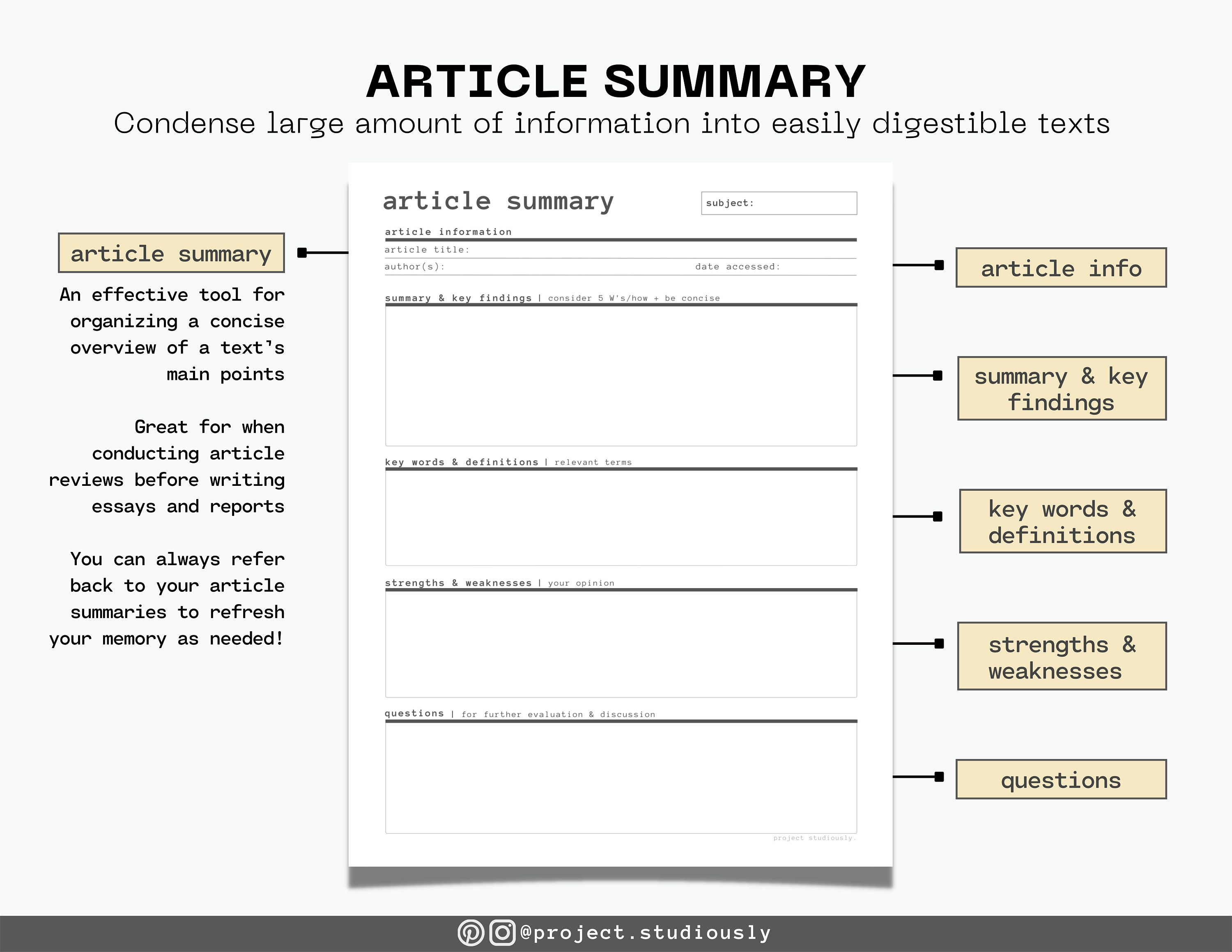
Formatting an article is the deliberate process of organizing text, visual assets, and metadata to maximize clarity, accessibility, and user engagement. When an article is poorly laid out, readers face a wall of dense text that causes eye fatigue and encourages them to abandon the page. Conversely, strategic formatting provides visual breathing room, guides the eye naturally from top to bottom, and highlights core takeaways for skimming audiences.
The practice encompasses several distinct layers. At the structural level, it involves organizing ideas using headings and subheadings. At the typographic level, it dictates font sizes, line spacing, and paragraph lengths. At the digital optimization level, it integrates HTML semantic elements like header tags, unordered lists, blockquotes, and targeted links. Masterful article formatting balances aesthetic appeal with technical compliance, ensuring your content performs well across desktop monitors, tablets, and mobile smartphones.
Furthermore, search engine algorithms heavily rely on structural formatting to understand the context and hierarchy of your content. Spiders and crawlers parse header tags (
,
Establishing a Clear Structural Hierarchy
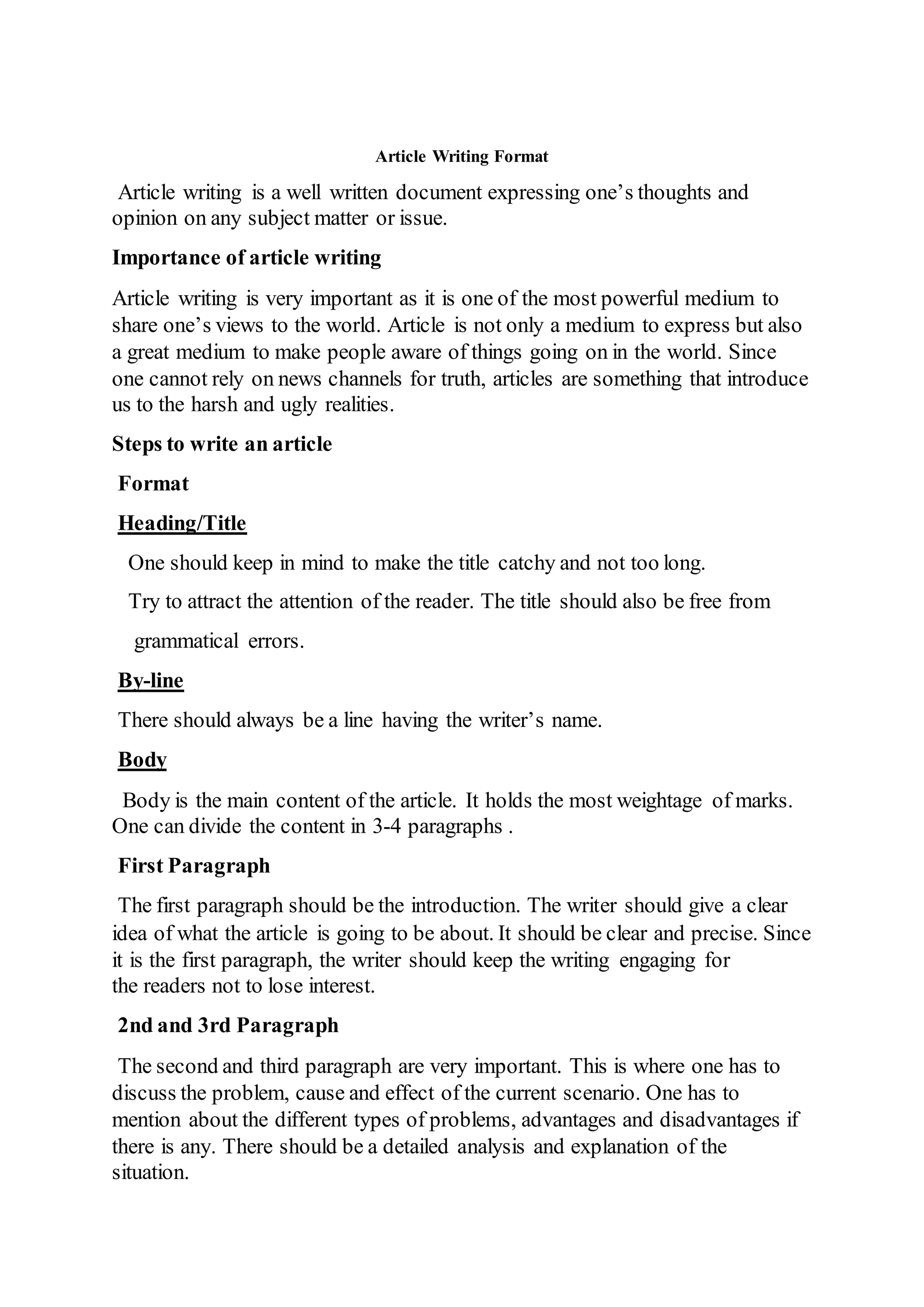
The backbone of any well-formatted article is a logical, predictable heading structure. This hierarchy acts as a roadmap for the reader, allowing them to assess the scope of the article immediately and jump directly to the sections that interest them most.
The Role of Title and Subheading Tags
Every article must begin with a single, highly descriptive primary header (
). This tag sets the overarching expectation for the piece and should naturally incorporate your primary search intent. Immediately following the introduction, your content should descend logically through secondary headers (
# Primary Article Title (H1)
    ## Major Section Header (H2)
        ### Detailed Subsection (H3)
        ### Another Subsection (H3)
    ## Second Major Section Header (H2)
        ### Supporting Detail (H3)
Never skip hierarchy levels for stylistic convenience. Moving directly from an
tag to an
Managing Paragraph Length and White Space
Dense paragraphs are one of the primary drivers of user drop-off on digital platforms. To combat this, modern editorial standards favor concise paragraphs ranging from two to four sentences. Breaking up long thoughts into shorter, punchier blocks creates necessary white space, which dramatically improves reading comprehension on smaller mobile viewports.
Each paragraph should focus on a single, unified idea. When you transition to a new argument or introduce a supporting sub-point, start a new paragraph. This disciplined approach prevents cognitive overload and maintains a brisk, engaging reading pace.
Utilizing Typographical Emphases and Visual Breakouts
Beyond standard headings and paragraphs, editorial formatting relies on specialized typographic and visual elements to draw attention to critical information. Using these elements sparingly ensures they retain their impact.
- Bold Text: Reserve bold formatting for important terms, key data points, or decisive takeaways. Avoid bolding entire sentences, as this dilutes the visual contrast.
- Italics: Use italics for titles of published works, foreign words, or subtle internal emphasis within conversational dialogue.
- Blockquotes: Implement blockquotes to highlight external expert commentary, statutory definitions, or memorable pull-quotes from your own text.
- Lists: Convert sequential steps into numbered lists, and non-sequential collections of items into bulleted lists to enhance skimmability.
Comparing Editorial Layout Strategies
Different types of content demand distinct formatting approaches. Selecting the correct layout strategy depends entirely on the intent of your material, whether it is a technical tutorial, an analytical product review, or a narrative thought-leadership piece.
| Formatting Element | Informational / Educational Guides | Product Reviews & Comparisons | Technical Tutorials / How-Tos |
|---|---|---|---|
| Primary Structure | Thematic H2s with comprehensive H3 explanations | Feature-based breakdown with evaluation criteria | Sequential step-by-step phases |
| Visual Aids | Infographics, summary tables, and pull-quotes | Side-by-side comparison tables and specification lists | Code blocks, configuration screenshots, and bulleted checklists |
| List Usage | Unordered lists for features and benefits | Bulleted lists for pros, cons, and core attributes | Numbered lists for chronological execution steps |
| Paragraph Density | Medium-length paragraphs with explanatory depth | Short, punchy paragraphs emphasizing value and cost | Concise, direct instruction blocks minimizing ambiguity |
Step-by-Step Guide to Formatting an Article for the Web
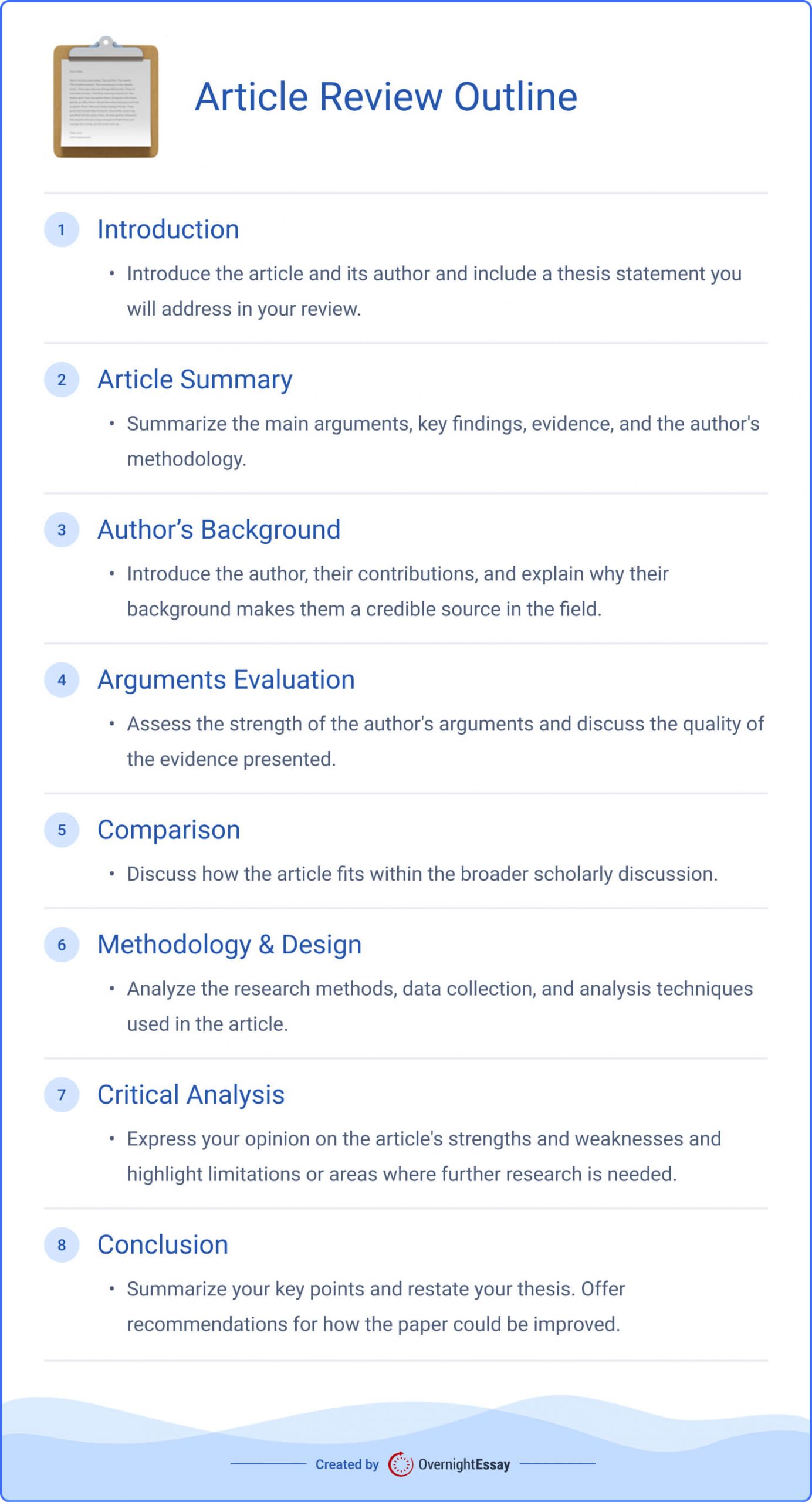
Executing a repeatable workflow for article formatting ensures consistent quality across all your published content. Follow these structured steps every time you prepare a draft for publication.
- Audit the Raw Text: Review your drafted content to ensure clear semantic flow, logical transitions, and an absence of unverified claims or repetitive filler.
- Establish the H1 and Introduction: Craft a compelling, descriptive H1 title followed immediately by a concise 40 to 60-word introductory summary that answers the core question.
- Insert Secondary and Tertiary Headings: Break the body text into thematic sections using
Break Down Dense Paragraphs: Scan the text for paragraphs exceeding five lines and split them into digestible two-to-four-sentence blocks.
Integrate Lists and Tables: Convert repetitive groupings into bulleted lists and organize comparative data into clean Markdown tables.
Apply Typographical Emphases: Add bold styling selectively to core terms and warnings, ensuring visual anchors guide skimming readers.
Optimize Metadata: Conclude the workflow by drafting a precise
Common Formatting Mistakes to Avoid
Even experienced writers occasionally fall into formatting traps that compromise user experience and search performance. Being aware of these pitfalls allows you to maintain professional standards.
Overusing bold formatting is a frequent error. When every third word is bolded, the visual contrast vanishes, rendering the emphasis completely ineffective. Reserve bold styling strictly for critical terms, actionable warnings, or primary takeaways.
Another common mistake is neglecting mobile responsiveness. Content that looks acceptable on a 27-inch desktop monitor often transforms into an intimidating wall of text on a smartphone screen. Always preview your formatted drafts on mobile viewports to verify that your paragraph lengths, tables, and lists scale gracefully.
Finally, avoid inconsistent heading styling. Mixing sentence case and title case across your headers creates an unpolished appearance. Establish a style guide for your publication and apply it rigorously across all headings and subheadings.
Frequently Asked Questions About Article Formatting
What is the ideal paragraph length for online articles?
The ideal paragraph length for digital content is two to four sentences, typically amounting to 40 to 70 words. This concise structure prevents cognitive fatigue, creates necessary white space, and optimizes readability for users reading on mobile devices.
How many heading levels should I use in a single article?
You should generally use three heading levels:
for the main title,
Why are bulleted and numbered lists important for SEO?
Lists improve user engagement metrics by making content easy to scan. When readers quickly find the answers they need, they stay on the page longer, reducing bounce rates. Furthermore, search engine crawlers use list markup to extract featured snippets for search result pages.
How do I format external links within my article?
External links should be anchored to descriptive, natural phrasing that indicates the destination or source. Never use generic phrases like "click here" or "read more." Link directly to authoritative original sources, government agencies, or peer-reviewed studies when supporting factual claims.
What is the difference between an H1 and an H2 heading?
The
tag represents the primary title of the entire web page and should appear only once per document. The
How can I make data-heavy content easier to read?
Transform dense paragraphs containing numerical data, features, or comparisons into structured Markdown tables. Tables allow readers to cross-reference information rapidly without wading through paragraphs of repetitive descriptive text.
Conclusion and Next Actions
Mastering article formatting is an essential skill for producing professional, high-performing digital content. By establishing a rigorous structural hierarchy, breaking up dense text with white space, and utilizing lists and tables strategically, you elevate the readability and authority of your work. Begin your next writing project by mapping out your heading structure before drafting the body text, and watch how intentional layout transforms your content engagement.
Image Gallery