Amazon Synchrony Credit Card Login: 2026 Account Access and Management Guide
Managing your Amazon store card or Amazon Secured card issued by Synchrony Bank requires secure, reliable account navigation. In 2026, digital security standards, multi-factor authentication requirements, and mobile application framewo...
Managing your Amazon store card or Amazon Secured card issued by Synchrony Bank requires secure, reliable account navigation. In 2026, digital security standards, multi-factor authentication requirements, and mobile application frameworks have evolved to ensure that cardholders can safely track spending, view statements, and execute payments. This definitive guide outlines the official login procedures, security protocols, troubleshooting steps, and financial management strategies for your Synchrony-backed Amazon credit account.
Contents
Official Portal Access and Secure Login Procedures
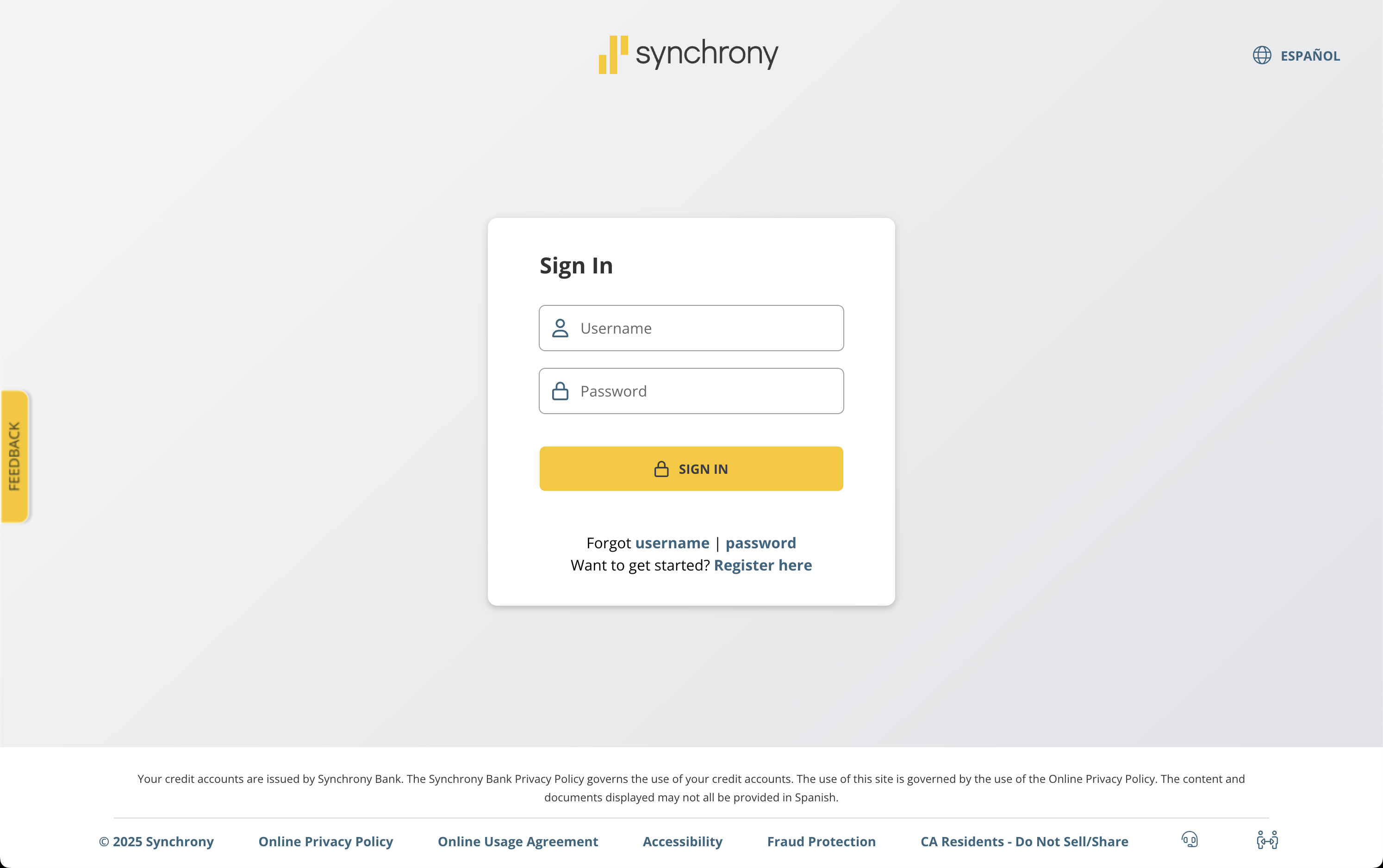
Accessing your account dashboard requires navigating through legitimate channels to protect sensitive financial credentials. Synchrony Bank utilizes advanced encryption protocols to safeguard user data during authentication. To complete your login successfully, follow these standard steps:
- Open your web browser and navigate directly to the official Synchrony Bank Amazon credit portal or use the authorized link provided on Amazon's official co-branded credit card hub.
- Enter your registered User ID in the primary login field. If you have enabled browser password managers, verify that the auto-filled credentials correspond to your active profile.
- Input your secure account password. Ensure that Caps Lock is disabled and all characters are accurately typed.
- Click the secure sign-in button to initiate the authentication handshake.
- Complete any secondary verification prompts, such as receiving a One-Time Password (OTP) via SMS or email, depending on your account security settings.
Security Reminder: Synchrony Bank and Amazon will never request your full account password, PIN, or complete Social Security Number through unsolicited phone calls, text messages, or email links. Always verify that the browser URL begins with the secure HTTPS protocol and displays the valid security padlock icon before entering your login credentials.
Setting Up and Navigating Your 2026 Financial Dashboard
Once authenticated, the Synchrony account dashboard provides a centralized interface for monitoring your revolving line of credit. The platform layout organizes financial data into distinct modules designed for transparency and rapid execution.
- Current Balance and Available Credit: View real-time updates regarding your total outstanding principal, pending transactions, and remaining purchasing power.
- Statement Center: Access current and historical billing statements in PDF format for tax preparation, budgeting, or expense tracking.
- Payment Hub: Schedule one-time payments, configure Auto-Pay enrollment, and link external bank routing and account numbers.
- Reward Balance: Track promotional financing offers, such as 0% interest special financing periods, and monitor earned cash back or promotional credits associated with your Amazon purchases.
Security Architecture and Two-Factor Authentication Enhancements
In 2026, financial institutions have elevated baseline cybersecurity frameworks to combat credential stuffing and unauthorized account takeovers. Synchrony Bank implements robust security measures that cardholders must navigate during the login process.
Multi-Factor Authentication (MFA) is now a mandatory requirement when logging in from unrecognized devices or IP addresses. When the system detects a new environment, a verification code is dispatched via text message or phone call to the mobile number on file. Cardholders must input this temporary numerical token within a designated time window to finalize access.
Recommended Account Security Best Practices
- Password Hygiene: Create a unique passphrase containing a mix of upper and lowercase letters, numbers, and symbols. Avoid reusing passwords across retail, banking, and social media platforms.
- Device Trusting: Only select the "Remember This Device" option on personal, private hardware. Avoid saving credentials on public computers or shared household devices.
- Alert Configurations: Enable real-time transaction and login alerts via SMS or push notifications to instantly detect unauthorized activity on your credit line.
- Biometric Integration: When accessing the account via official mobile applications on iOS or Android devices, utilize Face ID or fingerprint authentication for secure, frictionless entry.
Troubleshooting Common Login and Access Errors
Technical hurdles occasionally impede account access. Understanding the root cause of standard error codes and login failures allows for rapid resolution without requiring immediate customer service intervention.
| Error Scenario | Probable Cause | Corrective Action |
|---|---|---|
| Invalid User ID or Password | Typographical error or outdated cached credentials in browser storage. | Double-click the visibility toggle to view typed characters, clear browser cache, or use the automated recovery link. |
| Locked Account Status | Multiple consecutive failed login attempts triggering automated security lockouts. | Wait 30 minutes for an automatic reset or utilize the "Forgot User ID / Password" wizard to verify identity. |
| MFA Code Delivery Delay | Network congestion or outdated mobile phone numbers on file. | Verify cellular signal strength, request a voice call alternative, or update contact info via customer service. |
| Browser Incompatibility | Outdated browser software or restrictive script-blocking extensions. | Update your browser to the latest version or temporarily disable aggressive ad-blockers on the login domain. |
Managing Your Account via Mobile Applications
While desktop browsers offer expansive workspace views, mobile access remains essential for on-the-go financial management. Cardholders can manage their Amazon Synchrony credit line through dedicated mobile software frameworks.
- App Store Verification: Download the official Synchrony banking application or the primary Amazon shopping app from verified app marketplaces (Apple App Store or Google Play Store). Confirm that the developer is listed as Synchrony Bank or Amazon.com to prevent downloading fraudulent third-party clones.
- Push Notifications: Configure instant payment reminders and due-date alerts to ensure you never miss a billing cycle, thereby protecting your credit score from late payment penalties.
- Credit Score Monitoring: Utilize integrated credit tracking tools available within the portal to monitor changes to your credit bureau reports and overall financial health.
Frequently Asked Questions (FAQ)
How do I reset my forgotten Synchrony Amazon credit card password?
You can reset your password by clicking the "I forgot my User ID or Password" link on the main login screen and verifying your identity via account details. The system will prompt you to enter your account number, the last four digits of your Social Security Number, and your date of birth before allowing a secure password update.
Can I manage my Amazon Store Card and Amazon Prime Visa through the same login?
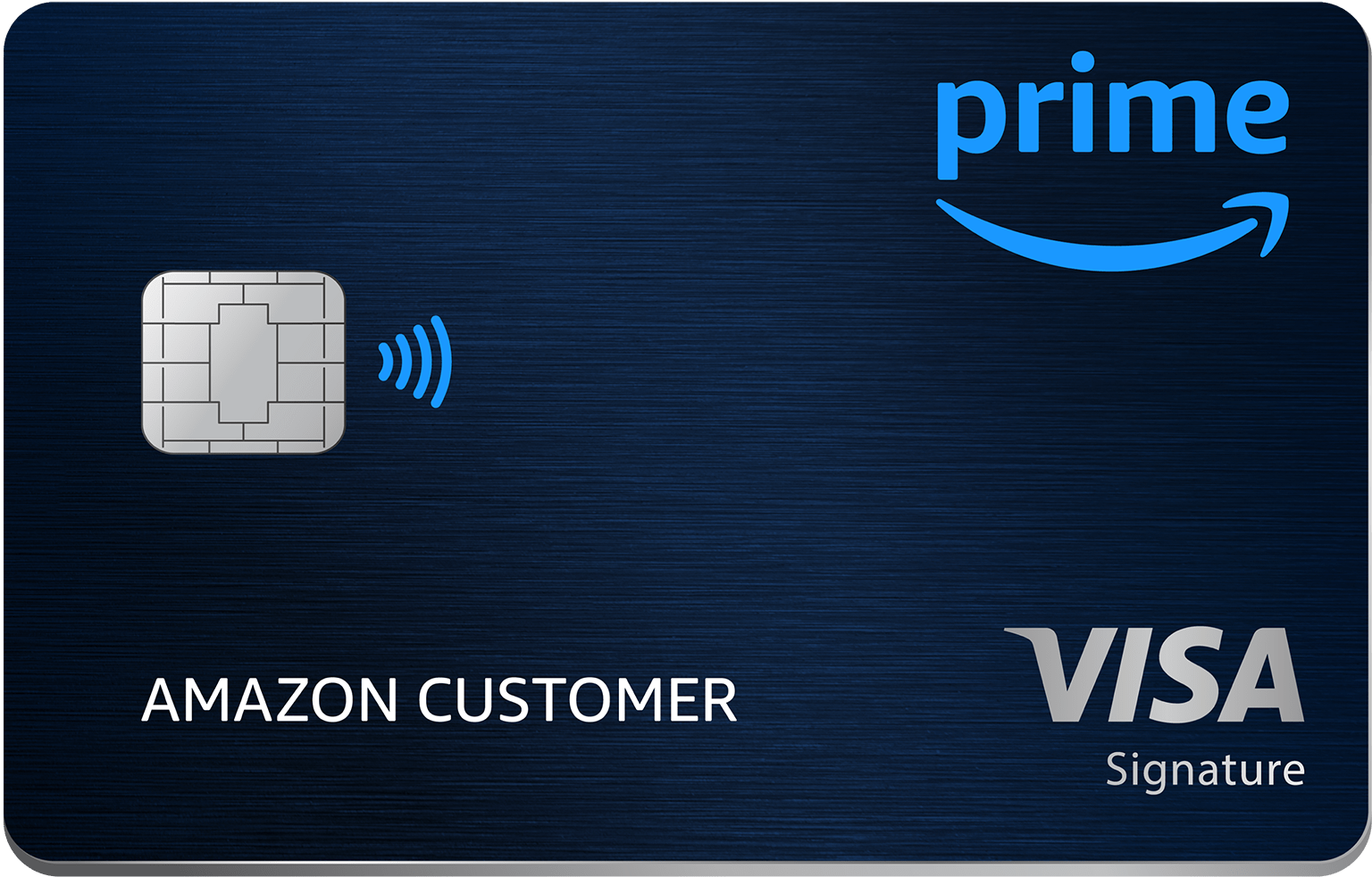
No, these products are serviced by different financial institutions and require separate login portals. The Amazon Store Card and Amazon Secured Card are issued and managed by Synchrony Bank, whereas the Amazon Prime Visa is issued and managed by Chase.
What should I do if my account is locked due to suspicious login attempts?
If your account is locked for security purposes, use the automated identity verification process online or contact Synchrony customer service directly. A representative will verify your identity using security questions before unlocking your digital dashboard.
How do I update my registered email address or phone number for MFA?
You can update your contact information by logging into your secure dashboard, navigating to the "Profile" or "Account Settings" section, and editing your personal contact details. Note that changing sensitive security data may require secondary confirmation via your currently active communication channels.
Is it safe to use biometric login for the Synchrony mobile app?
Yes, biometric authentication utilizing fingerprint or facial recognition relies on secure, localized hardware enclaves on your mobile device rather than transmitting raw biometric data to external servers.
Conclusion and Financial Stewardship
Maintaining active oversight of your Amazon Synchrony credit card account ensures financial security, protects your credit utilization ratio, and prevents unexpected interest charges or late fees. By leveraging official login portals, enforcing robust password hygiene, and utilizing multi-factor authentication, you maintain complete control over your revolving credit line. For ongoing account adjustments, payment scheduling, or credit limit increase requests, always navigate directly to the verified Synchrony digital portal.
Image Gallery