Enterprise Server Cooling Systems for 750XL (SU750XL) Infrastructure: Thermal Management and Airflow Optimization
A server cooling system for enterprise hardware deployed alongside 750XL (SU750XL) power protection equipment relies on precise airflow containment, internal fan thermal management, and calibrated heat dissipation. Optimizing this ther...
A server cooling system for enterprise hardware deployed alongside 750XL (SU750XL) power protection equipment relies on precise airflow containment, internal fan thermal management, and calibrated heat dissipation. Optimizing this thermal footprint requires matching hardware British Thermal Unit (BTU) output with targeted CFM (cubic feet per minute) airflow to maintain safe operating temperatures.
Contents
Understanding 750XL (SU750XL) Thermal Dynamics and Cooling Requirements
Server racks housing high-density equipment alongside enterprise power units such as the APC Smart-UPS 750XL (SU750XL/SUA750XL series) face distinct thermal challenges. While server processing hardware generates continuous heat loads from high-frequency CPU and GPU cycles, power infrastructure units contribute additional inductive thermal dissipation, particularly during battery float charging or high-load inverter operations.
Managing cooling for a 750XL environment requires treating the entire rack or server enclosure as a unified thermal zone. Heat output in data center hardware is measured in both Watts and total thermal energy (BTUs per hour). Standard power conversion efficiencies mean that for every kilowatt of power drawn by server hardware, equivalent heat energy must be rejected by the environmental cooling infrastructure.
Total Heat Output (BTU/hr) = Total Hardware Wattage × 3.412
Operating server hardware or 750XL power components above recommended ambient limits accelerates electrical degradation. Enterprise servers generally operate within the ASHRAE (American Society of Heating, Refrigerating and Air-Conditioning Engineers) A2 envelope of 18°C to 27°C (64.4°F to 80.6°F). Exceeding these thresholds triggers internal thermal throttling, reduced component lifespans, unexpected hardware shutdowns, and premature degradation of sealed lead-acid (SLA) or lithium-ion batteries integrated into extended-run power systems.
Core Architecture of 750XL Server Cooling Systems
An effective server cooling system combines active mechanical ventilation, passive containment, and environmental monitoring to maintain steady intake temperatures across all rack units (U-levels).
- Cold Aisle: 18°C - 27°C Intake Air
- Server Rack / Cabinet
- 750XL / Enterprise Server Blade (Internal High-Static Fans)
- 750XL Extended Power Supply / UPS (Rear Exhaust Fan & Heatsinks)
- Hot Aisle: Exhaust Air to CRAC / Heat Exchanger
1. Active Internal Fan Assemblies
Server enclosures and SU750XL hardware utilize pulse-width modulation (PWM) fans designed for high static pressure. Unlike standard chassis fans designed for open desktop cases, server-grade cooling fans push air through densely packed heatsinks, drive bays, and daughterboards. In 750XL setups, internal thermal sensors adjust fan duty cycles dynamically based on transformer and semiconductor junction temperatures.
2. Airflow Containment and Blanking Panels
Unoccupied rack space disrupts directional airflow. Without blanking panels installed over open rack units, hot exhaust air recirculates into the front cold intake zone. This short-circuiting effect raises intake temperatures by 5°C to 12°C above ambient room temperature, causing internal cooling fans to run at maximum RPM, increasing power draw and acoustic noise without improving heat removal.
3. Active Enclosure Exhaust Systems
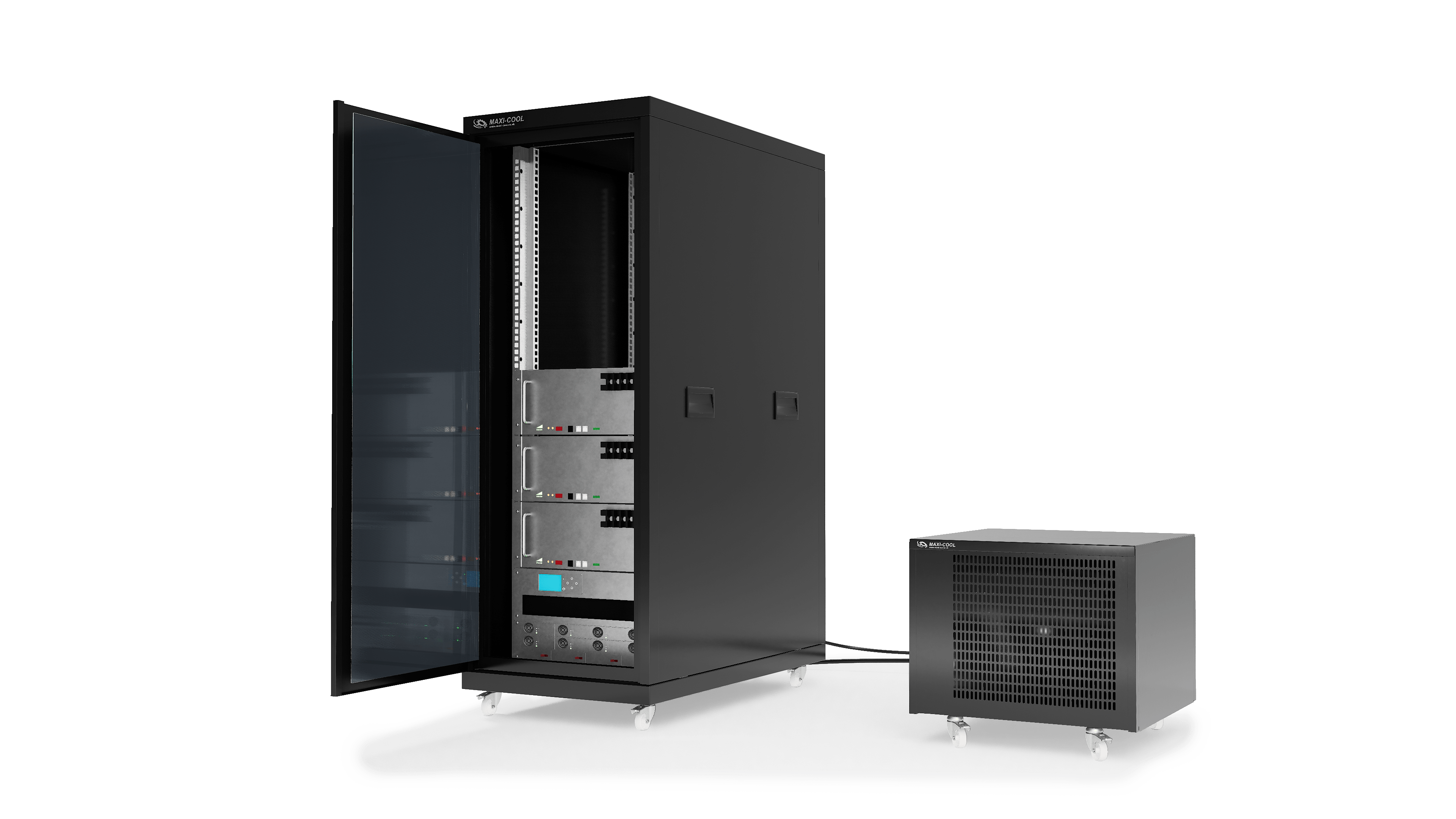
For standalone server cabinets housing 750XL equipment outside of dedicated computer room air conditioner (CRAC) environments, roof-mounted fan trays or rear-door heat exchangers (RDHx) extract concentrated heat loads. These active units draw exhaust air directly out of the top rear quadrant of the rack, preventing heat accumulation near upper server blades.
Step-by-Step Thermal Audit and Airflow Calibration
Optimizing a server cooling system for 750XL installations involves systematically assessing current thermal gradients, calculating CFM requirements, and balancing positive static pressure.
Step 1: Calculate Required Airflow (CFM)
To maintain a safe temperature rise ($\Delta T$) across the server enclosure, calculate the necessary volumetric airflow using the total thermal load of the rack:
$$\text{Required CFM} = \frac{\text{Total Watts} \times 3.16}{\Delta T \text{ in } ^\circ\text{F}}$$
For example, a rack consuming 3,000 Watts with a maximum target temperature rise of 20°F ($\Delta T = 20$) requires:
$$\text{Required CFM} = \frac{3000 \times 3.16}{20} = 474 \text{ CFM}$$
Ensure that installed enclosure fans and inline ducting equal or exceed this calculated CFM capacity.
Step 2: Establish Hot and Cold Aisle Isolation
Orient server cabinets in alternating back-to-back and front-to-front rows.
- Cold Aisles: Position cabinet intakes facing air supply vents.
- Hot Aisles: Direct cabinet exhausts toward return air grilles or ceiling plenum drop-ducts.
- Install vertical containment strip curtains or rigid polycarbonate barriers across aisle ends to maintain separation between supply and return streams.
Step 3: Seal Enclosure Gaps and Cable Pass-Throughs
- Inspect the front rack rails and install snap-in or screw-mounted blanking panels over every open rack unit (1U to 4U gaps).
- Seal floor cutouts beneath server cabinets using brush-grommet cable pass-throughs to prevent cold conditioned air from bypassing equipment intakes.
- Dress interior power and network cabling along sidewalls using vertical cable managers, ensuring bundles do not obstruct the rear exhaust path of 750XL power units or server blade chassis.
Step 4: Calibrate Sensor Placements and Alarm Limits
Position ambient environmental monitoring probes at three critical locations per cabinet:
- Bottom Front Intake: Verifies conditioned air arrival temperature for lower equipment.
- Top Front Intake: Monitors the warmest point of intake air due to natural thermal stratification.
- Top Rear Exhaust: Tracks maximum heat rejection temperatures.
Configure warning alerts at 28°C (82.4°F) intake temperature and critical alarms at 32°C (89.6°F) to trigger automated remediation before thermal throttling occurs.
SU750XL Fan Maintenance, Replacement, and Noise Management
The power conversion circuits and heavy transformers in 750XL units generate persistent internal thermal loads. Over years of operational service, internal cooling fans undergo bearing wear, leading to increased acoustic noise, reduced CFM output, or total mechanical failure.
Hardware Fan Specifications and Pinouts
When replacing or servicing internal fans within SU750XL chassis or matching server units, replacement fans must meet strict electrical and mechanical criteria:
- Voltage Rating: Typically 12V DC or 24V DC depending on the internal PCB design generation.
- Bearing Type: Dual ball bearing or fluid dynamic bearing (FDB). Sleeve-bearing fans are unsuitable for continuous high-temperature server environments.
- Tachometer Monitoring: Most 750XL control boards require a third-wire tachometer output signal. Installing a 2-pin fan or a fan with incompatible pulse counts triggers an internal fan-fault alarm state, which causes status LEDs to flash or diagnostic buzzers to sound.
Fan Replacement Protocol
- Safety Isolation: Power down connected server loads, disconnect the 750XL unit from utility mains, and physically disconnect internal battery wiring harnesses to eliminate high-voltage DC hazards.
- Chassis Access: Remove exterior enclosure retaining screws and lift top cover plates.
- Dust Decontamination: Use dry compressed air or zero-ESD vacuum equipment to clear dust buildup from heat sinks, transformer windings, and intake louvers.
- Fan Swapping: Unplug the internal fan harness from the logic board, unbolt the fan frame from the chassis wall, and mount the replacement fan. Verify that the directional airflow arrow stamped on the fan housing points outward, drawing air through the unit and exhausting it out the rear panel.
- Reassembly and Operational Verification: Reconnect internal power harnesses, replace outer shielding, restore utility power, and verify that the replacement fan spins up smoothly without tachometer fault codes.
Comparing Enterprise Server Cooling Methodologies
Selecting the right cooling architecture for a 750XL server environment depends on heat density per rack, available facility infrastructure, and environmental noise tolerances.
| Cooling Architecture | Typical Capacity per Rack | Airflow Efficiency | Installation Complexity | Primary Enterprise Use Case |
|---|---|---|---|---|
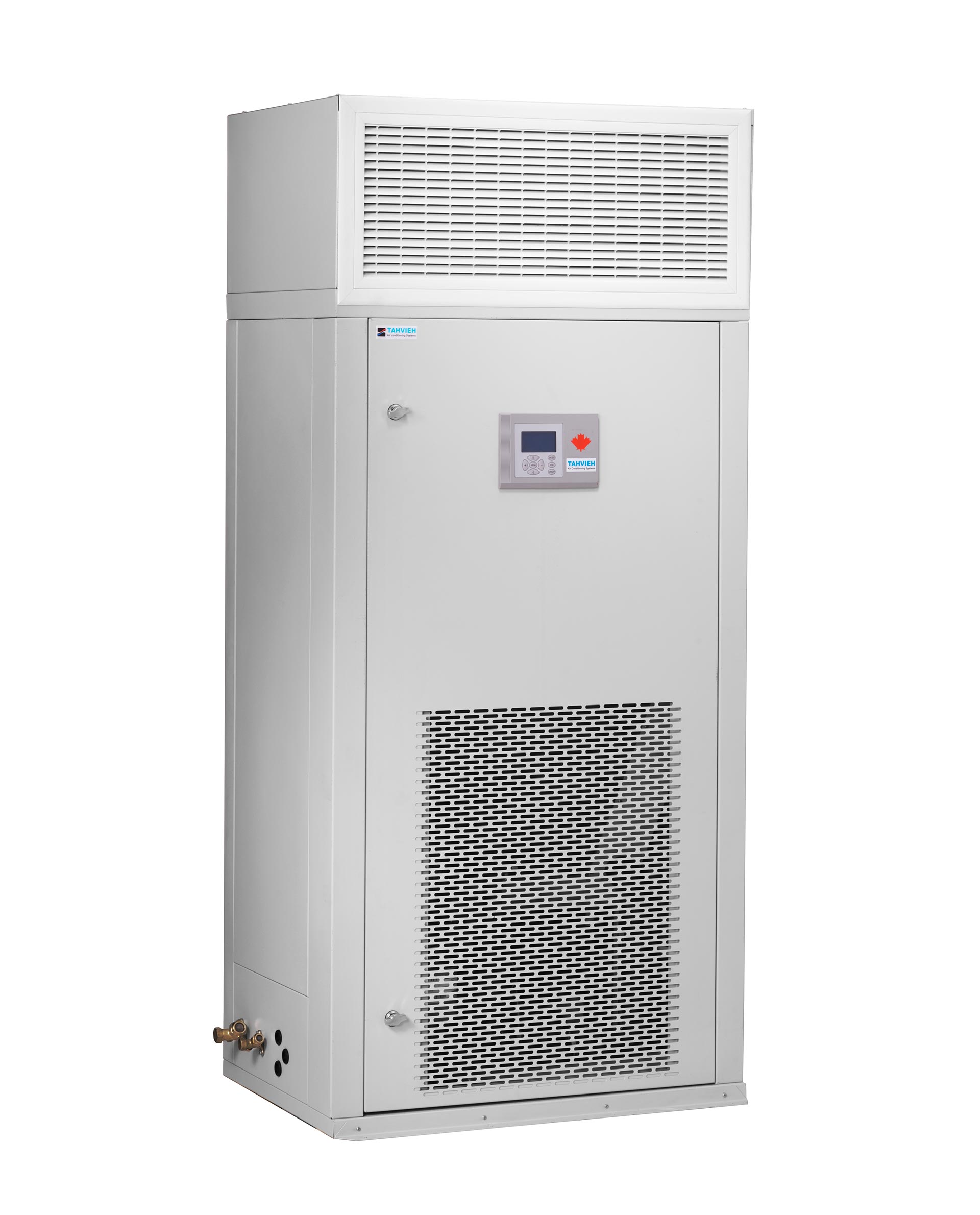
| Direct Air Expansion (CRAC) | 3 kW – 8 kW | Moderate | Standard Facility Ducting | Traditional data centers, small server rooms |
| Chilled Water CRAH Systems | 5 kW – 15 kW | High | Complex (Plumbing Infrastructure) | Large enterprise data halls |
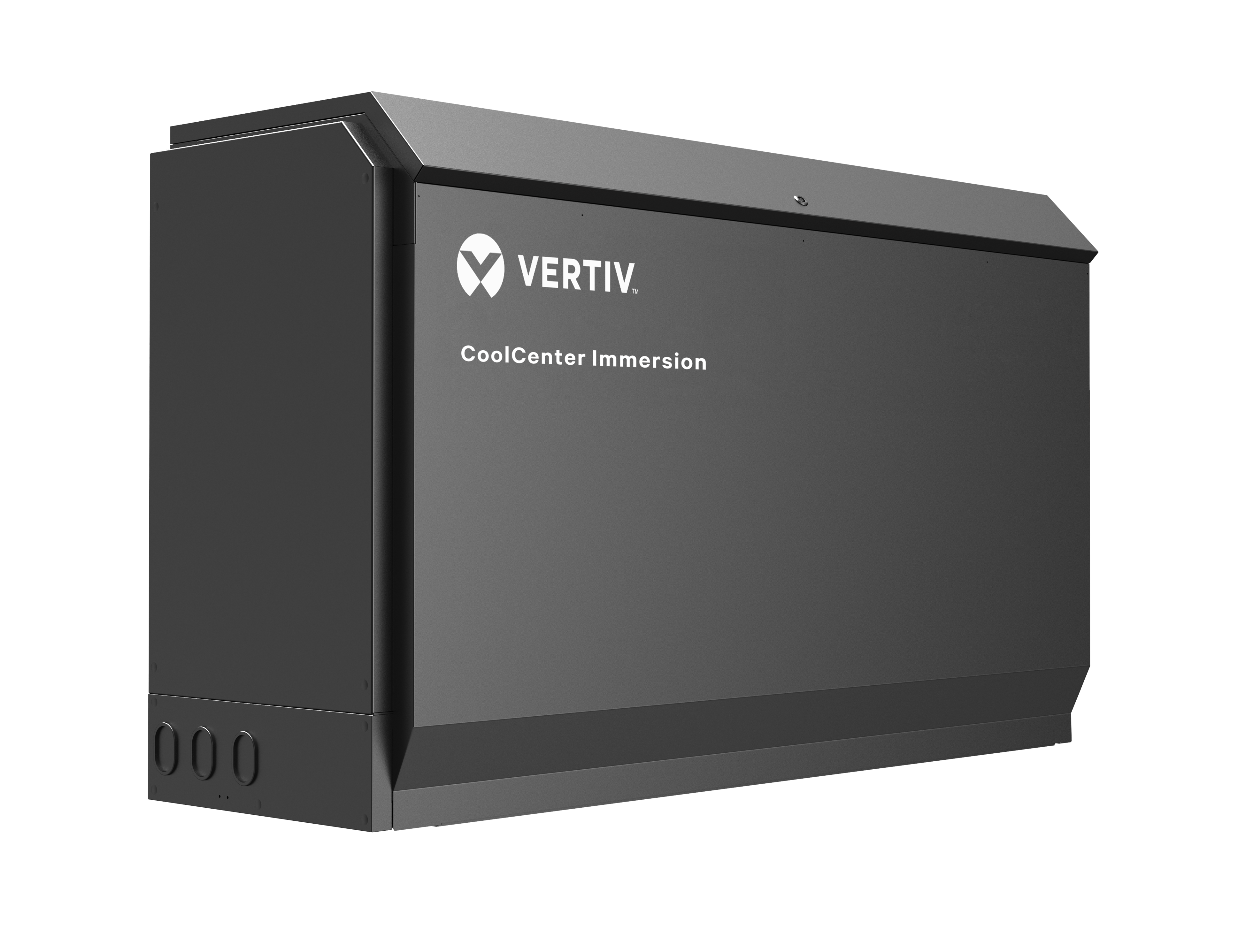
| In-Row Air Conditioners | 10 kW – 35 kW | Very High | Moderate (Positioned between racks) | Medium-to-high density rack clusters |
| Rear-Door Heat Exchangers (RDHx) | 15 kW – 50 kW | Exceptional | High (Liquid to rack door) | Ultra-dense server nodes, AI/HPC workloads |
| Active Exhaust Enclosures | 1 kW – 5 kW | Moderate | Low (Plug-and-play fan top) | Edge deployments, branch office closets |
Troubleshooting Common Thermal and Cooling Failures
Systematic troubleshooting resolves localized heat buildup and cooling degradation before hardware damage occurs.
Issue 1: High Intake Temperatures at Top of Cabinet
- Symptom: Lower servers operate within thermal limits (20°C–23°C), but top-mounted servers register intake temperatures exceeding 30°C.
- Root Cause: Thermal stratification combined with hot-air recirculation over the top of the cabinet or through unsealed upper rack units.
- Remediation: Install top-level blanking panels immediately. Increase front cold-aisle static air pressure or install an active rack-top exhaust fan tray to pull warm air out of the cabinet crown.
Issue 2: Persistent SU750XL Internal Over-Temperature Alarm
- Symptom: Power management software logs internal thermal events; UPS chassis feels excessively warm to the touch.
- Root Cause: Internal cooling fan failure, blocked chassis ventilation slots, or failing internal batteries undergoing thermal runaway during float charge cycles.
- Remediation:
- Inspect rear ventilation outlets for dust blockages or physical obstructions.
- Verify active fan rotation and check diagnostic software for tachometer errors.
- Inspect internal battery cells for swelling or abnormal heat output; replace degraded battery strings immediately.
Issue 3: Inadequate Airflow Delta ($\Delta T$) Across Equipment
- Symptom: Airflow velocity leaving the rear of the server enclosure is minimal despite facility cooling systems operating at capacity.
- Root Cause: Cable clutter restricting internal rear airflow paths or high internal static pressure resistance from fine-mesh dust filters.
- Remediation: Reroute network patch cables and power cords into side-channel managers. Clean or replace dirty intake dust filters on active server enclosure doors.
Recommended Best Practices for 750XL Server Thermal Operations
- Conduct Semi-Annual Airflow Audits: Measure intake air velocity across all server faces using a calibrated vane anemometer. Ensure uniform face velocity between 1.0 m/s and 1.5 m/s.
- Standardize on 1U Blanking Panels: Fill every empty U-space on the front rack rails. Plastic toolless blanking panels allow quick reconfigurations during server upgrades.
- Maintain strict ambient temperature setpoints: Set data hall air conditioning supply temperatures between 20°C and 24°C (68°F to 75.2°F). Avoid over-cooling facilities below 18°C, which increases energy consumption without providing operational benefits.
- Implement Redundant Environmental Sensing: Deploy networked sensors independent of host servers to track ambient humidity and temperature continuously. Set dual-stage notification alerts to inform IT personnel before automatic thermal shutdowns initiate.
Frequently Asked Questions
What is the maximum recommended ambient temperature for an enterprise server rack containing 750XL hardware?
The optimal intake temperature range recommended by ASHRAE guidelines is 18°C to 27°C (64.4°F to 80.6°F). Operating continuously above 30°C (86°F) accelerates battery degradation in power units and increases server CPU fan energy consumption.
Can I replace the internal fan in an SU750XL unit with a standard silent PC fan?
Standard consumer silent fans often lack the static pressure and CFM capacity required for server equipment. Additionally, many enterprise units monitor tachometer pulse frequencies; installing an mismatched low-RPM fan can trigger continuous hardware fault alarms even if the fan spins. Always select replacement fans with matching voltage, CFM, static pressure, and tachometer output parameters.
Why is hot aisle / cold aisle containment necessary for small rack setups?
Without isolation, hot exhaust air mixes directly with supply air. This lowers cooling efficiency and creates localized hot spots where server intake fans re-ingest warm exhaust air, leading to elevated core temperatures despite low facility air conditioning setpoints.
How do blanking panels improve server cooling performance?
Blanking panels block open rack spaces, preventing hot exhaust air from recirculating back to the front intake of the servers. This simple containment step ensures that cooling fans draw only fresh, conditioned air from the cold aisle, reducing intake temperatures by up to 12°C.
How do I calculate the total thermal load for a rack containing servers and a 750XL UPS?
Sum the total power consumption (in Watts) of all operational devices, including servers, switches, and power supplies. Multiply total Wattage by 3.412 to derive total heat output in BTUs per hour. Size cooling equipment to meet or exceed this BTU rating.
Image Gallery