Publix Tenant Portal 2026: Access, Management, and Operations Guide
Navigating commercial real estate operations requires efficient digital infrastructure, and the Publix Tenant Portal serves as the centralized digital hub for property managers, leasing agents, and commercial occupants interacting with...
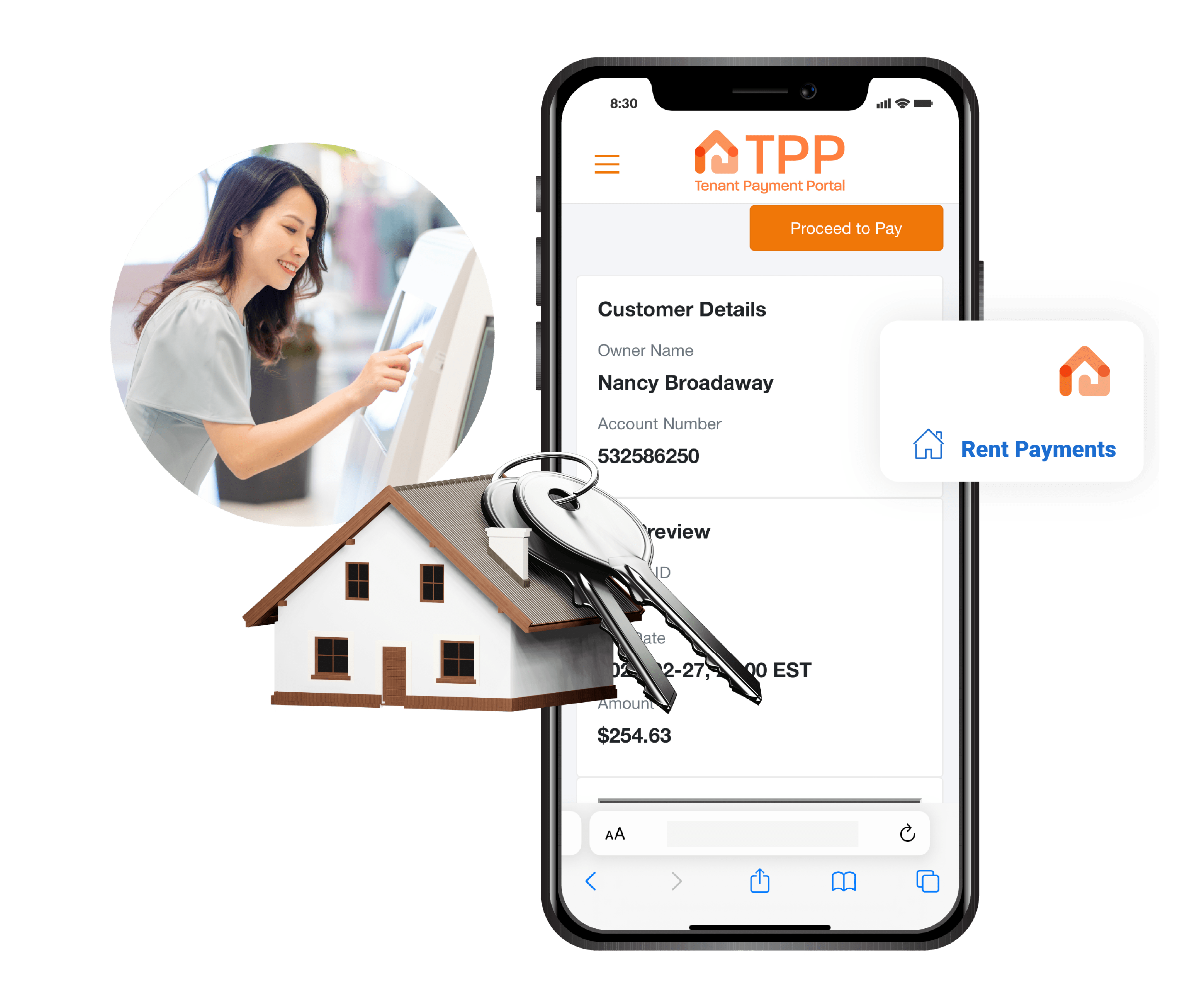
Navigating commercial real estate operations requires efficient digital infrastructure, and the Publix Tenant Portal serves as the centralized digital hub for property managers, leasing agents, and commercial occupants interacting with Publix Super Markets real estate holdings. This portal streamlines communication, lease administration, maintenance tracking, and financial reconciliation for retail spaces anchored or managed by Publix. Designed for commercial tenants operating within Publix-owned shopping centers and plazas, the platform ensures that administrative bottlenecks are minimized across all regional properties.
Contents
Understanding the Publix Commercial Real Estate Ecosystem
Commercial real estate management within Publix-anchored shopping centers involves strict compliance guidelines, lease agreements, and operational frameworks. The tenant portal bridges the gap between commercial occupants and the Publix Real Estate Department, facilitating seamless interactions across multiple business functions.
Retail tenants ranging from local boutiques to regional service providers rely on the platform to maintain compliance with corporate property management standards. The infrastructure supports real-time data exchange, ensuring that critical documents such as insurance certificates, sales reports, and maintenance requests are handled through secure channels.
Operational Continuity Note: All commercial tenants must maintain active user credentials assigned by their designated Publix real estate representative to prevent administrative delays in lease compliance and facility management workflows.
Core Features of the Digital Portal
The digital ecosystem of the tenant portal integrates several distinct operational modules. Each module targets a specific facet of commercial lease administration.
- Lease Document Management: Secure repository for executing lease agreements, amendments, renewals, and architectural exhibits.
- Sales Reporting Interface: Automated submission tools for percentage-in-rent calculations and monthly gross sales reporting.
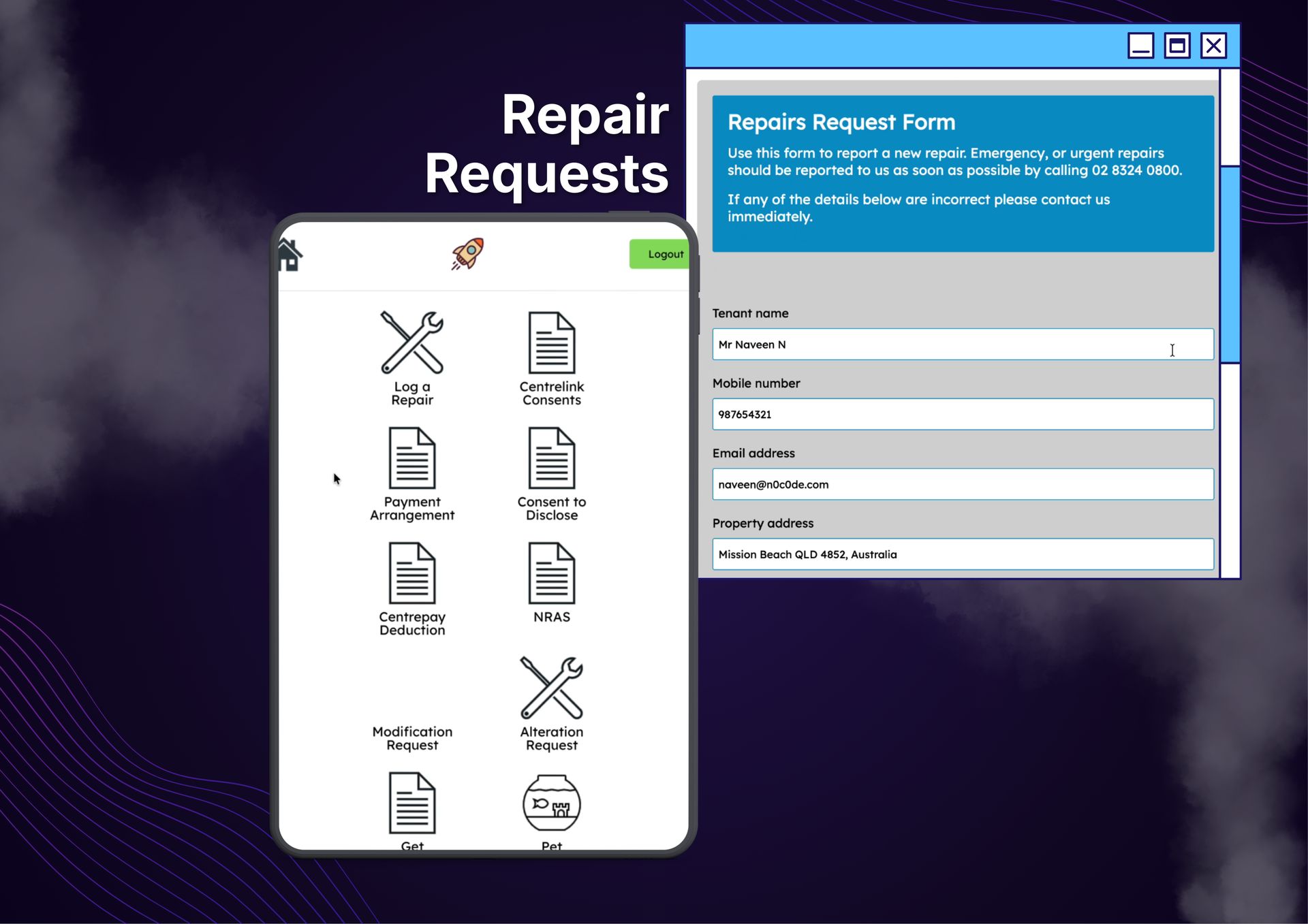
- Maintenance & Facility Ticketing: Direct dispatch system for common area maintenance (CAM) requests, HVAC issues, and exterior lighting concerns.
- Financial Ledger Access: Transparent breakdown of monthly rent, utility allocations, real estate taxes, and insurance pass-throughs.
- Certificate of Insurance (COI) Compliance: Automated verification system ensuring all tenant liability policies meet corporate coverage minimums.
Step-by-Step Guide to Account Access and Onboarding
Accessing the Publix Tenant Portal requires adherence to strict corporate security protocols. Because these systems handle sensitive financial ledgers and proprietary lease data, unauthorized access attempts are blocked by multi-factor authentication (MFA) protocols.
- Credential Issuance: Upon lease execution, the assigned Publix Leasing Administrator generates an initial registration link sent to the primary corporate contact's verified email address.
- Identity Verification: Follow the secure link to establish a password meeting enterprise security standards, typically requiring a mix of alphanumeric characters, symbols, and routine expiration cycles.
- Multi-Factor Authentication Setup: Register a mobile device or hardware token to receive one-time passcode (OTP) verifications during subsequent login attempts.
- Role-Based Access Assignment: Assign internal staff members specific permissions (e.g., accounting personnel viewing ledgers versus operations managers submitting maintenance tickets).
- Profile Initialization: Complete the business entity profile, emergency contact registry, and banking information for automated clearing house (ACH) rent payments if applicable.
Operational Workflows: Comparing Traditional Management vs. Portal Management
Transitioning from legacy communication methods (such as physical mail, phone calls, and disparate email chains) to the unified Publix Tenant Portal fundamentally transforms property administration.
| Feature / Operational Area | Legacy / Manual Management | Publix Tenant Portal (2026 Standard) |
|---|---|---|
| Rent & CAM Payments | Mailed physical checks subject to postal delays | Automated ACH processing with instant ledger updates |
| Maintenance Requests | Phone calls to property managers with undocumented status | Digital ticketing system with real-time progress tracking |
| Sales Reporting | Paper forms or unsecure emails prone to errors | Encrypted digital submission templates with instant validation |
| Insurance Verification | Manual review of paper COIs leading to compliance lapses | Automated expiration monitoring and direct broker uploads |
| Lease Document Access | Physical file cabinets or misplaced PDF copies | Centralized cloud repository accessible 24/7/365 |
Troubleshooting Common Portal Access and Operational Errors
Technical friction can occasionally disrupt daily property operations. Resolving these issues swiftly ensures uninterrupted retail business execution.
Multi-Factor Authentication Failures
If authentication codes fail to arrive via SMS or authenticator apps, verify that your mobile device has active cellular or data service. If the issue persists, contact the Publix Real Estate IT Helpdesk to temporarily reset your MFA profile and re-register your authentication device.
Browser Compatibility and Cache Conflicts
The portal is optimized for enterprise-grade web browsers including modern iterations of Google Chrome, Microsoft Edge, and Apple Safari. Stale cookies or corrupted browser caches frequently cause login loops or rendering errors. Clearing browser cache and cookies, or utilizing an incognito browsing window, typically resolves layout discrepancies.
Document Upload Errors
When uploading large architectural plans, high-resolution insurance certificates, or comprehensive sales reports, users may encounter file size limits or unsupported format restrictions. Ensure all documents are converted to standard PDF format and compressed if they exceed the platform's maximum threshold of 25 megabytes per file.
Strategic Benefits and Operational Considerations
Utilizing the commercial tenant portal offers distinct advantages, though retail operators must remain cognizant of strict administrative responsibilities.
- Pros:
- Complete transparency regarding monthly billings, CAM reconciliations, and lease milestones.
- Drastically reduced response times for common area maintenance and exterior structural repairs.
- Streamlined auditing capabilities for corporate accounting and franchise compliance.
- Enhanced security protecting sensitive financial and legal documentation.
- Cons:
- Zero tolerance for delayed compliance filings, such as expired insurance certificates leading to automated default notices.
- Initial learning curve for administrative staff unfamiliar with enterprise real estate software suites.
- Strict reliance on digital connectivity; network outages require fallback communication protocols with property managers.
Frequently Asked Questions
What should I do if my login credentials are locked out?
Contact your designated Publix Leasing Administrator or the corporate real estate helpdesk to verify your identity and trigger a manual password reset link. Accounts typically lock automatically after five consecutive failed login attempts to protect sensitive leasing data.
How are Common Area Maintenance (CAM) charges reconciled within the portal?
CAM reconciliations are uploaded annually by Publix financial analysts into the portal's financial ledger module, where tenants can review itemized operating expenses and reconciliation statements. Any disputes or inquiries regarding CAM calculations must be submitted through the portal's formal inquiry ticket system within the contractual audit window.
Can multiple employees from my business access the same tenant portal account?
Yes, the primary account holder can create sub-accounts with customized permission levels for various team members, such as limiting accounting staff to financial ledgers while granting operations teams access to maintenance ticketing.
What file formats are accepted for uploading monthly gross sales reports?
The portal accepts standardized electronic formats including PDF, CSV, and secure Microsoft Excel spreadsheets (.xlsx) for automated sales data ingestion and percentage rent calculations.
Is it mandatory to submit Certificate of Insurance (COI) renewals through the portal?
All commercial tenants are strictly required to upload updated insurance certificates directly through the portal to maintain compliance with lease covenants and avoid administrative default penalties.
Maximize your retail operational efficiency by maintaining active credentials, monitoring lease milestone notifications, and utilizing the centralized digital ticketing system for all property management needs. For specialized leasing inquiries or technical assistance, log into your account to connect directly with your assigned Publix Real Estate portfolio manager.
Image Gallery