Pay As You Go Workers' Compensation Insurance Explained: A 2026 Guide for Businesses
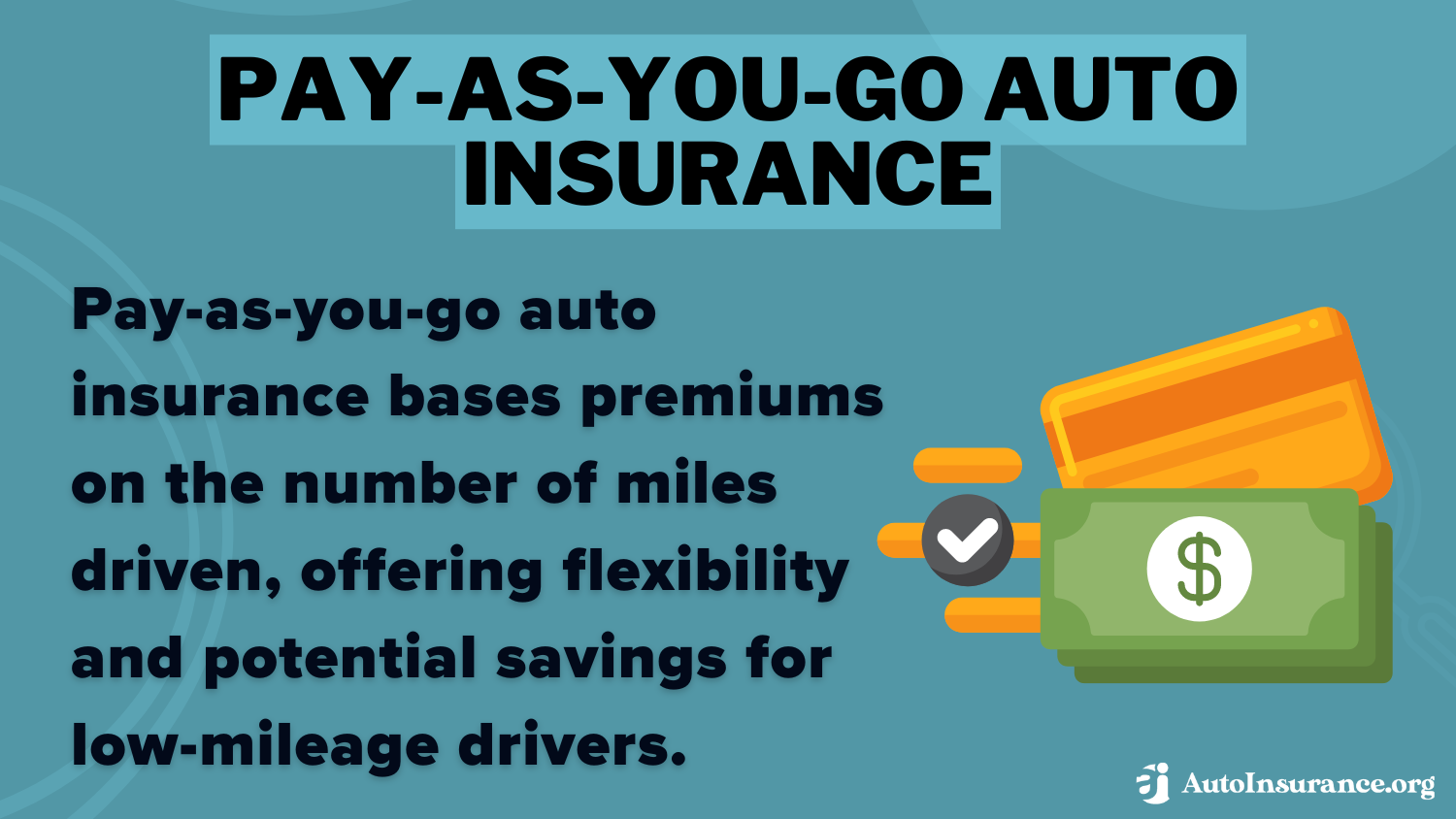
Pay-as-you-go workers' compensation is a billing method where insurance premiums are calculated and paid based on actual payroll data in real-time, rather than estimated annual projections. This model improves business cash flow by eli...
Pay-as-you-go workers' compensation is a billing method where insurance premiums are calculated and paid based on actual payroll data in real-time, rather than estimated annual projections. This model improves business cash flow by eliminating large upfront deposits and reducing the risk of significant "audit shock" at the end of the policy term.
Contents
Workers' compensation insurance is a mandatory requirement for nearly every business with employees in the United States. Traditionally, this coverage functioned much like a standard commercial lease: you estimate your needs for the year, pay a significant portion upfront, and settle the difference later. However, as of 2026, the shift toward "pay-as-you-go" (PAYG) models has become the standard for small to mid-sized enterprises (SMEs) seeking to align their insurance costs with their actual operational fluctuations.
What is Pay-As-You-Go Workers' Compensation?
Pay-as-you-go is not a different type of insurance policy; the underlying coverage, legal protections, and benefit structures remain identical to a traditional workers' compensation policy. The distinction lies entirely in the billing and payment mechanism.
In a traditional policy, a business owner provides an estimate of their total payroll for the upcoming year. The insurance carrier uses this estimate, along with specific NCCI (National Council on Compensation Insurance) class codes and the company’s experience modifier, to calculate an estimated annual premium. The business then pays a down payment—often 15% to 25%—and spreads the remainder over nine or ten months.
Conversely, the pay-as-you-go model integrates directly with your payroll system. Every time you run payroll, the actual wages paid to each employee are reported to the insurance carrier. The carrier then calculates the exact premium owed for that specific pay period and withdraws it automatically. This ensures that the premium paid is always a reflection of real-time staffing levels and wages.
Traditional vs. Pay-As-You-Go: Key Differences
Understanding the structural differences between these two models is essential for financial planning. While the coverage is the same, the impact on a company's balance sheet varies significantly.
| Feature | Traditional Billing | Pay-As-You-Go Billing |
|---|---|---|
| Initial Down Payment | Typically 15% to 25% of annual total | $0 or a very small administrative deposit |
| Calculation Basis | Estimated annual payroll | Actual real-time payroll data |
| Payment Frequency | Monthly, quarterly, or annual | Per payroll cycle (weekly, bi-weekly, etc.) |
| End-of-Year Audit | High risk of large "catch-up" payments | Low risk; adjustments are usually minimal |
| Cash Flow Impact | High initial strain; fixed monthly costs | Low initial strain; costs scale with revenue |
| Administrative Effort | Lower monthly effort; high audit effort | Automated via payroll integration |
How the Pay-As-You-Go Process Works
The transition to a PAYG model involves a tripartite relationship between the employer, the insurance carrier, and the payroll processor. In 2026, most major payroll platforms have established direct API (Application Programming Interface) connections with leading insurance carriers to facilitate this.
1. Payroll Integration
The process begins by linking your payroll software to your insurance provider. When you hire a new employee and assign them a class code (a four-digit number representing their job hazard level), that data is synchronized. If you use a payroll provider that also acts as an insurance agency, this integration is often native to the platform.
2. Real-Time Reporting
Every time a payroll run is finalized, the system automatically transmits the gross wages for each class code to the carrier. For example, if a construction firm has three carpenters and one administrative assistant, the system separates the wages for the high-risk carpentry code and the low-risk clerical code.
3. Automatic Premium Deduction
Once the carrier receives the data, they apply the approved rate for each class code. The exact premium for that pay period is then debited from the business bank account, typically within 24 to 48 hours of the payroll run.
4. Simplified Year-End Audit
State laws require insurance carriers to conduct an annual audit to ensure class codes were used correctly and all employees were covered. Because PAYG uses actual data throughout the year, the year-end audit becomes a verification of the data already sent, rather than a discovery process that leads to surprise invoices.
The Financial Benefits for Small Businesses
For many businesses, particularly those in seasonal industries like construction, landscaping, or retail, payroll is not static. A traditional policy forces these businesses to pay premiums in July (a high-revenue month) based on the same average as January (a potentially low-revenue month).
Improved Cash Flow Management
By eliminating the 25% down payment, businesses can retain capital for operations, inventory, or expansion. In 2026, where interest rates and capital costs remain a primary concern for business owners, keeping thousands of dollars in the business account rather than the insurance carrier's pocket provides a significant competitive advantage.
Mitigation of "Audit Shock"
In a traditional model, if a business grows faster than expected and hires five new employees mid-year, their payroll will far exceed their initial estimate. During the annual audit, the insurance carrier will demand the "unpaid" premium in a single lump sum. This "audit shock" can be devastating for a small business. PAYG accounts for those new hires immediately, spreading the cost across the remaining pay cycles.
Accuracy of Class Codes
PAYG systems often prompt users to verify class codes when adding new employees to the payroll. This real-time validation helps prevent the common mistake of misclassifying a high-risk worker as a low-risk one, which can lead to severe penalties from state regulatory bodies like the California Department of Industrial Relations or the New York State Workers' Compensation Board.
Eligibility and Requirements in 2026
While PAYG is highly accessible, it is not available to every single business or in every jurisdiction.
- State-Funded Markets: In "monopolistic" states—specifically Ohio, Washington, North Dakota, and Wyoming—employers must purchase workers' compensation directly from the state fund. While some of these states have introduced flexible billing, they do not always support the same third-party PAYG integrations found in competitive markets.
- Minimum Premium Thresholds: Some carriers require a minimum annual premium (often ranging from $1,000 to $5,000) to justify the administrative setup of a pay-as-you-go account.
- Payroll Provider Compatibility: The business must use a payroll provider that supports data exports or API integrations with the chosen insurance carrier. Most modern platforms like Gusto, ADP, and Paychex are fully compatible.
- Experience Modifier (E-Mod): Your business’s safety record still dictates your rate. The PAYG model changes when you pay, but it does not lower the fundamental rate determined by your NCCI experience rating.
Potential Drawbacks and Considerations
While the benefits are substantial, pay-as-you-go is not a "set it and forget it" solution. It requires diligent payroll management.
Administrative Oversight
If the payroll data entered is incorrect—for example, if a worker is assigned the wrong class code—the premium deducted will be incorrect. While this is easier to fix in real-time than at the end of the year, it still requires the employer to be proactive in their classification duties.
Dependency on Technology
The system relies on the seamless communication between two different software platforms. If there is a synchronization error, the business may miss a premium payment. Most carriers provide a grace period, but persistent technical issues can lead to a "notice of cancellation" for non-payment, which creates a lapse in coverage.
Variable Monthly Expenses
For businesses that prefer a fixed, predictable monthly expense for budgeting, the fluctuating nature of PAYG can be a minor nuisance. Since the premium is tied to payroll, a month with significant overtime or seasonal bonuses will see a corresponding spike in insurance costs.
FAQs About Pay-As-You-Go Workers' Comp
Does pay-as-you-go cost more than traditional insurance?
The insurance rates themselves are the same. However, some payroll providers or insurance agencies charge a small "technology fee" or "service fee" (often $5 to $20 per payroll run) to maintain the integration. For most businesses, the cash flow benefits and the avoidance of audit penalties far outweigh these small administrative costs.
Can I switch to pay-as-you-go in the middle of my policy term?
It is possible but often complicated. Most carriers prefer that you switch at the time of your policy renewal. Switching mid-term requires a "short-term audit" of your current policy to close out the traditional billing cycle before the PAYG cycle begins. It is best to consult with a broker at least 60 days before your current policy expires.
Do I still have to do a year-end audit?
Yes. Federal and state regulations generally require an annual audit for all workers' compensation policies. However, for PAYG policyholders, this is typically a "virtual audit" or a simple "check-box" verification process. Since the carrier already has your payroll data, they are simply looking for confirmation that no owners were excluded illegally and that the job descriptions match the class codes used.
What happens if I miss a payroll report?
If you fail to run payroll or the data fails to transmit, the insurance carrier will not receive a premium payment. Most carriers will send an automated warning. If the data is not provided within a specific timeframe (usually 10 to 15 days), the carrier may estimate the premium or initiate a policy cancellation.
Is pay-as-you-go better for "Ghost Policies"?
"Ghost policies" are used by sole proprietors with no employees to provide proof of insurance to contractors. Since there is no payroll, a PAYG model isn't technically necessary, but many carriers use the same automated platforms to manage the minimum premiums associated with these policies.
Recommended Next Actions
For business owners in 2026, the transition to pay-as-you-go is a logical step toward digital maturity. To begin the process:
- Audit Your Current Payroll Provider: Ensure they have "direct-connect" capabilities with major workers' compensation carriers.
- Review Class Codes: Before switching, work with a licensed agent to ensure your employees are correctly classified under the current NCCI guidelines to avoid immediate billing errors.
- Compare Net Costs: Evaluate whether the potential service fees of a PAYG platform are offset by the interest you could earn or the capital you could deploy by avoiding a 25% upfront deposit.
Image Gallery