Lost My iPhone: How Do I Find It in 2026
Losing your smartphone is a high-stress emergency, especially given how much personal data, financial access, and daily connectivity we anchor to our mobile devices. If you are reading this because your Apple device has vanished, take...
Losing your smartphone is a high-stress emergency, especially given how much personal data, financial access, and daily connectivity we anchor to our mobile devices. If you are reading this because your Apple device has vanished, take a deep breath. Apple's ecosystem features advanced tracking, security, and recovery frameworks tailored for 2026. This comprehensive technical guide details the exact steps required to locate your missing iPhone, protect your private data, and leverage built-in security protocols.
Contents
Immediate Steps to Take Using the Find My Network
The moment you realize your iPhone is missing, time is of the essence. Apple’s Find My network remains the gold standard in device recovery, utilizing encrypted, crowdsourced Bluetooth signals from hundreds of millions of active Apple devices worldwide to relay location data securely and anonymously.
To initiate tracking immediately through a web browser or another Apple device, follow this sequence:
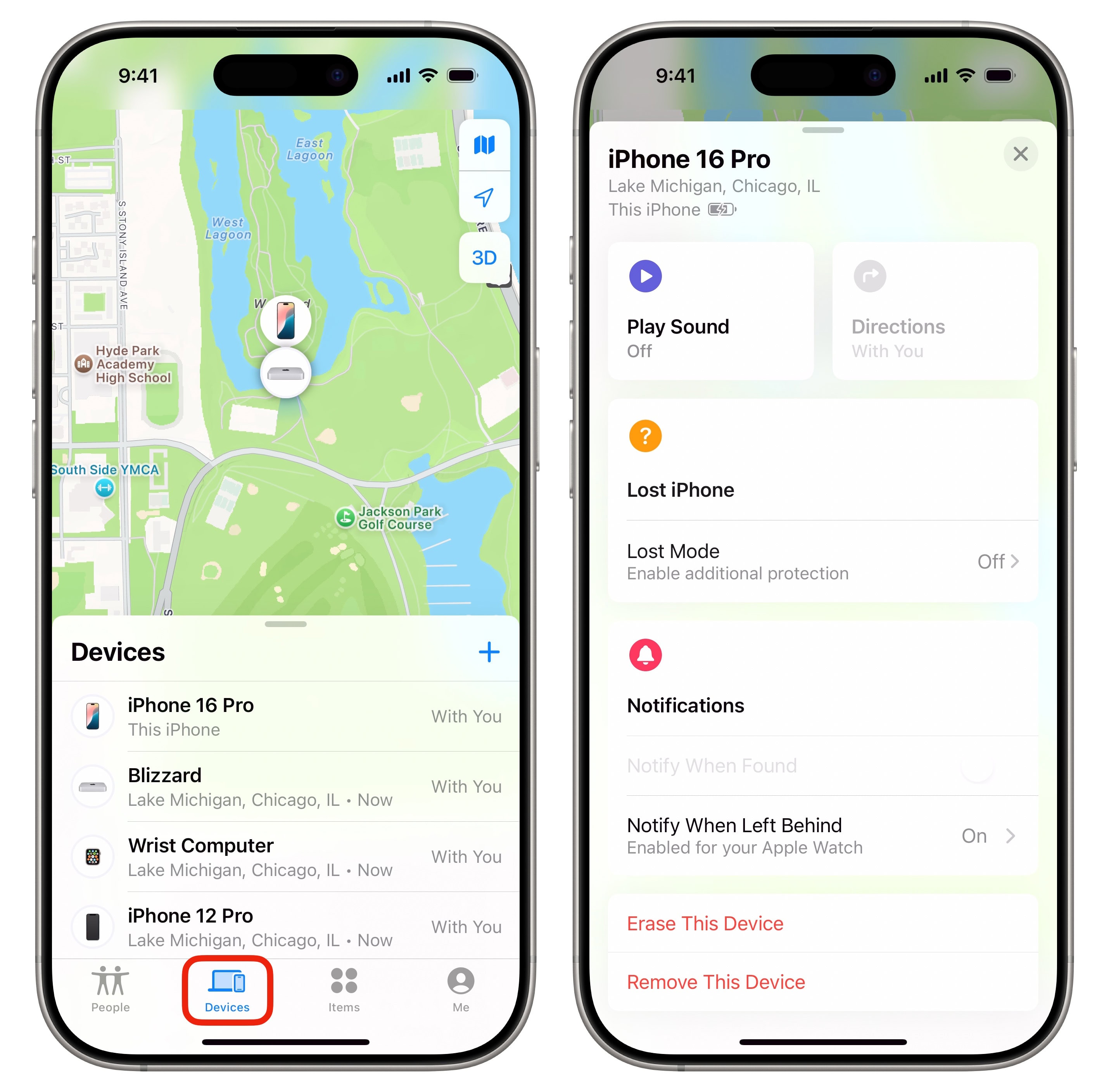
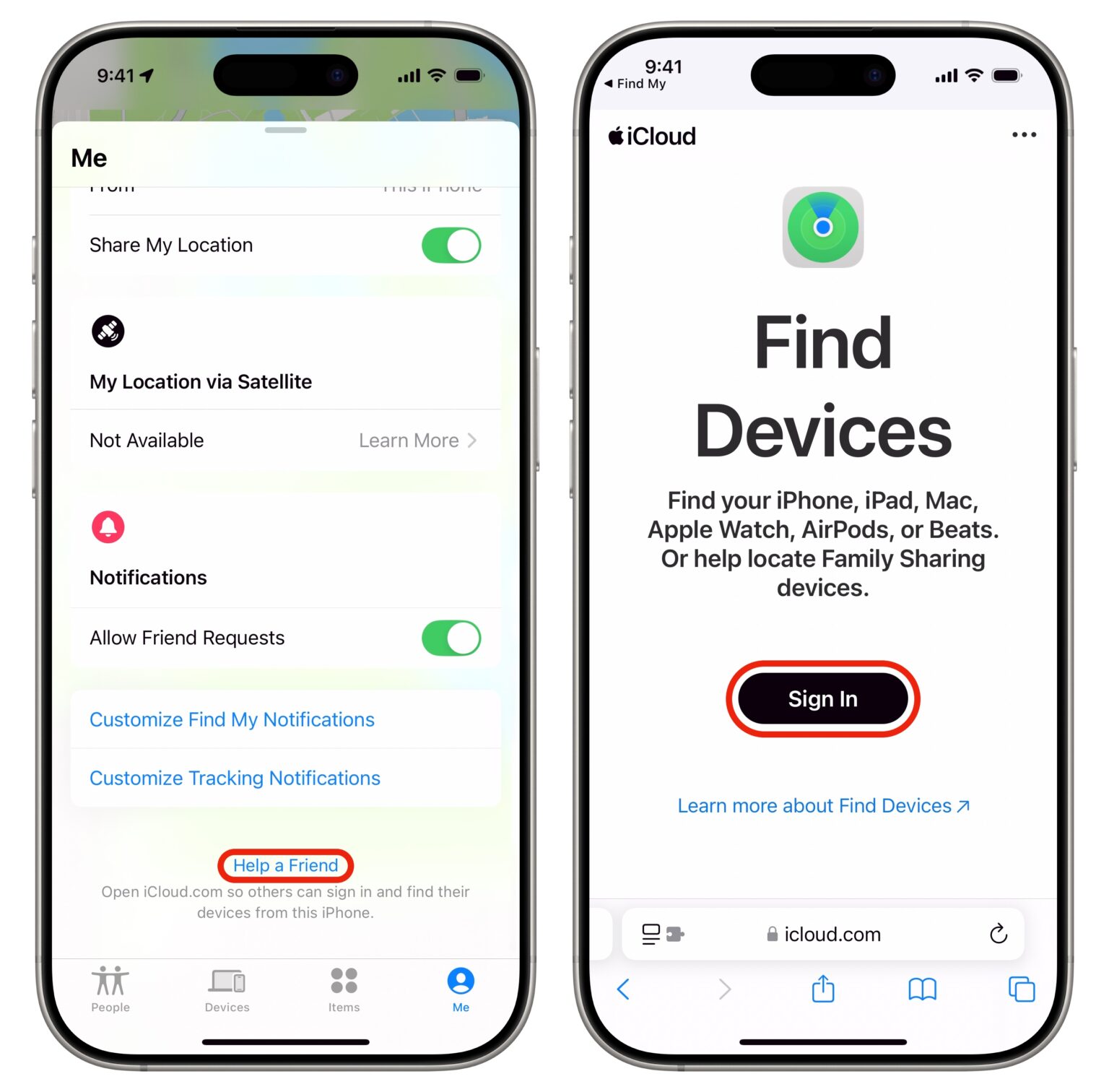
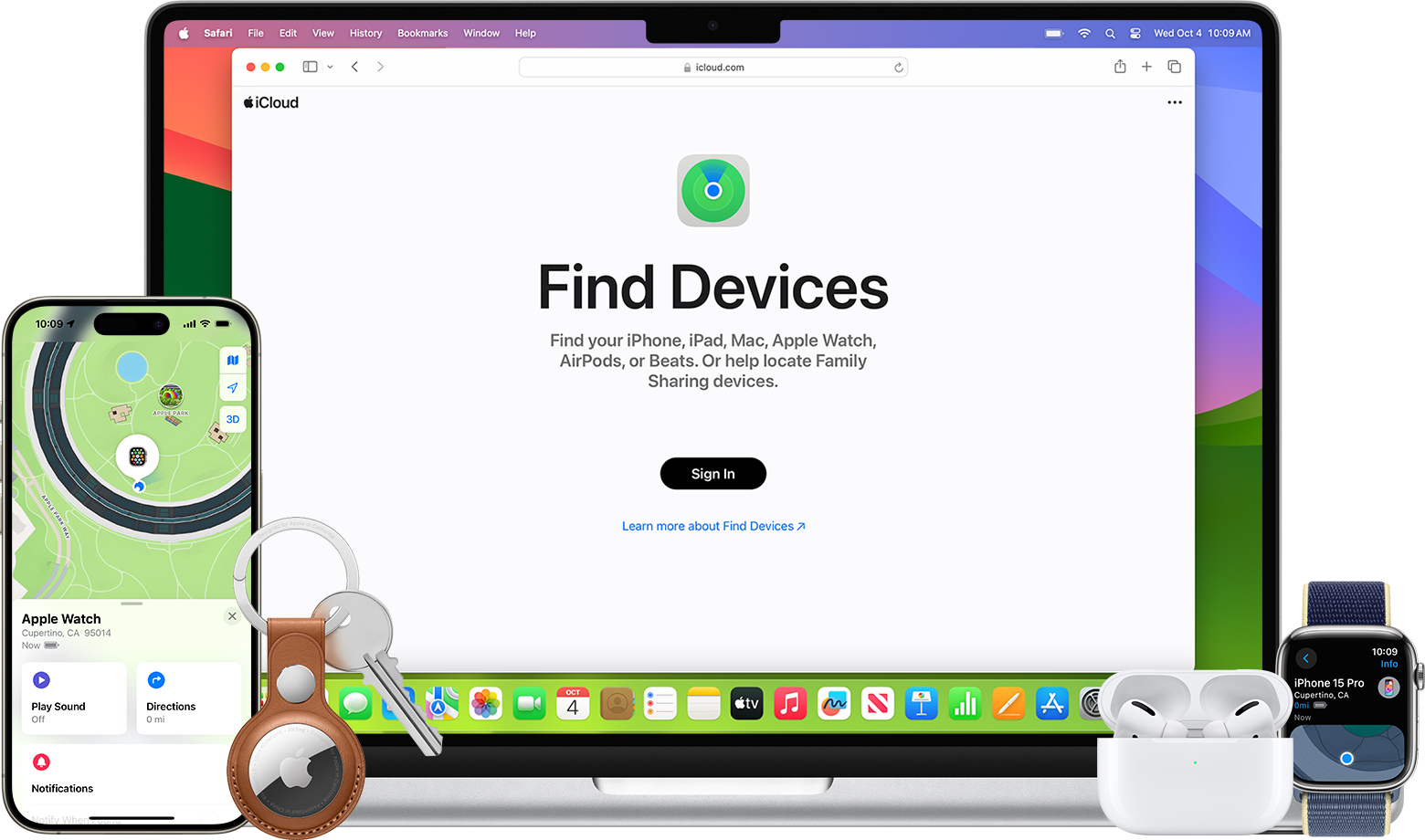
- Access the Find My Interface: Navigate to iCloud.com/find using any web browser on a computer, or open the Find My application on an iPad, Mac, or a trusted friend's iPhone.
- Authenticate Your Apple ID: Log in with the exact Apple ID and password associated with the lost iPhone. Complete any required two-factor authentication prompts using a trusted phone number or legacy contact.
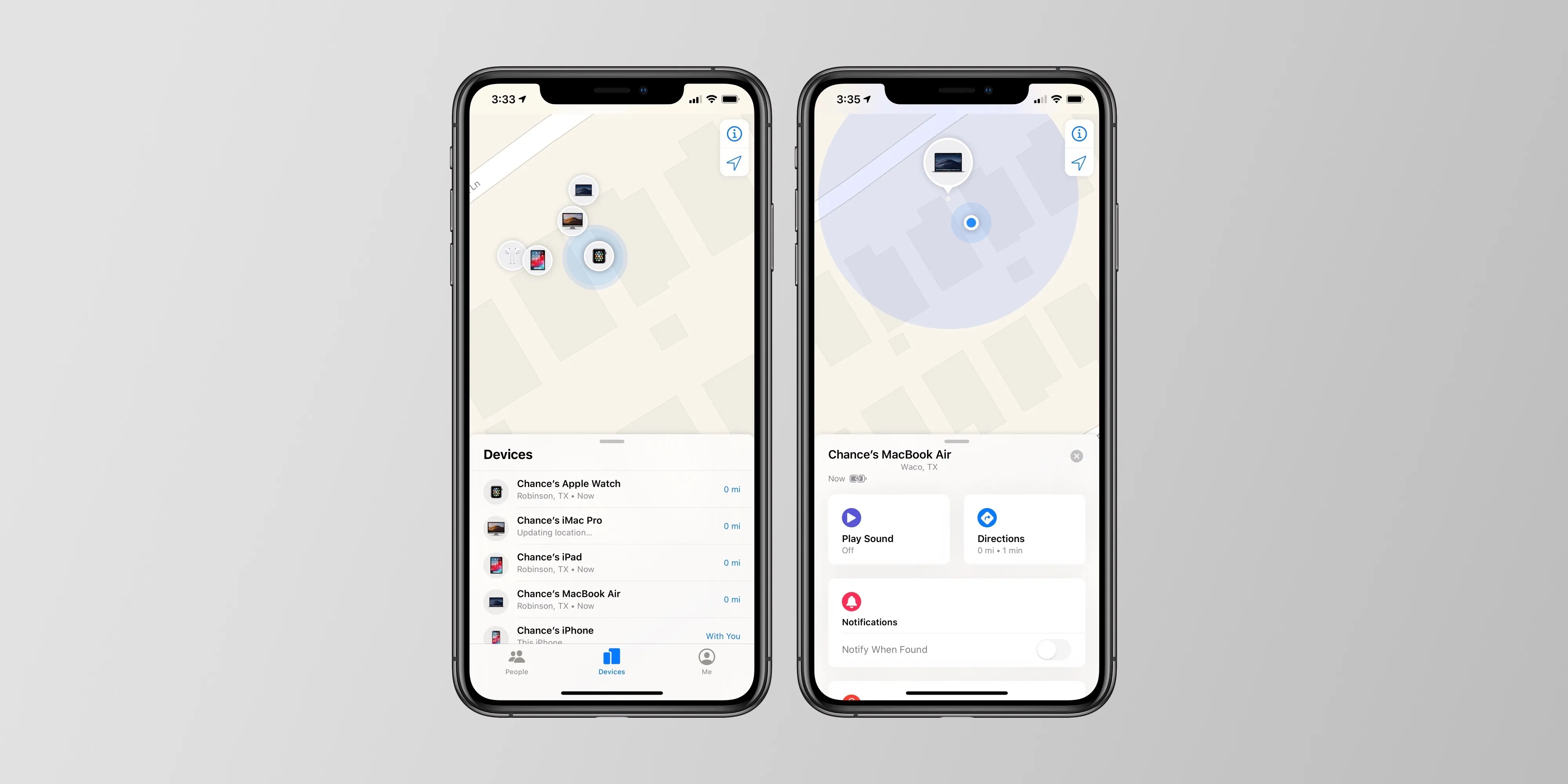
- Select Your Device: From the device list at the bottom of the screen, click or tap on your missing iPhone to center the interactive map on its last known coordinate.
- Evaluate the Status: Observe whether the device's status reads as online (displaying a current battery percentage and live GPS marker) or offline (displaying the last recorded timestamp and location before power loss or cellular disconnect).
Activating Lost Mode and Securing Personal Data
When your iPhone cannot be recovered immediately, you must transition from tracking to active containment. Leaving an unsecured phone vulnerable to unauthorized access puts your banking apps, digital wallet, personal photos, and sensitive communications at risk.
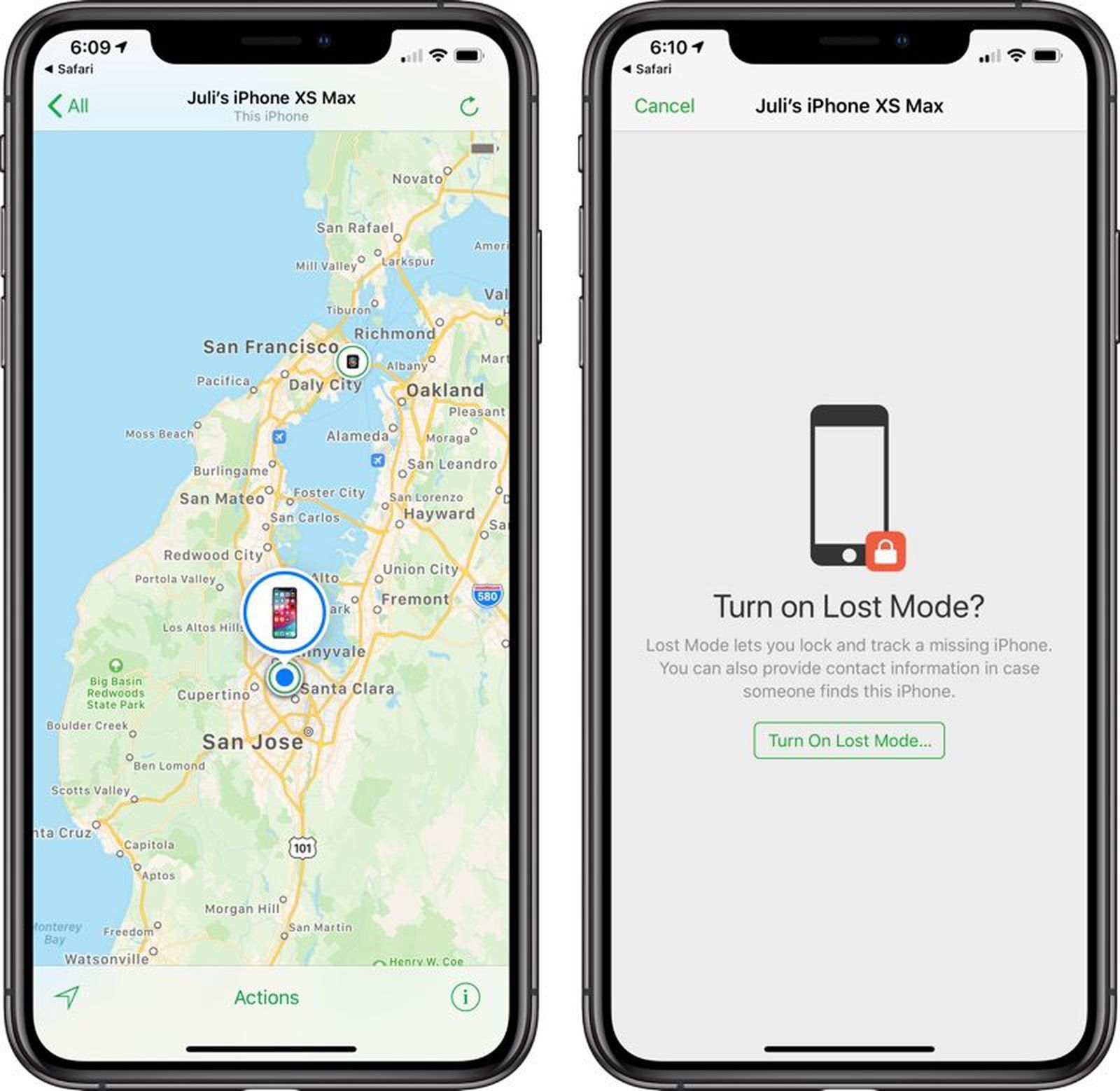
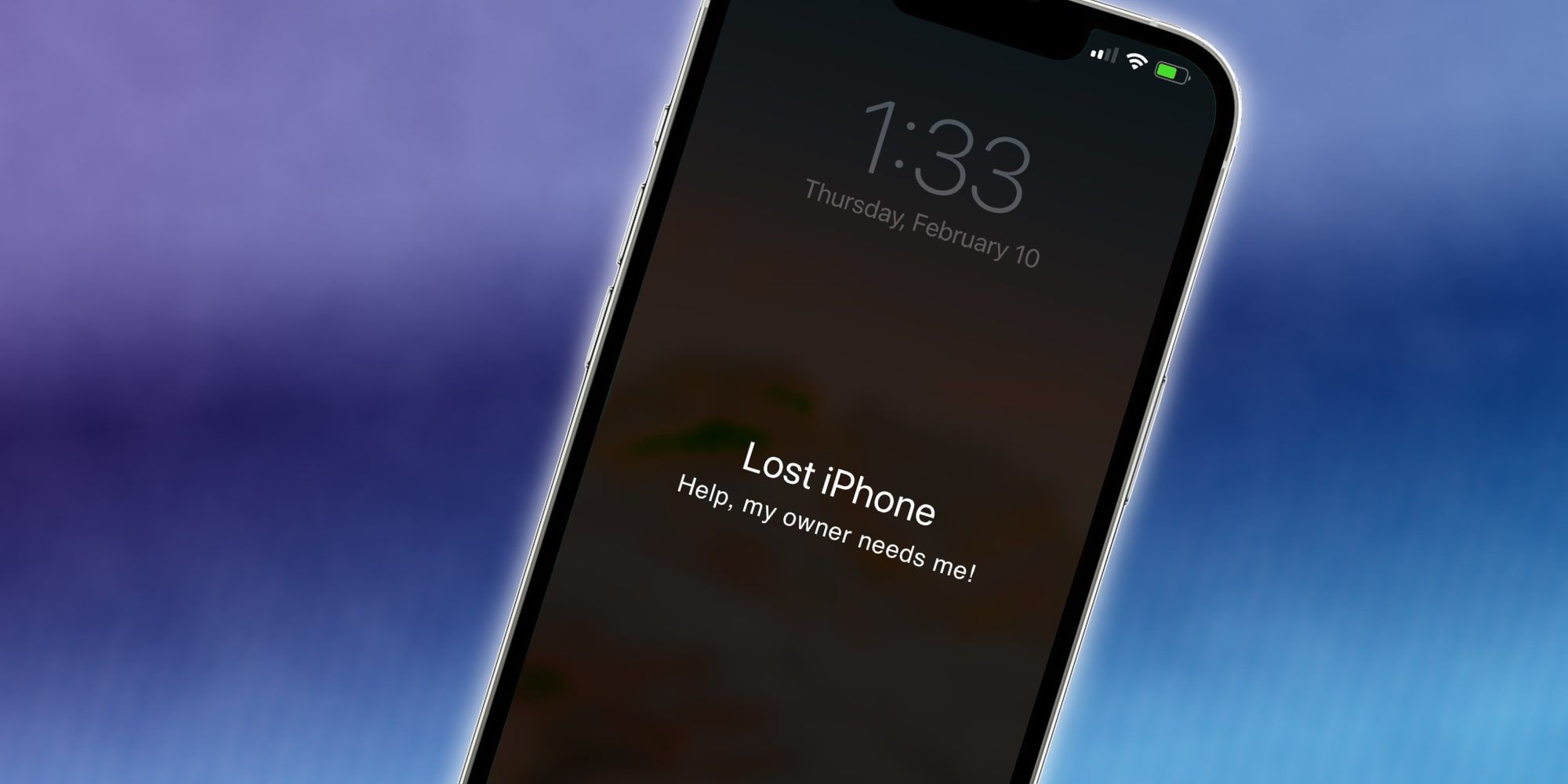
Activating Lost Mode instantly locks your device with a passcode, suspends Apple Pay transactions, and allows you to display a custom recovery message alongside a direct phone number on your locked screen.
Important Security Advisory: Never attempt to physically retrieve a lost or stolen iPhone from an unknown or dangerous location alone. If the map points to a private residence, unfamiliar neighborhood, or suspicious commercial address, contact local law enforcement authorities and provide them with your real-time tracking data rather than confronting potential thieves yourself.
Customizing Your Remote Lock Parameters
When you trigger Lost Mode through the cloud interface, you take total command of the hardware's security posture:
- Passcode Enforcement: If your device did not previously have a passcode enabled, the system forces you to create one instantly to prevent standard unlock attempts.
- Apple Pay Suspension: All credit cards, debit cards, student IDs, and transit cards associated with Apple Wallet are temporarily frozen to prevent fraudulent financial transactions.
- Location Services Extension: Location tracking remains actively engaged even if location services were previously toggled off in system settings, giving you continuous visibility while the device remains powered on.
Technical Comparison of Recovery and Protection Options
Understanding the exact operational capabilities and long-term consequences of each remote command prevents irreversible data loss while maximizing recovery efficiency. The matrix below outlines the primary actions available in the 2026 Apple ecosystem.
| Remote Action | Operational Effect | Data Persistence | Reversibility |
|---|---|---|---|
| Play Sound | Emits a high-pitched chirping alarm at maximum volume for two minutes, even if the device is set to silent or vibrate. | Zero data modification. | Instantly stoppable by pressing any physical button on the iPhone. |
| Lost Mode | Locks the screen, displays a custom message, suspends Apple Pay, and tracks ongoing geographical movement. | Data remains intact on the local solid-state drive. | Fully reversible by entering your standard device passcode upon recovery. |
| Erase iPhone | Remotely wipes all user content, settings, and personal data, restoring the hardware to factory default settings. | Permanent loss of local data (recoverable only via prior iCloud or encrypted local backups). | Irreversible command. Activation Lock remains permanently active unless you remove the device from your account. |
Utilizing Offline Finding and the Find My Network Accessory Support
One of the most powerful advancements in recent iOS iterations is the ability to locate devices even when they are powered completely off, out of cellular range, or running with a dead battery.
If your iPhone has run out of power or been forcibly shut down by a third party, the hardware's low-power Bluetooth beacon continues broadcasting an encrypted signal. Nearby Apple devices owned by other users pick up this signal anonymously and relay its location to iCloud.
To ensure you can utilize this feature if your phone goes missing in the future, verify your system settings match these recommendations:
- Enable Find My Network: Navigate to Settings > [Your Name] > Find My > Find My iPhone, and ensure both "Find My iPhone" and the "Find My network" toggles are switched on.
- Send Last Location: Turn on "Send Last Location" so your iPhone automatically transmits its final coordinate to Apple servers the moment battery levels drop to critical thresholds.
- Low Power Mode Bluetooth Continuity: Keep system software updated to ensure background Bluetooth radio access functions correctly during low-power states.
What to Do If Your iPhone Is Permanently Unrecoverable
If tracking sessions yield no results, law enforcement recovery efforts stall, or your device status indicates it has been disassembled or permanently damaged, you must take administrative steps to safeguard your digital identity.
- Contact Your Cellular Carrier: Report the lost IMEI or serial number to your mobile service provider (such as AT&T, Verizon, T-Mobile, or regional operators). Ask them to suspend your cellular service immediately to prevent unauthorized voice, text, and data usage. If you have device insurance through your carrier or a third-party provider like AppleCare+ with Theft and Loss, file an official replacement claim.
- Update Trusted Contact Information: Ensure your Apple ID account recovery details, trusted phone numbers, and email recovery addresses are current so you do not lose access to your broader digital ecosystem.
- Remove Device from Trusted List: If you decide to replace the device, remove the missing iPhone from your trusted devices list in your Apple ID settings to clear lingering authentication tokens.
Frequently Asked Questions
Can I find my iPhone if it is turned off?
Yes, Apple's Find My network can locate a powered-off or dead iPhone by utilizing low-power Bluetooth beacons relayed through nearby active Apple devices. This feature requires the Find My network setting to have been enabled prior to losing the device.
Will erasing my iPhone stop me from tracking it?
No. Even after you execute a remote erase command, Activation Lock remains active. The device will display a locked screen showing that it is linked to your Apple ID, preventing anyone else from setting it up or using it, and location tracking remains partially functional depending on the erase state.
What should I do if the Find My map shows the wrong location?
Location accuracy depends on available GPS, Wi-Fi triangulation, and nearby Bluetooth relay devices. If the location appears inaccurate or outdated, wait a few minutes for network refreshes, or use the Play Sound feature if you suspect the device is nearby inside a building.
How do I report a stolen iPhone to the police?
Gather your iPhone's serial number (found on the original product box or your Apple ID device list) and your IMEI number. Visit your local police precinct to file an official report, and provide them with the real-time tracking coordinates if your Find My app is actively updating.
Can someone bypass Activation Lock if I don't erase the phone?
No. Activation Lock is deeply integrated into Apple's secure hardware enclave and requires your specific Apple ID credentials to bypass. Without your login information, the phone is essentially useless to unauthorized users, acting as a paperweight rather than a usable computer.
Take proactive steps today to secure your replacement hardware, verify your backup routines, and ensure your account security settings remain ironclad against future emergencies.
Image Gallery