Complete Guide to Plutonium PW Login and Client Access in 2026
(Note: This article focuses exclusively on the Plutonium project launcher and client authentication workflow for supported game modifications.) Navigating access protocols for specialized gaming platforms requires an understanding of s...
(Note: This article focuses exclusively on the Plutonium project launcher and client authentication workflow for supported game modifications.)
Contents
Navigating access protocols for specialized gaming platforms requires an understanding of security layers, token authentication, and launcher configurations. The Plutonium client framework serves as a primary hub for community-driven multiplayer enhancements, requiring specific credential management. Security enhancements deployed for the 2026 operational cycle have refined how users interface with authentication servers, minimizing connection drops and streamlining credential recovery. Mastery of this ecosystem ensures uninterrupted connectivity, safeguarding user preferences while maintaining compliance with platform security standards.
Understanding the Plutonium Authentication Architecture
Modern game modification ecosystems rely on centralized authentication to verify user ownership, manage chat identifiers, and track stats securely. The Plutonium platform utilizes a dedicated account infrastructure (PW) that separates forum credentials from client-side execution tokens. When launching the client, the system exchanges encrypted hashes with authentication nodes rather than transmitting plaintext passwords repeatedly.
The modern authentication pipeline operates through several distinct layers to ensure data integrity. Users interact with a dedicated profile manager that links game installations to a verified profile ID. Understanding this backend flow helps troubleshoot common login bottlenecks, such as token expiration or invalid hardware ID (HWID) flags.
- Profile Binding: Linking an active forum identity to the desktop client application.
- Token Generation: Issuing a temporary session hash upon successful initial credential verification.
- HWID Verification: Ensuring the client executable runs on an authorized hardware configuration to prevent unauthorized access.
- Cloud Sync: Maintaining configuration files, keybinds, and custom settings across multiple client launches.
Step-by-Step Procedure for Secure Plutonium Client Access
Executing a clean sign-in process requires adherence to proper launcher hygiene. Outdated client binaries frequently cause handshake failures with authentication servers. Reviewing the standard operational sequence prevents common friction points during daily usage.
- Download the official Plutonium launcher executable directly from verified domain sources to avoid compromised third-party builds.
- Launch the application with standard user privileges or administrative permissions if local directory restrictions prevent temporary file creation.
- Locate the profile configuration menu situated in the upper right quadrant of the client interface.
- Input your registered account credentials into the designated text fields. Ensure your keyboard layout is verified, as special characters frequently trigger silent authentication failures.
- Click the authorization button to initiate the TLS-encrypted handshake with the primary authentication cluster.
- Verify successful session establishment by checking your username status in the client dashboard before launching a specific game title.
Troubleshooting Common Login and Authentication Errors
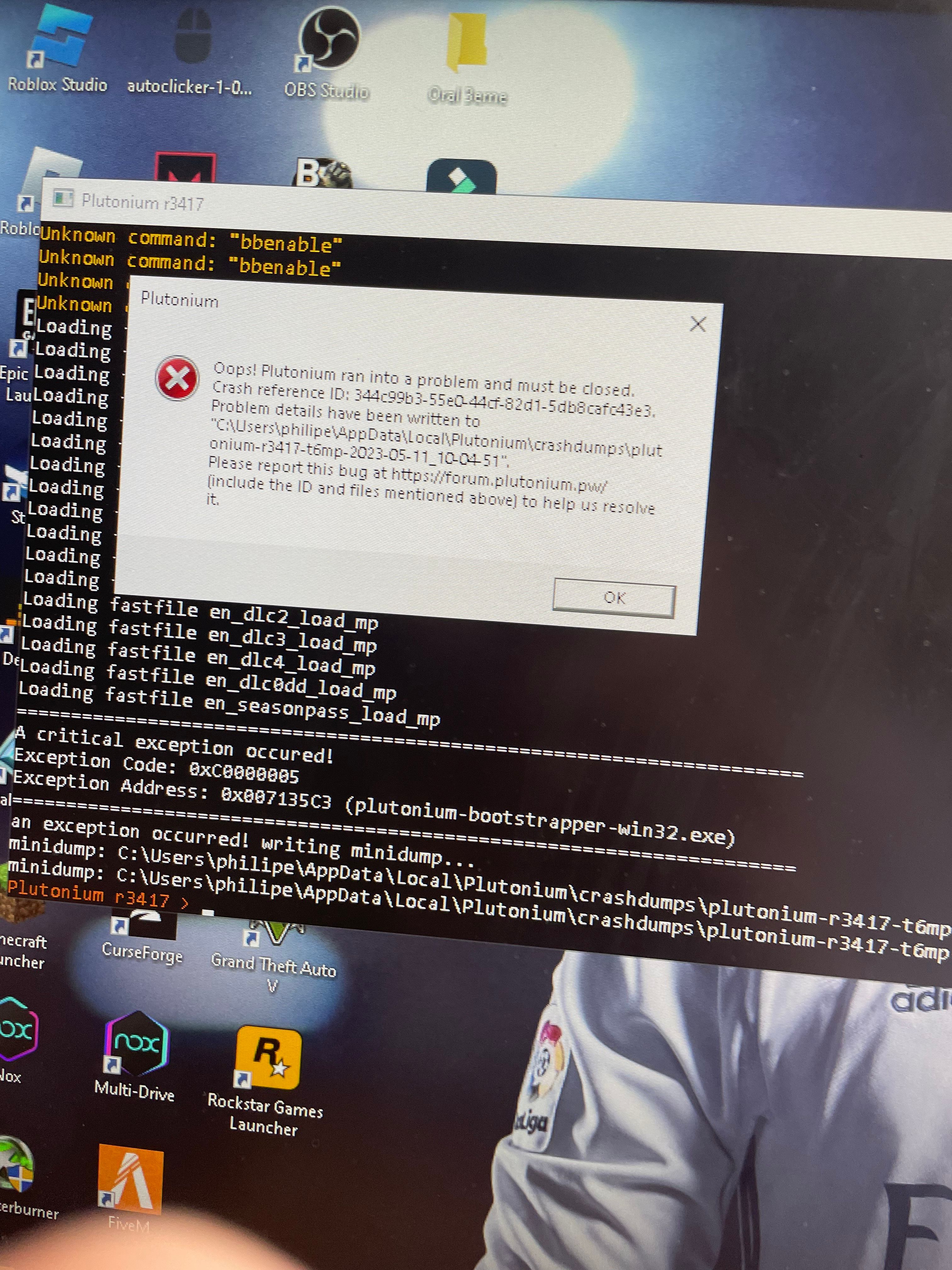
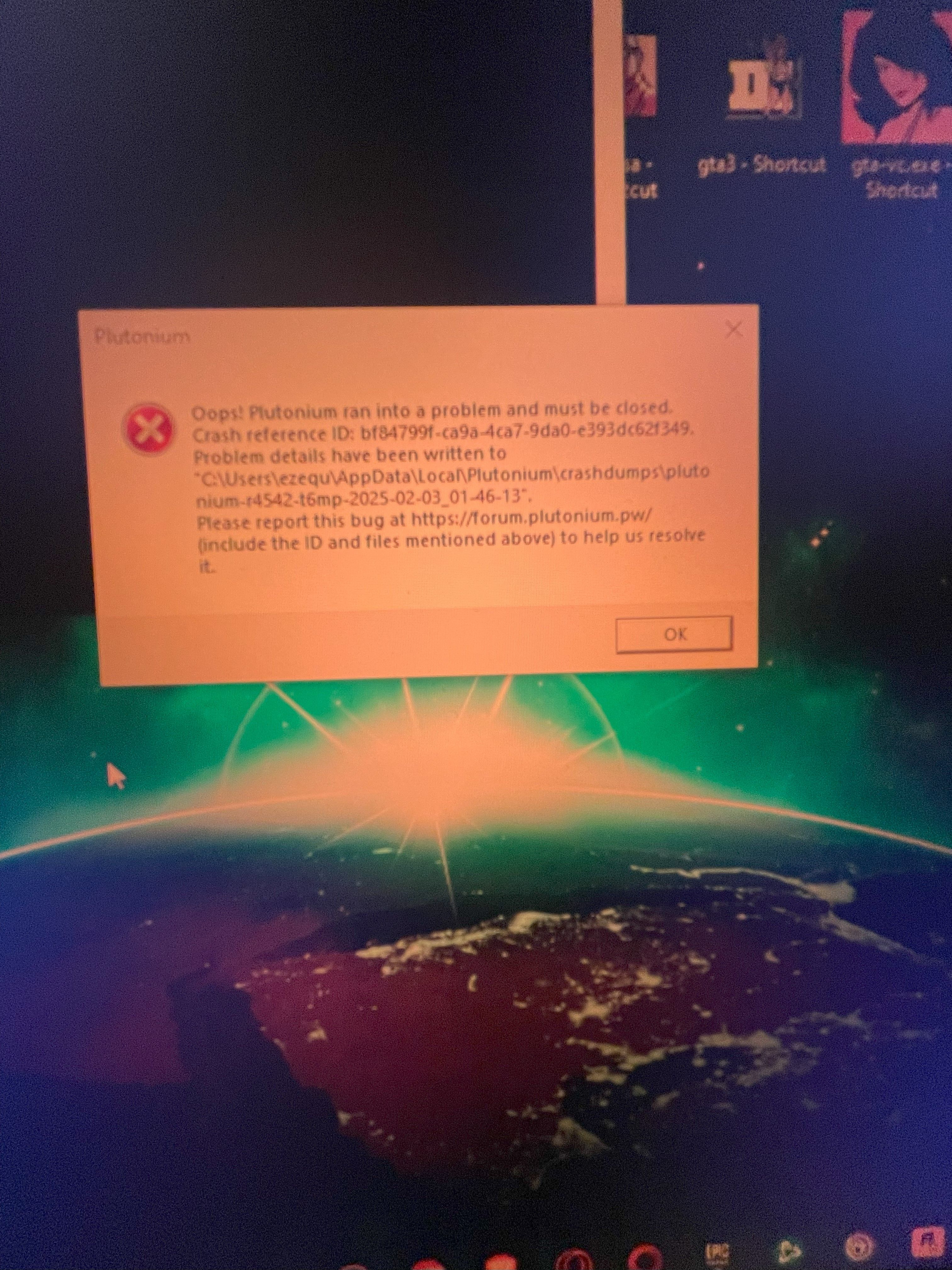
Authentication interruptions typically stem from outdated client versions, firewall blockages, or corrupted local cache files. Diagnosing these issues systematically saves time and restores platform functionality rapidly.
Operational Warning: Never share your session tokens, account passwords, or recovery codes with community members or unverified support channels. Official administrators will never request your plaintext credentials under any circumstances.
Reviewing known error codes provides immediate insight into remediation steps. The table below outlines frequent login anomalies, their underlying root causes, and verified technical solutions for 2026.
| Error Code / Symptom | Root Cause Analysis | Corrective Action Protocol |
|---|---|---|
| Error 401: Unauthorized | Expired session token or mismatched password hash. | Clear local cache, restart the launcher, and re-enter valid credentials. |
| Connection Timeout | Firewall or local ISP blocking outbound traffic to authentication ports. | Whitelist the launcher executable in Windows Defender and verify TLS settings. |
| HWID Mismatch Flag | Major hardware changes triggered a security lockdown on the account profile. | Submit a formal support ticket through official community channels with verification proof. |
| Infinite Loading Loop | Corrupted local application data or stale temporary files in the AppData directory. | Delete the local Plutonium configuration folder and perform a fresh binary update. |
Comparative Analysis of Authentication Methods
Different gaming frameworks approach user authentication through varied architectural paradigms. Evaluating Plutonium against standard industry models highlights the trade-offs between open-source community flexibility and commercial DRM restrictions.
- Plutonium Framework: Focuses on community-driven modifications, utilizing isolated profile tokens and lightweight client authentication without invasive background system scans.
- Standard Commercial Launchers: Often require persistent kernel-level anti-cheat drivers, continuous online DRM checks, and heavy telemetry collection.
- Legacy Direct Connect: Relies entirely on IP addresses and local configuration files with zero identity verification, resulting in rampant impersonation and security vulnerabilities.
Best Practices for Account Security and Maintenance
Maintaining long-term access to your gaming profile requires proactive security management. Implementing robust password hygiene and understanding recovery protocols protects against unauthorized account acquisition.
- Password Complexity: Utilize a unique, high-entropy password combined with a reputable password manager to prevent credential stuffing attacks.
- Client Updates: Always permit the launcher to self-update upon startup to ensure critical security patches and protocol upgrades are applied immediately.
- Environment Isolation: Avoid running unverified third-party scripts, memory editors, or unauthorized companion applications while the client is authenticated.
Frequently Asked Questions
Why does the Plutonium launcher reject my password even though it is correct?
Password rejections usually occur due to regional keyboard layout mismatches or an outdated client binary failing the handshake protocol. Clear your temporary files, ensure your launcher is updated to the latest version, and attempt the login process again.
How do I recover my account if I forget my login credentials?
Use the official password reset portal accessible via the main community website to trigger a secure reset link sent to your registered email address. Support staff cannot manually override password hashes for security reasons.
Can I stay logged in permanently on the Plutonium client?
Yes, the client stores a secure, encrypted session token locally so you do not need to re-enter your credentials on every launch. However, major system updates or security rotations may occasionally require re-authentication.
Is two-factor authentication (2FA) supported for account logins?
Account security protocols evolve continually to protect user data against unauthorized access attempts across community platforms. Check the account management panel on the main web portal for current 2FA enablement options.
What should I do if my hardware ID (HWID) becomes flagged?
HWID flags generally occur due to significant hardware alterations like motherboard replacements or virtualization software interference. Contact the official support moderation team to verify your identity and request an account reset.
Conclusion and Next Steps
Securing your access to specialized game modification ecosystems requires adherence to foundational security principles and proper client maintenance. By utilizing verified binaries, maintaining strict credential hygiene, and understanding the core authentication workflow, you ensure a stable and secure gaming experience. Keep your software updated and consult official community forums for real-time announcements regarding system enhancements throughout 2026.
Image Gallery