How to Submit W-2 Forms to the IRS: A Comprehensive Guide for Employers
Submitting Form W-2, Wage and Tax Statement, to the Internal Revenue Service (IRS) is a mandatory annual requirement for all employers who pay compensation to employees. As of 2026, the primary method for filing is the Social Security...
Submitting Form W-2, Wage and Tax Statement, to the Internal Revenue Service (IRS) is a mandatory annual requirement for all employers who pay compensation to employees. As of 2026, the primary method for filing is the Social Security Administration’s (SSA) Business Services Online (BSO) portal. Employers must prepare, file, and distribute these forms by the statutory January 31 deadline to maintain compliance and avoid penalties.
Contents
Understanding the Employer’s Filing Responsibility
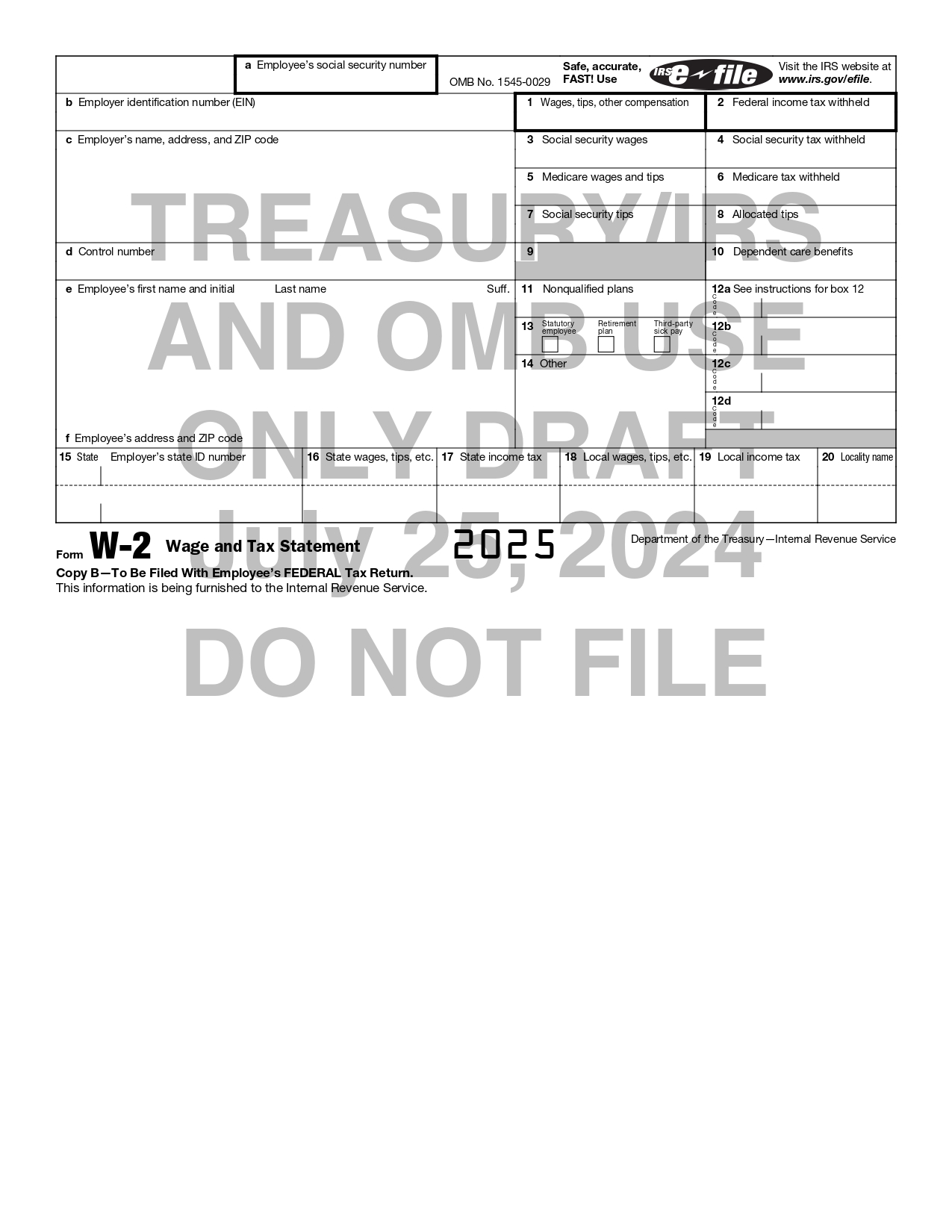
The W-2 form is the cornerstone of federal tax reporting for labor. It documents the total wages, tips, and other compensation paid to an employee, as well as the taxes withheld throughout the calendar year. While the IRS ultimately uses this data to verify individual income tax returns, the Social Security Administration serves as the collection point.
When you "submit W-2 to IRS," you are technically performing a two-fold task: providing a copy to the employee and filing the data with the SSA, which then transmits that information to the IRS. Failure to do so accurately and on time disrupts the federal tax system and subjects your business to significant financial penalties under the Internal Revenue Code.
Prerequisites for Successful Filing
Before attempting to file, you must ensure your business entity is prepared for the digital submission process. Manual, paper-based filing is increasingly discouraged by the IRS and is subject to strict volume limits; electronic filing is now the industry standard and, for many businesses, a requirement.
1. Obtain an Employer Identification Number (EIN)
You cannot file a W-2 without a valid federal Employer Identification Number. This unique nine-digit number identifies your business to the IRS and must appear on all tax documents. If you have misplaced your EIN, you can retrieve it by calling the IRS Business & Specialty Tax Line or checking your previous tax filings.
2. Prepare Wage and Withholding Data
Compile accurate records for every employee who worked for you during the tax year. This includes:
- Gross wages and salary.
- Federal income tax withheld.
- Social Security and Medicare wages.
- State and local tax data.
- Any elective deferrals (such as 401(k) contributions).
3. Register for Business Services Online (BSO)
The Social Security Administration’s BSO portal is the centralized hub for electronic W-2 submission. You must register for a login credential. If you are a third-party payroll provider, you will need the specific credentials associated with your firm’s authorization to act on behalf of your clients.
The Step-by-Step Filing Process
The electronic submission process is designed to minimize errors and expedite processing. Following these steps ensures your submission meets current standards.
Step 1: Selecting Your Filing Method
- W-2 Online: Ideal for small businesses (less than 50 forms). You can enter the data directly into a web-based form on the BSO portal. This method provides immediate feedback on data formatting.
- W-2 Upload: Suitable for larger businesses or those using payroll software. You create a file formatted to the SSA’s "Specifications for Filing Forms W-2 Electronically" (EFW2) standards and upload it directly to the BSO.
Step 2: Creating the Submission
Ensure all names and Social Security Numbers (SSNs) match exactly what is on the employees' Social Security cards. A common cause of rejection is a mismatch between a name and its associated SSN. Use the SSA’s Name Verification service if you are unsure about the accuracy of the data before final submission.
Step 3: Transmitting the Data
Once your file is prepared or your entries are complete, log in to your BSO account. Follow the prompts to upload your EFW2 file or submit your online forms. You will receive a tracking number upon successful submission. Save this number; it serves as your receipt and proof of filing for your corporate records.
Step 4: Verification and Confirmation
After submission, the SSA performs an automated check. Within 24 to 48 hours, you should check your BSO account for a "Status" update. If the submission was rejected, the portal will provide error codes. You must correct these errors and resubmit the files as soon as possible to avoid late-filing penalties.
Comparison of Filing Methods
Choosing the right filing method depends on your organizational structure and the volume of employees you manage.
| Filing Method | Best For | Technical Requirement |
|---|---|---|
| Online Data Entry | 1–50 Employees | BSO Account, Web Browser |
| Bulk File Upload | 50+ Employees | EFW2 Format Compliance |
| Payroll Service | Complex Structures | API/Third-Party Integration |
| Paper Filing | < 10 Employees | Form W-3 Transmittal |
Note: Paper filing is highly discouraged and is subject to strict eligibility requirements.
Critical Deadlines and Penalties
The Internal Revenue Service strictly enforces the January 31 deadline. This date applies to both providing the W-2 to the employee and filing the copy with the government.
Late Filing Consequences
The penalty structure for late or incorrect filing is indexed for inflation. As of 2026, penalties are tiered based on how long past the deadline the correction is filed.
- Within 30 days: Reduced penalty per return.
- After 30 days but before August 1: Significant increase in per-return penalty.
- After August 1: Maximum penalty per return.
If you know you will be unable to meet the deadline, you may request an automatic 30-day extension by filing Form 8809, Application for Extension of Time to File Information Returns. Note that this extension is generally not automatic for providing copies to employees; it primarily applies to the filing with the SSA/IRS.
Frequently Asked Questions
What happens if I make a mistake on a submitted W-2?
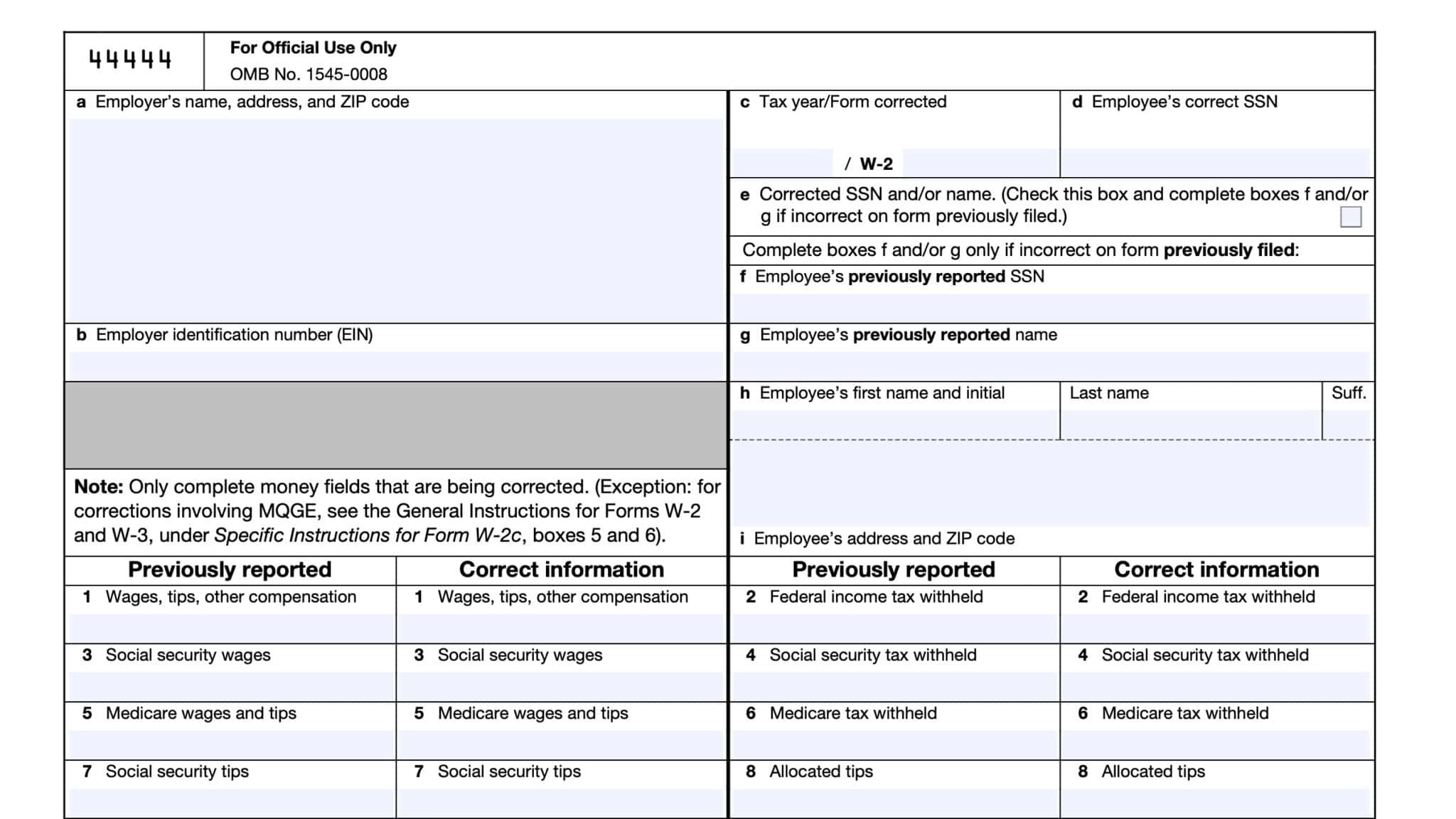
If you discover an error after filing, you must issue a Form W-2c, Corrected Wage and Tax Statement. You should file this form with the SSA and provide a copy to the employee immediately. Do not attempt to file a new, original W-2 to "override" the mistake, as this will result in duplicate records.
Can I file W-2s via the IRS portal directly?
No. While the IRS mandates the submission, they delegate the collection of W-2 forms to the Social Security Administration. You must use the SSA’s BSO website, not the IRS’s e-Services portal, to submit these specific wage documents.
What is the EFW2 format?
The EFW2 format is the specific technical standard required for electronic files uploaded to the SSA. It is a text-based file structure defined in the "Specifications for Filing Forms W-2 Electronically" documentation. Most commercial payroll software is built to generate this file automatically.
Do I need to send a W-3 form if I file electronically?
No. The Form W-3, Transmittal of Wage and Tax Statements, is a summary document used primarily for paper filing. When you file electronically via the BSO portal, the system automatically generates a summary that serves the same function as the W-3.
Is there a cost to use the BSO portal?
No. The Social Security Administration does not charge a fee for employers to register or submit W-2 forms through the BSO portal. Be wary of third-party websites claiming to charge for "submission services" that are actually just redirects to the free government portal.
Next Actions for Employers
The most proactive step you can take is to verify the SSNs of your employees early in the fourth quarter. Waiting until late January creates a bottleneck that increases the risk of errors and missed deadlines. Ensure your payroll software is updated to the current 2026 tax standards and test your BSO login credentials at least two weeks before the January 31 deadline. If you rely on a payroll service, confirm that they have already secured the necessary authorization to submit these files on your behalf.
Image Gallery