How to Stream Local CBS Live: A Complete Guide to Channels, Apps, and Devices
To stream your local CBS station live, subscribe to the Paramount+ with SHOWTIME plan, which includes a 24/7 feed of your regional CBS affiliate. Alternatively, live TV streaming services such as YouTube TV, Hulu + Live TV, Fubo, and D...
To stream your local CBS station live, subscribe to the Paramount+ with SHOWTIME plan, which includes a 24/7 feed of your regional CBS affiliate. Alternatively, live TV streaming services such as YouTube TV, Hulu + Live TV, Fubo, and DIRECTV STREAM carry local CBS channels across most U.S. markets. You can also watch free over-the-air broadcasts using an HD antenna paired with a network tuner.
Contents
Primary Ways to Stream Your Local CBS Channel
Streaming local broadcast television has evolved from a complex technical workaround into a straightforward process. However, because local CBS stations are owned and operated either by Paramount Global or independent affiliate groups (such as Nexstar, Sinclair, or Gray Television), availability depends on location-based carriage agreements and distribution rights.
Choosing the best method requires evaluating whether you want a standalone channel subscription, a full cable-replacement package, or a completely free over-the-air setup.
1. Paramount+ with SHOWTIME (Direct-to-Consumer Streaming)
The most direct and economical way to stream your local CBS affiliate online without a traditional pay-TV bundle is through Paramount+.
It is vital to understand the distinction between the service’s subscription tiers:
- Paramount+ Essential: This budget-friendly plan does not include a live feed of your local CBS station. While it offers select live marquee sporting events (such as NFL on CBS broadcasts and UEFA Champions League matches), it lacks access to local news, local weather, and the continuous 24/7 live linear feed of your market’s station.
- Paramount+ with SHOWTIME: This premium tier includes the continuous, 24/7 live stream of your local CBS affiliate. When you log in, the app uses your device's location data or your internet protocol (IP) address to match you with the local CBS station serving your Designated Market Area (DMA).
How to Set Up Paramount+ for Local Streaming
- Register for an account on the Paramount+ website or app.
- Select the Paramount+ with SHOWTIME tier.
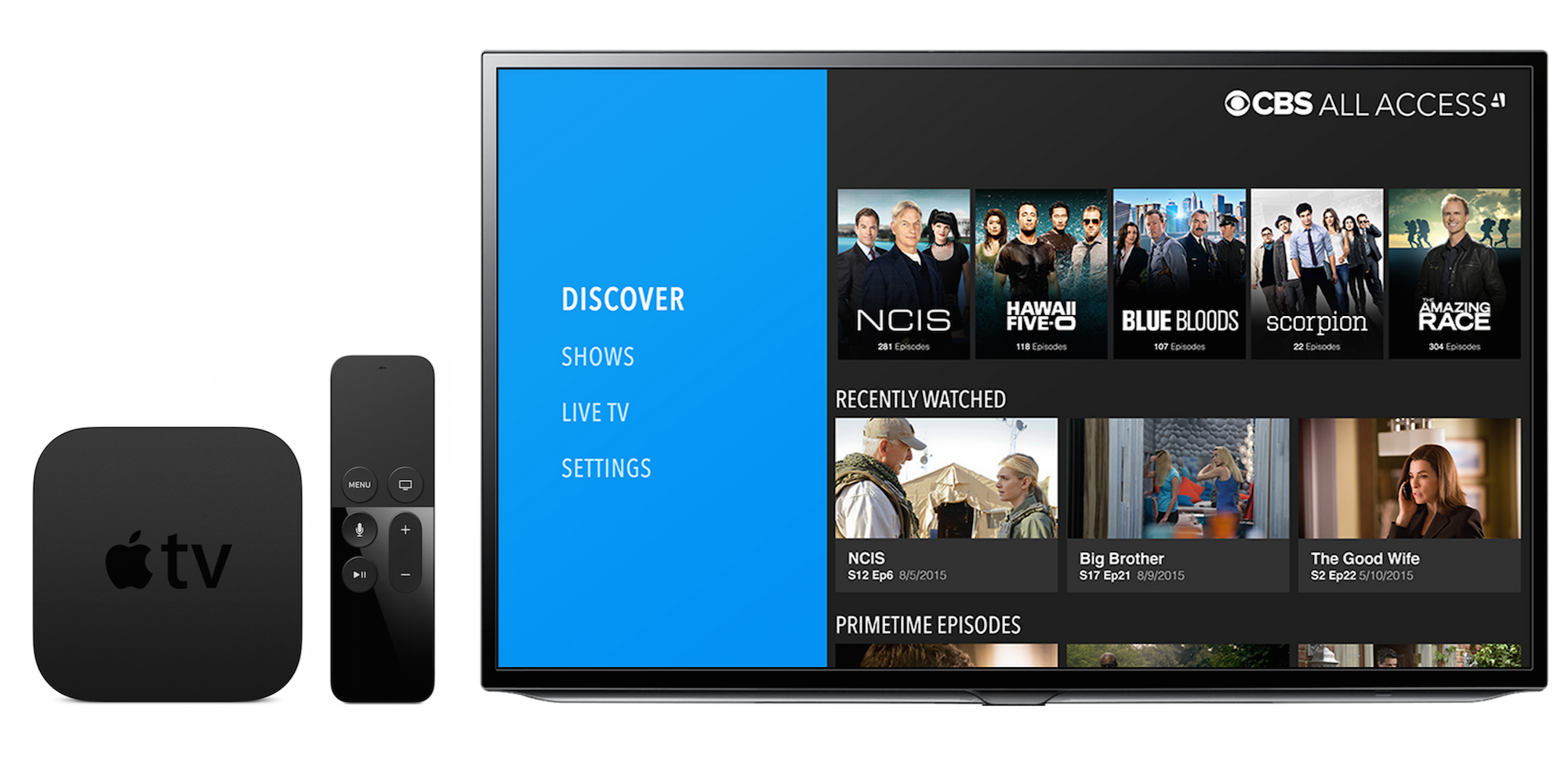
- Download the app on your preferred hardware (Roku, Amazon Fire TV, Apple TV, Google TV, Samsung Smart TV, or mobile device).
- Sign in and grant the app location access permissions when prompted.
- Navigate to the Live TV tab to load your regional station’s live broadcast.
2. Live TV Streaming Services (vMVPDs)
Virtual Multichannel Video Programming Distributors (vMVPDs) function like traditional cable subscriptions delivered over your high-speed internet connection. These services deliver full channel lineups, cloud DVR storage, and complete local broadcast networks (CBS, NBC, FOX, ABC) side by side.
YouTube TV
YouTube TV offers comprehensive local CBS affiliate coverage across nearly 100% of U.S. television markets.
- Key Features: Unlimited cloud DVR storage with a 9-month retention period, up to 6 individual accounts per household, and 3 simultaneous streams.
- CBS Availability: Includes full access to local CBS programming, including regional NFL broadcasts, college basketball, daytime shows, and local evening newscasts.
Hulu + Live TV
Hulu + Live TV pairs its extensive on-demand streaming library with live broadcast and cable channels, including local CBS stations in almost every media market.
- Key Features: Includes access to Disney+ and ESPN+ bundled into the base subscription rate, alongside unlimited cloud DVR.
- CBS Availability: Offers live local CBS stations in virtually all markets across the United States.
Fubo
Originally focused on international sports, Fubo has built out a massive channel lineup that includes local CBS stations in most U.S. zip codes.
- Key Features: Generous cloud DVR capacity, robust sports-first interface features (such as multi-view on supported devices), and 4K HDR streams for select high-profile sporting events.
- CBS Availability: Broad nationwide coverage, making it a viable alternative for viewers who want local sports broadcasts paired with regional sports networks (RSNs).
DIRECTV STREAM
DIRECTV STREAM offers a familiar channel-flipping interface reminiscent of satellite television.
- Key Features: Unlimited cloud DVR (when ordered online), full support for traditional-style remote controls on proprietary hardware, and extensive carriage of regional sports networks on higher-tier plans.
- CBS Availability: Local CBS channels are included in the foundational "Entertainment" package across almost all markets.
Important Exception: Sling TV
Sling TV does not carry local CBS channels in any of its packages (Sling Orange, Sling Blue, or combined plans). If local CBS access is a strict requirement for your household, Sling TV will not satisfy your needs unless paired with an over-the-air antenna setup.
3. Over-the-Air (OTA) Antenna with Local Network Streaming
If you prefer to eliminate recurring monthly subscription fees entirely, you can receive your local CBS station broadcast over the air for free using an HD digital TV antenna. Modern digital signals provide uncompressed 1080i high-definition video that often delivers superior image quality and lower latency compared to compressed internet streams.
To stream this free antenna signal to smart TVs, phones, tablets, or streaming devices throughout your house, you can integrate a network-attached TV tuner:
- HDHomeRun (by SiliconDust): Connects directly to your digital antenna and home internet router. It converts the broadcast ATSC 1.0 or ATSC 3.0 (NextGen TV) television signal into an IP network stream accessible via the HDHomeRun app on Roku, Fire TV, Apple TV, iOS, and Android.
- Tablo TV: A dedicated OTA DVR system that plugs into your antenna and home Wi-Fi network. It records local CBS shows to attached storage and streams live and recorded broadcast television to connected devices in your home network without requiring coax cables attached to every television.
Service Comparison: Cost, Features, and CBS Availability
The following comparison table details the current options for streaming your live local CBS channel.
| Service | Local CBS Availability | Pricing Tier Required | Cloud DVR Included | Simultaneous Streams | Free Trial Offered |
|---|---|---|---|---|---|
| Paramount+ | Yes (99%+ markets) | Paramount+ with SHOWTIME | No (On-Demand Only) | 3 Streams | Yes (7 Days) |
| YouTube TV | Yes (99%+ markets) | Base Plan | Unlimited (9 Months) | 3 Streams | Yes (Varies) |
| Hulu + Live TV | Yes (98%+ markets) | Base Live TV Plan | Unlimited (9 Months) | 2 Streams | Occasional |
| Fubo | Yes (95%+ markets) | Pro Plan or Higher | Unlimited | 10 Streams (Home) | Yes (7 Days) |
| DIRECTV STREAM | Yes (98%+ markets) | Entertainment Plan | Unlimited | Unlimited (Home) | Yes (5 Days) |
| Sling TV | No | N/A | N/A | N/A | N/A |
| OTA Antenna + Tuner | Yes (Varies by location) | One-time Hardware Cost | Optional Hardware DVR | Unlimited Local Wi-Fi | N/A |
Understanding Location Rights and Market Area Rules
Local television in the United States operates under a regulatory framework governed by the Federal Communications Commission (FCC) and contractual agreements between national broadcast networks and local station owners. Understanding these mechanisms helps explain why your local station feed depends strictly on your immediate location.
- Designated Market Area (DMA)
- User Device Location provides IP Address / GPS to Streaming App
- Streaming App verifies Regional Rights & Serves Assigned Local CBS Affiliate
How Geo-Location Determines Your Local Affiliate
Nielsen divides the United States into 210 distinct Designated Market Areas (DMAs) based on regional viewing patterns. When you launch a streaming app to watch CBS live:
- The service reads your device’s GPS coordinate data (on mobile platforms) or checks your Internet Service Provider's (ISP) public IP address block (on smart TVs and streaming sticks).
- The platform cross-references your current physical location against DMA boundaries.
- The platform serves the specific affiliate station licensed to broadcast within that market (for example, WCBS in New York, KCBS in Los Angeles, or WBBM in Chicago).
Mobile vs. Living Room Device Location Verification
Because sports distribution agreements enforce regional blackout rules, streaming providers treat mobile devices differently than stationary living-room streaming hardware:
- Smart TVs & Streaming Boxes (Roku, Apple TV, Fire Stick): These devices generally rely on your internet connection's IP geolocation. If your ISP routes your traffic through a server located in a neighboring city, your app may occasionally misidentify your local affiliate.
- Smartphones and Tablets: These platforms use internal GPS chips to pinpoint your physical location. Live TV services routinely check these coordinates to authorize local stream delivery.
If you travel outside your home market, your live TV subscription will automatically update to stream the local CBS affiliate of the city you are currently visiting, rather than your home station feed.
How to Stream Local CBS Free of Charge
While continuous 24/7 access to your primary local CBS station standard entertainment lineup usually requires a paid service, there are legitimate methods to watch specific local CBS content for free:
1. CBS News 24/7 and Local Station Newscasts
If your primary goal is keeping up with local emergency updates, regional weather, and spot news coverage, CBS offers free live streaming of its local news channels.
- Through the CBS News App (and platforms like Pluto TV, Samsung TV Plus, and Paramount+ free tier), CBS operates free, ad-supported 24/7 local news streams for major metropolitan areas (including New York, Los Angeles, Chicago, Philadelphia, Dallas, San Francisco, Boston, and Atlanta).
- Note: These free channels broadcast local news segments, weather reports, and regional press conferences. They do not stream prime-time CBS network entertainment shows, daytime soap operas, or live national sporting events.
2. Digital Indoor/Outdoor Antenna
Using an antenna remains the single most reliable, high-quality, and completely free method to watch your local CBS channel indefinitely. A simple indoor antenna (such as a flat multi-directional model) works well for homes located within 15–30 miles of local broadcast towers, while outdoor or attic-mounted directional antennas reliably capture broadcasts from 40–70 miles away.
Step-by-Step Troubleshooting for Local CBS Streaming Issues
Streaming errors, missing local feeds, and location conflicts can occur due to network settings, location permissions, or system updates. Here is how to resolve the most frequent issues.
Issue 1: Incorrect Local Affiliate Displayed
If your streaming app displays a CBS channel from a neighboring market or an incorrect city, your internet provider’s dynamic IP address assignment is likely misidentified by the app's geolocation system.
- Solution A: Restart Network Hardware. Unplug your modem and Wi-Fi router for 60 seconds. Rebooting forces your ISP to re-assign a fresh IP address, which frequently corrects misidentified location nodes.
- Solution B: Update Home Network Settings. Open the settings menu inside your live TV app (such as YouTube TV or Hulu), locate the Location or Home Area settings, and select Update Location.
- Solution C: Disable Virtual Private Networks (VPNs). Active VPN connections route your internet traffic through external servers, blocking the streaming service from reading your local market access rights. Turn off any active VPN apps on your device or router.
Issue 2: Blackouts or Restricted Broadcasts
Occasionally, live sporting events broadcast on CBS may be blacked out or restricted in certain regions due to local venue blackout policies or mobile streaming rights restrictions.
- Solution: Ensure your device's location services are turned on. If you are watching on a mobile device or laptop, enable precise location permissions inside your device settings and web browser menu so the app can verify you are outside the blackout zone.
Issue 3: Mobile Location Services Error
If your mobile device displays a prompt reading "Location services required to view live TV" when launching a live stream:
- iOS Devices: Navigate to Settings > Privacy & Security > Location Services. Ensure Location Services is toggled On, locate your streaming app in the list, and select While Using the App. Turn on Precise Location.
- Android Devices: Navigate to Settings > Location. Turn on Use Location. Tap App Permissions, select your streaming app, and set the permission to Allow only while using the app. Turn on Use precise location.
Frequently Asked Questions
Can I stream local CBS for free?
You can watch your local CBS station for free by connecting a digital antenna to your television set. Additionally, free streaming apps like Pluto TV and the CBS News App offer free 24/7 local news broadcasts from major CBS stations, though these free news streams do not include live CBS prime-time network shows or live national sports broadcasts.
Does the basic Paramount+ plan include my local CBS channel?
No. The entry-level Paramount+ Essential plan does not include the live 24/7 stream of your local CBS station. To access your local station’s continuous live broadcast, you must subscribe to the Paramount+ with SHOWTIME tier.
Why is my streaming service showing the wrong local CBS affiliate?
This issue typically happens when your internet service provider assigns an IP address that maps geographically to a neighboring region or central data hub. You can resolve this by updating your "Current Play Area" or "Home Location" within your streaming app settings, restarting your internet router, or ensuring any active VPN is turned off.
Can I stream local CBS on Sling TV?
No. Sling TV does not carry local CBS affiliate channels in any of its channel packages. To watch CBS while using Sling TV for other cable networks, you must use an over-the-air antenna or complement your setup with a standalone subscription to Paramount+ with SHOWTIME.
How do I stream NFL games that air on CBS?
You can stream NFL games broadcast by CBS using either the Paramount+ with SHOWTIME plan, the Paramount+ Essential plan (which carries regional NFL on CBS games), or live TV streaming services carrying local CBS channels (such as YouTube TV, Hulu + Live TV, Fubo, and DIRECTV STREAM). You can also watch NFL on CBS for free using a digital TV antenna.
Next Actions: Selecting the Right CBS Streaming Setup
To choose the best configuration for your home, match your primary viewing goals with your budget:
- For the lowest monthly cost focused primarily on CBS: Subscribe to Paramount+ with SHOWTIME. It delivers your direct 24/7 local station feed along with on-demand entertainment and live sports without forcing you to pay for an expensive cable package.
- For a total cable television replacement: Choose YouTube TV or Hulu + Live TV. Both provide excellent reliability, nationwide local CBS coverage, and comprehensive cloud DVR capabilities for your entire household.
- For completely free, subscription-free viewing: Purchase a quality indoor or outdoor HD antenna. For multi-room streaming across your home Wi-Fi network, pair the antenna with an HDHomeRun or Tablo TV network tuner.
Image Gallery