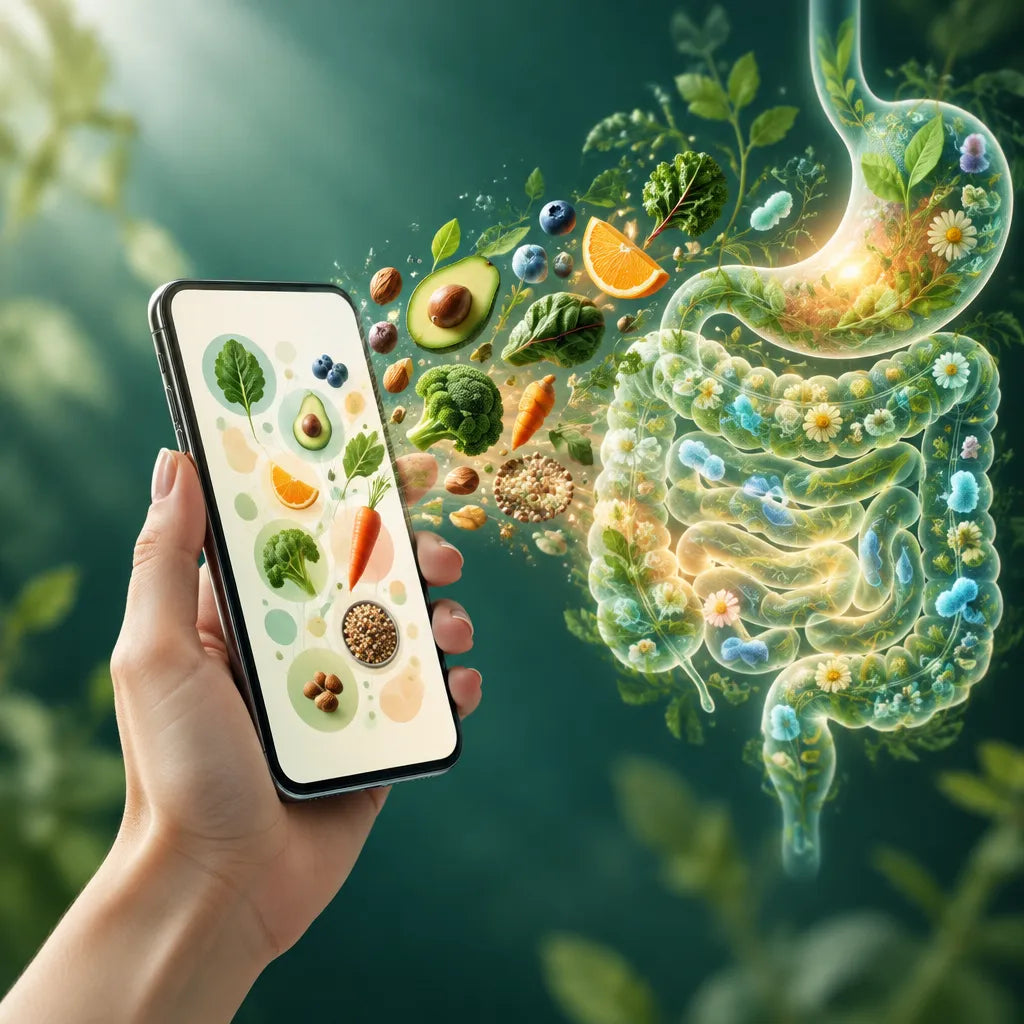
Best Free Food Tracker Apps for iPhone in 2026: A Comprehensive Guide
Finding a reliable free food tracker app for iPhone involves balancing database accuracy, ease of use, and integration with the Apple ecosystem. While many apps offer premium tiers, several high-quality options provide robust calorie a...
Finding a reliable free food tracker app for iPhone involves balancing database accuracy, ease of use, and integration with the Apple ecosystem. While many apps offer premium tiers, several high-quality options provide robust calorie and macro tracking without a subscription, helping users achieve their health goals effectively through seamless HealthKit synchronization and intuitive interfaces.
Contents
The Evolution of Food Tracking on iOS
As we move through 2026, the landscape of mobile health technology has shifted from simple calorie counting to holistic metabolic health monitoring. For iPhone users, the hardware-software integration provides a unique advantage. The iPhone is not just a screen for logging meals; it serves as a central hub for health data via the Apple Health app.
A "free" food tracker in today’s market typically falls into two categories: truly free (ad-supported or open-source) or "freemium" (offering core logging features for free while gating advanced analytics). To find the best solution, one must look beyond the initial download and evaluate the depth of the food database, the availability of barcode scanning, and how well the app respects iOS privacy standards.
The primary challenge users face is the "paywall fatigue" where essential features like barcode scanning or macro breakdowns are moved behind a subscription. This guide examines the top-performing apps that maintain high utility for non-paying users.
Essential Criteria for a Quality Free Food Tracker
Before selecting an app, it is important to understand the technical requirements and features that make a food tracker functional on an iPhone in 2026.
HealthKit Integration
Any food tracker on an iPhone must support bidirectional syncing with Apple Health. This allows the app to pull "Active Energy" (calories burned) from your Apple Watch and push "Dietary Energy" and "Macronutrients" to the Health app. This creates a unified view of your caloric deficit or surplus without manual data entry between platforms.
Database Integrity
A tracker is only as good as its data. Some apps rely heavily on user-generated content, which can lead to inaccuracies (e.g., "1 Large Apple" listed as 0 calories). The best free apps utilize verified databases such as the USDA National Nutrient Database or the NCCDB (Nutrition Coordinating Center Food and Nutrient Database).
User Experience (UX) and Input Speed
The "friction" of logging is the number one reason people stop tracking. Features like multi-add (selecting multiple items at once), meal cloning, and Siri Shortcuts for voice logging are critical for long-term consistency.
Top Free Food Tracker Apps for iPhone Reviewed
1. Cronometer: The Gold Standard for Accuracy
Cronometer remains a favorite in 2026 for users who prioritize nutritional density over simple calorie counting. Unlike many competitors, Cronometer’s free version provides access to granular micronutrient data, including vitamins, minerals, and amino acids.
Why it stands out: Cronometer uses a staff-verified database. When you log a food item, you can be confident that the nutritional information is accurate. For iPhone users, the app offers excellent widgets that display your remaining calories or macro rings directly on the Home Screen.
Free Version Limitations: While the core logging and nutrient tracking are free, the "Gold" version removes ads and allows for more advanced features like recipe sharing and "Oracle" (a tool that suggests foods to hit remaining nutrient targets). However, for the average user, the free tier is more than sufficient for comprehensive tracking.
2. MyFitnessPal: The Largest Database
MyFitnessPal continues to be a dominant force due to its sheer scale. With a database of over 14 million foods, it is almost impossible to find a product that isn't already listed.
Why it stands out: The primary advantage is the community and the database. If you eat out at restaurants or consume branded packaged goods, MyFitnessPal will almost certainly have the data. It also integrates with almost every other fitness wearable and app in existence.
Free Version Limitations: In recent years, MyFitnessPal has moved some features, such as the barcode scanner, in and out of the premium tier depending on the region. In 2026, many users find the free version somewhat cluttered with advertisements and prompts to upgrade. To use it effectively for free, users often rely on the manual search function rather than the premium-locked barcode utility.
3. FatSecret: The Truly Free Alternative
FatSecret is often overlooked but remains one of the most generous free apps on the App Store. It provides a clean, no-nonsense interface without the aggressive upselling found in other apps.
Why it stands out: FatSecret offers a barcode scanner and detailed macro reporting for free. It also includes a "Professional" toolset that allows you to share your data directly with a healthcare provider or nutritionist. The app feels lightweight and respects iOS design language, making it very fast to use on newer iPhone models.
4. Lose It!: Best for Gamification and Weight Loss
Lose It! is designed specifically for those whose primary goal is weight loss. It uses a colorful, icon-based interface that makes the process feel less like a chore and more like a game.
Why it stands out: The "Snap It" feature (using the iPhone camera to identify food) has improved significantly by 2026, though its accuracy still trails behind manual logging. The app provides excellent motivational challenges and community support features that are accessible to free users.
Technical Comparison of Free iPhone Food Trackers
The following table compares the essential features of the top free tiers available for iOS users.
| Feature | Cronometer | MyFitnessPal | FatSecret | Lose It! |
|---|---|---|---|---|
| Verified Database | Yes (High) | Partial (User-led) | Yes | Partial |
| Barcode Scanner | Included | Regional/Premium | Included | Included |
| Micronutrient Data | Comprehensive | Basic (Free) | Moderate | Basic |
| Apple Health Sync | Bidirectional | Bidirectional | Bidirectional | Bidirectional |
| Ad-Supported | Yes | Yes (Heavy) | Minimal | Yes |
| Siri Shortcuts | Yes | Yes | Yes | Yes |
Maximizing the Use of Food Trackers on iOS
To get the most out of a free food tracker app on your iPhone, you should utilize the built-in system features that Apple provides.
Utilizing Widgets and Smart Stacks
In 2026, iOS widgets are more interactive than ever. Most major food trackers offer widgets that allow you to see your "Calories Remaining" or "Protein Target" at a glance. By adding these to a "Smart Stack" on your Home Screen, you can keep your goals top-of-mind without even opening the app.
Siri and Shortcuts Integration
For "frictionless" logging, set up Siri Shortcuts. You can create commands like "Hey Siri, log 500ml of water" or "Hey Siri, log my standard breakfast." This bypasses the need to manually search for items you eat every day.
Managing Privacy and Permissions
Since food data is sensitive health information, it is crucial to manage your permissions. Go to Settings > Health > Data Access & Devices to control exactly what information your tracker can read from or write to the Apple Health database. You may want an app to read your "Workouts" to adjust your calorie goals, but you might not want it to read your "Sleep" or "Heart Rate" data if it doesn't serve a functional purpose.
Common Pitfalls and How to Avoid Them
Even with the best free app, many users struggle with accuracy and consistency.
- Estimating Portion Sizes: Users often underestimate how much they are eating. While the app is free, a cheap digital kitchen scale is a worthwhile investment. Weighing food in grams is the only way to ensure the data you put into your iPhone is correct.
- Ignoring "Hidden" Calories: Many free users forget to log cooking oils, sauces, and condiments. These can easily add 300–500 calories to a day’s total.
- Relying on User-Generated Data: In apps like MyFitnessPal, look for "verified" entries (usually marked with a checkmark). Unverified entries often lack macro data or have incorrect calorie counts.
- Inconsistent Syncing: Sometimes the sync between your iPhone and Apple Watch can lag. If your calories burned aren't showing up, ensure that both the tracker app and the Health app have "Background App Refresh" enabled in your iPhone settings.
Troubleshooting iOS Sync Issues
If your free food tracker isn't communicating with your Apple Health app, follow these technical steps:
- Check Permissions: Navigate to the Health app, tap your profile icon, select "Apps," and ensure the specific tracker has all toggles turned on.
- Force Sync: Most apps have a "Sync Now" button hidden in the settings menu.
- Update iOS: Ensure you are running the latest version of iOS 19 (or the current 2026 iteration) as HealthKit updates often require the latest system frameworks to function correctly.
- Re-Authenticate: Sometimes toggling the HealthKit permissions off and then back on again can "wake up" the data pipeline.
Frequently Asked Questions
Can I track my macros for free on an iPhone?
Yes, most food trackers allow you to track the three primary macronutrients (Protein, Carbohydrates, and Fats) in their free versions. Cronometer is particularly noted for providing the most detailed breakdown, including fiber and sugar subtypes, without requiring a subscription.
Does the Apple Health app track food automatically?
No, the Apple Health app does not have a built-in food database for logging. It acts as a storage vault. You must use a third-party app (like the ones listed in this guide) to input the data, which is then "written" to the Health app for centralized viewing.
Is barcode scanning still free in 2026?
The availability of barcode scanning depends on the app's business model. While MyFitnessPal has historically experimented with gating this feature, apps like FatSecret and Cronometer have maintained barcode scanning in their free tiers to remain competitive.
How do food tracker apps affect iPhone battery life?
Most modern food trackers have a negligible impact on battery life because they are not running in the background constantly. However, if an app uses GPS for "restaurant discovery" or has poorly optimized background refresh for syncing, you may notice a slight drain. You can disable "Location Services" for these apps in your iPhone settings to save power.
Which free app is best for a keto diet?
Cronometer is generally considered the best for keto because it allows you to track "Net Carbs" (Total Carbs minus Fiber and Sugar Alcohols) for free. Many other apps require a premium subscription to calculate net carbs automatically.
Final Recommendation for iPhone Users
For most iPhone users in 2026, Cronometer is the recommended starting point due to its data accuracy and extensive free features. If you find the interface too clinical and prefer a more social or visually driven experience, Lose It! is an excellent second choice. For those who want the simplest experience with the least amount of "upselling," FatSecret remains the most honest free utility available on the App Store. Regardless of which app you choose, ensuring it is properly synced with your Apple Health ecosystem is the most important step in maintaining a long-term, data-driven health routine.
Image Gallery