Messenger Secret Conversations Explained: A Guide to End-to-End Encryption
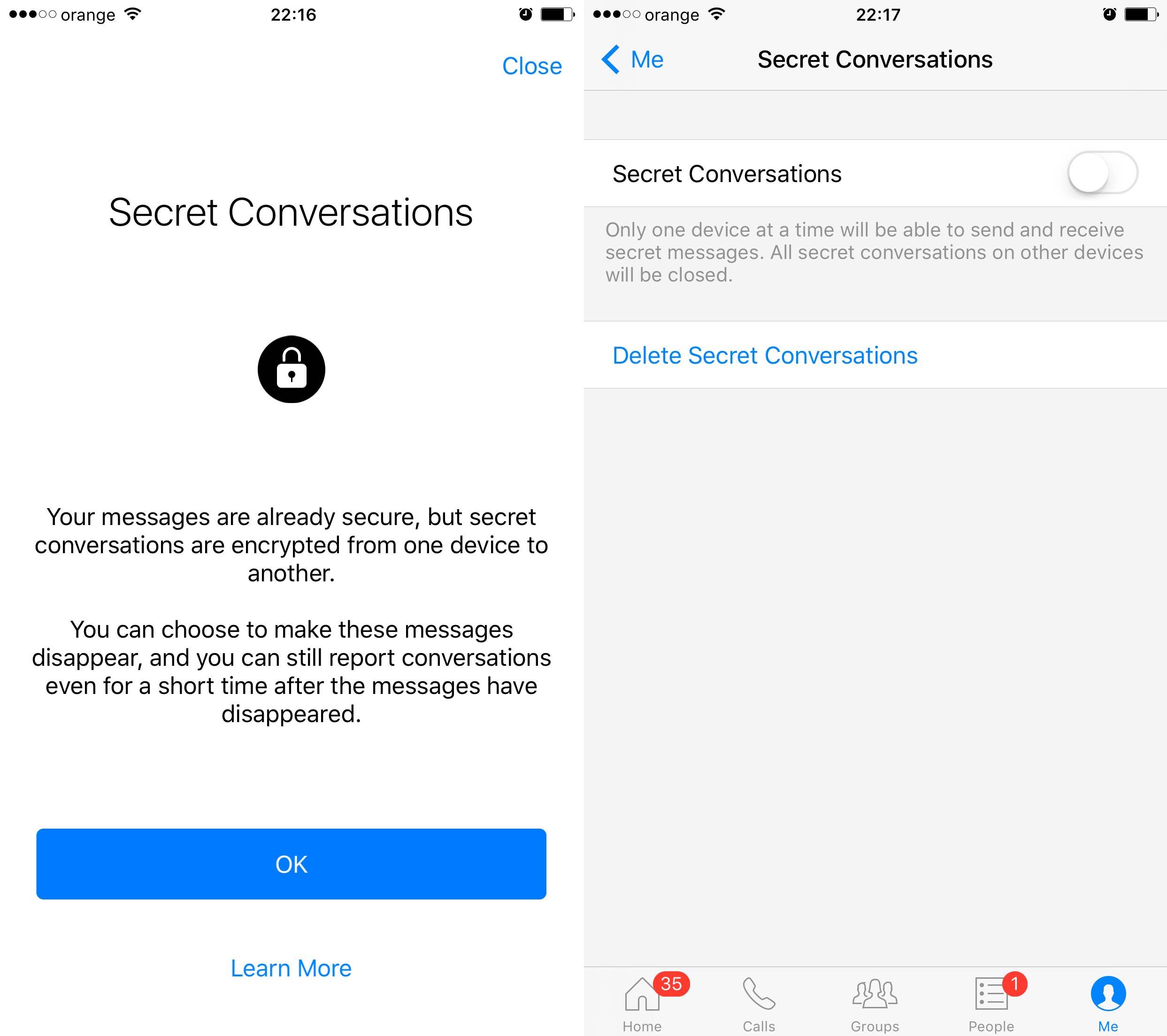
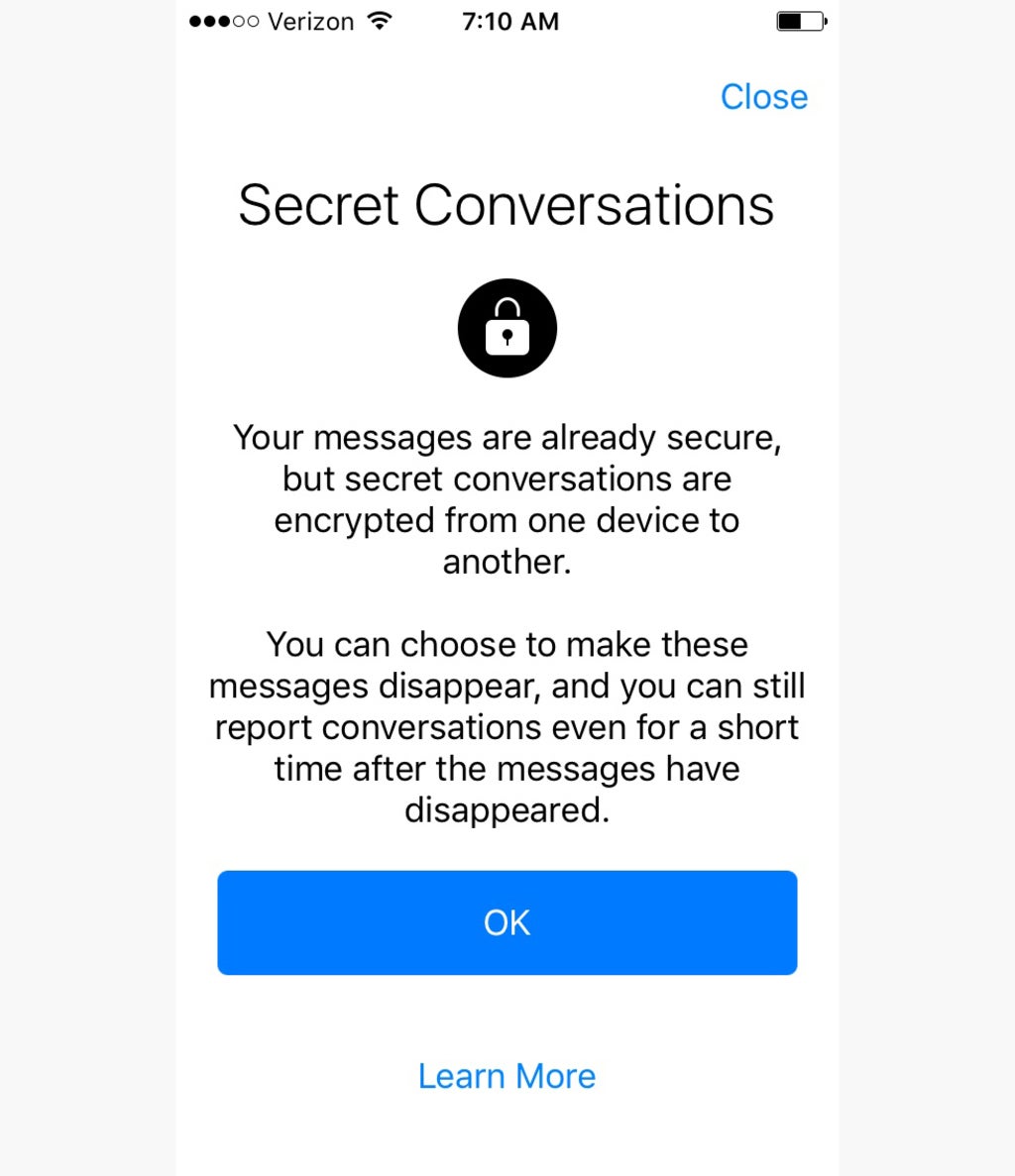
Messenger Secret Conversations are chats protected by end-to-end encryption (E2EE) using the Signal Protocol. This security framework ensures that only the sender and the intended recipient can read the message contents—not even Meta c...
Messenger Secret Conversations are chats protected by end-to-end encryption (E2EE) using the Signal Protocol. This security framework ensures that only the sender and the intended recipient can read the message contents—not even Meta can access them. By 2026, this technology has transitioned from an optional niche feature to the default standard for billions of users worldwide.
Contents
The Evolution of Privacy in Messenger
For much of its history, Facebook Messenger operated on a model where messages were encrypted between the user’s device and the company’s servers. While this protected data from external hackers, the service provider (Meta) technically held the keys to decrypt and scan message content for advertising or moderation purposes. The introduction of Secret Conversations in 2016 marked a fundamental shift toward user-centric privacy.
In the years leading up to 2026, Meta underwent a massive infrastructure overhaul to make end-to-end encryption the default for all personal chats. This transition was complex because Messenger was originally designed to store chat history on the cloud, allowing users to access messages seamlessly across multiple devices. Implementing E2EE required reinventing how data is stored and synced without compromising the "zero-knowledge" principle of encryption.
Today, "Secret Conversations" refers to the specific implementation of the Signal Protocol, an industry-standard encryption method also used by WhatsApp and Signal. This protocol ensures that every message, image, and voice note is locked with a unique key that never leaves the user's device.
How End-to-End Encryption Works
To understand Messenger Secret Conversations, one must grasp the mechanics of asymmetric cryptography. When you start an encrypted chat, your device generates a set of cryptographic keys: a public key and a private key.
- Public Key: This is shared with Meta’s servers and passed to the person you are messaging. It acts like an open padlock that anyone can use to lock a box.
- Private Key: This stays exclusively on your device. It is the only key capable of unlocking the "box" encrypted by your public key.
When you send a message, the Messenger app uses the recipient's public key to scramble the text into ciphertext. This scrambled data travels through Meta's servers. Even if a government agency or a rogue employee intercepted the data at this stage, it would appear as gibberish. Only when the data reaches the recipient's device does their private key decrypt it back into readable text.
According to the Signal Protocol documentation, this process also utilizes "Forward Secrecy." This means that the encryption keys change constantly. If a single key were somehow compromised in the future, it could not be used to decrypt past messages, as those were locked with older, different keys.
Key Features of Secret Conversations
While the primary goal is security, Messenger Secret Conversations include several functional features designed for high-stakes privacy.
Disappearing Messages
Users can set a timer for their messages to vanish after being read. In 2026, this ranges from five seconds to 24 hours. Once the timer expires, the message is deleted from both the sender's and receiver's devices, as well as Meta's temporary transit servers. This is particularly useful for sharing sensitive information like passwords or temporary access codes.
Screenshot Notifications
To discourage the unauthorized saving of disappearing content, Messenger provides alerts if a recipient takes a screenshot of a secret conversation. While no software can prevent someone from taking a photo of their screen with another camera, this feature serves as a significant deterrent and an essential layer of social privacy.
Device-Specific History
Unlike standard cloud-based chats, Secret Conversations were historically tied to a single device. If you started a secret chat on your iPhone, you wouldn't see it on your iPad. However, with the 2026 "Secure Storage" updates, Meta allows users to back up their encrypted chats using a PIN or a 40-digit code. This keeps the history encrypted while allowing it to be restored on new hardware.
How to Start and Verify a Secret Conversation
As of 2026, most chats are encrypted by default, but you can still manually initiate a "Secret" session or verify the encryption of an existing one.
Initiating a Chat
- Open the Messenger app on your mobile device.
- Tap the Compose icon (pencil) in the top right corner.
- Toggle the Lock icon (Secret) to the "On" position.
- Select the contact you wish to message.
- Look for the "End-to-end encrypted" label at the top of the chat window.
Verifying Security Keys
For those requiring maximum assurance, Messenger allows you to compare "Device Keys." Each participant in a secret conversation has a unique string of numbers.
- Tap the recipient's name at the top of the chat.
- Select End-to-end encryption and then Verified.
- Compare the numbers on your screen with those on your friend’s screen (ideally via a different communication channel or in person). If they match, the connection is mathematically proven to be secure against "Man-in-the-Middle" (MITM) attacks.
Comparing Messenger Chat Types
It is important to distinguish between the different modes available within the Messenger ecosystem.
| Feature | Standard (Legacy) Chat | Secret / E2EE Chat | Vanish Mode |
|---|---|---|---|
| Encryption Type | Client-to-Server | End-to-End (Signal) | End-to-End |
| Data Visibility | Meta can access metadata/content | Only participants can see | Only participants can see |
| Message Retention | Permanent (unless deleted) | Permanent or Timed | Deletes after closing chat |
| Backup Method | Standard Cloud Backup | Encrypted Secure Storage | None |
| Screenshot Alerts | No | Yes (for disappearing) | Yes |
Technical Limitations and Considerations
Despite the robust security, Messenger Secret Conversations are not a silver bullet for all privacy concerns. Users must be aware of certain technical boundaries.
Metadata Collection
While E2EE hides the content of your messages, it does not hide the metadata. Meta still knows who you messaged, what time the message was sent, and the frequency of your interactions. This information is often used for graph mapping and service optimization, as noted in the Meta Privacy Policy.
Endpoint Security
Encryption only protects data in transit. If your physical device is compromised—either through malware, a keylogger, or someone simply knowing your passcode—the encryption is bypassed because the messages are decrypted for display on your screen. Security at the "endpoint" remains the responsibility of the user.
Group Chat Constraints
While group E2EE is fully supported in 2026, it requires all participants to be on a modern version of the Messenger app. If a single user is using an outdated, non-compliant version of the software, the group may not be able to activate E2EE features, or that specific user might be excluded from the encrypted thread.
Secure Storage: The Bridge to Multi-Device Support
One of the biggest hurdles for Messenger was maintaining the convenience of chat history while using E2EE. To solve this, Meta introduced Secure Storage. This feature allows your device to encrypt your chat history and upload it to a cloud server.
However, the key to that cloud-based backup is not held by Meta. Instead, it is protected by a PIN or Passcode created by you. When you log into Messenger on a new phone in 2026, you must enter this PIN to "pull" your old secret conversations from the cloud and decrypt them locally. If you lose this PIN and have not saved your 40-digit recovery code, Meta cannot help you recover those messages, as they do not have the keys.
Troubleshooting Common Issues
"Why are my messages not syncing to my desktop?" If you are using the web browser version of Messenger, you may find that some secret conversations are missing. As of 2026, the most secure way to access these is through the dedicated Messenger desktop app (Windows or macOS), which supports the necessary local decryption protocols better than a standard web browser.
"The lock icon is missing." If you cannot find the option to start a secret conversation, ensure your app is updated. In some jurisdictions, encryption features may be limited by local regulations, though this is rare for standard E2EE implementations.
"Why did my secret chat disappear?" This usually happens for one of three reasons: the "Disappearing Messages" timer was active, you logged out of the app without setting up Secure Storage, or the recipient deleted the thread.
FAQs
Can Meta see my photos in a Secret Conversation?
No. End-to-end encryption applies to all media, including photos, videos, and voice recordings. The files are encrypted on your device before being uploaded to Meta’s transit servers and can only be decrypted by the recipient's device.
Does E2EE work on Messenger for Desktop?
Yes, but it is optimized for the standalone Messenger app. When using Messenger via a web browser (like Chrome or Safari), encryption is supported, but users may experience limitations in chat history syncing unless they have configured their Secure Storage settings.
What is the difference between Vanish Mode and Secret Conversations?
Secret Conversations are intended for long-term, encrypted threads where messages can stay unless you delete them. Vanish Mode is a "session-based" feature where all messages disappear automatically once the chat window is closed or the message is viewed. Both use the same underlying E2EE.
Can I use Secret Conversations for group calls?
Yes. By 2026, Meta has integrated the Signal Protocol into its voice and video calling architecture. When you initiate a call from within an encrypted thread, the call itself is end-to-end encrypted, preventing any third-party interception of audio or video data.
Is it possible to recover a forgotten Secret Storage PIN?
Meta cannot reset your PIN because they do not know it. To recover your messages on a new device, you must use the 40-digit recovery code generated when you first set up Secure Storage. If both are lost, the encrypted history becomes permanently inaccessible.
Final Recommendation
For users prioritizing privacy, the best practice in 2026 is to ensure Secure Storage is active and that a backup of your 40-digit recovery code is kept in a secure, physical location or a dedicated password manager. While Messenger's default encryption provides a high level of security for the average person, those in high-risk professions (such as journalism or legal counsel) should regularly verify "Device Keys" to ensure no unauthorized devices have been added to their encrypted threads. Always keep the Messenger app updated to the latest version to benefit from the most recent security patches and protocol refinements.
Image Gallery