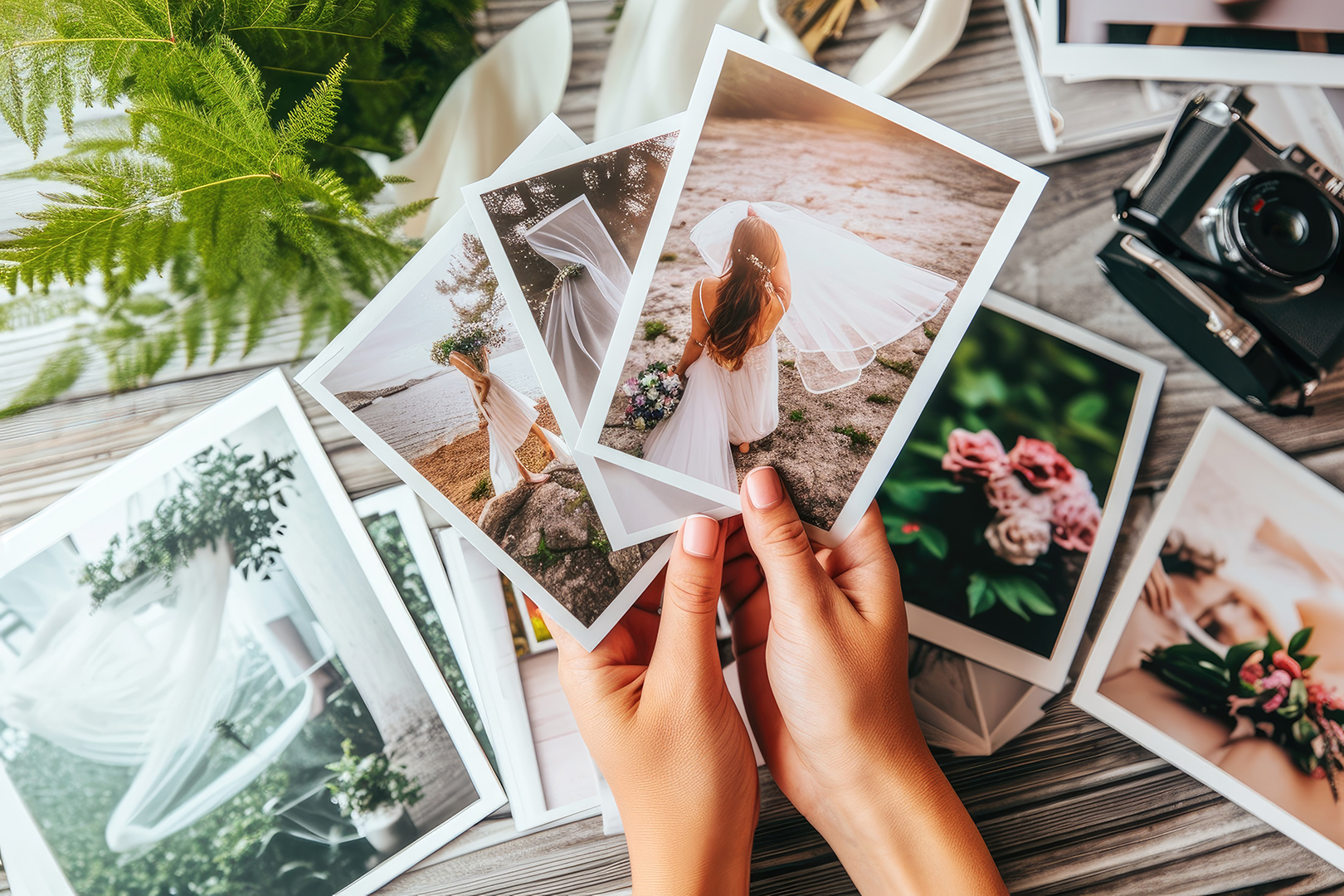
Same Day Photo Printing at Walgreens Makes Quick Memories Easy
Walgreens provides an efficient ecosystem for same-day photo printing, allowing users to transform digital images into physical keepsakes in as little as one hour. By leveraging a vast network of retail locations and integrated digital...
Walgreens provides an efficient ecosystem for same-day photo printing, allowing users to transform digital images into physical keepsakes in as little as one hour. By leveraging a vast network of retail locations and integrated digital platforms, the service simplifies the process of creating high-quality prints and personalized gifts on a tight schedule.
Contents
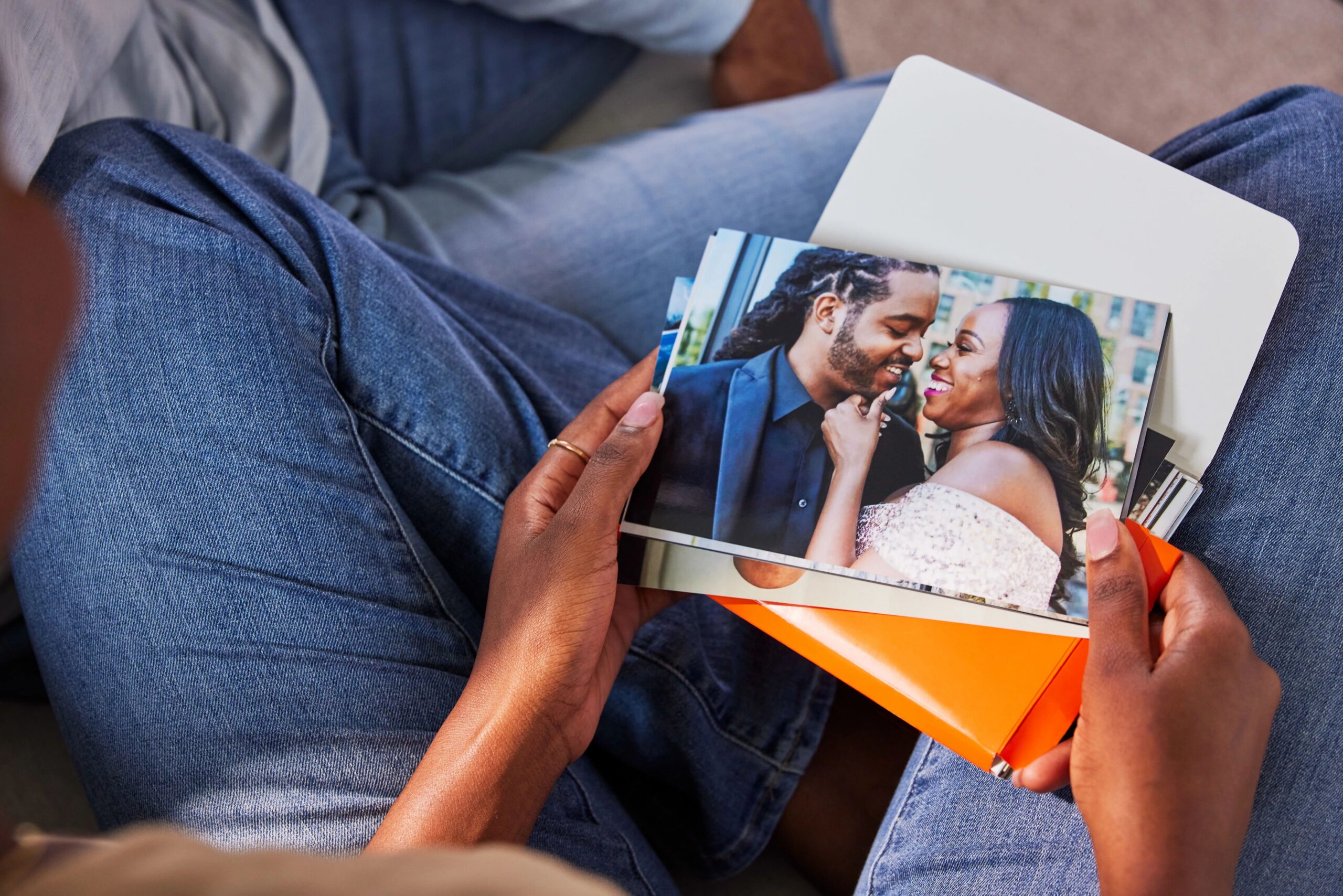
In 2026, the demand for physical photography remains robust despite the ubiquity of high-resolution digital screens. Whether for home decor, last-minute gifts, or professional requirements like passport photos, the ability to bridge the gap between a smartphone gallery and a physical print is a vital service. Walgreens has positioned itself as a leader in this space by offering a streamlined workflow that caters to both tech-savvy users and those who prefer in-person assistance.
The Convenience of Same-Day Photo Services in 2026
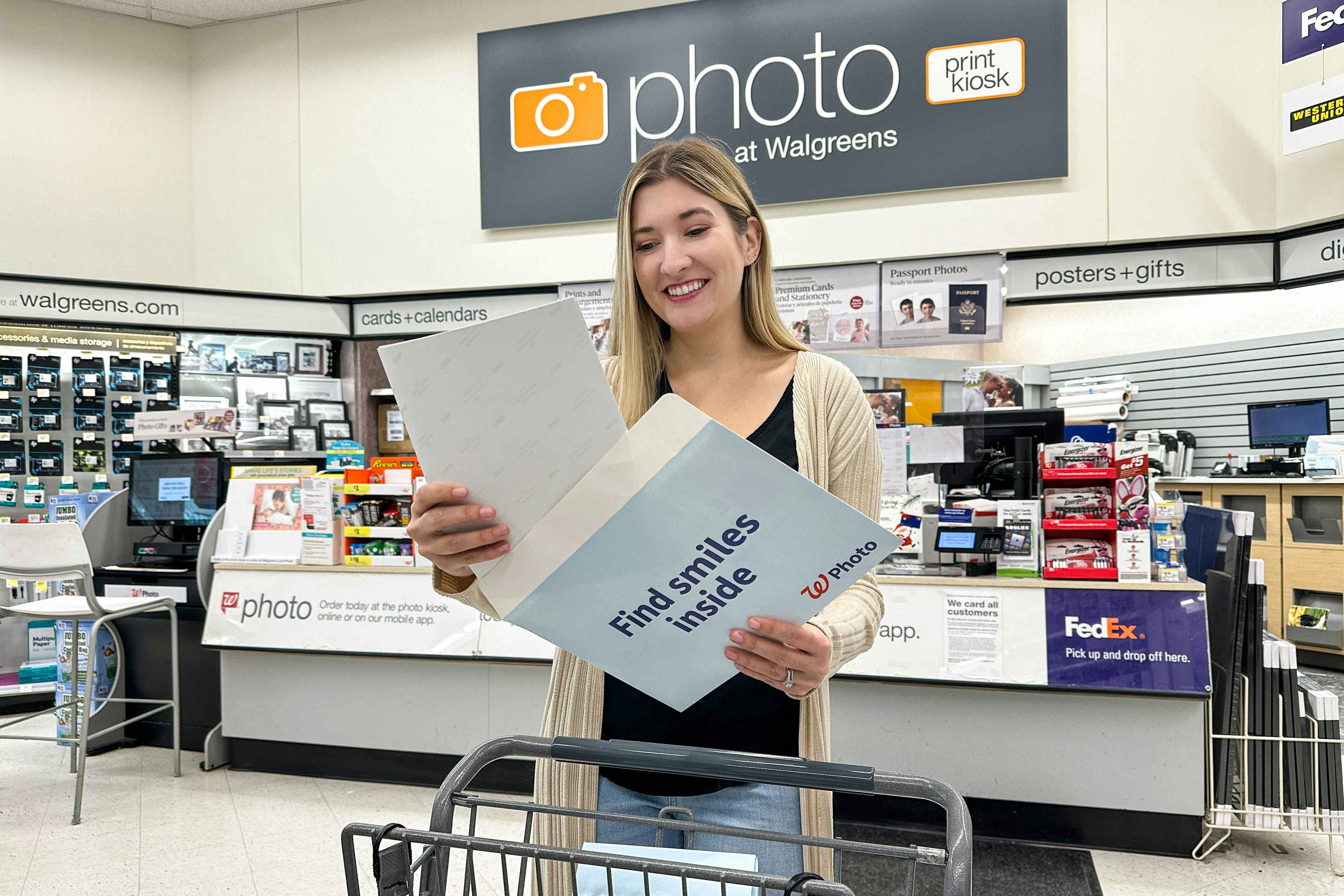
The primary appeal of Walgreens photo services is the immediacy. In a retail landscape where shipping times—even for expedited orders—can take days, the "Same Day" promise is a significant differentiator. As of 2026, Walgreens has optimized its in-store laboratories to handle a high volume of orders with remarkable speed, often completing standard 4x6 print jobs in under 60 minutes.
This speed is not merely a luxury; it is a solution for time-sensitive needs. Common scenarios include:
- Emergency Gifting: Creating a framed photo or a personalized calendar for a birthday or anniversary discovered at the last minute.
- Event Documentation: Printing photos for a memorial service, wedding reception guest book, or school project.
- Professional Requirements: Obtaining biometric-compliant passport photos that meet strict government standards.
Walgreens leverages its physical footprint of thousands of stores across the United States to ensure that most customers are within a ten-minute drive of a pickup location. This "click and collect" model minimizes the carbon footprint associated with shipping and eliminates the risk of prints being damaged or stolen during transit.
Navigating the Walgreens Photo Interface
Walgreens offers three primary ways to submit an order: the mobile app, the official website, and in-store kiosks. Each method is designed to handle high-resolution uploads and provide basic editing tools.
Using the Walgreens Mobile App
The mobile app is arguably the most popular method in 2026. It allows users to pull images directly from their camera roll, Google Photos, or social media accounts like Instagram and Facebook. The app includes a "Quick Prints" feature that identifies the most recent photos and suggests sizes.
One of the most useful features of the app is the real-time order tracking. Users receive a push notification the moment their order is moved from the queue to the "Ready for Pickup" status. This prevents unnecessary trips to the store and ensures the prints are fresh and handled properly by staff.
Ordering via the Official Website
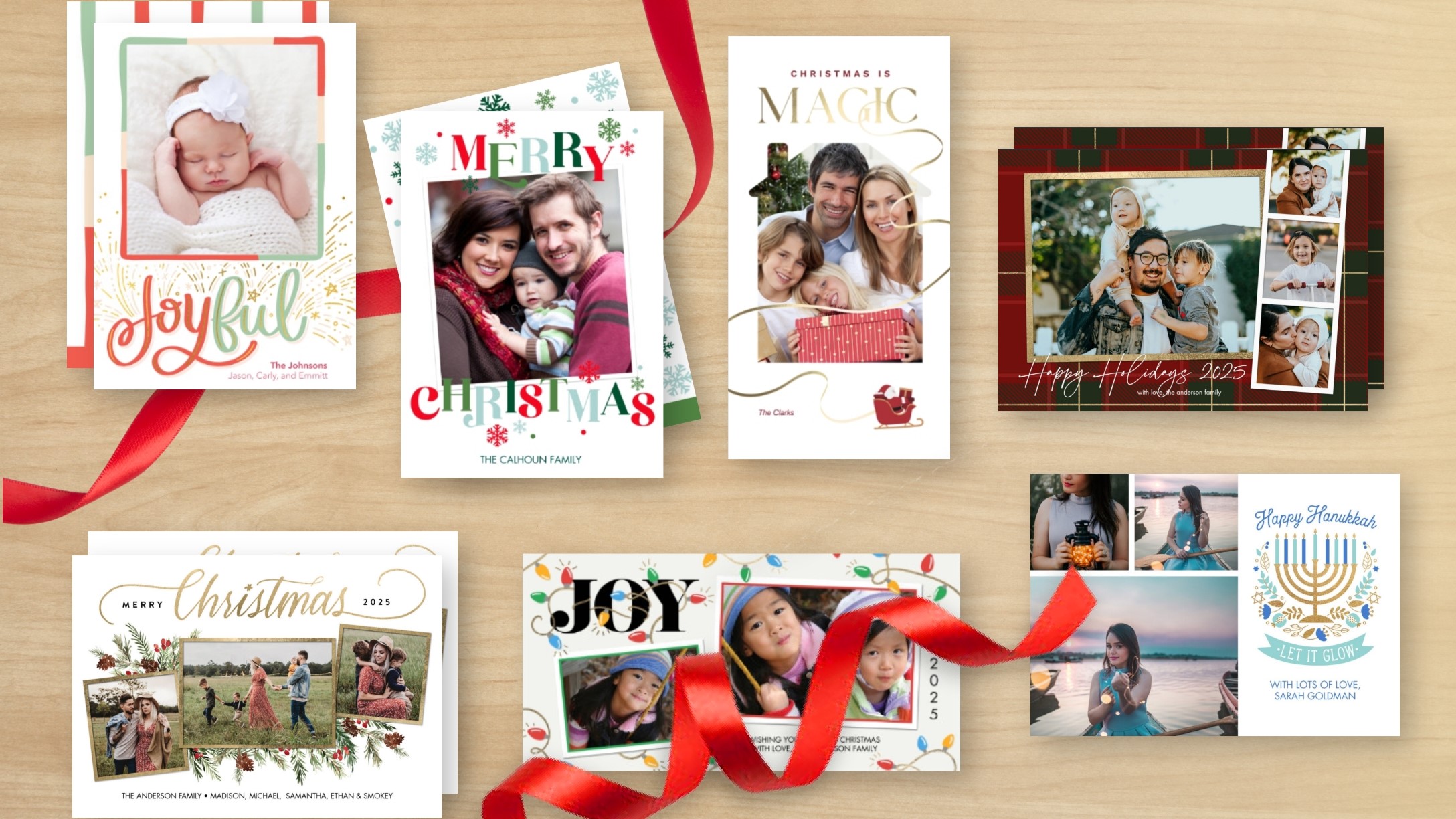
For those working on more complex projects, such as photo books or custom cards, the Walgreens Photo website provides a more robust set of design tools. The desktop interface allows for more precise cropping, color correction, and the addition of text or borders. The website also features a "Store Locator" that identifies which nearby branches have the specific equipment needed for more niche products, like canvas prints or custom wood hangers.
In-Store Kiosks: The Traditional Route
For customers who prefer a tactile experience or need immediate assistance, the in-store kiosks remain a staple. These machines allow for direct connection via USB, SD cards, or wireless transfer from a smartphone. Kiosks are ideal for those who may not have a reliable internet connection for uploading large batches of high-resolution images.
Comprehensive List of Same-Day Eligible Products
While many people associate Walgreens primarily with 4x6 prints, the same-day catalog has expanded significantly. It is important to note that while many items are available for same-day pickup, some specialized products still require shipping to the store or a home address.
| Product Type | Common Sizes | Estimated Time | Best Use Case |
|---|---|---|---|
| Standard Prints | 4x6, 5x7, 8x10 | 1 Hour | General albums and frames |
| Passport Photos | 2x2 (set of 2) | 1 Hour | Government applications |
| Canvas Prints | 8x10, 11x14, 16x20 | 24 Hours | High-end home decor |
| Custom Cards | 4x8, 5x7 | 1-3 Hours | Invitations and holiday greetings |
| Photo Magnets | 4x6 | 1 Hour | Gifts and refrigerator decor |
| Posters | 11x14, 16x20, 24x36 | 1-3 Hours | Presentations and wall art |
Note: Availability may vary by location based on specific in-store printing hardware.
Step-by-Step Guide to Ordering Same-Day Prints
To ensure the best results and avoid common pitfalls, follow this systematic approach to ordering.
- Image Selection and Resolution Check: Before uploading, ensure your images are of sufficient quality. For a standard 4x6 print, a resolution of at least 1200x1800 pixels is recommended. If you are printing a 24x36 poster, you should aim for a much higher resolution to avoid "pixelation" or blurriness.
- Upload and Edit: Upload your photos to the Walgreens platform. Use the built-in editing tools to adjust the crop ratio. A common mistake is ordering a 4x6 print for an image shot in a square (1:1) format, which results in significant parts of the image being cut off.
- Choose Your Finish: Most locations offer a choice between Glossy and Matte. Glossy finishes are vibrant and sharp, making them excellent for colorful outdoor shots. Matte finishes are better for portraits or photos that will be displayed in areas with high glare, as they do not reflect light as much.
- Apply Promo Codes: Walgreens frequently runs "50% off" or "Buy One Get One" promotions. Always check the "Deals" section of the website or app before checking out.
- Review and Submit: Double-check the quantity and the selected store location. Once submitted, you will receive a confirmation email.
- Pickup: Wait for the "Ready" notification. When you arrive at the store, head to the Photo Lab counter. You typically pay at the counter, which allows you to inspect the prints before completing the transaction.
Technical Specifications and Quality Control
Walgreens generally utilizes dry lab technology or dye-sublimation printers for their same-day services. Unlike traditional "wet" labs that used chemicals and darkrooms, modern dry labs use high-quality inkjet or thermal transfer technology. This results in prints that are dry to the touch immediately and have high resistance to fading and water damage.
Resolution Guidelines for 2026
With the advancement of smartphone cameras in 2026, most photos taken on modern devices exceed the minimum requirements for standard prints. However, if you are downloading images from social media, be aware that these platforms often compress files, which can reduce print quality.
- Excellent Quality: 300 DPI (Dots Per Inch)
- Good Quality: 150-200 DPI
- Poor Quality: Below 100 DPI (Avoid for prints larger than 4x6)
Archival Quality
Walgreens uses professional-grade photo paper designed to last for decades without significant yellowing, provided they are kept out of direct, prolonged sunlight. For those looking for "archival" quality for family heirlooms, the premium luster or matte finishes are often preferred over standard glossy.
Maximizing Value: Discounts and Rewards
One of the reasons Walgreens remains a top choice for photo printing is the integration with the myWalgreens loyalty program. Customers earn "Walgreens Cash" on every photo purchase, which can be redeemed for discounts on future orders or other pharmacy items.
Strategy for Frequent Printers:
- Stacking Coupons: While you generally cannot use two promo codes on a single item, you can often use a site-wide photo discount in conjunction with redeeming your accumulated Walgreens Cash.
- App-Only Deals: Occasionally, Walgreens offers deeper discounts exclusively through the mobile app to encourage digital engagement.
- Seasonal Sales: The weeks leading up to major holidays (Christmas, Mother's Day, Graduation season) typically feature the steepest discounts, sometimes reaching 60% to 75% off for cards and wall decor.
Comparing Walgreens with Other Retail Print Services
In the competitive landscape of 2026, Walgreens competes primarily with CVS, Walmart, and specialized online retailers like Shutterfly.
- Walgreens vs. CVS: Both offer very similar same-day services. However, Walgreens often has a broader selection of "Same Day" gift items (like wood blocks and puzzles) compared to the standard print-focus of many CVS locations.
- Walgreens vs. Walmart: Walmart often has lower baseline prices, but their photo labs are less frequent in urban centers. Walgreens' strength lies in its convenience and the frequency of high-value promo codes that bring the price below Walmart’s everyday low price.
- Walgreens vs. Online-Only (Shutterfly/Amazon): Online retailers offer more customization and paper types (such as cardstock weights), but they cannot compete with the one-hour turnaround. For "quick memories," the physical retail model is unbeatable.
Troubleshooting Common Issues
Even with a streamlined system, issues can arise. Understanding how to resolve them ensures a smooth experience.
- Order Not Ready: If you haven't received a notification after two hours, call the store. Sometimes the lab is backed up with a large order, or a printer may require a paper roll change.
- Color Discrepancy: If the prints look significantly different from your screen, it is often due to "Screen Brightness" or "True Tone" settings on your phone. If the prints are objectively poor (e.g., a mechanical streak from the printer), Walgreens staff will typically reprint them for you at no extra cost.
- App Upload Errors: Large batches of photos can sometimes hang during upload. It is often better to upload in groups of 20-30 rather than hundreds at once to ensure a stable connection.
Frequently Asked Questions
Can I print passport photos at Walgreens?
Yes, Walgreens provides professional passport photo services that comply with the U.S. Department of State requirements. The service includes taking the photo in-store, ensuring proper lighting and background, and providing two 2x2 inch prints. The process usually takes about 10-15 minutes.
Does Walgreens offer matte finish for same-day prints?
Most Walgreens locations offer both glossy and matte finishes for same-day prints. However, some specific sizes or specialized products may only be available in one finish depending on the specific printer loaded at that branch. You can select your preference during the online checkout process.
How long does Walgreens hold photo orders?
Walgreens typically holds unclaimed photo orders for 30 to 90 days. However, since most same-day orders are paid for at the time of pickup, the store may contact you if an order remains unclaimed for an extended period. It is best to pick up your photos within a week to ensure they are not misplaced or recycled.
Can I print photos from my phone directly at the store?
Yes, you can use the in-store kiosks to print directly from your phone. You can connect via a physical cable provided at the kiosk or use the Walgreens app to transfer photos wirelessly to the machine. This is a great option if you need prints immediately and do not want to wait for the standard one-hour online queue.
Are there any copyright restrictions on what I can print?
Walgreens adheres to copyright laws. If you attempt to print professional photography (such as school portraits or professional wedding photos) without a copyright release, the lab technician may refuse to release the prints. You should bring a digital or physical copy of your print release if you are using professional images.
Practical Recommendation
For the best experience with Walgreens same-day photo printing, use the mobile app for ordering and the website for designing. The app’s ability to pull from cloud storage saves significant time, while the website's larger interface is better for ensuring your cropping is perfect. Always check for a promo code before hitting "Submit," as you can almost always find a way to reduce the cost of your memories. Once you receive your pickup notification, inspect your prints at the counter to ensure the color and cropping meet your expectations before you leave the store.
Image Gallery