How to Properly Add a Nebraska Life and Health Insurance License to LinkedIn
Adding a Nebraska life and health insurance license to LinkedIn establishes your professional credibility, builds trust with potential clients, and ensures compliance with industry advertising guidelines. For financial professionals, i...
Adding a Nebraska life and health insurance license to LinkedIn establishes your professional credibility, builds trust with potential clients, and ensures compliance with industry advertising guidelines. For financial professionals, insurance agents, and brokers operating within the state, displaying your credentials correctly on your profile optimizes your visibility to consumers seeking licensed guidance. This guide outlines the exact requirements, step-by-step profile optimization methods, compliance considerations, and ongoing maintenance strategies necessary to showcase your Nebraska Department of Insurance credential effectively.
Contents
Understanding the Value of Your Nebraska Insurance License on LinkedIn
The modern insurance and financial services marketplace relies heavily on digital verification and social proof. When consumers, employers, or prospective business partners search for insurance professionals, they look for verifiable credentials that prove legal authorization to sell products. Adding a Nebraska life and health insurance license to your LinkedIn profile signals that you have met the rigorous education, examination, and background check standards set by the Nebraska Department of Insurance (NDOI).
Beyond consumer trust, digital credential visibility enhances professional networking. Insurance carriers, general agencies, and recruiting firms frequently source licensed talent through LinkedIn using keyword queries. Displaying your active license status with precise terminology ensures your profile appears in these targeted searches. Furthermore, transparency regarding your licensure jurisdiction prevents regulatory misunderstandings, making it clear to prospective clients in Nebraska and surrounding states where you are legally authorized to transact insurance business.
Prerequisites and Preparation Before Updating Your Profile
Before navigating to LinkedIn to update your profile, you must gather accurate data regarding your credential. Inaccurate license representation can lead to compliance violations under state insurance regulations and professional ethics codes.
To prepare for the update, gather the following information:
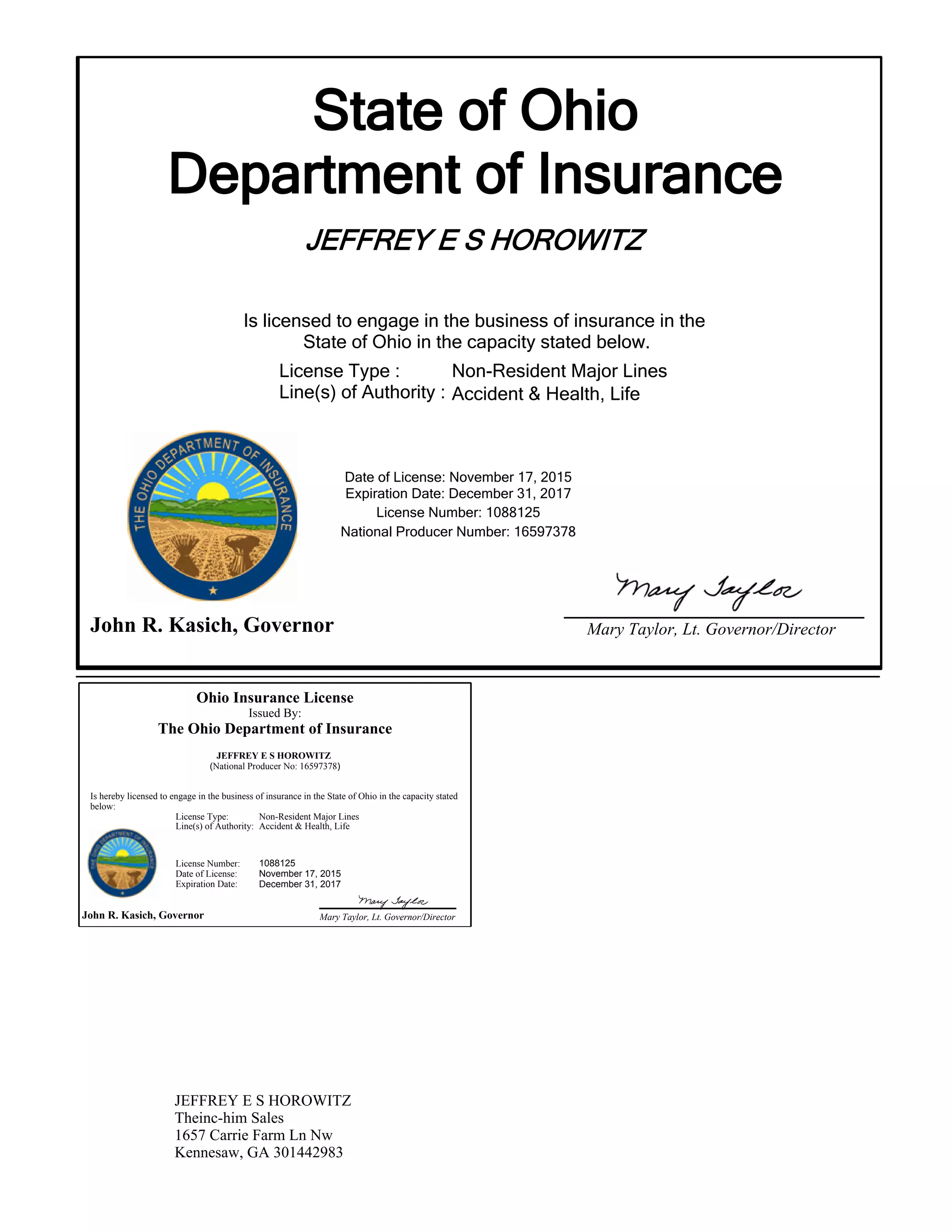
- Exact License Number: Verify your unique identifier issued by the Nebraska Department of Insurance.
- Full Legal Name on Record: Ensure your LinkedIn profile name matches your licensing records to avoid verification confusion.
- Effective and Expiration Dates: Note the exact issuance date and the renewal deadline to keep your profile current.
- Line of Authority: Confirm that your credentials explicitly cover Life, Annuities, and Accident & Health or Sickness as designated by state statute.
You can verify your active status and locate your exact license details using the National Insurance Producer Registry (NIPR) lookup tool or the Nebraska Department of Insurance online licensee search portal. Having these official details verified prevents errors that could undermine your professional standing.
Step-by-Step Instructions: Adding Your License to LinkedIn
LinkedIn provides dedicated sections for professional certifications and licenses. Utilizing these official fields rather than merely mentioning your license in your summary or headline ensures that your credentials are structured, searchable, and verified.
Navigating to the Licenses & Certifications Section
- Log in to your LinkedIn account and navigate to your personal profile page.
- Click the Add profile section button located directly beneath your introductory header card.
- Select the Recommended drop-down menu or search directly for Licenses & certifications.
- Click the plus (+) icon to open the license entry form.
Entering License Details Accurately
Complete each field in the license form with precision, matching your official state documentation:
- License Name: Enter a clear, standardized title such as "Nebraska Life and Health Insurance License" or "Nebraska Producer License - Life, Accident & Health." Avoid abbreviations that laypeople might not understand.
- Issuing Organization: Select or type Nebraska Department of Insurance (or the National Association of Insurance Commissioners if prompted, though specifying the state regulator adds crucial clarity).
- This credential does not expire: Leave this box unchecked, because insurance licenses require regular continuing education and renewal.
- Issue Date: Enter the month and year your initial license was granted.
- Expiration Date: Enter the month and year your current licensing term ends, as managed by the NDOI renewal cycle.
- Credential ID: Enter your official state license number.
- Credential URL: Provide a direct link to your active verification page on the NIPR lookup tool or the Nebraska Department of Insurance public search portal if available.
Optimizing Supporting Profile Sections
While the dedicated licenses section is mandatory, you should reinforce your credential in other strategic areas of your profile:
- Headline: Incorporate your licensed status into your professional headline if space permits (e.g., "Nebraska Life & Health Insurance Agent | Helping Families Secure Financial Futures").
- About Section: Write a compliance-conscious summary detailing your expertise in life and health products, explicitly mentioning your authorization to serve clients in Nebraska.
- Experience Section: If you work for an agency or carrier, ensure your job description aligns with your licensed capacity, noting your advisory role regarding life insurance, Medicare plans, annuities, or health coverage.
Regulatory and Compliance Considerations for Insurance Professionals
Insurance professionals are subject to strict state and federal advertising regulations. When updating your LinkedIn profile, you must adhere to guidelines established by the Nebraska Department of Insurance and federal bodies such as the Federal Trade Commission (FTC) and the Financial Industry Regulatory Authority (FINRA), if applicable.
| Regulatory Aspect | Compliance Requirement on LinkedIn | Potential Risk of Non-Compliance |
|---|---|---|
| Active Status | License must be currently active with the NDOI; expired credentials must be removed or updated immediately upon renewal. | Misrepresentation of licensing status, leading to state administrative fines or cease-and-desist orders. |
| Jurisdictional Scope | Clearly state that you are licensed in Nebraska (and list other states individually if holding nonresident licenses). | Implying nationwide authority when licensing is restricted to specific states, violating interstate trade rules. |
| Testimonials & Reviews | If utilizing LinkedIn recommendations or endorsements, ensure they do not contain misleading claims, prohibited guarantees, or unverified performance results. | Regulatory censure for deceptive advertising or unfair trade practices under Nebraska insurance law. |
| Company Affiliation | If required by your broker-dealer or agency supervisory structure, obtain compliance pre-approval for profile changes. | Internal disciplinary action or termination for violating corporate social media policies. |
Maintaining strict adherence to these boundaries protects your professional livelihood. Never use your LinkedIn profile to transact insurance across state lines unless you hold valid nonresident licenses for those specific jurisdictions.
Ongoing Maintenance and Best Practices
Professional profiles require periodic audits to remain accurate and effective. Insurance licensing is not a static event; it requires continuous education (CE) credits and timely biennial renewals through the NDOI portal.
- Schedule Bi-Annual Audits: Set a calendar reminder every two years to verify that your license expiration dates match your current NIPR records.
- Update Continuing Education Milestones: As you complete advanced designations (such as Chartered Life Underwriter (CLU) or Registered Health Underwriter (RHU)), add these certifications to your profile to complement your core license.
- Monitor Platform Changes: LinkedIn frequently updates its user interface and credential display features. Periodically check your profile layout to ensure your licensing badge and details remain prominently visible to profile visitors.
Frequently Asked Questions
Should I list my Nebraska license if I am currently between agency appointments?
Yes, your insurance license is issued by the state regulatory body, not your employing agency. As long as your license status remains active with the Nebraska Department of Insurance, you should display it on your profile, even while transitioning between employers.
How do I handle nonresident licenses on LinkedIn?
If you hold life and health licenses in multiple states alongside Nebraska, create a separate entry for each state in the Licenses & Certifications section. Do not group them into a single vague entry, as clients and compliance officers need to verify your authorization state by state.
Can I include my NIPR number on my LinkedIn profile?
While your NIPR number is helpful for verification, your primary identifier on LinkedIn should be your specific Nebraska Department of Insurance license number. You can include your NIPR number within the credential description field if additional clarity is needed.
What should I do if my license renewal is delayed?
If your renewal is pending processing with the state regulator, temporarily update your expiration date or add a brief note in your profile summary indicating that your credential renewal is in progress, provided state grace periods allow continued practice. Once renewed, update the official expiration date immediately.
Are LinkedIn recommendations considered advertising under Nebraska insurance rules?
Yes. Client testimonials and recommendations published on your LinkedIn profile are subject to state advertising rules. Ensure that reviewers do not make exaggerated claims about policy performance or investment returns, and monitor your recommendations regularly to remove non-compliant text.
Next Actions for Professional Profile Enhancement
Once you have successfully added your Nebraska life and health insurance license to LinkedIn, review your entire profile holistically. Ensure your contact information is up to date, your profile photo projects a professional standard, and your content sharing strategy reflects your expertise in risk management, health planning, and financial security. By maintaining an accurate and compliant digital footprint, you position yourself as a trusted, verified resource for consumers navigating their insurance decisions in Nebraska.
Image Gallery