Master Music Notes in ABC: A Comprehensive Guide to Text-Based Notation
ABC notation is a shorthand system that uses ASCII text characters to represent musical scores. By using letters A through G, numbers for duration, and specific headers for metadata, musicians can create, share, and archive music in a...
ABC notation is a shorthand system that uses ASCII text characters to represent musical scores. By using letters A through G, numbers for duration, and specific headers for metadata, musicians can create, share, and archive music in a lightweight, human-readable format compatible with any text editor or specialized rendering software.
Contents
The power of representing music notes in ABC lies in its simplicity and portability. Unlike heavy binary files used by proprietary notation software, an ABC file is a simple text document that can be opened on any device. As of 2026, it remains the standard for folk music communities, online archives, and web-based music applications due to its efficiency and the ease with which it can be converted into standard staff notation, MIDI files, or high-quality PDFs.
The Foundation of ABC Notation
To understand how music notes in ABC function, one must first recognize that the system is split into two distinct parts: the header and the body. The header defines the metadata and global settings for the piece, while the body contains the actual notes of the melody. This separation ensures that the software interpreting the text knows exactly how to render the rhythm, key signature, and tempo before it processes the first note.
The header lines always begin with a single letter followed by a colon. For example, T: represents the Title, and K: represents the Key. Without these instructions, a sequence of notes like GAB would be ambiguous. The key signature defined in the header tells the system whether those notes should be played as naturals, sharps, or flats based on standard Western music theory.
In 2026, the most common use of ABC notation is within digital archives like The Session, where tens of thousands of traditional tunes are stored. Because the files are so small—often less than one kilobyte—they are perfect for mobile apps and web platforms that need to load sheet music instantaneously. This efficiency makes it a preferred choice for developers and musicians alike who prioritize speed and accessibility over the visual complexity of orchestral scoring suites.
The Anatomy of an ABC Header
Before writing any music notes in ABC, you must establish the environment of the tune. The header is mandatory for the code to be valid. Each field serves a specific purpose in defining the structure of the music.
- X: (Reference Number): Every tune in a collection needs a unique index number. Even if you only have one tune, X:1 is required.
- T: (Title): The name of the piece. You can have multiple T: fields if the tune has alternative names.
- M: (Meter): The time signature, such as M:4/4 or M:6/8.
- L: (Unit Note Length): This defines what a single letter represents. If you set L:1/8, then the letter C represents an eighth note. If you set L:1/4, the same letter C represents a quarter note.
- K: (Key): This is the last line of the header. It sets the key signature (e.g., K:G for G Major, which has one sharp). Anything written after the K: field is interpreted as the music itself.
Understanding the relationship between the M: and L: fields is critical. If the meter is 4/4, a common default unit note length is 1/8. This allows the writer to represent a standard measure using eight characters, making the text easier to align and read visually. In 2026, most modern ABC editors automatically suggest these defaults based on the genre of music you select.
Representing Pitch and Octaves
The most fundamental aspect of ABC notation is how it translates the staff into letters. The system uses the letters A through G to represent the notes of the scale. However, music spans multiple octaves, so ABC uses case sensitivity and punctuation to distinguish between them.
Middle C is represented by the uppercase letter C. The notes in the octave starting at middle C are all uppercase: C D E F G A B. To move to the octave above that (starting at the third space of the treble clef), the system switches to lowercase letters: c d e f g a b.
If you need to go even higher or lower, punctuation marks are added. An apostrophe ' raises the note by an octave, while a comma , lowers it.
- C, represents the C one octave below middle C.
- C,, represents the C two octaves below middle C.
- c' represents the C two octaves above middle C.
This logical progression allows a musician to "type" a melody as quickly as they might type a sentence. Because the system is text-based, it is also highly accessible for visually impaired musicians who use screen readers, as the software can announce the notes and octaves clearly without needing to interpret a graphical staff.
Note Duration and Rhythm
Rhythm is handled by placing numbers or slashes immediately after the note letter. The math is always relative to the L: (Unit Note Length) field defined in the header.
If L:1/8 is set:
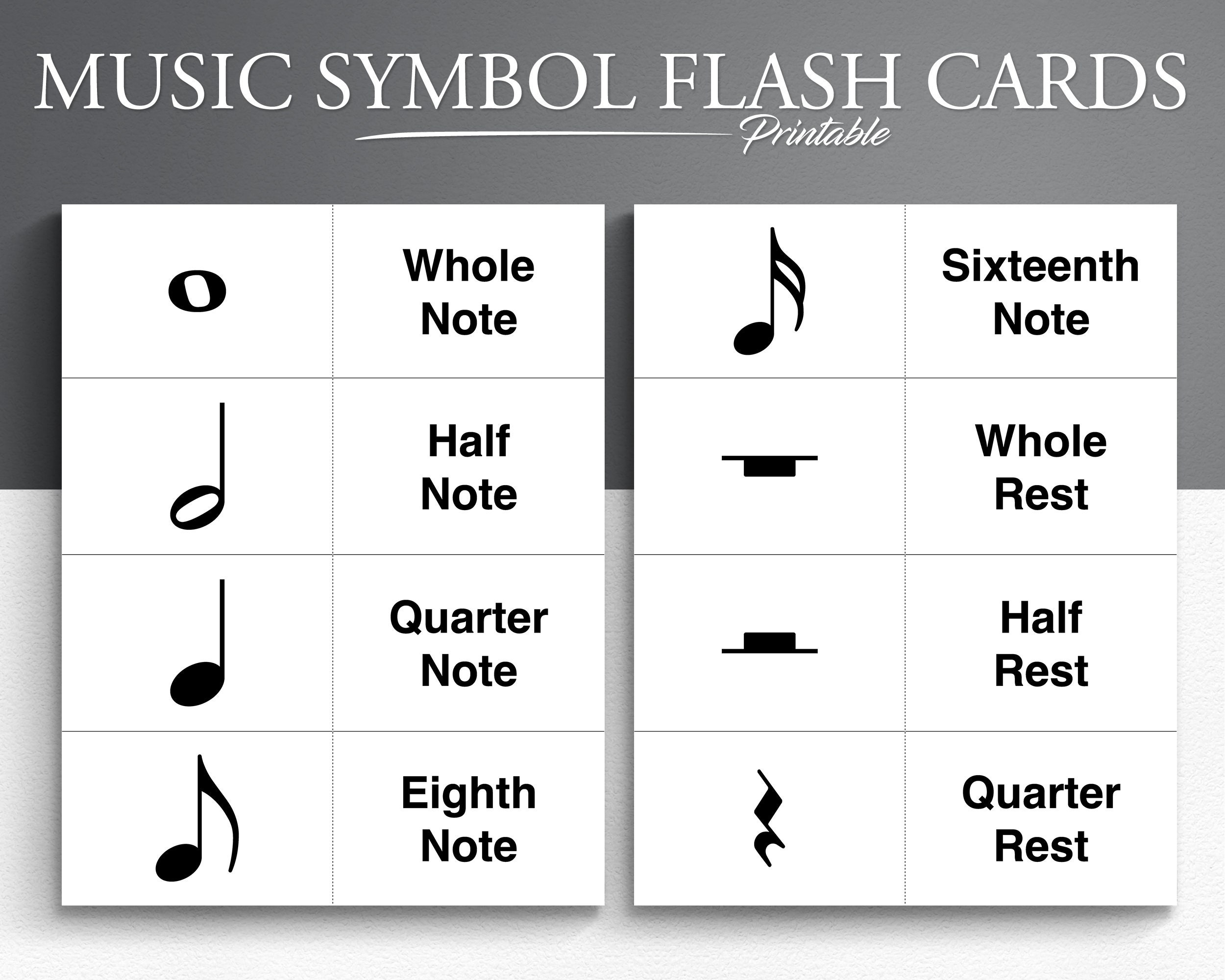
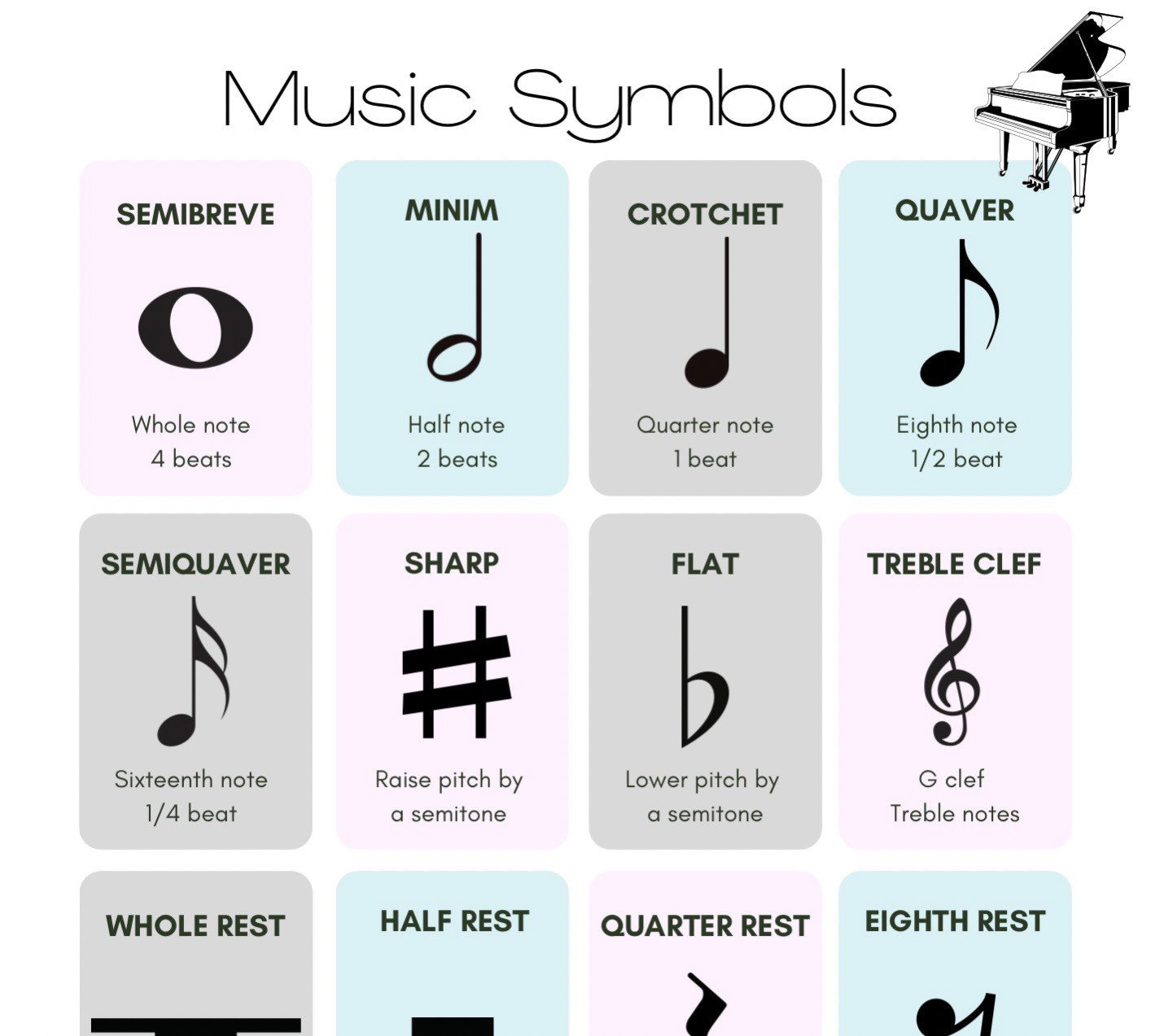
- C is an eighth note.
- C2 is a quarter note (1/8 multiplied by 2).
- C3 is a dotted quarter note.
- C4 is a half note.
- C/2 is a sixteenth note (1/8 divided by 2).
- C/ is a shorthand for C/2.
Beaming is handled by whitespace. In standard notation, eighth notes are often beamed together in groups. In ABC, notes that are typed together without spaces (e.g., GABc) will be beamed together when rendered. Adding a space (e.g., G A B c) will result in individual notes with flags. This simple distinction allows for precise control over the visual appearance of the sheet music while maintaining a clean text format.
Accidentals and Key Signatures
While the K: field in the header handles the global sharps and flats for the key signature, individual accidentals are often required within a piece. ABC notation uses three primary symbols placed before the note to modify its pitch.
- ^ (Caret): Sharpens the note (e.g., ^F).
- _ (Underscore): Flattens the note (e.g., _B).
- = (Equals): Returns the note to its natural state (e.g., =F).
Double sharps and double flats are represented by doubling the symbols (^^ or __). These accidentals follow the standard rules of music theory: they persist for the remainder of the measure unless canceled by another accidental or a bar line. In the context of 2026 digital musicology, this consistent syntax makes ABC files highly searchable. You can search a database for a specific melodic fragment, including its accidentals, which is much more difficult to do with image-based scores or complex XML data.
Structuring the Score: Bars, Repeats, and Ties
To make the music readable, ABC uses symbols to define the structure of the measures. The pipe symbol | is used for a standard bar line. Double bar lines are written as ||, and the end of a piece is usually marked with |].
Repeats are intuitive:
- |: marks the beginning of a repeated section.
- :| marks the end of a repeated section.
- [1 and [2 are used for first and second endings.
Ties and slurs, which indicate that notes should be played smoothly or held together, are represented by parentheses and hyphens. A tie between two notes of the same pitch is written using a hyphen (e.g., C-C). A slur, which covers a group of different notes, is enclosed in parentheses (e.g., (GABc)).
These structural markers are vital for the software to play back the music correctly. In 2026, most ABC playback engines (such as those based on the abcjs library) handle these markers with high fidelity, providing realistic phrasing and articulation that mimics a live performance.
Comparison of Music Notation Formats
When choosing a format for storing or sharing music, it is helpful to compare ABC with other common standards used in 2026.
| Feature | ABC Notation | MusicXML | MIDI |
|---|---|---|---|
| File Type | Plain Text (ASCII) | XML (Markup) | Binary Data |
| Human Readability | High | Low | None |
| File Size | Very Small (<1 KB) | Large (10-100 KB) | Small (5-50 KB) |
| Primary Use | Folk Music, Web Apps | Professional Publishing | Synthesis, Recording |
| Metadata Support | Excellent (Headers) | Extensive | Limited |
| Editability | Any Text Editor | Specialized Software | DAW / Sequencer |
While MusicXML is superior for complex orchestral scores with dozens of instruments and intricate layout requirements, ABC notation wins in categories of portability and speed. For a solo melody line or a simple lead sheet, the overhead of MusicXML is often unnecessary.
Software and Tools for ABC Notation in 2026
The ecosystem for ABC notation has matured significantly. While you can write ABC in any basic notepad, specialized tools provide real-time rendering, which allows you to see the staff notation grow as you type.
- EasyABC: A long-standing desktop application that remains popular in 2026 for its robust feature set, including MIDI playback and PDF export.
- abcjs: This is the gold standard for web developers. It is a JavaScript library that renders ABC text into SVG images directly in the browser. It is the engine behind most modern folk music forums and educational sites.
- ABCExplorer: Known for its database capabilities, it allows users to organize thousands of tunes and search them by rhythm, key, or melodic pattern.
- Mobile Apps: Various apps on iOS and Android allow musicians to carry their entire "tune book" in their pocket, offering features like transposing the key of a tune with a single tap.
These tools often include "tunebook" management features, allowing users to bundle hundreds of individual ABC files into a single document. This is particularly useful for session musicians who need to reference a large repertoire of traditional music quickly.
Troubleshooting Common ABC Mistakes
Even experienced users encounter issues when the rendered staff doesn't match their expectations. Most problems stem from small syntax errors in the header or note duration logic.
- Invalid Header Order: The X: field must always be first, and the K: field must always be the last line of the header. If you place a title (T:) after the key (K:), the software may fail to recognize the tune.
- Miscounting Measures: If your meter is 4/4 but your notes only add up to 3/4, the software will still render it, but the bar lines will look "off." Always check your math relative to the L: unit length.
- Case Sensitivity: Forgetting that C and c are different octaves is the most common mistake for beginners. If your melody suddenly jumps up an octave, check your capitalization.
- Unclosed Slurs: If you start a slur with ( but forget to close it with ), the software may slur the entire rest of the piece, leading to a visual mess on the staff.
By using a real-time editor, these mistakes can be caught instantly. Most 2026 editors will highlight the line of code where the error occurs, making troubleshooting a seamless part of the writing process.
Frequently Asked Questions
Can ABC notation handle multiple voices?
Yes. By using the V: field in the header or within the body, you can define multiple staves. For example, V:1 could be the melody and V:2 could be the bass line. Modern ABC software can render these as a grand staff or as separate parts for different instruments.
Is ABC notation only for folk music?
While it originated in the folk community, it is used for any monophonic or simple polyphonic music. It is excellent for hymns, lead sheets, nursery rhymes, and teaching music theory. However, it is not ideal for complex avant-garde classical music or dense orchestral scores.
How do I add lyrics to an ABC file?
Lyrics are added using the W: (uppercase) or w: (lowercase) fields. The lowercase w: is used to align lyrics directly under the notes of the melody, where each word or syllable corresponds to a specific note. The uppercase W: is used for blocks of text at the end of the tune.
Can I convert ABC to MIDI?
Almost all ABC editors include a "Play" button or an "Export to MIDI" function. Because ABC is a logical representation of pitch and duration, the conversion to MIDI is highly accurate. This makes it a great tool for quickly hearing how a written melody sounds.
How do I represent chords in ABC?
Chords are written by enclosing notes in square brackets. For a C Major chord, you would write [CEG]. You can also add duration to the entire chord, such as [CEG]2 for a half-note chord. Additionally, guitar chord symbols can be added above the staff by placing the chord name in double quotes, like "C"GAB.
Practical Recommendation for New Users
For those looking to start using music notes in ABC, the best approach is to begin with an online editor. Platforms like abcnotation.com provide a wealth of resources and a web-based sandbox where you can paste existing code to see how it functions.
Start by taking a simple tune you know, like "Twinkle Twinkle Little Star," and try to write it out from scratch. Focus on getting the header correct first, then move on to the pitch, and finally the rhythm. Once you are comfortable with the basics, explore the vast archives of ABC files available online to see how more complex ornaments and structural repeats are handled by experienced users. In 2026, the community remains active and welcoming, making it one of the best times to learn this enduring and efficient musical language.
Image Gallery