Implementing Google Tag Manager Effectively: A Comprehensive Guide for 2026
Implementing Google Tag Manager (GTM) effectively requires a strategic approach that prioritizes a robust Data Layer, strict naming conventions, and server-side tagging. By decoupling tracking code from the website's source, GTM allows...
Implementing Google Tag Manager (GTM) effectively requires a strategic approach that prioritizes a robust Data Layer, strict naming conventions, and server-side tagging. By decoupling tracking code from the website's source, GTM allows marketing teams to deploy tags rapidly while ensuring data accuracy, improved site performance, and strict adherence to global privacy regulations.
Contents
The Strategic Foundation of Tag Management
Before a single line of code is deployed, an effective Google Tag Manager implementation begins with a comprehensive measurement plan. In 2026, the complexity of the digital ecosystem—characterized by strict privacy laws and the total deprecation of third-party cookies—means that a haphazard approach to tagging will lead to data fragmentation and compliance risks.
A strategic foundation involves identifying the specific Key Performance Indicators (KPIs) that require tracking. You must determine what actions constitute a conversion, which user behaviors indicate engagement, and what third-party platforms (such as Google Analytics 4, LinkedIn Insight Tags, or Meta Pixels) need to receive this data. Mapping these requirements into a "Tagging Plan" document ensures that every tag serves a specific business purpose and prevents "tag bloat," which can significantly degrade website loading speeds.
Furthermore, leadership must decide between client-side and server-side tagging architectures. While client-side remains the standard for basic implementations, server-side GTM has become the benchmark for high-performance enterprise setups. It offers enhanced security, improved page load times, and better control over data before it is dispatched to third-party vendors.
Understanding the Core Components: Tags, Triggers, and Variables
To use GTM effectively, one must master the relationship between its three primary building blocks. These components work in a hierarchical fashion to determine exactly when and how data is captured and sent.
Tags
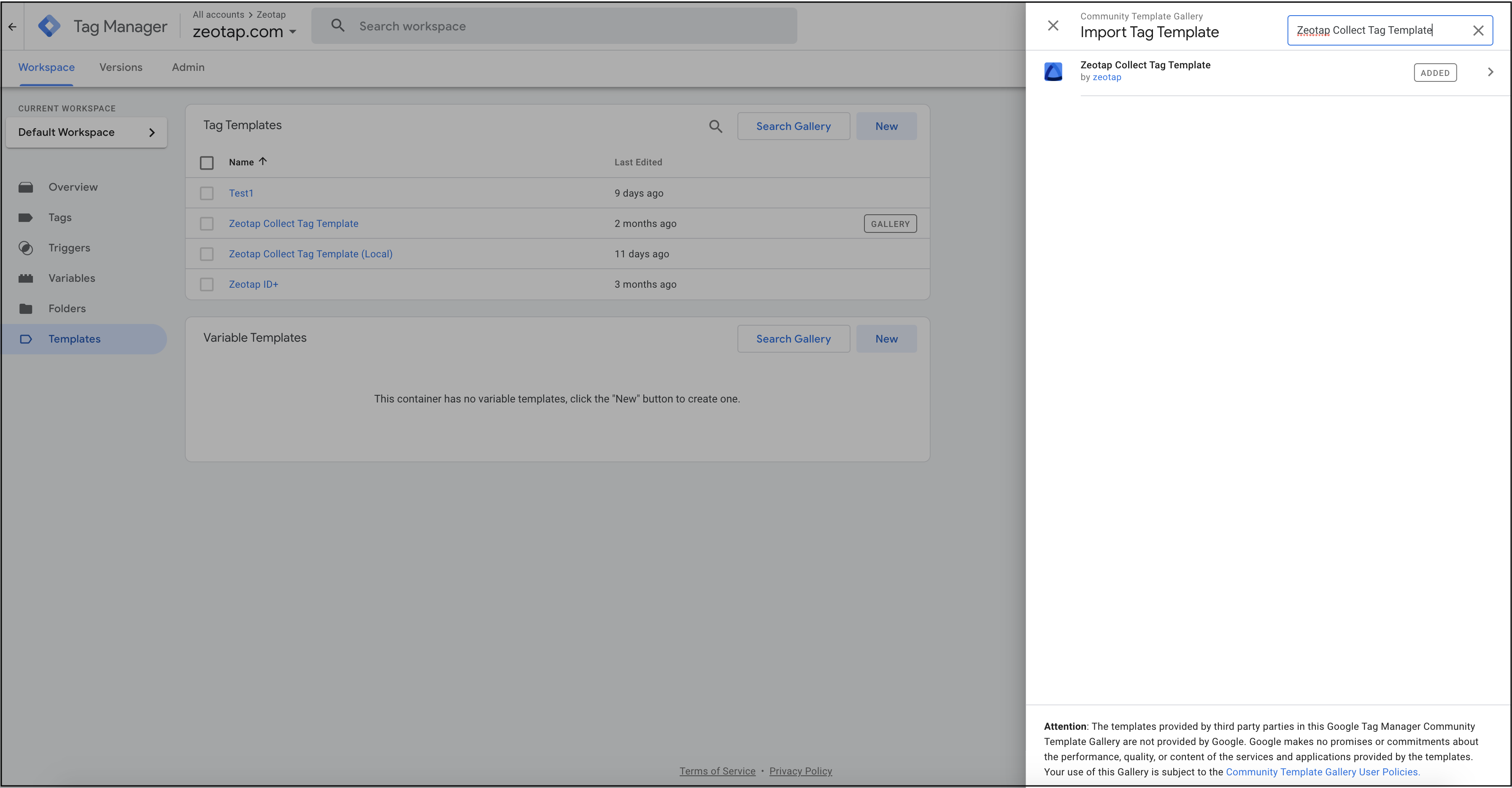
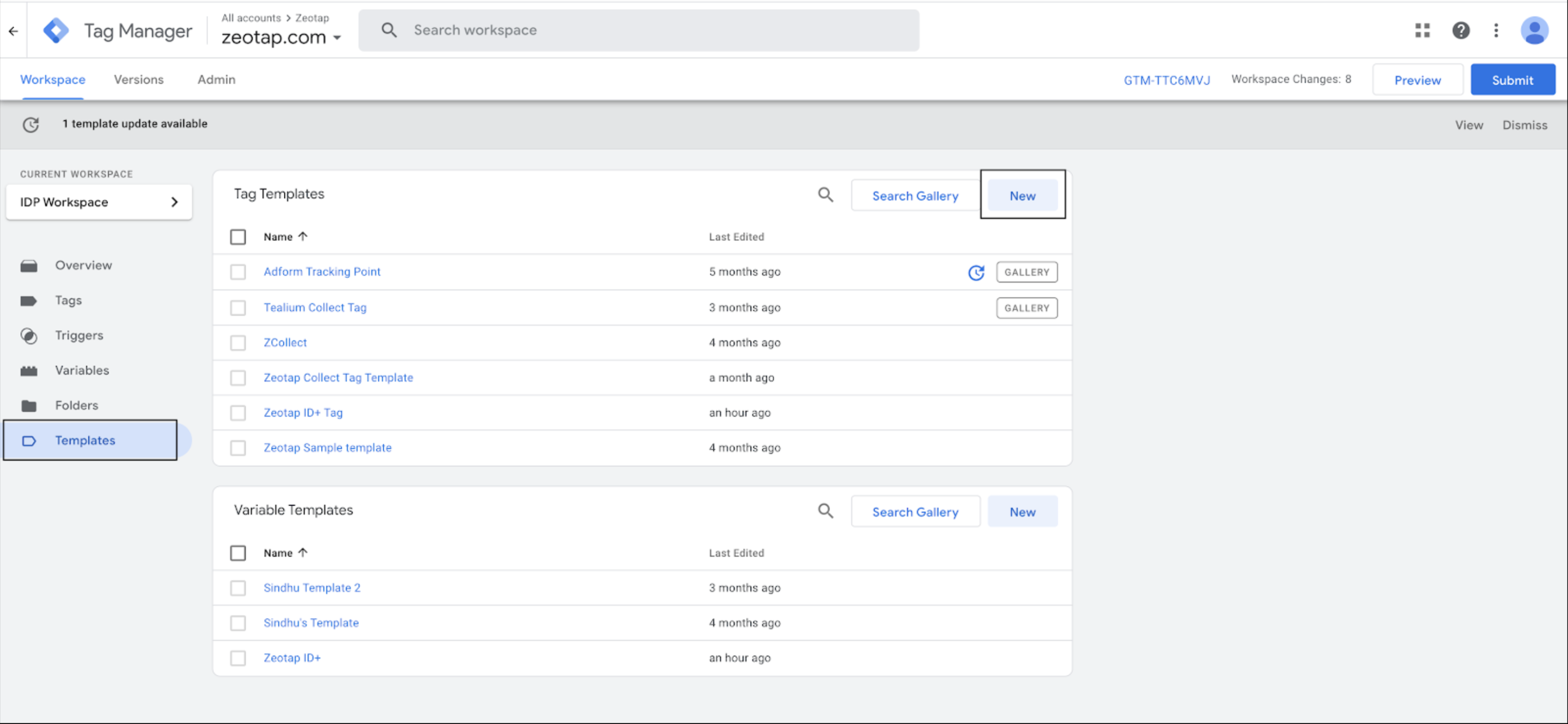
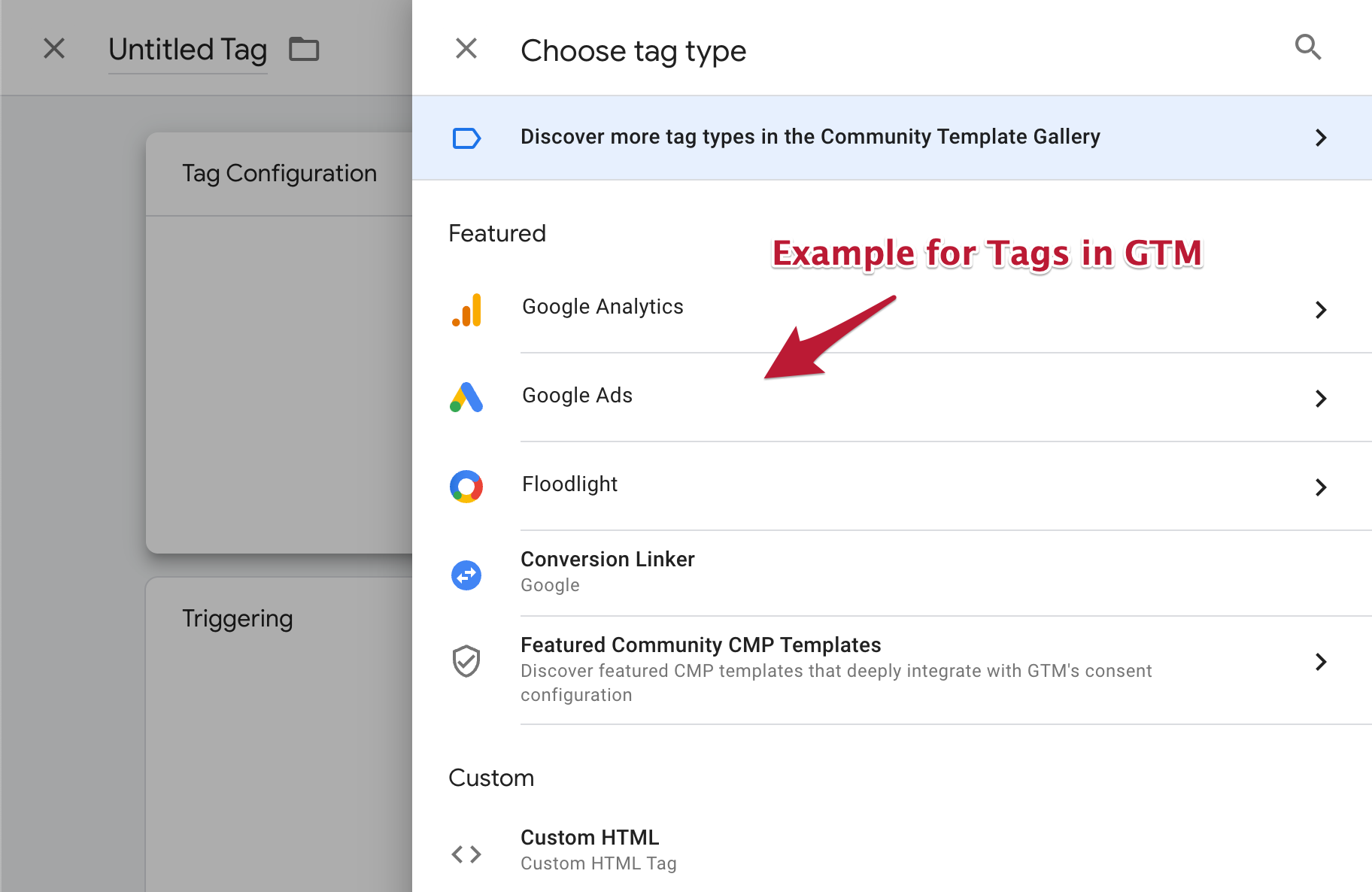
Tags are snippets of code or pixels provided by analytics, marketing, and support platforms. They tell GTM what to do. For example, a GA4 Event tag sends data to your Google Analytics property. Effectively managing tags involves using built-in templates whenever possible. These templates are optimized by Google and community developers to ensure they follow best practices and minimize the risk of breaking site functionality.
Triggers
Triggers are the conditions that must be met for a tag to fire. They tell GTM when to do it. Triggers can be based on page views, button clicks, form submissions, or custom events. A common mistake is creating triggers that are too broad, leading to over-reporting. Effective implementation uses specific triggers—such as firing a "Purchase" tag only when a user reaches a specific confirmation URL and a unique transaction ID is present.
Variables
Variables are placeholders for values that change. They tell GTM where to get the data or which specific account to use. For instance, a variable might capture the price of an item in a shopping cart or the Google Analytics Measurement ID. Utilizing variables effectively means creating reusable constants and lookup tables, which simplify the management of dozens of tags simultaneously.
The Data Layer: The Secret to Scalability
The Data Layer is arguably the most critical technical component of an effective GTM implementation. It is a JavaScript object used to pass information from your website to the Tag Manager container. Instead of relying on "DOM scraping"—where GTM looks for specific text or CSS classes on a page—the Data Layer provides a stable, structured source of truth.
Relying on DOM scraping is dangerous because a simple design change by a developer can break your tracking. If your trigger looks for a button labeled "Submit" and the developer changes it to "Get Started," the tag will fail. However, if the developer pushes a generic form_submission event to the Data Layer, the tracking remains intact regardless of the UI changes.
An effective Data Layer implementation should follow a standardized schema. For e-commerce, this usually means adhering to the GA4 schema for events like view_item, add_to_cart, and purchase. By pushing structured data (like product IDs, categories, and values) into the Data Layer, you ensure that your marketing tags receive high-quality, validated information every time.
Step-by-Step Implementation Workflow
Implementing GTM effectively follows a disciplined lifecycle. Following these steps ensures that the container remains organized and the data remains reliable.
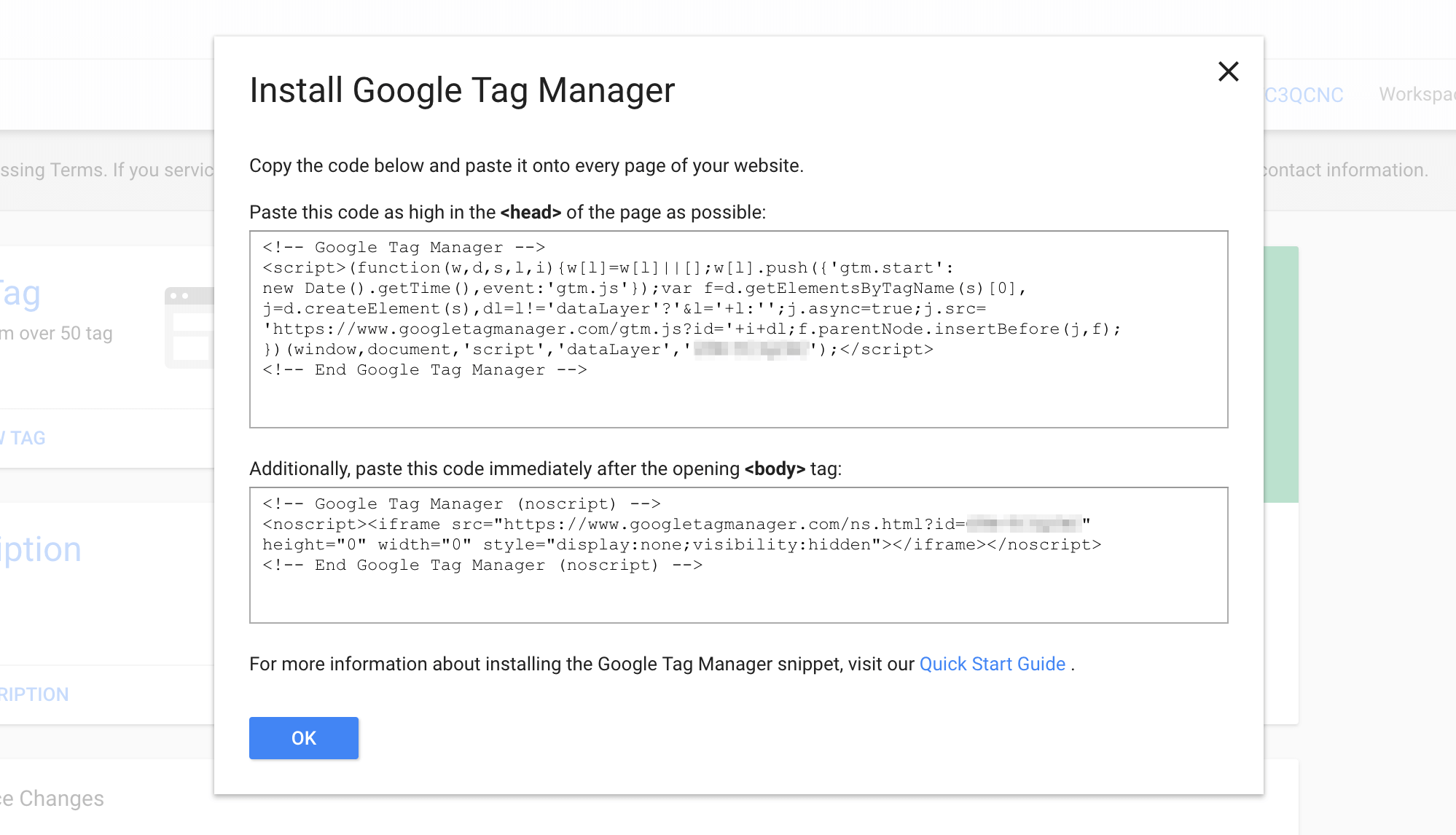
- Container Creation and Snippet Placement: Create a GTM account and container. The primary script should be placed as high in the
of your website as possible to capture data early in the page load, while thenoscript snippet should be placed immediately after the openingtag. - Configuration of Built-in Variables: Enable built-in variables for clicks, forms, and videos. This prevents you from having to create custom scripts for basic interactions.
- Establishing Naming Conventions: Adopt a strict naming pattern, such as
[Type] - [Platform] - [Description]. For example:GA4 - Event - Newsletter SignuporTrigger - Click - Header CTA. This makes the container searchable and manageable as it grows. - Implementing Consent Mode: In 2026, privacy is non-negotiable. Use GTM’s Consent Mode to ensure tags only fire based on the user's choices (e.g., denying marketing cookies while allowing functional ones).
- Tag Creation and Variable Assignment: Map your Data Layer variables to your tags. Ensure that sensitive information, like PII (Personally Identifiable Information), is hashed or excluded before being sent to third parties.
- The QA Process: Use the GTM Preview and Debug mode to verify that tags fire on the correct triggers and that the data being passed matches the intended values.
Comparing Implementation Methods: Client-Side vs. Server-Side
Deciding between client-side and server-side tagging is a pivotal choice for modern organizations. While client-side is easier to set up, server-side offers superior control and performance.
| Feature | Client-Side Tagging | Server-Side Tagging |
|---|---|---|
| Data Privacy | Limited; browser sends data directly to vendors. | High; data is filtered on your server before transit. |
| Page Speed | Lower; multiple scripts run in the user's browser. | Higher; one request is sent to your server. |
| Security | Vulnerable to cross-site scripting (XSS). | Enhanced; API keys are hidden on the server. |
| Cookie Life | Restricted by modern browser protections (ITP). | Extended; uses first-party context more effectively. |
| Cost | Free (excluding platform fees). | Requires cloud hosting (Google Cloud/AWS). |
| Complexity | Low to Moderate. | Moderate to High. |
Advanced Best Practices: Security and Governance
Effective GTM usage extends beyond just firing tags; it involves maintaining the integrity and security of your digital assets. Since GTM allows the execution of JavaScript, it is a potential vector for security breaches if not governed correctly.
First, implement two-factor authentication (2FA) for all users with access to the GTM account. Access levels should follow the principle of least privilege: only a few "Publishers" should have the right to push changes live, while most team members should be limited to "Edit" or "Read" access.
Second, use GTM Zones (available in 360) or multiple containers if you are managing a large-scale enterprise site with different departments. This prevents one team from accidentally breaking another team's tracking.
Third, regularly audit your container. Remove legacy tags from vendors you no longer use. "Zombie tags" not only slow down your site but also continue to collect data that you may no longer have the legal right to process under GDPR or CCPA/CPRA regulations.
Troubleshooting Common Implementation Errors
Even with a perfect plan, issues will arise. Effective troubleshooting starts with the GTM Preview Mode. This tool allows you to see exactly which events are pushed to the Data Layer in real-time and which tags fired (or failed to fire) on those events.
One common issue is Tag Sequencing. If Tag B depends on Tag A (for example, a configuration tag must fire before an event tag), use GTM's sequencing settings to force a specific order. Another frequent error is Variable Nulls. If a tag is firing but data is missing, check the "Variables" tab in the debug window to see if the Data Layer is actually populated at the moment the tag fires. If the tag fires before the data is ready, you must move the trigger to a later event, such as gtm.dom or a custom Data Layer push.
FAQ
Can I use Google Tag Manager for mobile apps? Yes, GTM supports mobile environments via the Firebase SDK for iOS and Android. The implementation logic is similar, but it relies on Firebase Events rather than a standard web Data Layer. This allows for unified reporting across web and app platforms.
Does GTM slow down my website? If implemented correctly, GTM can actually improve site speed by using asynchronous loading, meaning tags load alongside the content rather than blocking it. However, adding too many heavy third-party scripts (tag bloat) will eventually degrade performance, making regular audits essential.
What is the difference between GTM and Google Analytics? GTM is the "delivery truck" that sends the data, while Google Analytics is the "warehouse" that stores and analyzes it. GTM does not report on data; it simply facilitates the collection and routing of data to platforms like GA4.
How do I handle GDPR compliance within GTM? You should integrate a Consent Management Platform (CMP) with GTM’s Consent Mode. This configuration ensures that specific tags are blocked or restricted until the user provides explicit consent via a cookie banner, ensuring legal compliance without manually coding every tag.
Is server-side GTM mandatory in 2026? While not mandatory for small sites, it is highly recommended for any business that relies on accurate conversion data. With the end of third-party cookies, server-side tagging is the most reliable way to maintain data quality and bypass aggressive browser tracking protections.
Recommendation for Next Actions
To implement Google Tag Manager effectively, your first step should be to audit your current tracking requirements and create a Measurement Plan. Once the plan is finalized, implement a standardized Data Layer on your website with the help of your development team. Before going live, ensure that Consent Mode is active to satisfy privacy regulations. Finally, consider migrating high-priority marketing tags to a server-side container to future-proof your data collection against evolving browser restrictions and to improve overall site performance.
Image Gallery