How to Choose Free Contract Management Software
Selecting the right free contract management software (CMS) requires balancing your organization’s current operational limitations against your future growth requirements. While many platforms offer "free-forever" tiers, these versions...
Selecting the right free contract management software (CMS) requires balancing your organization’s current operational limitations against your future growth requirements. While many platforms offer "free-forever" tiers, these versions are often restricted by document volume, feature accessibility, or user count. To make an informed decision, you must evaluate how a tool handles the full contract lifecycle, including drafting, version control, approval workflows, and secure storage, while ensuring that the cost of transitioning to a paid plan remains predictable and sustainable for your business.
Contents
Understanding the Landscape of Free Contract Management
"Free" in the software-as-a-service (SaaS) market generally falls into two distinct categories: freemium models and open-source solutions. Freemium software provides a basic, functional version of a commercial product for no cost, usually with a cap on the number of active contracts you can manage per month. Open-source solutions, by contrast, offer the software code for free, but they require technical infrastructure, server hosting, and ongoing maintenance, which effectively introduces hidden operational costs.
For most small businesses and independent contractors in 2026, the primary challenge is not just finding a platform that costs nothing, but finding one that does not become a bottleneck as your document count grows. A common mistake is selecting a tool solely based on its "free" tag without auditing its export capabilities. If a platform makes it difficult to migrate your data later, you may find yourself locked into a system that forces an expensive upgrade once your needs exceed the initial free tier.
Core Evaluation Criteria
Before you sign up for any service, you must measure your specific requirements against the functional limitations of the software. An effective evaluation should prioritize these four pillars:
1. Document Lifecycle Capability
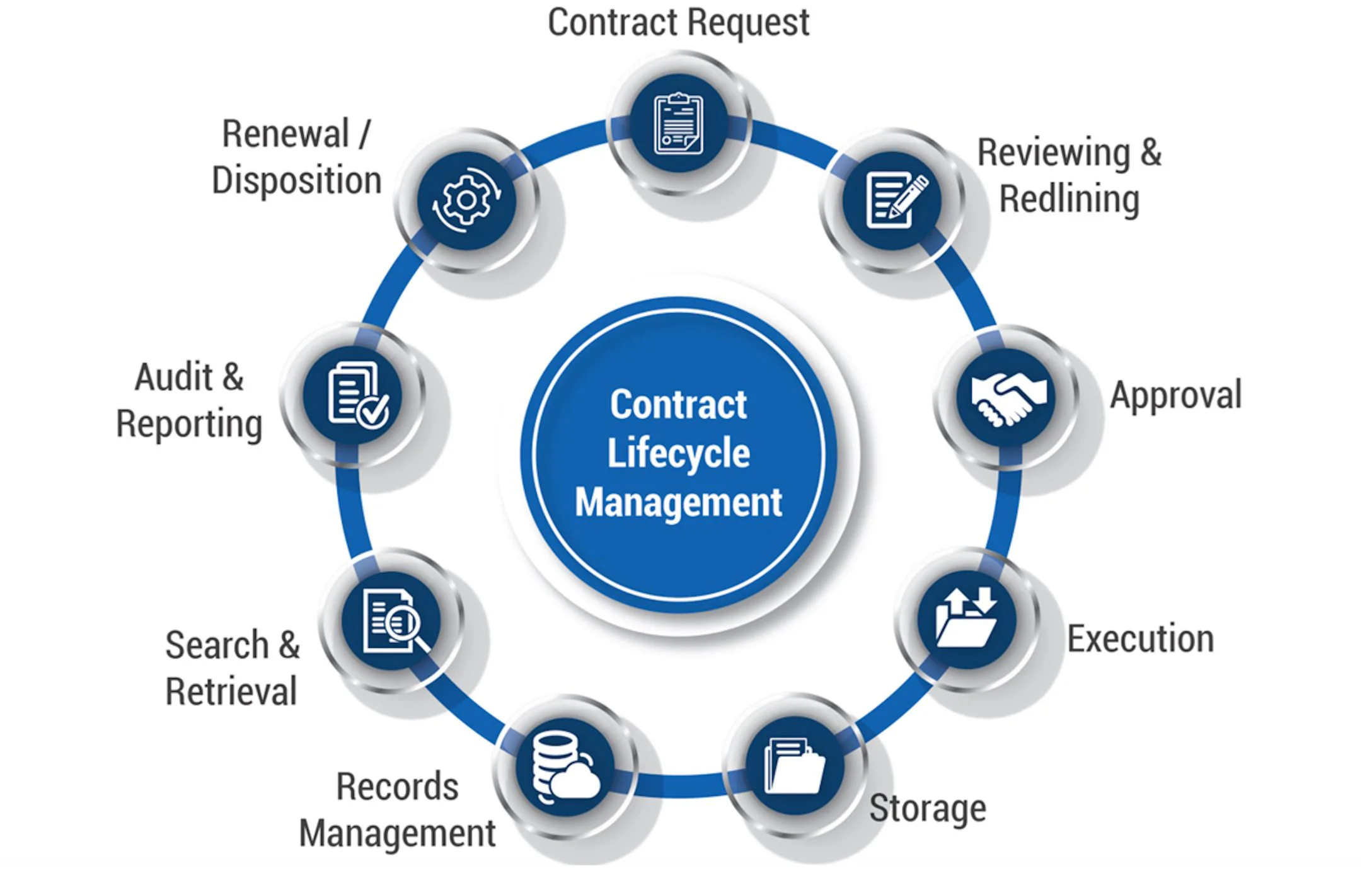
Does the software support the entire process, or is it merely a repository? A true CMS should assist with version control, allowing you to track changes between drafts without losing previous iterations. If the software lacks a robust audit trail, you will struggle to maintain compliance and accountability, which are essential for legal documents.
2. Security and Permissions
Even for free tools, data privacy is non-negotiable. Ensure the platform offers role-based access control (RBAC). You need the ability to distinguish between users who can edit a contract and those who are only permitted to view or sign it. Verify whether the provider maintains encryption standards for data at rest and in transit, as you are entrusting them with sensitive commercial agreements.
3. Integration Potential
Your CMS should not exist in a vacuum. Evaluate whether the platform integrates with your existing workflow tools, such as cloud storage (e.g., Google Drive, OneDrive) or communication platforms like Slack or Microsoft Teams. Automation—even at a basic level—can significantly reduce the manual labor associated with contract status updates.
4. Scalability and Exportability
Verify the "exit strategy." If you eventually need to move to a more powerful system or a paid enterprise tier, can you export your contracts in a standard, machine-readable format (such as PDF or DOCX) with the accompanying metadata intact? If the vendor traps your data in a proprietary format, the long-term risk outweighs the short-term financial benefit of a free plan.
Comparative Framework for Selecting Software
When comparing platforms, it is helpful to contrast features that are typically included in free tiers versus those reserved for paid upgrades.
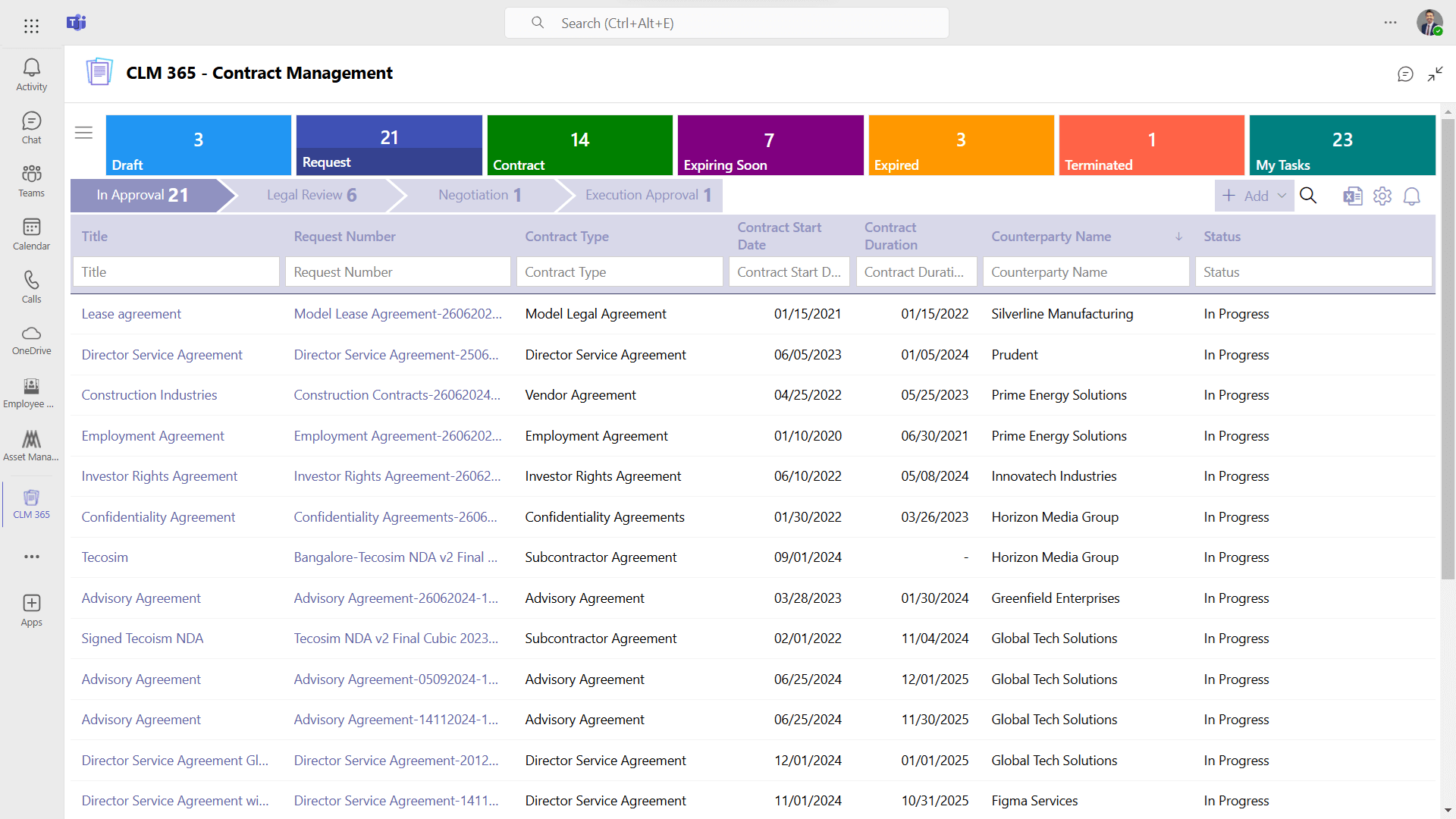
| Feature | Typical Free Tier | Paid Enterprise Tier |
|---|---|---|
| Active Contracts | Limited (e.g., 5–10 per month) | Unlimited |
| Users | Single user or small team | Unlimited seats/Roles |
| Support | Community forums/Self-service | Dedicated account management |
| Audit Trails | Basic logs | Advanced/Compliance-ready |
| Integrations | Limited (API access restricted) | Full REST API/Webhooks |
| Storage | Capped (e.g., 500MB–1GB) | Scalable/Cloud storage |
Common Pitfalls and How to Avoid Them
The most significant risk in adopting free software is the "hidden cost of complexity." Many organizations spend more money on staff time trying to make a basic tool work than they would have spent on an affordable, robust solution.
- Ignoring Compliance: If your business operates in a highly regulated industry, ensure the software adheres to standards like SOC 2 or GDPR. A free tool that lacks these certifications can expose your company to significant legal risk.
- Over-estimating Technical Proficiency: If you choose an open-source solution, ensure your team has the capacity to manage updates, security patching, and server monitoring. If this falls on non-technical staff, productivity will suffer.
- Failure to Define Workflows: Before testing software, document your current contract process on paper. If you don't know your own workflow—who approves what, and when—no software will solve your organizational issues.
Implementation Steps
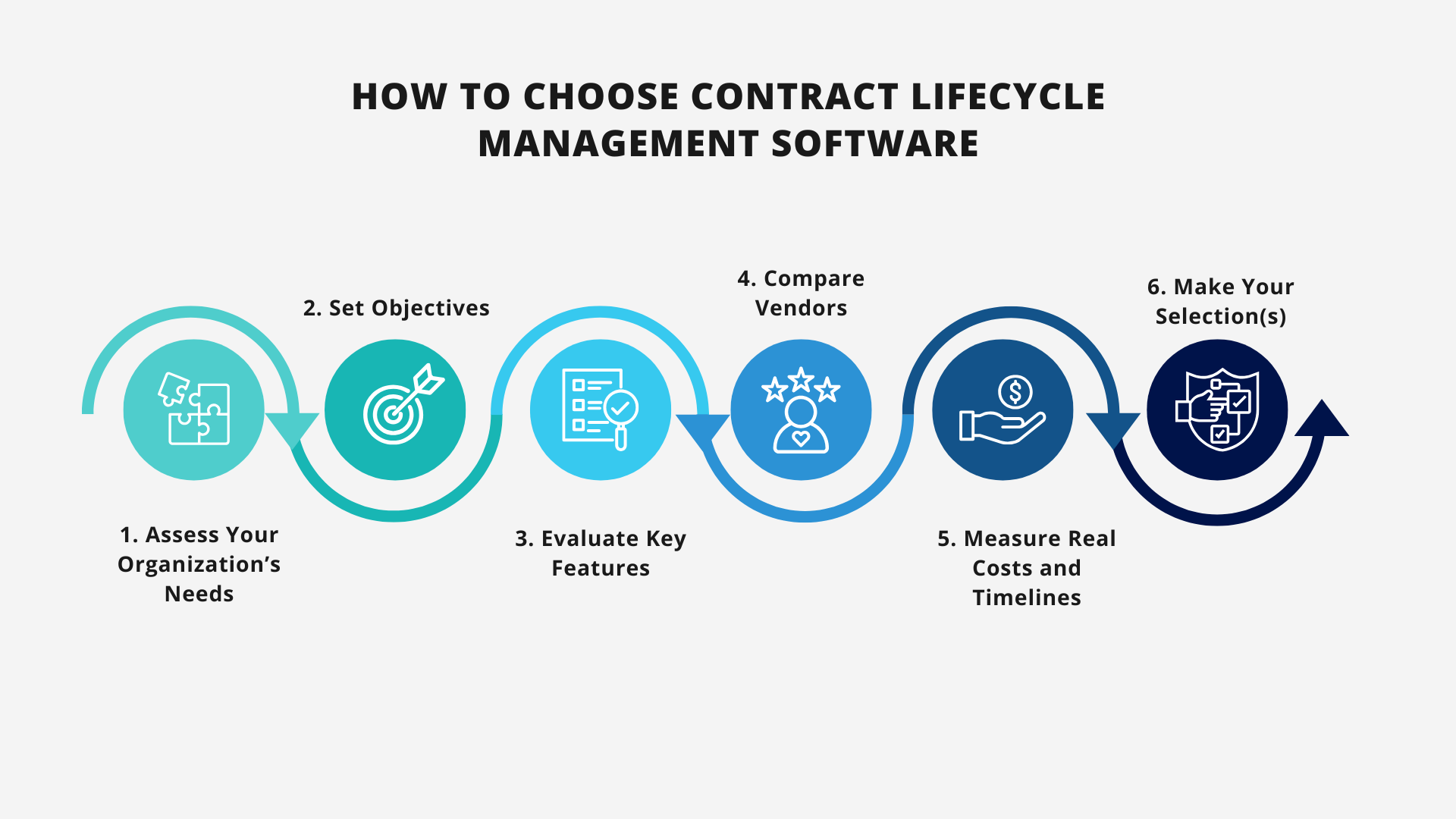
- Audit Your Volume: Count your average monthly contracts. If you exceed the free tier limit, assess if the paid upgrade path is affordable.
- Trial with Real Data: Use a sample, non-sensitive document to test the full lifecycle, from creation to digital signature.
- Review User Rights: Ensure the interface is intuitive enough that team members will actually use it. If the tool is too difficult to navigate, stakeholders will revert to emailing documents, which defeats the purpose of centralized management.
- Security Review: Check the company’s privacy policy to ensure your contract data is not being used to train third-party AI models or sold to third-party vendors.
Frequently Asked Questions
Does free contract management software include digital signatures? Many platforms include basic electronic signature capabilities in their free tiers, often limited by the number of signature requests per month. Ensure the platform complies with the E-SIGN Act and UETA regulations to guarantee the legal enforceability of these signatures.
Can I use cloud storage like Dropbox instead of dedicated software? While cloud storage is excellent for archiving, it is not a CMS. Dedicated software provides features like automated reminders for renewal dates, search functionality based on contract metadata, and approval routing that generic file storage systems lack.
Is it safe to store legal documents on free-tier platforms? Safety depends on the vendor’s encryption protocols. Look for platforms that specify AES-256 encryption. Avoid "free" platforms that do not provide clear documentation regarding their data security practices.
What happens to my data if the service shuts down? Because free services have no obligation to support you, always maintain an offline backup of all finalized contracts. Regularly download your data into a secure, redundant storage environment to prevent permanent loss in the event of a service interruption.
Final Recommendation
Prioritize software that functions as a "gateway" to professional processes. If your volume is low, start with a reputable freemium SaaS provider that offers a clear, affordable growth path. Avoid overly complex open-source projects unless you possess the dedicated internal IT resources to manage them. Above all, maintain your own secondary archive of all contracts to ensure you retain ownership of your legal documentation regardless of the software’s ongoing availability.
Image Gallery