Magento Cloud Security: A Robust Shield for Your Online Store
Magento Cloud Security provides an integrated, multi-layered defense architecture designed to protect e-commerce environments against evolving digital threats. By leveraging platform-native WAF (Web Application Firewall), DDoS protecti...
Magento Cloud Security provides an integrated, multi-layered defense architecture designed to protect e-commerce environments against evolving digital threats. By leveraging platform-native WAF (Web Application Firewall), DDoS protection, and automated compliance monitoring, merchants can safeguard sensitive customer data and maintain PCI DSS standards while ensuring high availability for their online operations.
Contents
Understanding the Architecture of Magento Cloud Security
When operating an e-commerce store, security is not a single feature but a continuous process. Adobe Commerce on cloud infrastructure—often referred to as Magento Cloud—is built upon a shared responsibility model. While the provider manages the underlying infrastructure security, the merchant remains responsible for configuration, secure coding practices, and access management.
The "robust shield" concept in Magento Cloud refers to the integration of enterprise-grade security tools directly into the deployment pipeline. Unlike traditional on-premise hosting where security patches and firewall configurations must be manually orchestrated, Magento Cloud utilizes built-in Fastly integration. This setup allows for edge-side security, intercepting malicious traffic before it ever reaches the application server.
Key Components of the Security Shield
To effectively manage security in 2026, administrators must understand the specific tools available within the Magento Cloud environment. These components function in unison to create a defense-in-depth posture:
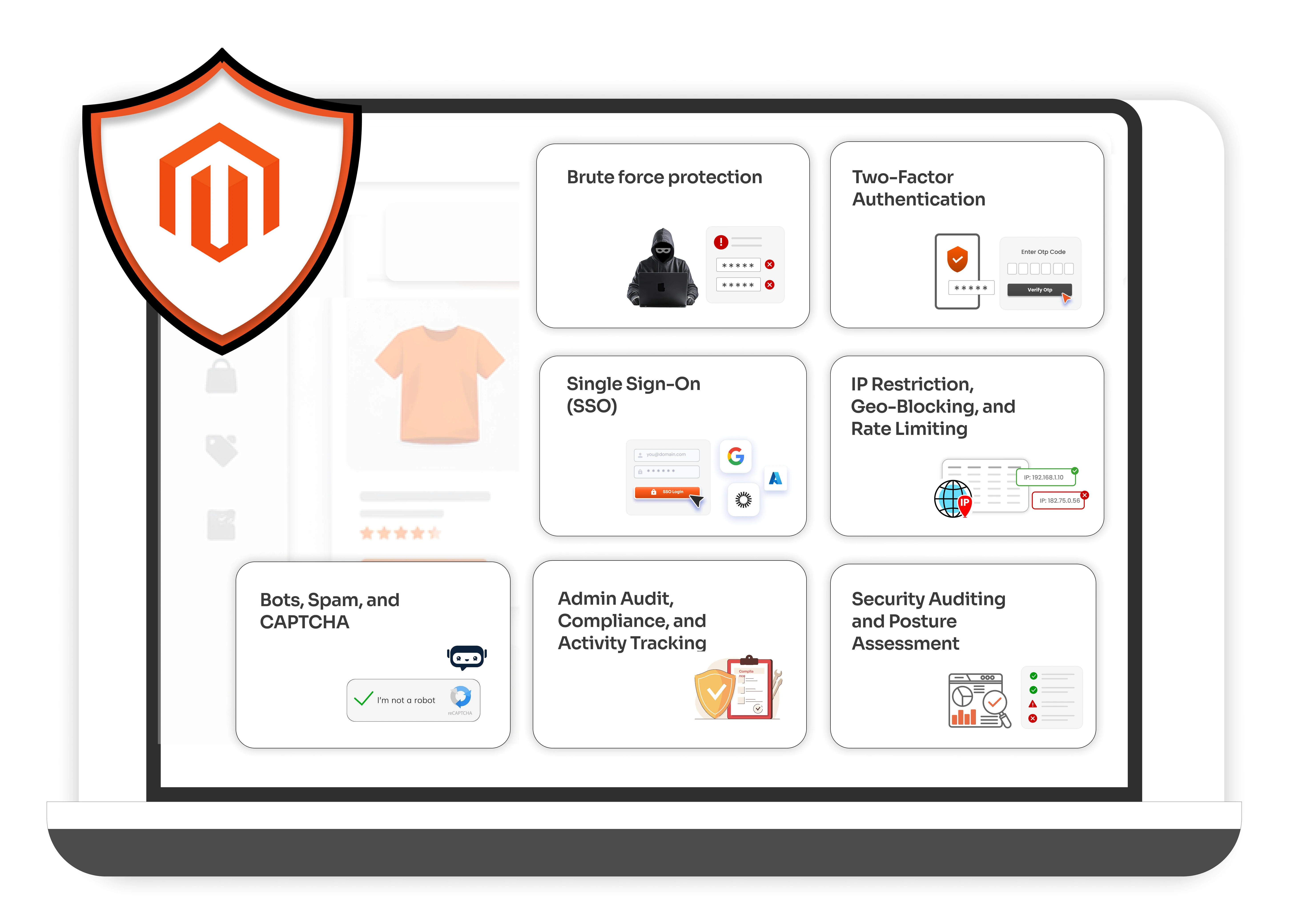
- Web Application Firewall (WAF): This acts as the first line of defense. By inspecting incoming HTTP/HTTPS traffic, the WAF identifies and blocks common vulnerabilities such as SQL injection, Cross-Site Scripting (XSS), and automated bot attacks.
- DDoS Protection: Distributed Denial of Service (DDoS) attacks are designed to overwhelm server resources. Magento Cloud infrastructure employs traffic scrubbing centers that detect anomalous request patterns and filter out malicious traffic volumes.
- Content Delivery Network (CDN) Integration: By distributing content across globally dispersed nodes, the CDN not only improves performance but also obscures the origin server's IP address, making it harder for attackers to target the infrastructure directly.
- Automated Patching: The Magento Cloud deployment process simplifies the application of security updates. Keeping the core application up-to-date is critical, as known vulnerabilities are frequently exploited in older, unpatched versions.
Comparison of Security Approaches
The following table highlights the differences between standard self-hosted environments and the managed Magento Cloud security model:
| Feature | Self-Hosted / On-Premise | Magento Cloud Infrastructure |
|---|---|---|
| WAF Configuration | Manual installation/management | Integrated via Fastly |
| Patch Application | Manual, often delayed | Streamlined via Git/Deployment pipeline |
| DDoS Mitigation | Requires 3rd party service | Native infrastructure-level protection |
| Compliance (PCI) | High effort for infrastructure | Environment-level compliance support |
| Access Control | Admin-managed SSH keys | Managed identity and access policies |
Essential Security Best Practices for Magento Merchants
Even with a robust infrastructure, the "shield" is only as strong as the weakest configuration. In 2026, maintain your security posture by adhering to these operational requirements:
1. Rigorous Access Management
The principle of least privilege should guide all user access. Ensure that admin accounts utilize Multi-Factor Authentication (MFA). Audit administrative accounts regularly; if a developer or agency partner no longer requires access, revoke it immediately. Avoid using shared administrative credentials, as these make accountability and breach attribution impossible.
2. Secure Coding and Extension Management
Magento’s ecosystem relies heavily on third-party extensions. However, these are often the primary vectors for security breaches. Before installing any module, verify that the vendor is reputable and that the code is compatible with your current version. Regularly scan your store for abandoned or outdated modules that may harbor unpatched vulnerabilities.
3. Regular Vulnerability Scanning
Do not rely solely on the cloud provider's infrastructure protection. Implement external vulnerability scanning and penetration testing tools. These services simulate real-world attacks to identify misconfigurations in the application layer—such as exposed .git directories or unprotected admin URLs—that a network-level WAF might miss.
4. Managing Environment Variables
Ensure that production secrets, such as API keys and database credentials, are never stored in version control. Use the environment variable management features provided by the Magento Cloud architecture to keep sensitive credentials injected securely at runtime.
Navigating PCI DSS Compliance
For any online store, Payment Card Industry Data Security Standard (PCI DSS) compliance is mandatory. Magento Cloud simplifies this journey by providing a platform that is pre-certified for the infrastructure layer. However, merchants must still implement necessary controls at the application layer, such as ensuring that clear-text credit card information is never logged or stored in the database. Failure to comply can result in severe financial penalties and the loss of the ability to process payments.
Troubleshooting Common Security Concerns
If you suspect your store is under attack or if performance dips suggest unauthorized traffic, follow this logical triage sequence:
- Check Traffic Logs: Review the Fastly or web server logs to identify spikes from specific IP addresses or abnormal user-agent strings.
- Analyze Request Patterns: Use the WAF dashboard to see if specific rules are being triggered. If you are blocking legitimate traffic, adjust your firewall rules rather than disabling the firewall entirely.
- Review System Reports: Magento’s internal "System Report" can sometimes reveal modifications to core files. If you find unexpected file changes, immediately trigger a clean deployment from your validated Git branch.
- Isolate Affected Nodes: If an attack is persistent, consult with support services to identify if specific cache nodes or application instances need to be purged or rotated.
Frequently Asked Questions
Does Magento Cloud make my site immune to all hacks? No. While Magento Cloud provides a robust infrastructure shield, it does not prevent vulnerabilities introduced by custom code, insecure third-party extensions, or weak administrative passwords. It mitigates infrastructure-level risks, but application-level security remains the merchant's responsibility.
How often should I update my Magento store? You should apply security patches immediately upon release. In 2026, automated deployment pipelines make this significantly easier than in previous years. Schedule regular maintenance windows to test and push these updates to production.
Is Multi-Factor Authentication (MFA) required? Yes, MFA is a fundamental security requirement for any administrative access in a modern Magento environment. It prevents unauthorized access even if an attacker manages to obtain an administrator's password.
What should I do if I find a security vulnerability in my site? Immediately isolate the affected functionality, review access logs to determine if a breach has occurred, and consult with a qualified security professional or the official Adobe Commerce support channels to apply a remediation strategy.
Next Steps for Merchants
To maximize your protection, perform an immediate audit of your current admin users and third-party extensions. Ensure that your WAF is operating in "active" mode rather than "log-only" mode. If you are not currently utilizing the built-in observability tools provided by the Magento Cloud environment, enable them today to gain visibility into the traffic attempting to access your store. Security is an ongoing commitment to vigilance, not a one-time configuration.
Image Gallery