Understanding Virtualization Appliances: Definition, Utility, and Implementation
A virtualization appliance is a pre-configured software package that combines a virtual machine (VM) with a specific application or service, optimized to run within a hypervisor environment. Designed for "plug-and-play" deployment, the...
A virtualization appliance is a pre-configured software package that combines a virtual machine (VM) with a specific application or service, optimized to run within a hypervisor environment. Designed for "plug-and-play" deployment, these appliances simplify the complexity of installing and configuring software stacks by bundling the operating system, libraries, and application code into a single portable format, typically as an Open Virtualization Format (OVF) file.
Contents
The Architecture of a Virtualization Appliance
To understand what a virtualization appliance is, it is helpful to contrast it with the traditional method of deploying software. In a standard installation, you must provision a base operating system, apply security patches, install necessary dependencies (such as language runtimes or databases), and finally configure the application itself. Each of these steps introduces the potential for human error or configuration drift.
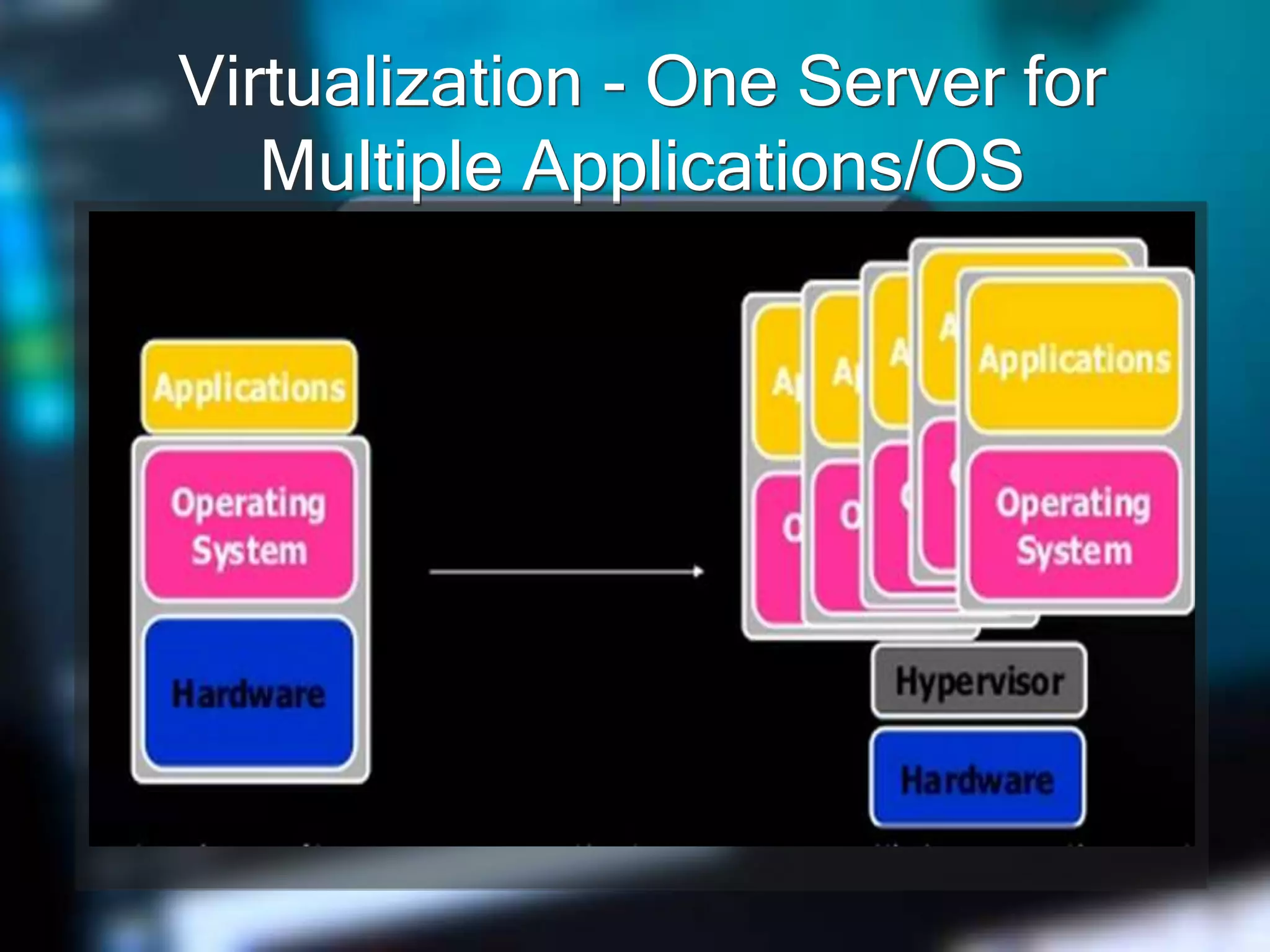
A virtualization appliance abstracts these layers. It is essentially a "black box" that encapsulates a pre-hardened operating system and the target application. When you import this file into your hypervisor—such as VMware ESXi, Proxmox VE, or Microsoft Hyper-V—the virtual machine boots already configured for immediate use. Because the vendor controls the environment inside the appliance, they can optimize the kernel settings, disk layout, and resource allocation to match the specific requirements of the service, resulting in a more stable and efficient deployment.
Key Components of an Appliance
- The Virtual Machine Image: The core component, usually consisting of virtual disk files (e.g., .vmdk, .qcow2).
- OVF/OVA Metadata: The Open Virtualization Format provides the blueprint for the virtual machine, defining CPU, RAM, and network interface requirements.
- Pre-Hardened OS: Most appliances use a minimal Linux distribution (like Alpine, Debian, or Photon OS) stripped of unnecessary services to reduce the attack surface.
- Configuration Interface: Many appliances include a specialized web-based dashboard or console specifically designed for management and updates, allowing users to modify settings without needing deep command-line access to the underlying OS.
Should You Use a Virtualization Appliance?
Deciding whether to use an appliance depends on the balance between your need for speed and your need for granular control.
The Advantages
- Deployment Speed: You can transition from a blank server to a functional production-ready service in minutes rather than hours. This is invaluable in development environments where rapid iteration is required.
- Reduced Complexity: Because the vendor handles the dependency tree and OS-level optimizations, your IT staff does not need to be experts in the underlying application’s specific platform requirements.
- Standardization: Using appliances ensures that every instance of a service is identical across your infrastructure. This consistency eliminates "works on my machine" issues and simplifies troubleshooting.
- Security Hardening: Reputable vendors deliver appliances that have been pre-configured with security best practices, such as disabling root SSH access, closing unnecessary ports, and installing firewall rules.
The Drawbacks and Risks
- "Black Box" Maintenance: If you do not have visibility into how the appliance was built, troubleshooting deep-seated OS issues can be difficult. You are often reliant on the vendor for OS security patches.
- Resource Overhead: An appliance includes an entire OS layer. If you are running multiple appliances, you may be consuming unnecessary CPU and memory resources by running dozens of individual kernels, which might be more efficiently handled by a container-based approach (like Docker or Kubernetes).
- Vendor Lock-in: Moving your data out of a proprietary appliance can be challenging if the vendor uses custom databases or file structures that do not support standard migration tools.
- Update Lag: There is often a delay between a new OS patch release and the vendor updating their appliance image.
Comparative Overview: Appliances vs. Alternatives
| Feature | Virtualization Appliance | Manual VM Installation | Containerization (e.g., Docker) |
|---|---|---|---|
| Setup Time | Very Fast | Slow | Fast |
| Customization | Low | High | Medium |
| Resource Usage | High (Full OS overhead) | High | Low (Shared Kernel) |
| Maintenance | Vendor-dependent | Manual | CI/CD-driven |
| Portability | High (OVF standards) | Moderate | Very High |
When to Choose an Appliance Over Other Methods
You should opt for a virtualization appliance when the software you are deploying is complex to configure or maintain, such as a network firewall (e.g., pfSense or OPNsense), a specialized network storage controller, or a complex enterprise database cluster. These services often require precise integration between the OS kernel and the application code.
Conversely, if you are simply deploying a web application, a script, or a microservice, you are likely better served by containerization or a simple, automated configuration management tool like Ansible. Containers allow you to scale applications independently without the overhead of booting an entire virtual machine for every component.
Best Practices for Secure Deployment
If you decide to utilize a virtualization appliance, prioritize these steps to ensure your infrastructure remains secure and performant:
- Verify the Source: Only download appliances from trusted official repositories. Because an appliance is an entire virtual machine, it is a perfect vehicle for malicious code or backdoors if the source is compromised.
- Isolate Management Interfaces: If the appliance has a web management console, place it on a restricted management VLAN. Do not expose administrative interfaces to the public internet.
- Regular Patching: Check the vendor’s portal frequently for updates. Since appliances often include a versioned OS, you cannot simply run a generic
apt-get upgradewithout risking an application break. Always perform a snapshot or backup of the VM before applying vendor updates. - Rightsizing: When deploying, do not blindly accept the default hardware specifications provided in the OVF. Monitor the resource utilization of the appliance in your environment and adjust CPU and RAM to prevent over-provisioning.
Frequently Asked Questions
Are virtualization appliances the same as virtual machines? No. A virtual machine is the container itself, while a virtualization appliance is a specific use case of a virtual machine. Think of the VM as the vehicle chassis and the appliance as the pre-assembled car, complete with engine, transmission, and seats, ready to drive.
Can I modify a virtualization appliance after it is installed? Yes, but with caution. You can change settings within the guest OS or the provided management console, but you should avoid modifying the core system files unless the vendor’s documentation specifically allows it. Unauthorized changes can cause the appliance to fail during future vendor-provided updates.
Do virtualization appliances cost more than manual installations? Usually, no. Many appliances are provided for free by open-source projects or commercial vendors as a way to simplify the deployment of their software. However, commercial vendors may charge for the convenience of the pre-configured image or provide support packages that are tied specifically to the appliance format.
What happens if the appliance vendor stops supporting the product? This is a significant risk. If the vendor abandons the project, you are stuck with an unpatched OS. Before committing to an appliance, ensure you have a plan to migrate your data to a standard, non-appliance installation should the project reach its end-of-life.
How do I backup a virtualization appliance? Because they are just files on a hypervisor, you should back them up at the hypervisor level. Tools that support snapshotting or VM-level backups (such as Veeam or Proxmox Backup Server) are ideal, as they capture the state of the entire virtual disk and configuration in one operation.
Final Recommendation
For most IT administrators and developers, virtualization appliances serve as a highly effective tool for rapid prototyping and deploying complex, infrastructure-heavy services. Their primary value lies in the reduction of "dependency hell" and the speed of deployment.
Start by evaluating your requirements: if you need a quick, standardized, and stable instance of a service that requires complex configuration, an appliance is an excellent choice. However, maintain a strict policy of sourcing only from official vendors and establish a routine for manual monitoring of security updates. If you find yourself needing highly customized environments, consider transitioning toward Infrastructure-as-Code (IaC) methods to maintain the speed of an appliance while retaining the flexibility of manual control.
Image Gallery