Comprehensive Guide: How to Block General Auto Ads Insurance
Blocking "General Auto" insurance advertisements involves a multi-layered approach to managing your digital footprint and utilizing privacy tools. You can minimize these specific advertisements by configuring your browser settings, opt...
Blocking "General Auto" insurance advertisements involves a multi-layered approach to managing your digital footprint and utilizing privacy tools. You can minimize these specific advertisements by configuring your browser settings, opting out of interest-based tracking through industry consortiums, and adjusting privacy permissions directly within the platforms where these ads frequently appear.
Contents
Understanding Digital Advertising Ecosystems
To effectively block advertisements from specific sectors like auto insurance, it is necessary to understand how these ads reach you. Most online advertising is driven by programmatic bidding—a process where an advertiser (e.g., General Auto) bids in real-time to display an ad to a user based on their browsing history, demographic profile, or search intent.
When you search for insurance-related terms or visit comparison sites, your browser stores cookies or assigns a tracking ID to your device. Advertisers use this data to retarget you across the web. Consequently, "blocking" these ads is less about a single "off" switch and more about interrupting the data flow that allows the advertiser to identify you as a prospect.
Utilizing Browser Privacy Configurations
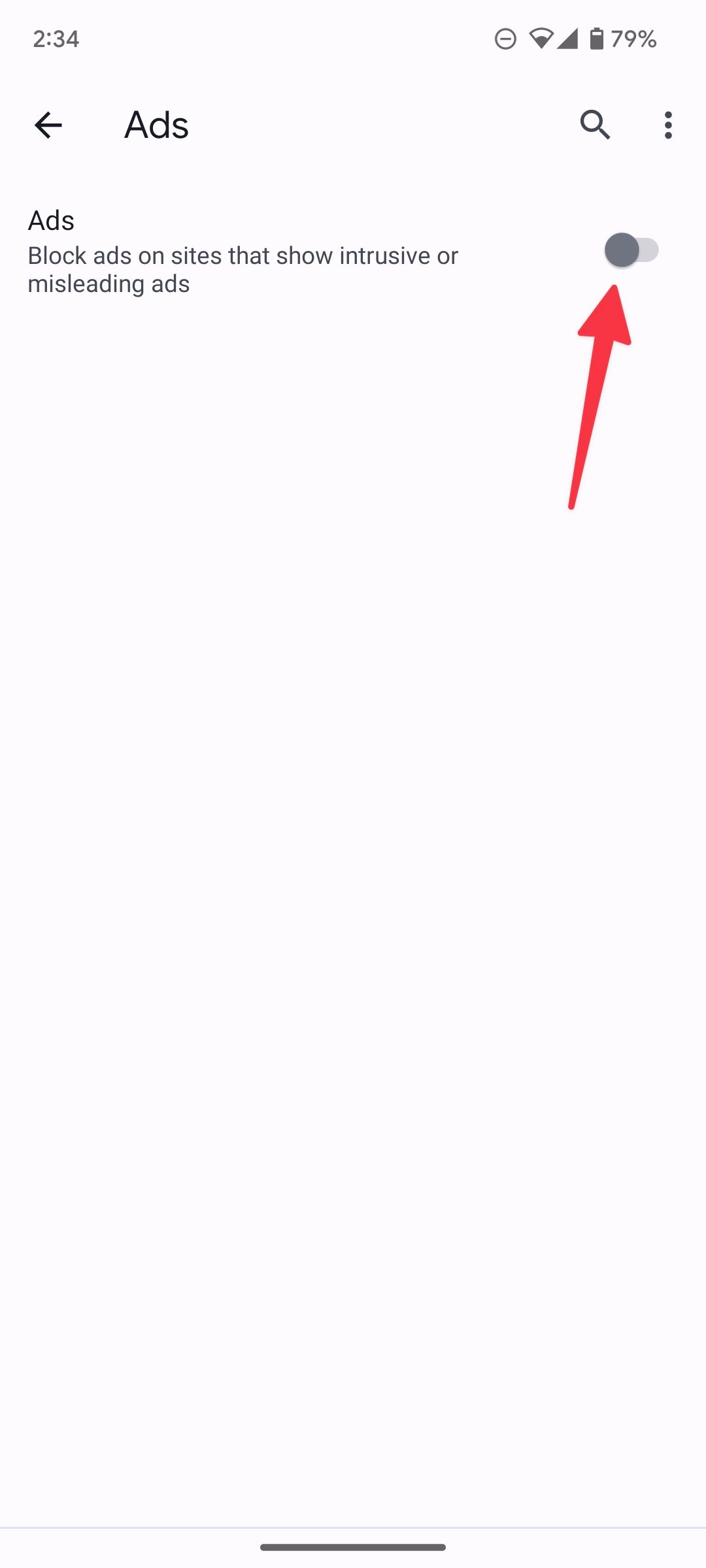
The most immediate way to block intrusive ads is through browser-level settings. Modern browsers have evolved significantly by 2026 to include built-in protections against cross-site tracking.
- Adjusting Tracking Protection: In browsers like Chrome, Firefox, or Safari, navigate to the "Privacy and Security" settings. Enable "Strict" tracking protection. This setting blocks known trackers that follow your activity across different websites, which is the primary mechanism insurance companies use to serve retargeted ads.
- Cookie Management: Set your browser to clear cookies and site data upon closing. This effectively wipes the "profile" that advertising networks have built for your session, forcing the ad network to start fresh next time you browse.
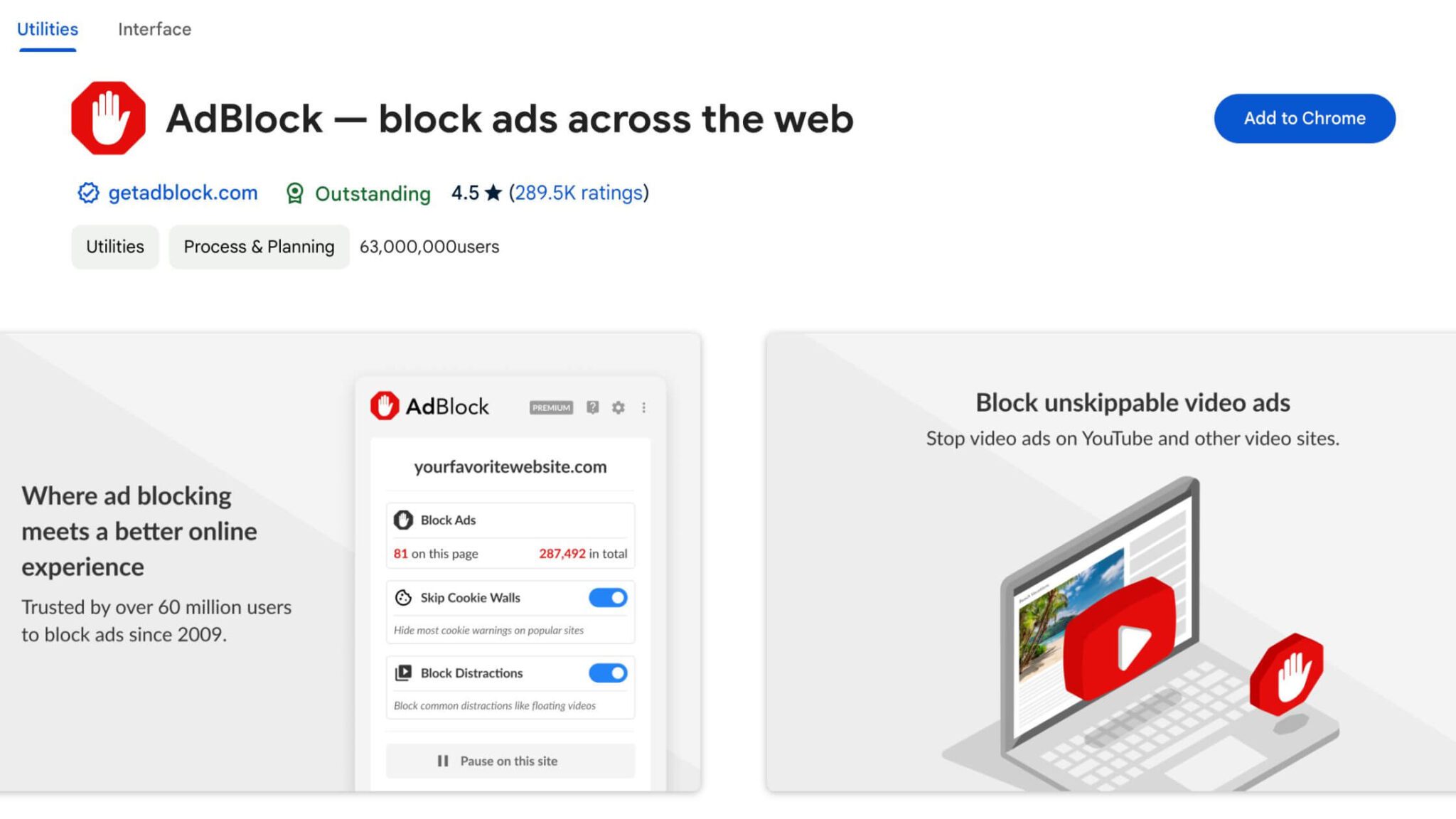
- Content Blockers: Install reputable, open-source content blocking extensions. These tools maintain lists of ad servers and prevent your browser from loading the scripts that display advertising banners and pop-ups.
Opt-Out Programs and Industry Standards
In addition to browser-level controls, you can exercise your right to opt out of interest-based advertising at the source. Organizations like the Digital Advertising Alliance (DAA) and the Network Advertising Initiative (NAI) provide centralized portals that allow you to opt out of data collection by specific member companies.
By visiting the official DAA "YourAdChoices" portal, you can scan your current browser environment for active participants in the tracking ecosystem. You can then toggle off personalized advertising for the companies that provide these auto insurance ad services. Note that this does not remove the ads entirely, but it stops the ads from being tailored to your specific search history or demographic profile.
Platform-Specific Ad Preferences
Often, you will encounter insurance ads while browsing social media or using major search engines. These platforms provide internal tools to customize your ad experience.
- Social Media Ad Centers: Navigate to the "Ad Preferences" or "Ad Settings" menu on your social media accounts. You can search for the specific insurance entity and hide ads from them, or disable "Interest-Based Advertising" entirely.
- Search Engine Personalization: On major search engines, you can review your "My Ad Center" or equivalent dashboard. By turning off "Personalized Ads," you ensure that your past searches for auto insurance do not influence the sponsored results that appear at the top of your search queries.
Comparing Ad Control Methods
The effectiveness of these strategies varies based on the technical environment and the level of privacy desired.
| Method | Mechanism | Impact on Insurance Ads |
|---|---|---|
| Browser Tracking Protection | Blocks third-party scripts | High: Stops cross-site tracking |
| DAA/NAI Opt-Out | Signals preference to ad networks | Medium: Reduces relevance |
| Platform Ad Settings | Direct exclusion from accounts | High: Removes specific advertisers |
| Content Blockers | Prevents ad assets from loading | Very High: Removes almost all ads |
Addressing Misconceptions About Ad Blocking
A common misconception is that blocking ads will stop insurance companies from contacting you entirely. It is important to distinguish between advertisements (which appear on websites) and direct marketing (which includes unsolicited phone calls or physical mail).
If you are receiving unwanted insurance solicitations via telephone or mail, you must utilize different legal channels. In the United States, for example, registering your phone number with the National Do Not Call Registry remains the standard procedure for stopping telemarketing, regardless of your online ad-blocking status. These are separate systems with independent regulatory oversight.
Troubleshooting Persistent Ads
If you have configured your browser and opted out of tracking, but still see insurance advertisements, consider the following:
- Clear Cached Data: Sometimes your browser cache holds onto images and scripts from previous sessions. Perform a hard refresh (typically Ctrl+F5 or Cmd+Shift+R) on the pages where you still see ads.
- Check VPN/Proxy Services: If you use a VPN, your "location" might be triggering ads based on regional insurance trends. Some VPNs include their own built-in ad-blocking features which can be toggled on or off to resolve display issues.
- Identify Ad-Injectors: Occasionally, persistent, aggressive pop-ups that seem to bypass ad blockers are signs of adware or browser hijackers. Ensure your system security software is up to date and perform a scan for malicious software if ad behavior becomes erratic or suspicious.
Professional Guidance and Limitations
This guide provides technical steps to manage your digital privacy and filter advertisements. It does not constitute legal or financial advice. Ad-blocking tools are software-based and operate with varying degrees of success depending on the sophistication of the advertising network. For concerns regarding insurance solicitations or data privacy compliance in your specific jurisdiction, consult your local consumer protection agency or a legal professional.
Frequently Asked Questions
1. Does blocking ads prevent me from getting an insurance quote? No. Blocking ads only prevents the display of promotional content. You can still visit any insurance company’s official website directly by typing their URL into your browser to receive a quote or manage a policy.
2. Are ad blockers 100% effective? No technology is 100% effective. Some modern ad networks use "first-party" delivery, where the ad is served directly from the website's own servers, making it difficult for standard blockers to distinguish between content and advertisements.
3. Will I still see insurance ads after I opt out? Yes. Opting out primarily stops "behavioral advertising," which uses your personal data to show you ads. You may still see generic, non-personalized advertisements for insurance, as these are not based on your personal profile.
4. Is it legal to block ads? Yes. In most jurisdictions, controlling what content is loaded by your browser is considered a function of user agency and privacy protection.
5. How can I stop receiving insurance mail and calls? To stop phone calls, register with your national Do Not Call registry. To stop physical mail, utilize opt-out services provided by industry marketing associations or the mailing preferences services specific to your country of residence.
Next Steps for Implementation
Begin by auditing your browser's security settings to ensure "Strict" tracking protection is enabled. If you identify a specific insurance provider that continues to follow you, visit their website’s "Privacy Policy" or "Cookie Settings" page. Most reputable insurance firms now offer a direct "Do Not Sell/Share My Personal Information" link in their website footer, which is the most effective way to be removed from their internal marketing databases.
Image Gallery