How to Pay My Sears Credit Card Bill Online Safely and Efficiently in 2026
Managing retail credit card accounts requires secure navigation of digital banking portals, especially following structural shifts in financial servicing partnerships. Citibank, N.A. issues and administers Sears credit card portfolios,...
Managing retail credit card accounts requires secure navigation of digital banking portals, especially following structural shifts in financial servicing partnerships. Citibank, N.A. issues and administers Sears credit card portfolios, meaning online payment authentication, portal routing, and electronic statement deliveries route through primary banking infrastructure rather than legacy department store systems. To execute a successful online transaction in 2026, cardholders must understand login authentication protocols, valid electronic payment methods, mobile application functionality, and troubleshooting pathways for common login and processing errors.
Contents
Navigating the Official Sears Credit Card Online Portal
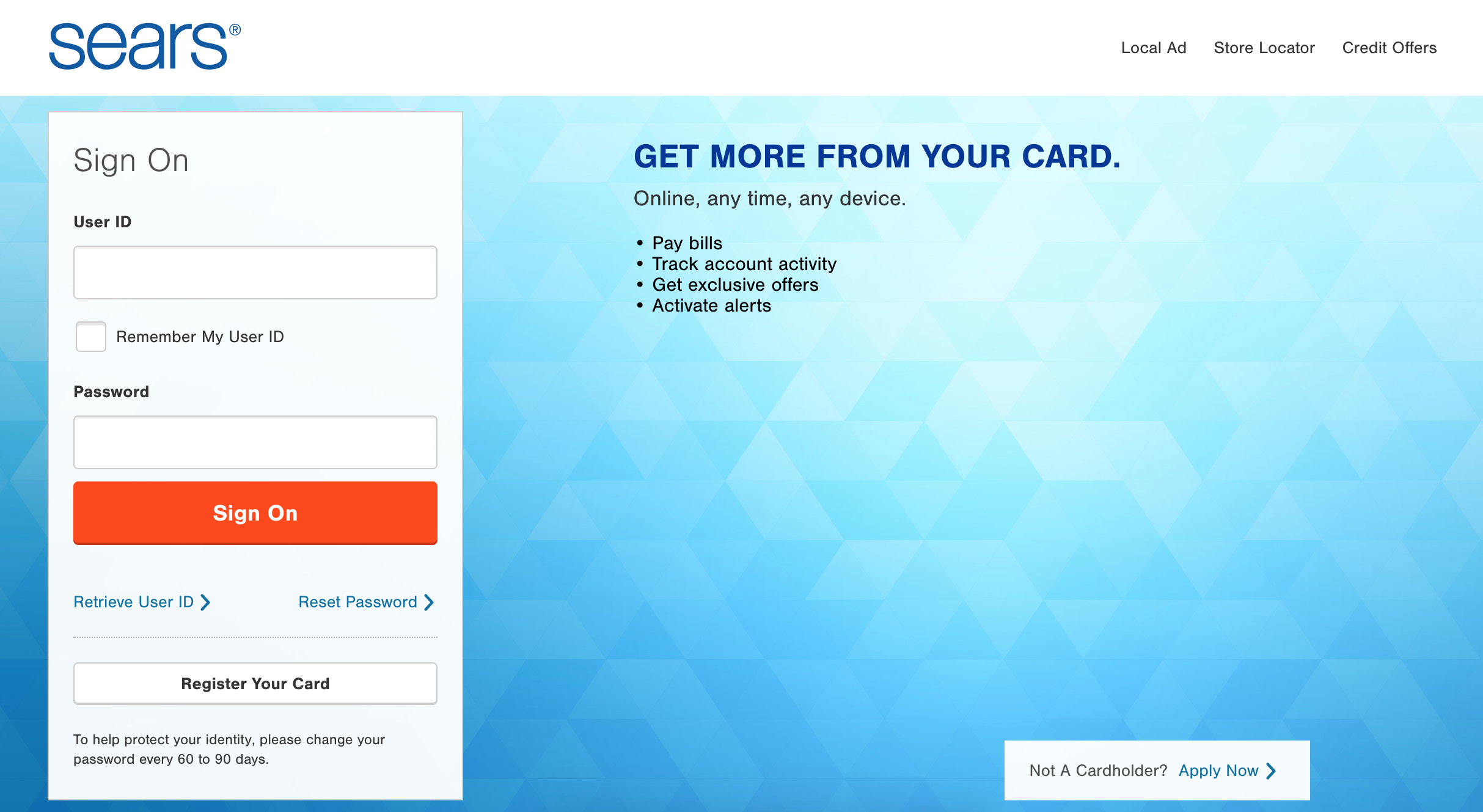
Accessing the correct digital portal is the single most critical step in safeguarding your financial data against phishing attempts and unauthorized credential capture. Cardholders must bypass third-party search engine aggregators and navigate directly to the verified Citibank-managed Sears card portal.
When you arrive at the designated sign-in page, the platform requires specific security credentials.
- User ID and Password: Enter your unique alphanumeric identifiers established during initial registration.
- Two-Factor Authentication (2FA): Expect a security verification code sent via SMS text message or registered email address to confirm your device identity.
- Browser Security: Verify that the URL begins with a secure HTTPS protocol and features a padlock icon indicating active transport layer security encryption.
Never input sensitive card numbers, social security digits, or banking passwords into unverified third-party applications or unsecured public Wi-Fi networks. Utilizing a password manager with autofill protection further defends against malicious spoofing sites designed to mimic the genuine portal interface.
Step-by-Step Guide to Executing Your Online Payment
Executing a digital transfer from your checking or savings account requires pre-verified banking details, including your nine-digit American routing transit number and your specific account number.
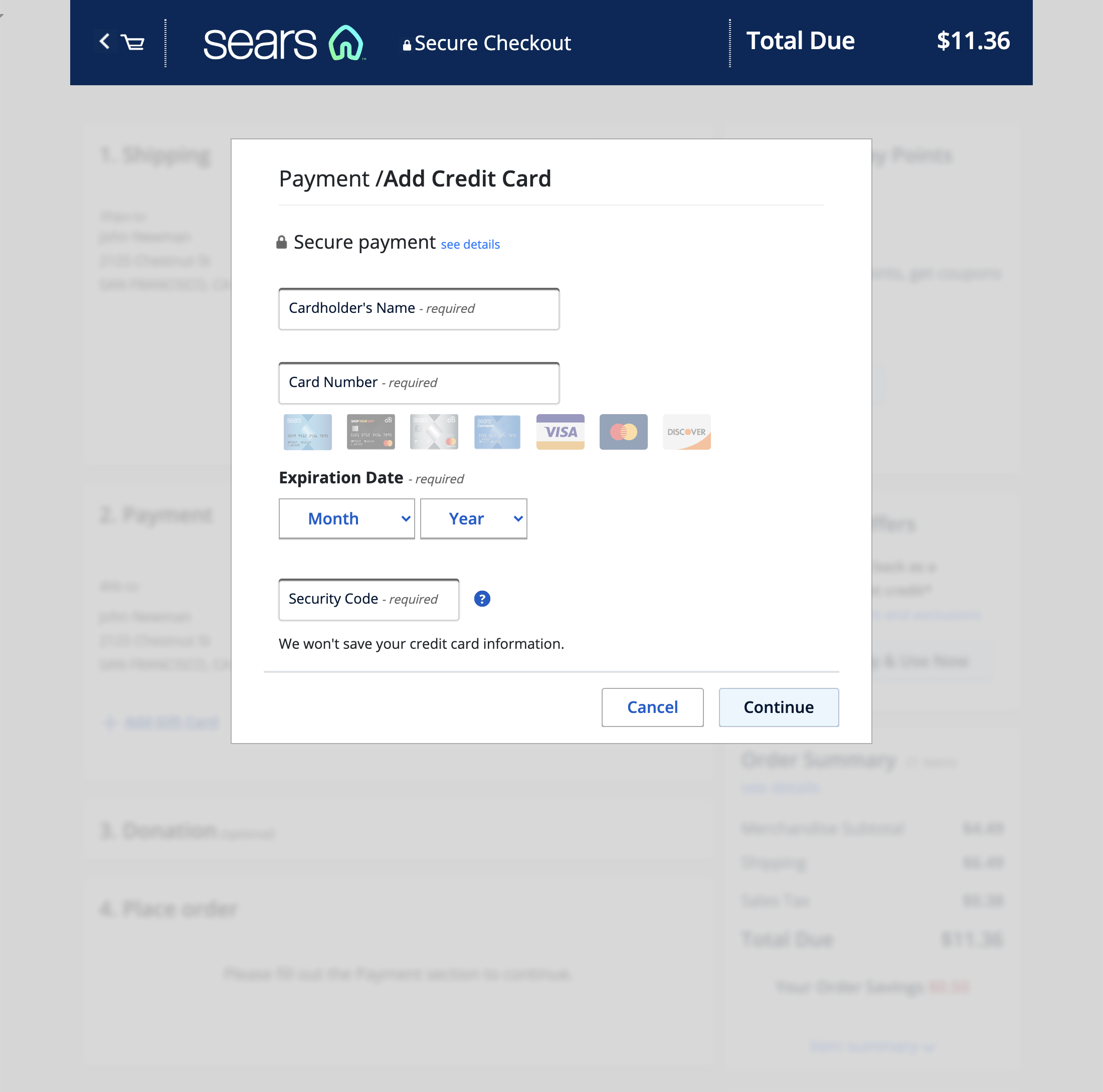
- Log Into Your Account: Navigate to the official Citibank Sears credit card portal and input your credentials, clearing any mandatory 2FA security prompts.
- Locate the Payment Dashboard: Once inside the main account summary interface, select the prominent button labeled Make a Payment or Pay Bill.
- Select Payment Details: Input the desired payment amount. You can choose to pay the minimum payment due, the full statement balance, the current total balance, or a customized custom amount.
- Choose the Funding Source: Designate an active linked bank account or input a new financial institution routing and account number.
- Set the Processing Date: Choose your intended posting date. Standard online payments initiated before evening cutoff times typically post to your account within one to two business days.
- Review and Submit: Carefully verify all input numbers, review the electronic authorization agreement disclosure, and click Submit Payment. Save or screenshot the digital confirmation code generated upon successful transmission.
Important Processing Note: Always verify the daily cutoff time for online payments. Submitting a transaction on a weekend or after the stated evening cutoff hour usually delays the effective posting date until the next standard business banking day, which may impact grace periods or trigger late fees if executed on your exact payment due date.
Comprehensive Comparison of Sears Credit Card Payment Channels
While online web portals remain the primary choice for digital management, cardholders maintain several alternative methods to settle their monthly obligations. Evaluating the speed, convenience, and transaction friction of each channel ensures your payment arrives on time.
| Payment Method | Processing Speed | Convenience Factor | Potential Fees | Recommended Use Case |
|---|---|---|---|---|
| Online Web Portal | 1-2 Business Days | High (Accessible via desktop) | $0 (Standard ACH) | Primary routine monthly payments and statement reviews |
| Citibank Mobile App | 1-2 Business Days | Very High (On-the-go access) | $0 (Standard ACH) | Quick balance checks and mobile check-in payments |
| Phone (Automated IVR) | 1-2 Business Days | Moderate (Requires card data) | May apply for agent assistance | Emergency payments when internet access is unavailable |
| Mail (Check/Money Order) | 5-7 Business Days | Low (Physical mailing required) | Cost of stamp / Money order fee | Traditional backup method for non-digital account holders |
| In-Store Customer Service | Varies | Low (Restricted to open locations) | $0 | Rare or deprecated due to shifting retail partnerships |
Managing Your Account via the Mobile Application
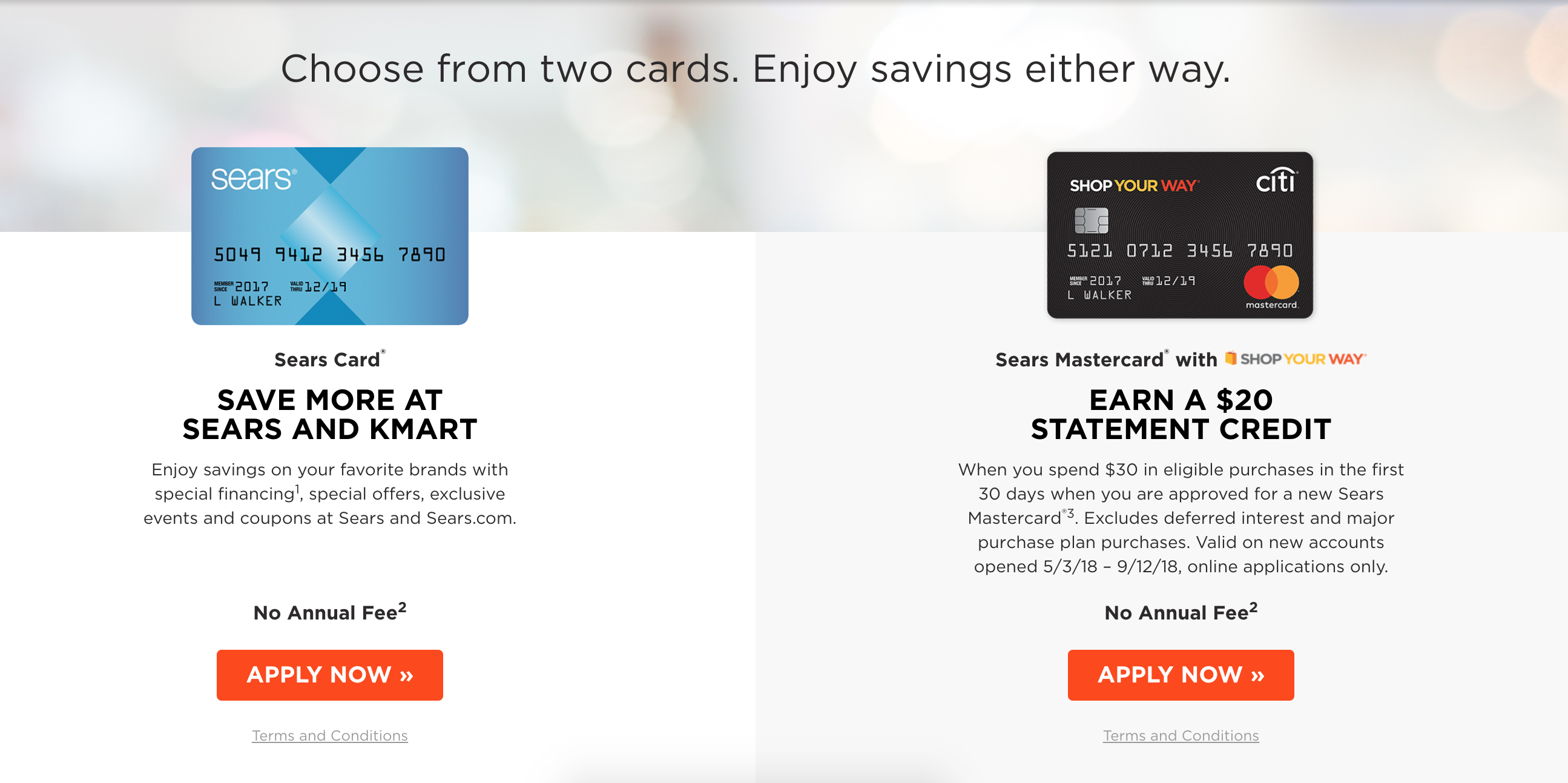
Modern financial management increasingly relies on dedicated smartphone applications to maintain real-time visibility over revolving credit lines. The official Citibank mobile app, available on both iOS App Store and Google Play Store platforms, consolidates your Sears Mastercard or Sears Card account management into a single mobile dashboard.
- Biometric Authentication: Enable Face ID or fingerprint login for rapid, secure access without repeatedly typing complex passwords.
- Push Notifications: Configure instant transaction alerts, low-credit warning thresholds, and payment due-date reminders.
- Statement Access: Download monthly PDF statements directly to your mobile device for tax or budgeting archives.
- Digital Wallet Integration: Push your Sears credit card credentials straight into Apple Pay, Google Pay, or Samsung Pay for contactless point-of-sale purchases.
Troubleshooting Common Login and Payment Failures
Technical friction can disrupt your payment schedule if you encounter password lockouts, banking routing errors, or server timeouts. Adopting a methodical troubleshooting approach resolves most digital roadblocks quickly.
Password Recovery and User ID Retrieval
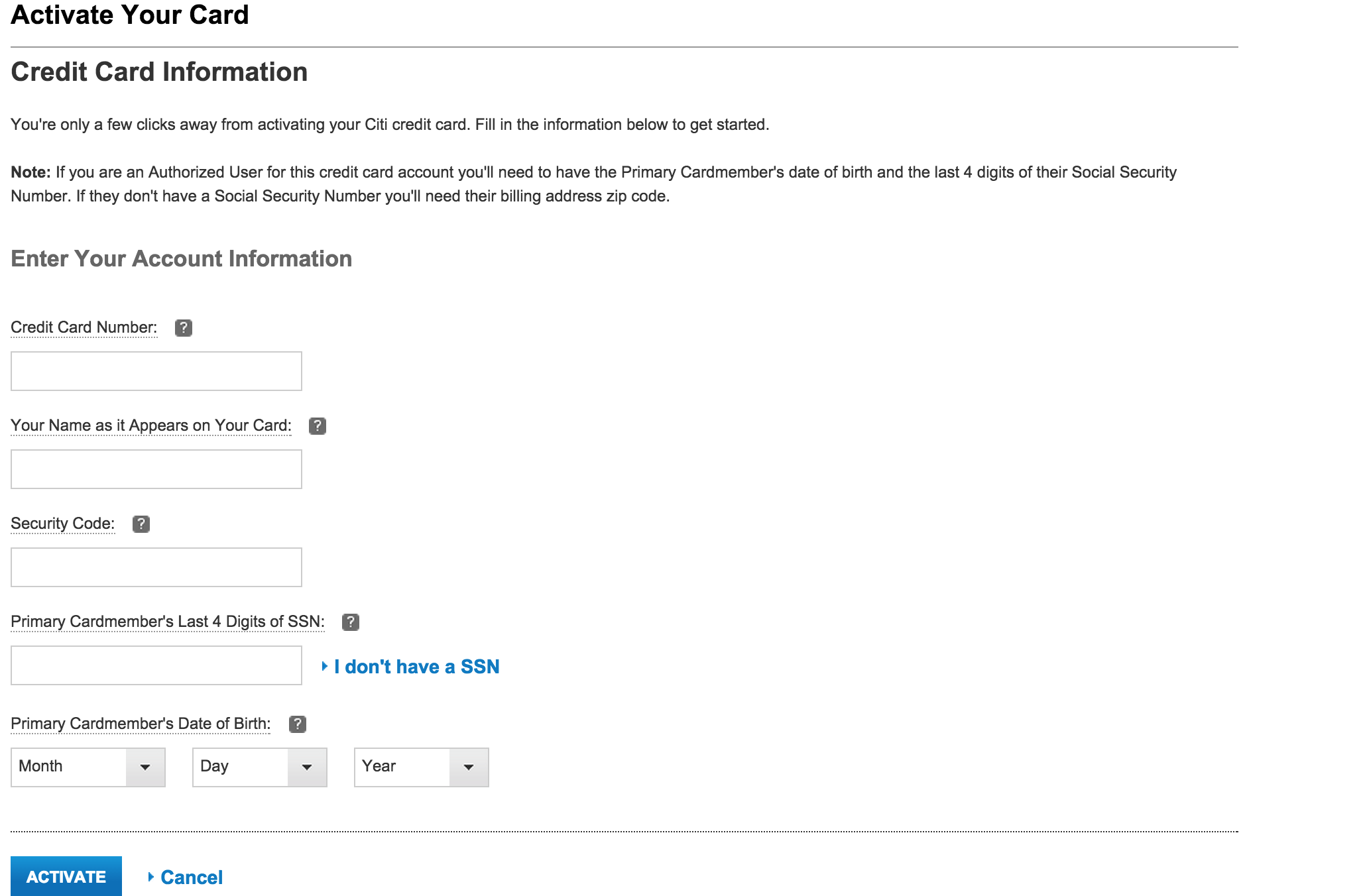
If multiple failed login attempts lock your account, avoid guessing blindly. Utilize the automated Forgot User ID or Password? recovery links on the sign-in page. You will need to verify your identity by providing your full credit card account number, the security CVV code on the back, the expiration date, and the primary cardholder's Social Security Number.
Resolving Bank Account Linking Errors
If the portal rejects your checking account details, double-check your numbers. A misplaced digit in your routing number will cause an ACH transfer rejection. Ensure that the name on the linked bank account matches or links cleanly to the name on the Sears credit card account to prevent fraud-prevention holds from freezing the transaction.
Handling System Maintenance Outages
Financial institutions frequently perform scheduled server maintenance during late-night weekend windows. If the portal displays a gateway error or temporary service unavailable message, wait one to two hours before attempting another login, or utilize the automated telephone payment line as a reliable fail-safe.
Frequently Asked Questions
Can I pay my Sears credit card bill online without registering for an account?
Yes, many major credit card issuers provide a guest pay or express payment feature on their portal landing pages. However, registering for a full online account provides vital visibility into transaction history, rewards balances, and automated payment scheduling.
What should I do if my online payment is processed past the due date?
Contact customer service immediately to explain the situation, especially if you possess a strong history of on-time payments. Issuers occasionally waive late fees as a courtesy, though interest charges may still accrue based on your daily periodic rate.
Are there any fees for paying my Sears credit card bill online?
Standard electronic payments initiated via the online web portal or mobile application using an ACH checking or savings transfer incur zero transaction fees. Avoid using high-fee cash advance or third-party money transfer services that charge processing markups.
How do I set up automatic monthly payments (AutoPay)?
Log into your online account portal, navigate to the payment settings menu, and select the option to enroll in AutoPay. Choose whether you want to automatically pay the minimum amount due, the full statement balance, or a fixed dollar amount each month on your scheduled due date.
Who issues and services the Sears credit card in 2026?
Citibank, N.A. serves as the issuing bank and financial administrator for all Sears credit card portfolios. All digital servicing, customer support inquiries, and payment processing flow through Citibank infrastructure.
Is it safe to save my bank account information on the Sears credit card portal?
Yes, financial institutions employ advanced encryption standards, tokenization, and multi-layered security controls to protect stored financial instruments. Ensure your personal login credentials remain confidential and never share your two-factor authentication codes with anyone.
Image Gallery