Choosing an Intranet Site Template: A Strategic Guide for Enterprise Deployment
Selecting an intranet site template is a foundational decision that dictates how your organization communicates, collaborates, and secures its internal data. A high-quality template serves as the bridge between raw technical infrastruc...
Selecting an intranet site template is a foundational decision that dictates how your organization communicates, collaborates, and secures its internal data. A high-quality template serves as the bridge between raw technical infrastructure—such as Microsoft SharePoint, Confluence, or custom-built frameworks—and the end-user experience, directly impacting employee engagement and operational efficiency across the enterprise.
Contents
Understanding the Role of Intranet Templates in 2026
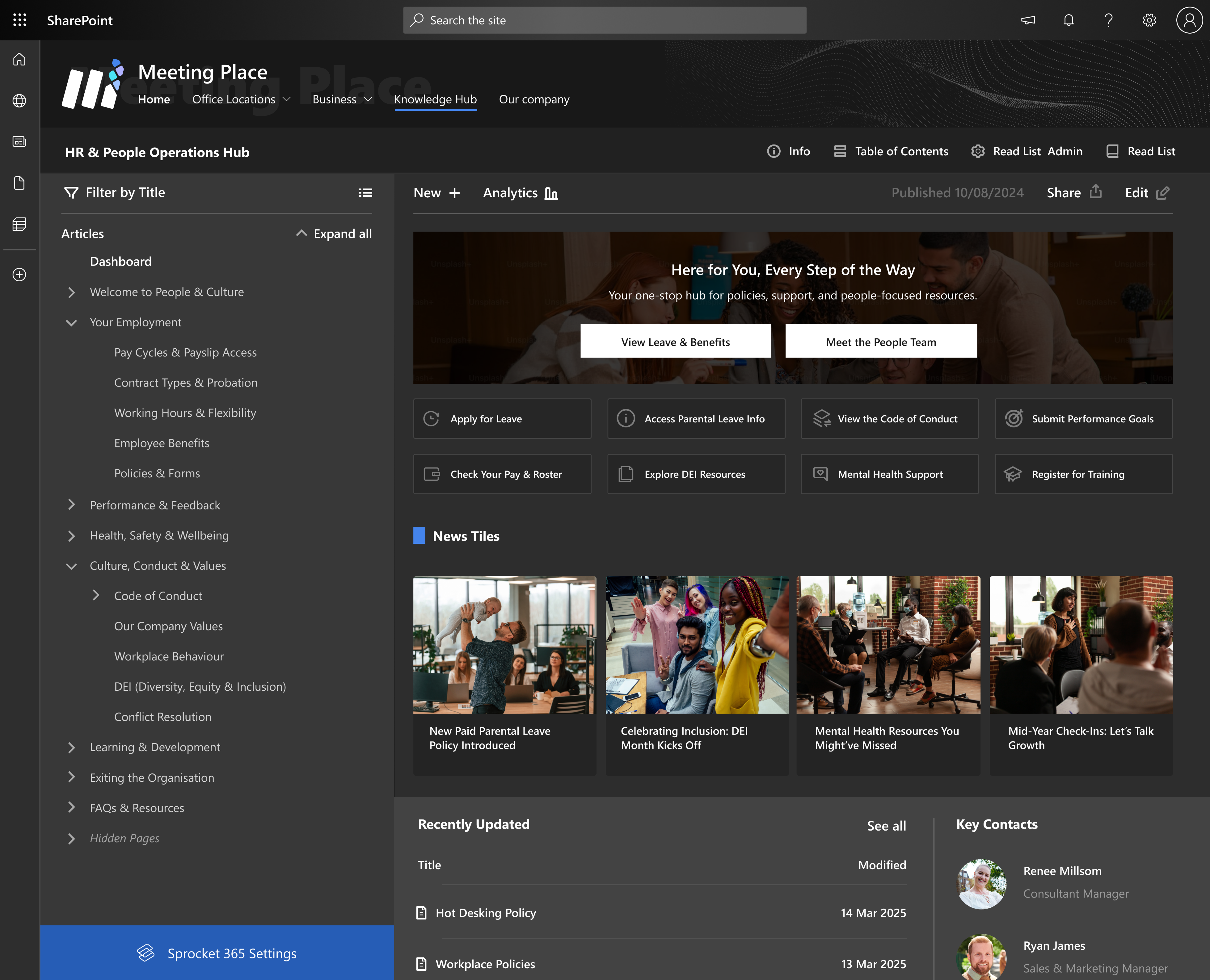
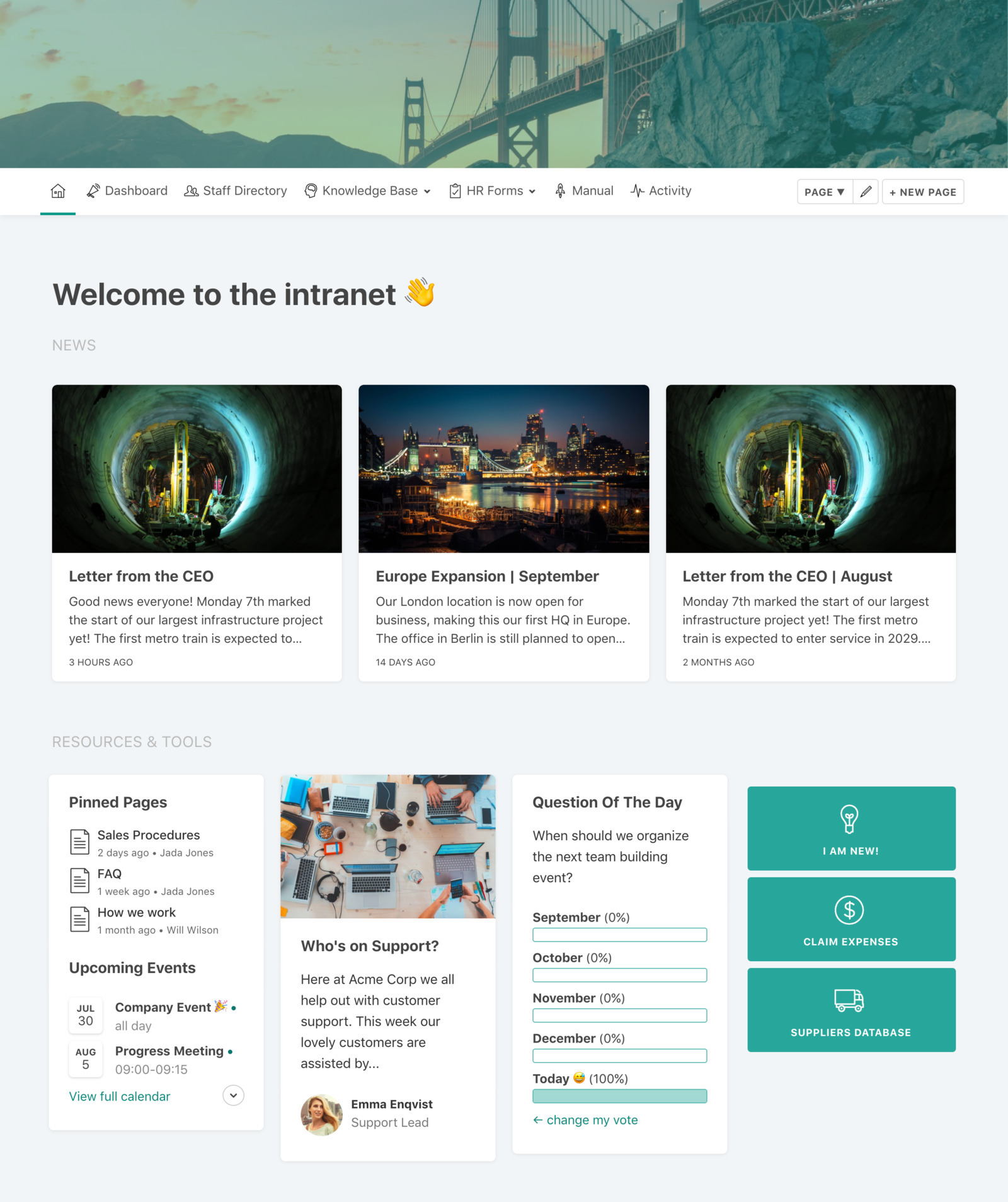
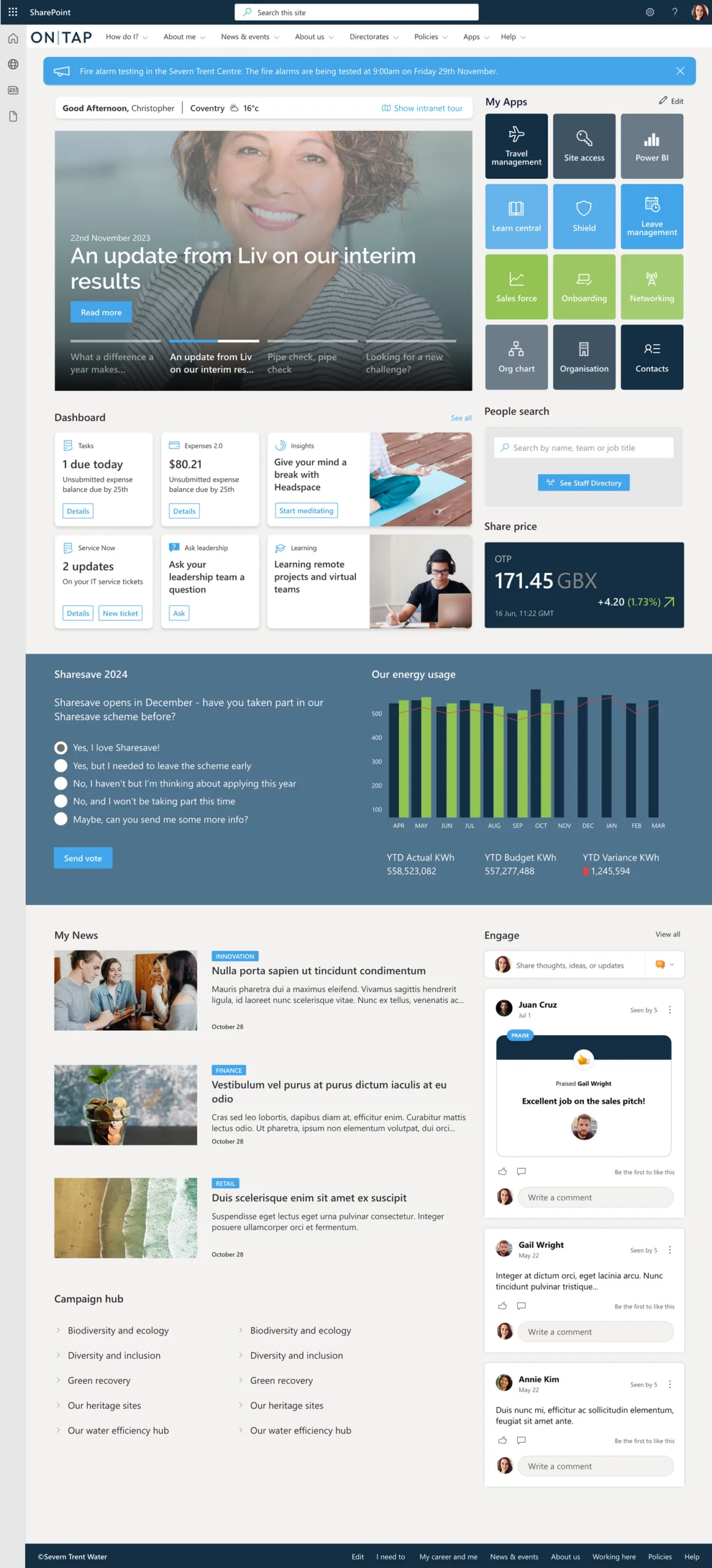
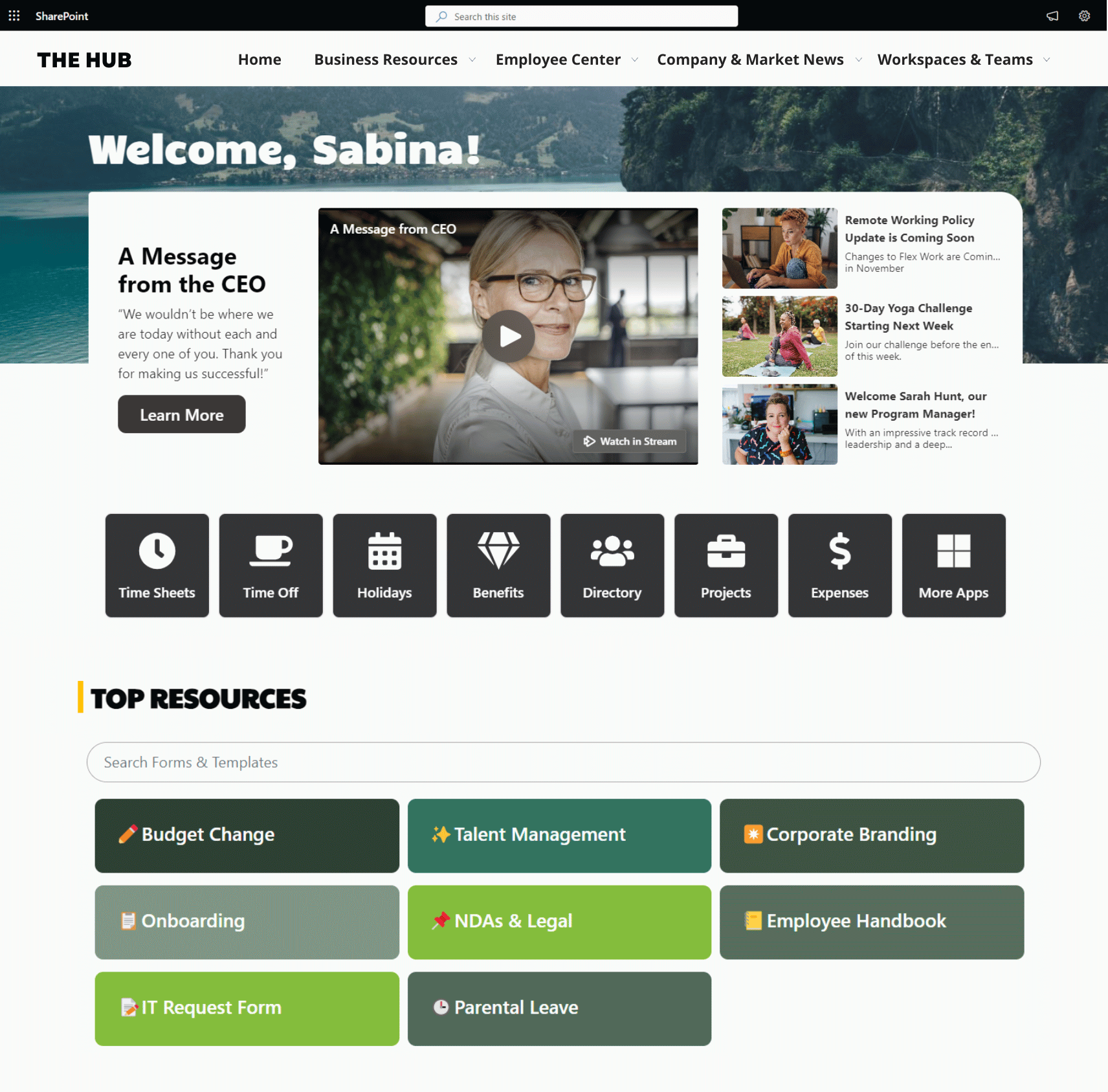
In the current digital landscape, an intranet is more than a digital bulletin board; it is a critical hub for productivity. When you choose a template, you are selecting a pre-configured architecture that determines page layout, navigation hierarchies, content visibility, and mobile responsiveness.
Choosing the right template requires balancing "out-of-the-box" speed with the technical necessity for future scalability. While modern Content Management Systems (CMS) and Digital Experience Platforms (DXP) offer hundreds of themes, the selection process must be governed by your specific functional requirements, such as department-specific news feeds, document management systems (DMS), and integration with external API-driven tools.
Prerequisites for Selection
Before evaluating visual designs or color palettes, your technical and administrative teams must define the foundational requirements of the platform.
1. Functional Scope and User Personas
Identify the primary goal of the site. Is it an executive communication portal, a collaborative workspace for engineering teams, or a self-service hub for Human Resources and IT support? Different groups have distinct needs:
- Front-line workers: Require mobile-first, lightweight navigation for quick access to shift schedules and safety manuals.
- Knowledge workers: Need deep integration with document search, wikis, and project management tools.
2. Technical Environment Compatibility
The most elegant template will fail if it does not integrate with your existing tech stack. Verify if your chosen template supports your current authentication protocols (such as SAML or OIDC for Single Sign-On) and whether it adheres to your organization’s accessibility standards, such as the Web Content Accessibility Guidelines (WCAG) 2.2.
3. Customization vs. Standardization
Determine how much flexibility you need. A rigid, "locked-down" template ensures brand consistency across global offices but may stifle departments that require unique page layouts. Conversely, highly customizable templates increase long-term maintenance costs, as future platform updates may break heavily modified code.
Evaluation Criteria for Intranet Templates
When comparing options, evaluate each template against a standardized set of technical and operational metrics. The following table provides a framework for comparison.
| Metric | High-Priority Requirement | Impact on Operations |
|---|---|---|
| Responsiveness | Mobile-native or adaptive | Ensures accessibility for remote and field staff |
| CMS Integration | Native API support | Reduces development time for data syncing |
| Accessibility | WCAG 2.2 compliance | Critical for legal and inclusive design mandates |
| Load Speed | Under 2s (server response) | Directly influences user adoption and retention |
| Component Library | Modular web parts | Facilitates future layout updates without IT tickets |
Key Phases in the Selection Process
Step 1: Gap Analysis of Current Workflow
Audit your current internal communications. Identify where information silos exist. If your staff struggles to find employee handbooks, ensure the candidate template has a robust, tagged taxonomy and a powerful internal search interface.
Step 2: Vendor and Template Testing
Request a sandbox environment. Do not rely on marketing imagery. Test the template by populating it with real data—large PDF documents, high-resolution imagery, and nested folder structures—to observe how the design handles actual content density.
Step 3: Governance and Maintenance Planning
A template is a living entity. Consider who will manage the updates. If your organization lacks deep CSS or JavaScript expertise, avoid templates that require significant code modification to maintain a basic aesthetic. Opt for "low-code" or "no-code" builders where configuration is managed through a visual dashboard.
Common Mistakes to Avoid
The most frequent error in selecting an intranet template is prioritizing aesthetics over functionality. "Modern" looking templates often suffer from excessive whitespace or heavy JavaScript animation, which can frustrate employees attempting to complete high-velocity tasks.
Another common mistake is ignoring version control. Ensure the template is compatible with the specific version of your intranet software. For instance, a SharePoint Online modern site template cannot be force-migrated to an on-premises SharePoint Server 2019 instance. Always confirm the specific version compatibility to avoid security vulnerabilities.
Frequently Asked Questions
How do I know if a template is scalable for future growth?
Scalability is determined by the modularity of the template’s components. A scalable template uses a grid-based system where widgets (web parts) can be removed or added without breaking the underlying site structure. Avoid templates with hard-coded sections that cannot be repurposed.
Should I prioritize a pre-built template or a custom build?
Pre-built templates offer lower initial costs and faster deployment times. Custom builds are only necessary if your organization has highly specific workflow requirements that cannot be met by standard "news," "people directory," or "document library" modules.
Can I change my intranet template after the site is live?
While it is technically possible, switching templates usually involves a significant re-mapping of content types and assets. It is far more efficient to select a robust, "future-proof" template during the initial planning phase than to attempt a redesign shortly after launch.
What is the biggest security risk when using third-party templates?
The primary risk is the inclusion of third-party plugins or unvetted scripts within the template package. Always perform a security audit of any third-party code to ensure it does not contain backdoors or unnecessary external trackers that could leak internal organizational data.
How do I ensure my template supports internal search?
Ensure the template utilizes the native search indexing service of your platform (e.g., Microsoft Search). If the template introduces its own search mechanism, verify that it can index your existing document repositories and that it respects your current permissions and security trimming.
Recommendation: Aligning Design with Strategy
Your intranet template should be treated as an investment in organizational culture. Before committing to a purchase, convene a cross-functional committee including representatives from IT, Human Resources, and Communications. Test your top three candidates against a "day-in-the-life" scenario: ask a user to locate a specific policy document and submit a leave request. The template that allows the user to complete these tasks with the fewest clicks while maintaining clear brand identity is the superior choice. Once selected, establish a documentation protocol so that future site admins understand the limitations and capabilities of the layout, ensuring that your digital workplace remains stable and user-friendly through 2026 and beyond.
Image Gallery