The Definitive Guide to Choosing the Best To Do List App in 2026
Modern productivity workflows demand far more than a basic digital notepad. Selecting the optimal to do list app in 2026 requires balancing computational efficiency, cognitive load reduction, natural language processing, and cross-plat...
Modern productivity workflows demand far more than a basic digital notepad. Selecting the optimal to do list app in 2026 requires balancing computational efficiency, cognitive load reduction, natural language processing, and cross-platform synchronization across desktop, mobile, and wearable ecosystems. This comprehensive guide evaluates the core architectural features, performance benchmarks, and practical implementation frameworks required to optimize personal and professional task management.
Contents
Evolution of Task Management Software and 2026 Standards
The landscape of personal task management has shifted radically from static checklist registries to dynamic, context-aware productivity hubs. Contemporary software relies heavily on edge-computed artificial intelligence, automated priority matrices, and bidirectional API sync integrations with enterprise calendars, project management suites, and communication tools.
Task fragmentation represents a primary operational failure point for knowledge workers. When project deliverables, personal errands, and administrative reminders exist in siloed silos, cognitive fatigue increases. The primary objective of an enterprise-grade to do list app is to establish a single source of truth for actionable items without creating excessive administrative overhead.
Operational Standard for Task Capture: Effective productivity systems mandate that any actionable item must be captured within five seconds of conception to prevent cognitive leakage and task abandonment.
Core Architectural Features of Modern Applications
Evaluating contemporary software requires examining underlying technical capabilities rather than surface-level user interfaces.
- Natural Language Processing (NLP): Modern parsers instantly convert conversational text such as "Review quarterly tax report every Friday at 3 PM #finance @work" into structured metadata, automatic calendar blocks, recurring schedules, and targeted tag associations.
- Bi-directional Synchronization: Instantaneous, conflict-free state resolution across macOS, Windows, iOS, Android, Linux, and web clients ensures zero latency during offline-to-online transitions.
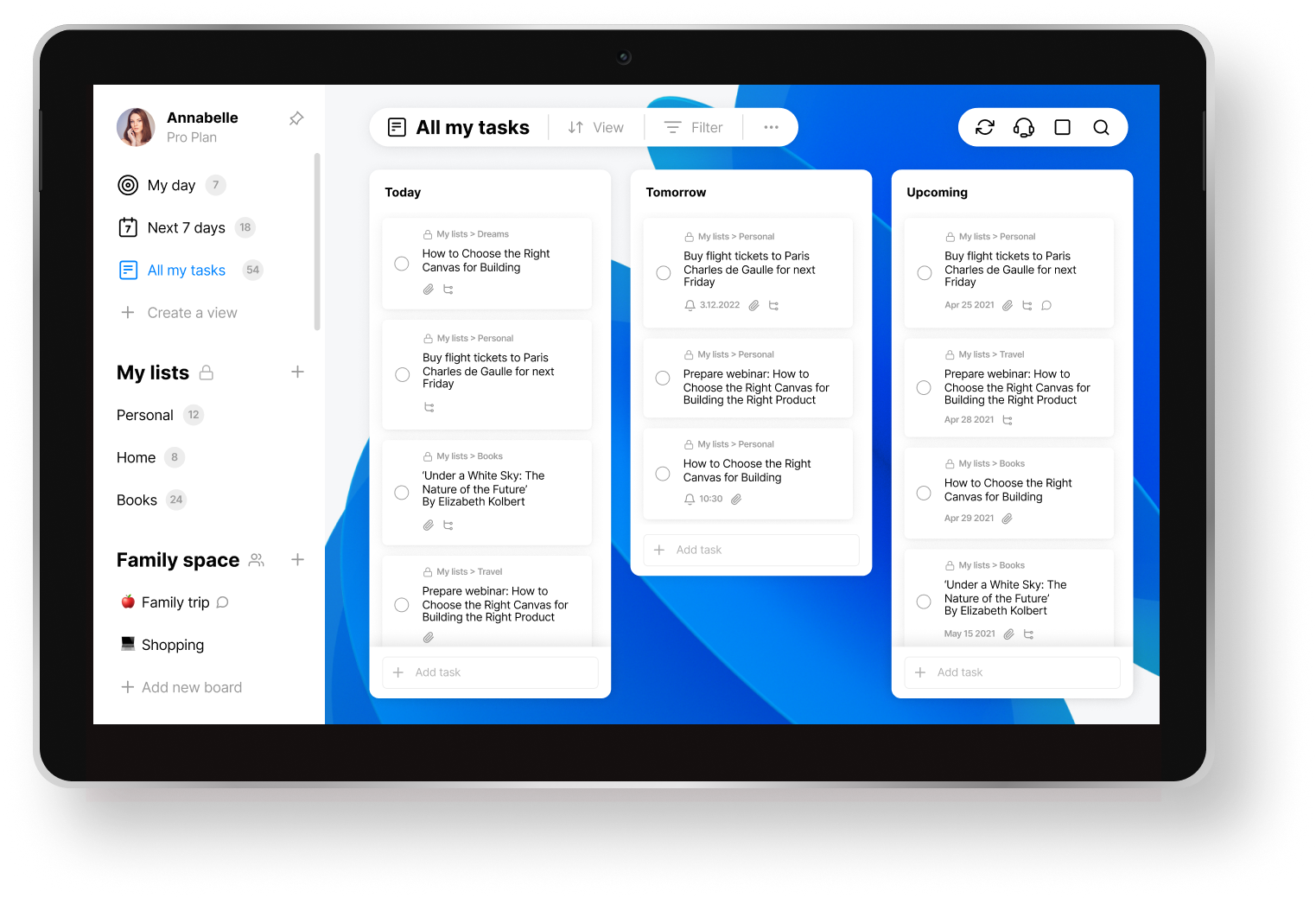
- Granular Task Hierarchies: Support for multi-level nesting, project folders, kanban boards, calendar timelines, and customized filter views prevents interface clutter.
- Contextual Tagging and Metadata: Dynamic filtering via location triggers, energy-level attributes, and estimated time-to-completion metrics.
Comparative Analysis of Leading Task Management Platforms
Navigating the crowded marketplace requires objective performance benchmarking. The following matrix contrasts the industry-leading task management platforms available in 2026 based on technical complexity, collaboration potential, cost structures, and intended user base.
| Application | Primary Strengths | NLP Capability | Cross-Platform Sync | Target User Persona | Pricing Structure |
|---|---|---|---|---|---|
| Todoist | Speed, natural language parsing, extensive integrations | Advanced | Real-time, highly reliable | General professionals, fast-paced task managers | Free tier available; Pro at $4/month |
| TickTick | Built-in Pomodoro timer, habit tracker, calendar view | Advanced | Excellent, includes native desktop apps | Students, time-blocking enthusiasts | Free tier available; Premium at $3.59/month |
| Things 3 | Immaculate UI/UX, deep Apple ecosystem integration | Moderate | Apple-exclusive (Mac, iPad, iPhone, Watch) | Apple power users, minimalists | One-time purchase ($9.99 - $49.99) |
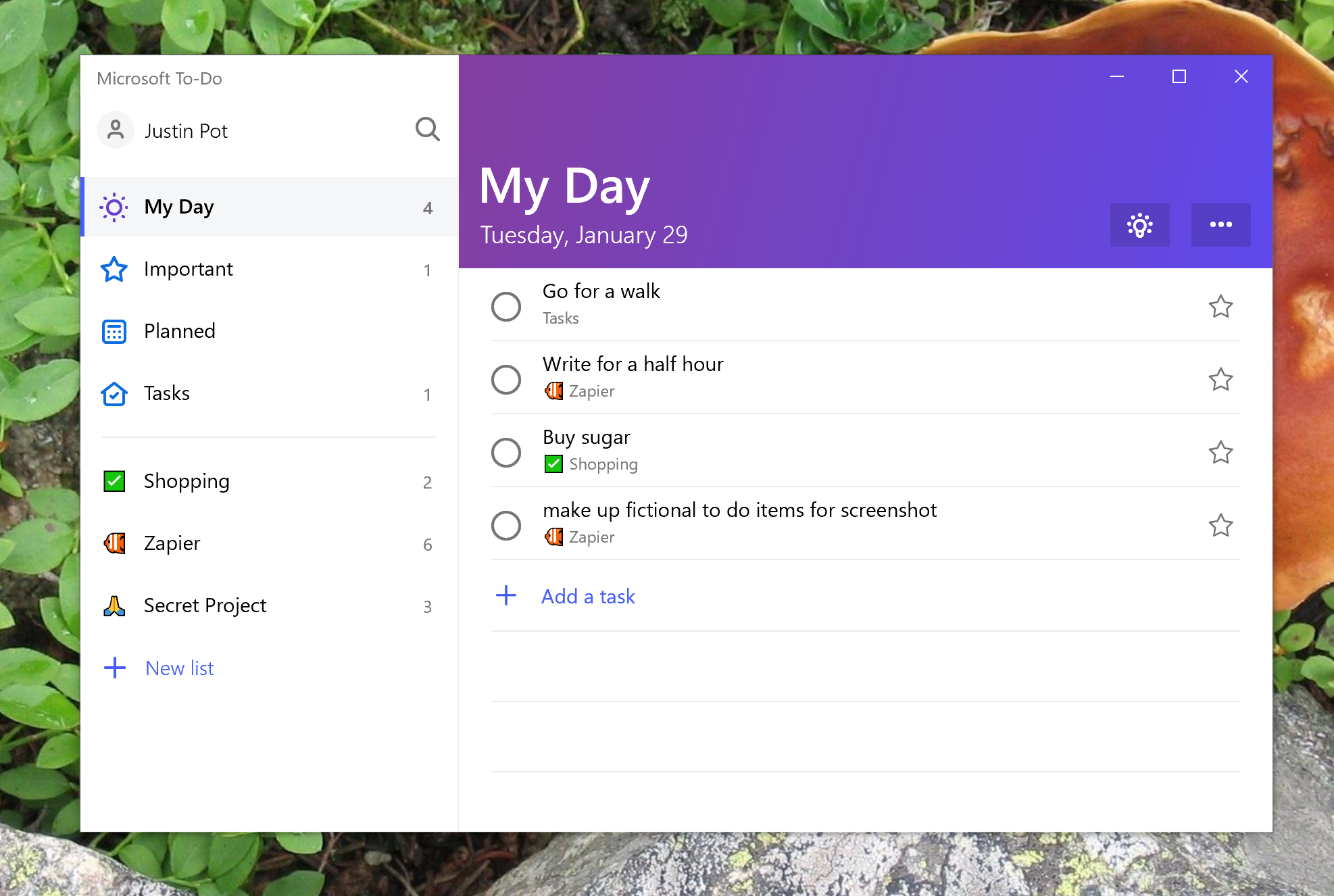
| Microsoft To Do | Deep Microsoft 365 integration, My Day feature, free | Basic | Reliable across Windows, iOS, Android | Enterprise users, budget-conscious teams | 100% Free |
| Asana | Complex project management, team dependencies | Minimal | Robust web and mobile apps | Project managers, corporate teams | Free tier available; Paid tiers from $10.99/user |
Step-by-Step Framework for Implementing Your Task Management System
Deploying a new productivity application without a strict structural framework often results in digital hoarding and eventual app abandonment. Follow this methodical implementation blueprint to establish a sustainable workflow.
Phase One: The Centralized Brain Dump
Begin by exporting every open loop, looming commitment, unfinished project, and recurring chore out of your working memory and into your chosen application's inbox.
- Capture Everything: Do not attempt to organize during this phase. Focus exclusively on ingestion speed.
- Break Down Macro-Tasks: Convert vague inputs like "Update website" into concrete, executable micro-actions such as "Draft new privacy policy text" or "Compress hero banner image."
- Assign Hard Deadlines: Differentiate strictly between arbitrary due dates and immutable hard deadlines tied to external consequences.
Phase Two: Establishing Cadences and Review Loops
A to do list app is only as effective as the review habits supporting it. Implement these mandatory operational intervals to maintain system integrity.
- The Daily Alignment (5 Minutes): Review the daily focus list every morning. Select no more than three core achievements (MITs - Most Important Tasks) to prevent decision fatigue.
- The Weekly Audit (20 Minutes): Clear the inbox entirely. Archive completed tasks, evaluate overdue items, reschedule deprioritized commitments, and align projects with broader quarterly milestones.
Addressing Common Pitfalls and Technical Troubleshooting
Even with advanced software, users frequently encounter operational bottlenecks. Identifying these failure points preserves system longevity.
Over-Categorization and Interface Bloat
A common mistake involves creating dozens of nested projects, custom filters, and hyper-specific tags. This creates an administrative tax that discourages daily engagement. Keep your root folder structure lean. Rely on smart views and metadata tags rather than deep folder hierarchies.
Sync Conflicts and Offline Data Loss
When operating across multiple devices in low-connectivity environments, sync conflicts can occasionally duplicate or overwrite task notes. To mitigate this risk, ensure background app refresh is enabled, periodically verify cloud backup states, and utilize native desktop clients rather than browser tabs for critical data entry.
Frequently Asked Questions About To Do List Apps
What is the single best to do list app for individual productivity?
Todoist remains the industry standard for individual productivity due to its superior natural language processing speed, frictionless capture experience, and robust multi-platform synchronization. However, users deeply embedded in the Apple ecosystem frequently prefer Things 3 for its minimalist interface and native OS integration.
How do I prevent my to do list app from becoming overwhelming?
Combat list fatigue by strictly utilizing a daily focus view that isolates three to five primary tasks while hiding deferred, long-term backlog items out of sight. Regularly purge tasks that have lingered in your backlog for over thirty days without movement.
Are free task management applications secure enough for sensitive data?
Most reputable applications utilize end-to-end encryption in transit and at rest using industry-standard protocols such as AES-256 and TLS. However, for highly classified proprietary business data or regulated financial records, verify whether the provider offers zero-knowledge encryption or local-only storage alternatives.
How does natural language processing improve task creation?
Natural language processing eliminates manual date pickers, priority dropdowns, and tag menus by parsing text strings in real time. Typing "Prepare quarterly presentation every Monday at 9 AM priority 1 #work" automatically populates the schedule, priority level, and project folder in a single keystroke.
Can to do list apps replace full project management software?
While advanced applications like TickTick and Todoist handle lightweight collaborative projects, they lack complex resource allocation, financial tracking, and gantt dependency mapping. Complex multi-departmental initiatives still require dedicated project management platforms like Asana, Jira, or Monday.com.
Optimizing Your Digital Workflow Today
Implementing the right to do list app transforms chaotic obligations into structured, execution-ready workflows. Assess your specific ecosystem requirements, prioritize fast capture mechanisms over complex custom features, and commit to consistent daily and weekly review cadences to reclaim cognitive bandwidth and maximize output.
Image Gallery