How to Pay My Comcast Xfinity Bill Online, Mobile, and Offline in 2026
Managing your monthly telecommunications expenses requires a secure and straightforward method to handle payments. Whether you need to clear your broadband internet, digital television, or mobile phone balance, this comprehensive guide...
Managing your monthly telecommunications expenses requires a secure and straightforward method to handle payments. Whether you need to clear your broadband internet, digital television, or mobile phone balance, this comprehensive guide covers every legitimate option available for your Comcast Xfinity account in 2026.
Contents
Official Xfinity Payment Methods and Channels
Xfinity provides several authorized payment channels to ensure your account remains active and service interruptions are avoided. Choosing the right method depends on your preference for automated convenience or manual control over your billing cycle.
- Xfinity My Account App: The fastest method for smartphone users to manage billing profiles, view current statement balances, and execute instant transactions via saved payment methods.
- Official Website Portal: Accessing the primary consumer dashboard through a secure desktop browser allows you to review itemized monthly charges, download historical statements, and submit one-time payments.
- Automated Phone System: Calling the dedicated customer service line provides a secure interactive voice response (IVR) system to complete transactions using a debit card, credit card, or checking account.
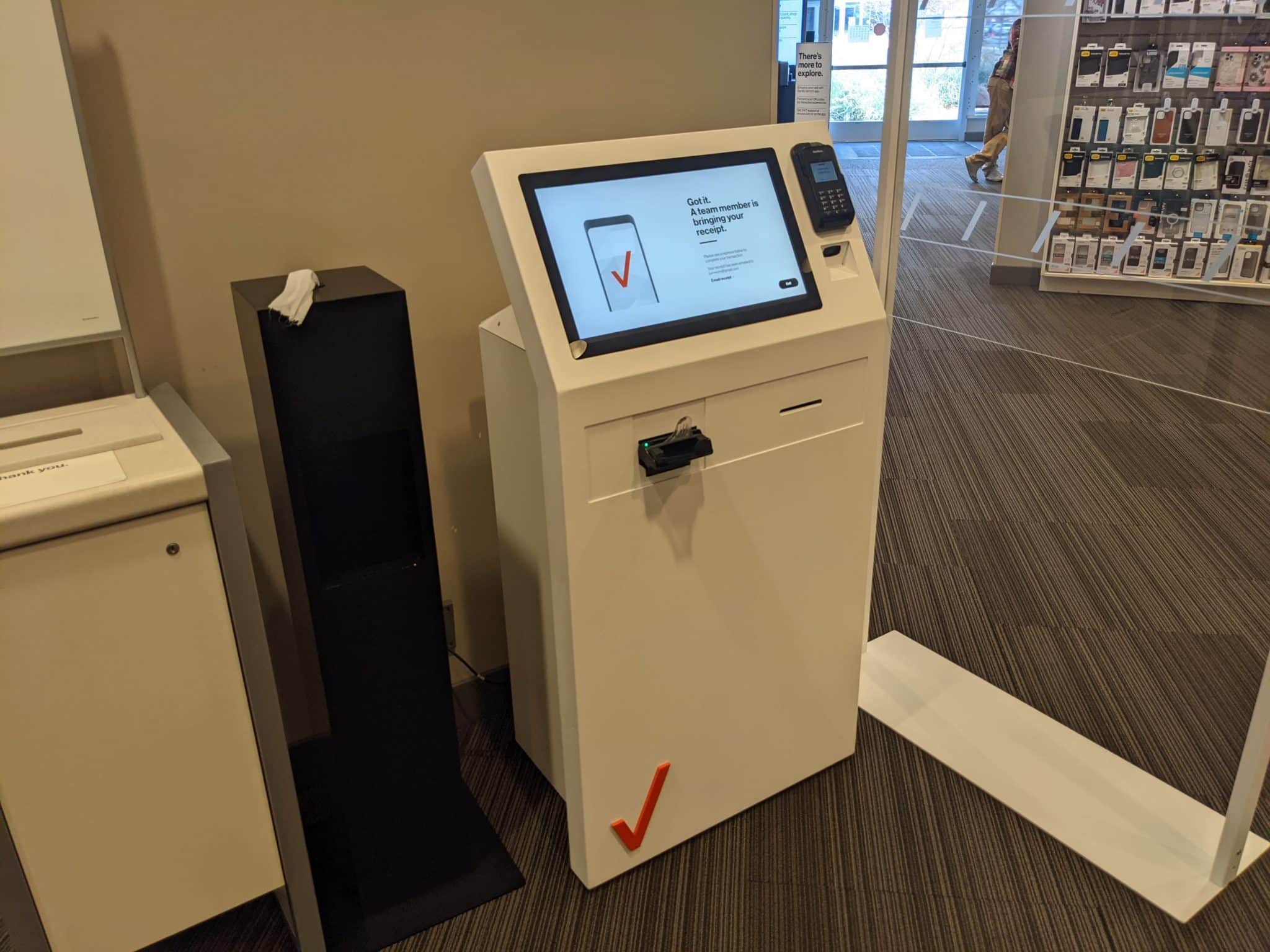
- In-Person Retail Stores: Visiting a local Xfinity Store enables you to pay via kiosks, cash, checks, or traditional card payments directly with an authorized representative.
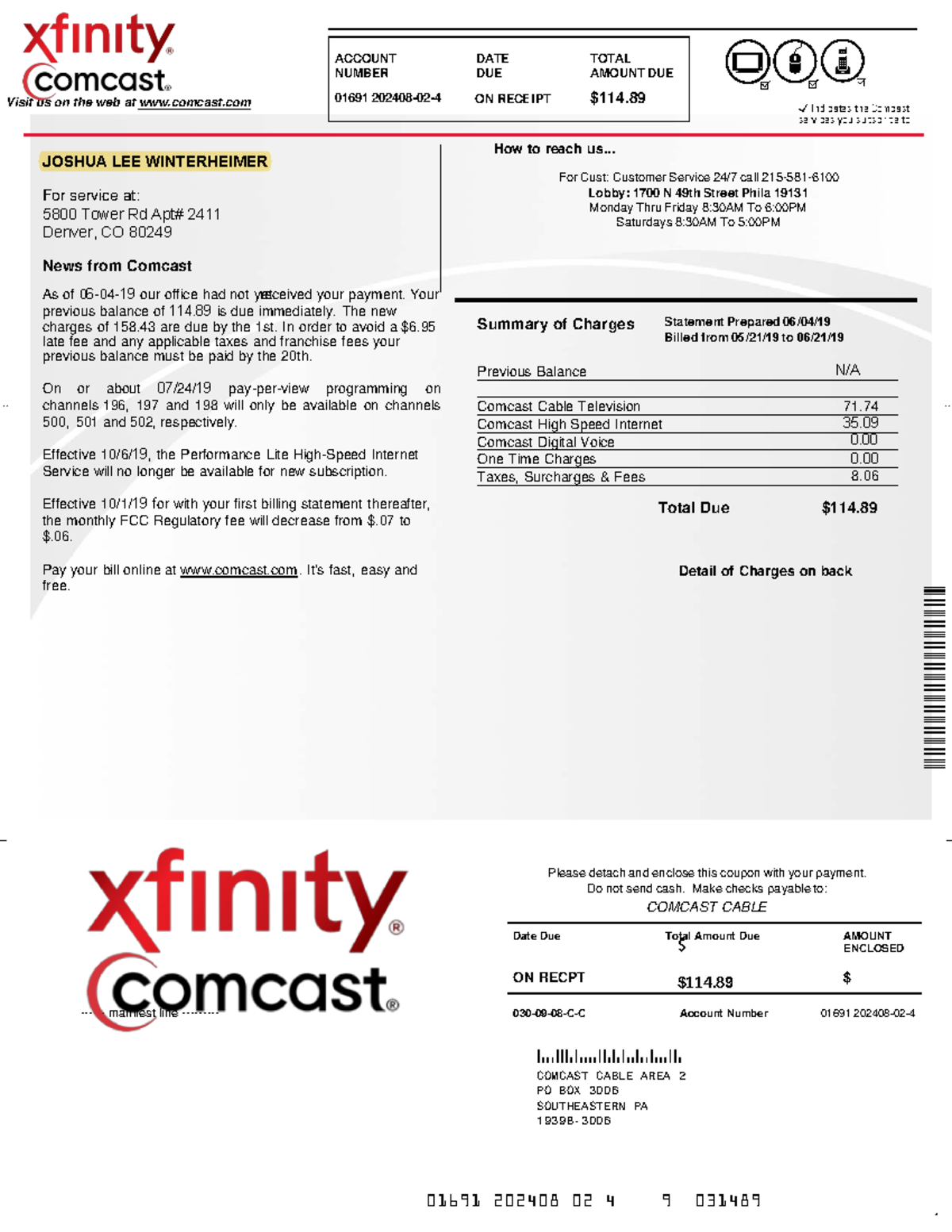
- Mail-In Remittance: Sending a traditional paper check or money order along with your payment coupon to the designated processing address listed on your monthly paper statement.
Step-by-Step Guide to Paying Your Bill Online or via Mobile
Completing your monthly financial obligation digitally takes only a few minutes when following the correct protocol. Protecting your personal financial data requires utilizing official applications and secure web connections.
- Access the Secure Portal: Open your web browser and navigate to the official Xfinity login page, or launch the Xfinity App on your iOS or Android device.
- Authenticate Your Credentials: Enter your official Xfinity ID (which can be your email address, mobile number, or username) and your secure account password. Complete any multi-factor authentication prompts if enabled.
- Navigate to the Billing Dashboard: Once logged into your account dashboard, locate and click on the Billing tab or the prominent Pay Now button displaying your current balance.
- Select Your Payment Method: Choose from previously saved credit cards, debit cards, bank accounts (ACH), or input a new funding source. Verify that all routing and account numbers are entered correctly.
- Review Transaction Details: Carefully inspect the total payment amount, any applicable taxes or promotional discounts, and the designated processing date before finalizing.
- Submit and Save Confirmation: Click the final authorization button to process the payment. Make sure to record or screenshot the confirmation number provided on the screen for your financial records.
Comparing Xfinity Payment Options: Speed, Fees, and Convenience
Evaluating different transaction methods helps you select the most efficient way to manage your monthly budget without incurring unexpected delays or processing hurdles.
| Payment Method | Processing Time | Convenience Level | Potential Fees |
|---|---|---|---|
| Xfinity App / Web Portal | Instant (Real-time) | High | None for standard card/ACH payments |
| Automatic Payments (EcoBill) | Instant on billing date | Maximum | None |
| Phone IVR System | Instant (Real-time) | Medium | Potential agent-assisted fee if speaking to a live representative |
| In-Store Kiosk or Cash | Instant to Same-Day | Moderate (Requires travel) | None |
| Mail-In Check or Money Order | 5 to 7 Business Days | Low | Cost of postage and money order fees |
Security Advisory for Digital Transactions
Always verify that your browser displays the secure padlock icon and utilizes the official domain before entering sensitive financial credentials. Xfinity representatives will never request your full password or banking PIN over unsecured communication channels.
Setting Up Automatic Payments and Paperless Billing
Enrolling in automatic recurring payments (Auto-Pay) and paperless billing (EcoBill) streamlines your financial administration while frequently qualifying you for specific monthly account discounts.
- Financial Predictability: Auto-pay charges your preferred payment source automatically on your designated statement due date, eliminating the risk of accidental late fees or temporary service suspensions.
- Discount Incentives: Many current service agreements require active enrollment in automatic payments and paperless statements to maintain promotional pricing tiers.
- Environmental Impact: Transitioning away from physical paper statements reduces postal clutter and supports corporate sustainability initiatives.
- Management Control: You retain the flexibility to update your preferred funding source, modify billing preferences, or cancel automatic deductions at any time through your online account settings.
Troubleshooting Common Payment Errors and Account Holds
Encountering a transaction error or a sudden service interruption can be frustrating. Understanding how to diagnose and resolve these billing issues quickly restores your network connectivity.
- Declined Transactions: Verify that your card's expiration date, billing ZIP code, and CVV security code match your bank's records precisely. Contact your financial institution if funds are available but the transaction is rejected.
- Processing Delays: If you paid via mail or through a third-party banking app, remember that processing times can take several business days. Use the Xfinity app for instant credit to avoid automated service disconnection.
- Restoring Interrupted Services: If your internet or television service was disconnected due to a past-due balance, submitting the full past-due amount via the online portal usually restores services automatically within 10 to 15 minutes.
- Payment Arrangement Options: Customers facing temporary financial hardship can log into their account to explore flexible payment arrangements or deferred due date options before service termination occurs.
Frequently Asked Questions About Xfinity Bill Payments
How can I pay my Xfinity bill instantly without logging into an account?
You can use the quick-pay feature on the official Xfinity website by providing your account number and service address, or call the automated phone system to complete a transaction securely. Using the quick-pay portal requires no password, but you must have your exact account number and billing zip code ready to verify your identity before submitting funds.
Is there a fee for paying my Xfinity bill over the phone with a live agent?
Xfinity may apply a paper or agent-assisted payment fee if you choose to speak with a live customer service representative to process your transaction instead of using automated channels. To avoid any potential administrative fees, utilize the self-service automated phone system, the mobile application, or the online web portal.
What should I do if my payment was processed, but my service remains disconnected?
First, perform a physical power cycle by unplugging your Xfinity gateway or cable box for 30 seconds and plugging it back in. If the equipment restart does not restore connectivity after a confirmed payment, verify that the transaction posted to the correct account number, or contact Xfinity technical support for manual signal refreshing.
Can I pay my Xfinity bill with cash or a physical check?
Yes, you can pay with cash, check, or money order by visiting a local Xfinity retail store location or utilizing an in-store self-service payment kiosk. Never send physical cash through the mail; always utilize a traceable check or money order if you choose the traditional postal remittance method.
How do I update my expired credit card on my Xfinity account?
Log into your online dashboard or the mobile application, navigate to the billing or wallet section, and select the option to add or edit payment methods. Removing outdated card information immediately after saving your new payment source prevents the system from accidentally charging an expired card on your next billing cycle.
What payment methods are accepted for Xfinity Mobile versus broadband services?
Xfinity Mobile and Xfinity Internet/TV accounts often share the same billing profile, allowing you to use major credit cards, debit cards, and linked bank accounts for unified payment processing. Ensure your primary funding source has sufficient funds or credit limits to cover both your home utility services and mobile line charges simultaneously.
Take control of your account security and service reliability today by logging into your secure portal to review your current statement, establish automatic payments, or execute your monthly transaction with confidence.
Image Gallery