The Best Free Calculator for iPad in 2026: Ultimate Productivity & Math Apps
Apple's omission of a native calculator app for the iPad has historically forced users to seek third-party solutions on the App Store. Navigating the modern productivity landscape requires robust mathematical tools that offer clean int...
Apple's omission of a native calculator app for the iPad has historically forced users to seek third-party solutions on the App Store. Navigating the modern productivity landscape requires robust mathematical tools that offer clean interfaces, advanced engineering capabilities, and seamless multitasking integration. This comprehensive guide evaluates the best free calculator options available for the iPad in 2026, helping you select the ideal application for your specific workflow, whether you are tackling complex calculus, splitting a restaurant bill, or managing corporate finance.
Contents
Why the iPad Still Needs Third-Party Calculator Apps
Despite various iPadOS updates over the years, users frequently find themselves needing specialized features that go beyond basic arithmetic. The iPad screen real estate allows for expansive scientific layouts, graphing capabilities, and history tracking that traditional pocket calculators cannot match.
Finding the right free calculator app means evaluating several core performance indicators:
- Interface Responsiveness: Touch targets must register instantly, and layout scaling must adapt seamlessly to Stage Manager and Split View.
- Ad Intrusion: Free tiers often rely on monetization. The best apps keep advertisements unobtrusive or entirely non-existent on the primary calculator interface.
- Feature Depth: Basic apps perform simple math, but advanced options include RPN (Reverse Polish Notation) logic, unit conversions, financial amortization formulas, and algebraic graphing.
- Privacy Compliance: Productivity apps should not track unnecessary telemetry data, especially when handling financial or professional calculations.
Top Free Calculator Apps for iPad Compared
Choosing the right application depends entirely on whether your daily tasks require simple arithmetic, algebraic plotting, or financial modeling. The following comparison highlights the leading free options optimized for iPadOS in 2026.
| App Name | Primary Focus | Standout Feature | Ad Experience | iPadOS Optimization |
|---|---|---|---|---|
| Sci-Fi Calculator Pro | Advanced Scientific | Multi-line expression editing | Banner ads (Removable via one-time IAP) | Full Split View and Stage Manager support |
| Calc Made Easy | Everyday Arithmetic | Large, tactile buttons and history tape | Minimal non-intrusive bottom banner | Optimized for both portrait and landscape modes |
| Graphing Calculator X | STEM Education | Dynamic 2D/3D equation rendering | Free with optional pro subscription | Native iPad layout with Apple Pencil support |
| Financial & Loan Calc | Business & Finance | Amortization schedules and tax formulas | Completely free with zero ads | Clean landscape tablet interface |
Detailed Breakdown of Top iPad Calculators
Sci-Fi Calculator Pro: Best for Students and Engineers
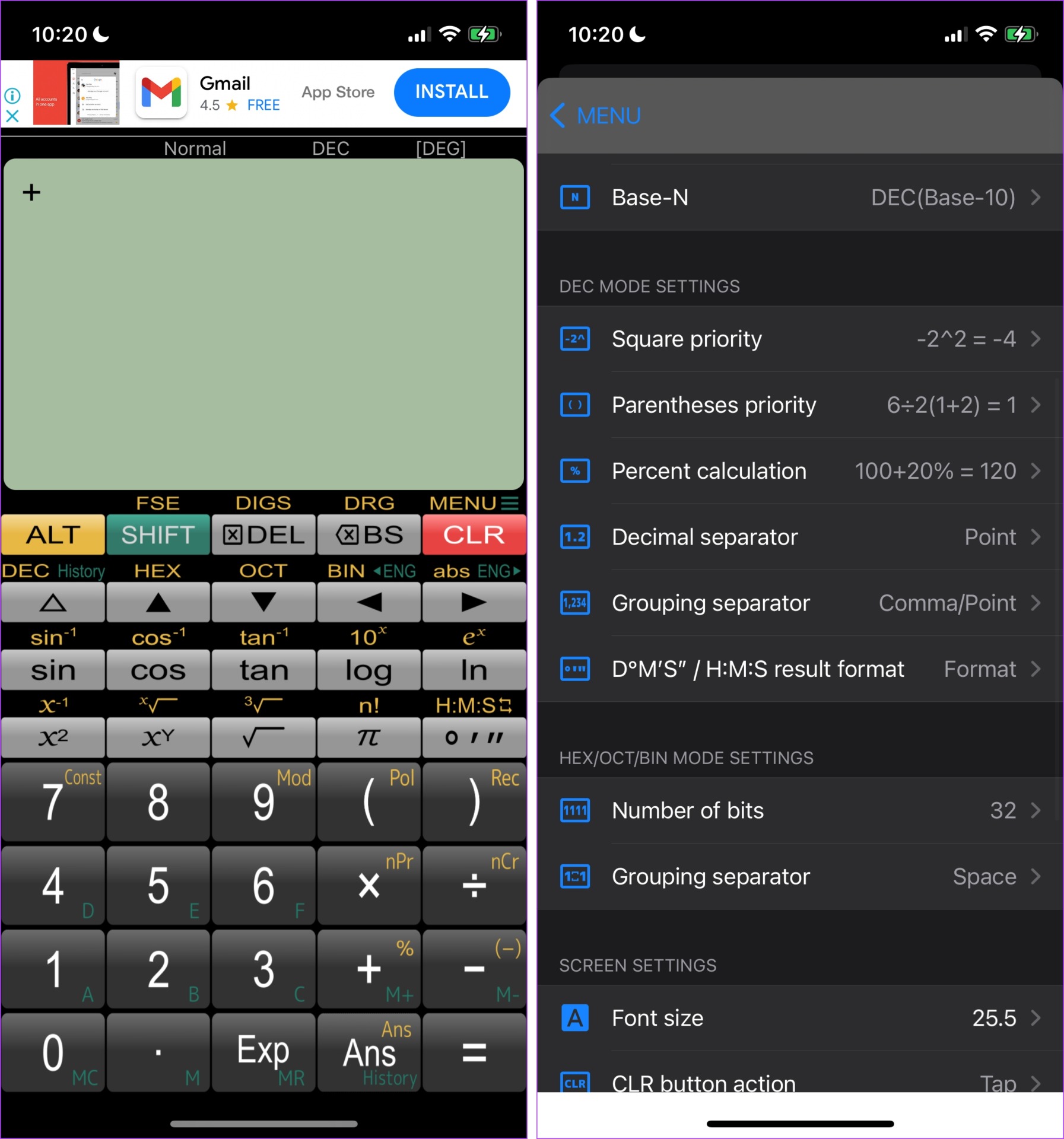
For engineering students, physicists, and professionals dealing with complex formulas, Sci-Fi Calculator Pro delivers advanced mathematical capabilities without requiring an upfront financial investment. The interface presents a multi-line natural textbook display, allowing users to see an entire equation, identify input errors, and edit specific numbers without clearing the entire screen.
- Key Capabilities: Supports trigonometric functions, logarithms, matrix operations, and complex number calculations.
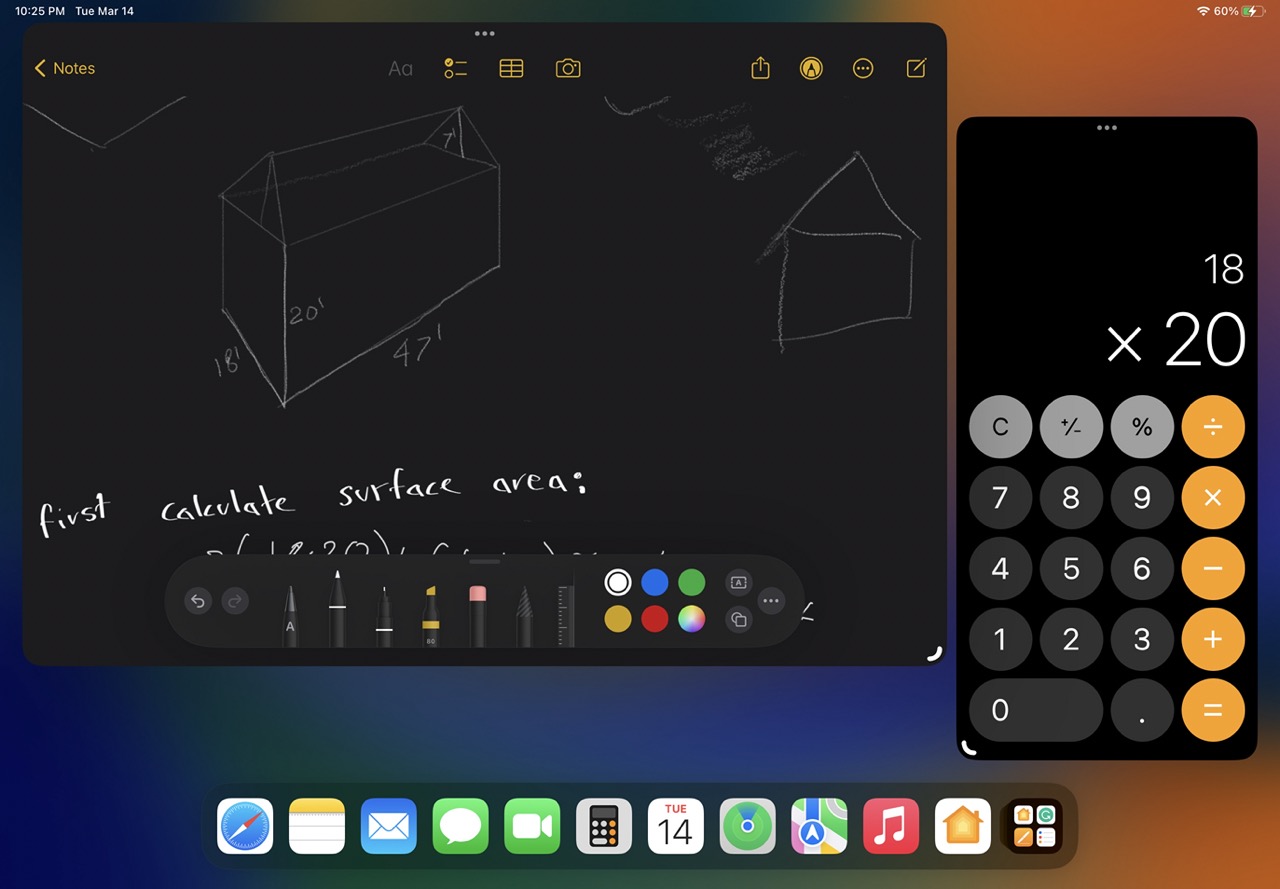
- Workflow Integration: The app supports iPadOS multitasking gestures, allowing you to slide calculations directly next to textbook PDFs or note-taking apps like GoodNotes or Notability.
- Drawback: The free tier includes persistent banner advertisements at the bottom of the display, which can occasionally crowd the interface on smaller iPad models.
Calc Made Easy: Best for Everyday Use and Quick Math
If your primary use case involves budgeting, splitting bills, or double-checking grocery totals, heavyweight scientific applications can feel overly complicated. Calc Made Easy strips away unnecessary clutter, presenting a clean, minimalist aesthetic that mimics a high-end physical desktop calculator.
- Key Capabilities: Features a permanent scrollable history tape that records every calculation, making it easy to audit past work or copy previous results into emails and documents.
- Workflow Integration: Supports full keyboard shortcuts when using an Apple Magic Keyboard or Smart Keyboard Folio, letting you type numbers naturally using your physical keyboard.
- Drawback: Lacks advanced graphing and matrix functions, making it unsuitable for high school or university-level STEM coursework.
Graphing Calculator X: Best for Visual Learners and Educators
Visualizing mathematical relationships is essential for algebra, calculus, and economics. Graphing Calculator X transforms the iPad into a powerful graphing utility that rivals dedicated handheld graphing hardware.
- Key Capabilities: Plots multiple functions simultaneously, calculates roots, intercepts, and inflection points, and supports parametric and polar equations.
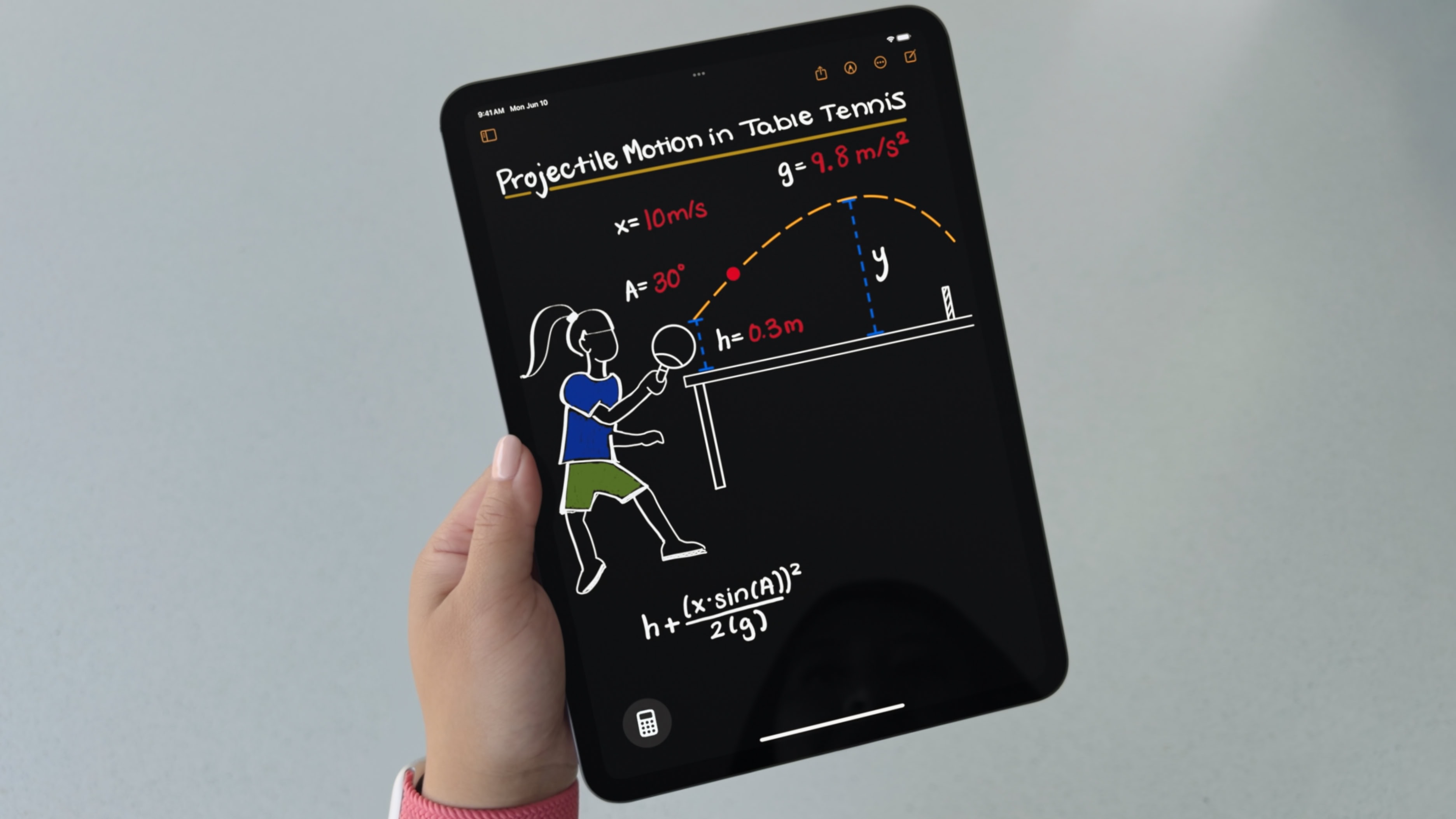
- Workflow Integration: Integrates smoothly with the Apple Pencil, allowing users to annotate graphs directly or sketch freehand curves alongside plotted functions.
- Drawback: The interface has a steeper learning curve, requiring familiarity with mathematical syntax and graphing parameters.
Step-by-Step Guide: Optimizing Your iPad Calculator Workflow
Maximizing your productivity with a free calculator app on iPadOS involves more than just downloading the software. Configuring your device properly ensures frictionless execution during high-pressure tasks.
- Audit Your Needs: Determine whether you require basic arithmetic, financial forecasting, or scientific graphing to avoid cluttering your device with bloated software.
- Download and Configure: Install your chosen application from the App Store. Navigate to the app settings and enable haptic feedback or audio key-clicks if you prefer tactile confirmation during data entry.
- Enable Multitasking Modes: Open your workflow app (such as Safari, Numbers, or a textbook reader), then drag your calculator app into Split View or a Slide Over window for instant accessibility.
- Utilize External Keyboards: If you regularly use a folio keyboard, test whether the calculator accepts direct keystrokes to dramatically speed up data entry.
- Manage History Logs: Regularly export or clear calculation tapes if the application stores sensitive financial data or lengthy operational sequences.
Expert Insight on Digital Calculations
Data Security and Offline Functionality: Many free calculator apps route telemetry data or ad tracking through cloud networks. Always verify that your chosen application performs calculations entirely offline, especially when working with proprietary financial data, corporate budgets, or sensitive personal information.
Frequently Asked Questions
Why doesn't iPadOS include a built-in native calculator app?
Apple has historically maintained that no single calculator design fits every iPad user's needs, preferring to leave the category to third-party developers who can offer specialized scientific, financial, or minimalist layouts via the App Store. While users have requested a native calculator for over a decade, the rich ecosystem of specialized third-party tools remains the standard solution.
Are free calculator apps safe to use on iPad?
Most free calculator apps are completely safe, provided they are downloaded from the official Apple App Store and request minimal permissions (such as declining access to your camera, contacts, or location). Always check user reviews and privacy nutrition labels before downloading lesser-known utilities.
Can I use these calculators without an internet connection?
Yes. The vast majority of quality calculator apps process all mathematical functions locally on the iPad's processor chip, ensuring full functionality during flights, commutes, or in areas with poor cellular coverage.
Do these apps support Apple Pencil input?
Certain advanced scientific and graphing applications support Apple Pencil integration for handwriting recognition, equation sketching, and direct annotation on plotted coordinate planes, while standard arithmetic apps use traditional touch targets.
Conclusion
Finding the best free calculator for iPad in 2026 depends entirely on aligning your mathematical requirements with the right application interface. Whether you select the robust graphing capabilities of Graphing Calculator X, the streamlined history tape of Calc Made Easy, or the advanced scientific suite of Sci-Fi Calculator Pro, modern iPadOS multitasking ensures your mathematical workflow remains fluid, fast, and entirely free. Evaluate your daily tasks today, download the ideal tool for your workspace, and transform your tablet into a high-performance computational hub.
Image Gallery