Navigating the DMV Virtual Line: Essential Strategies for 2026
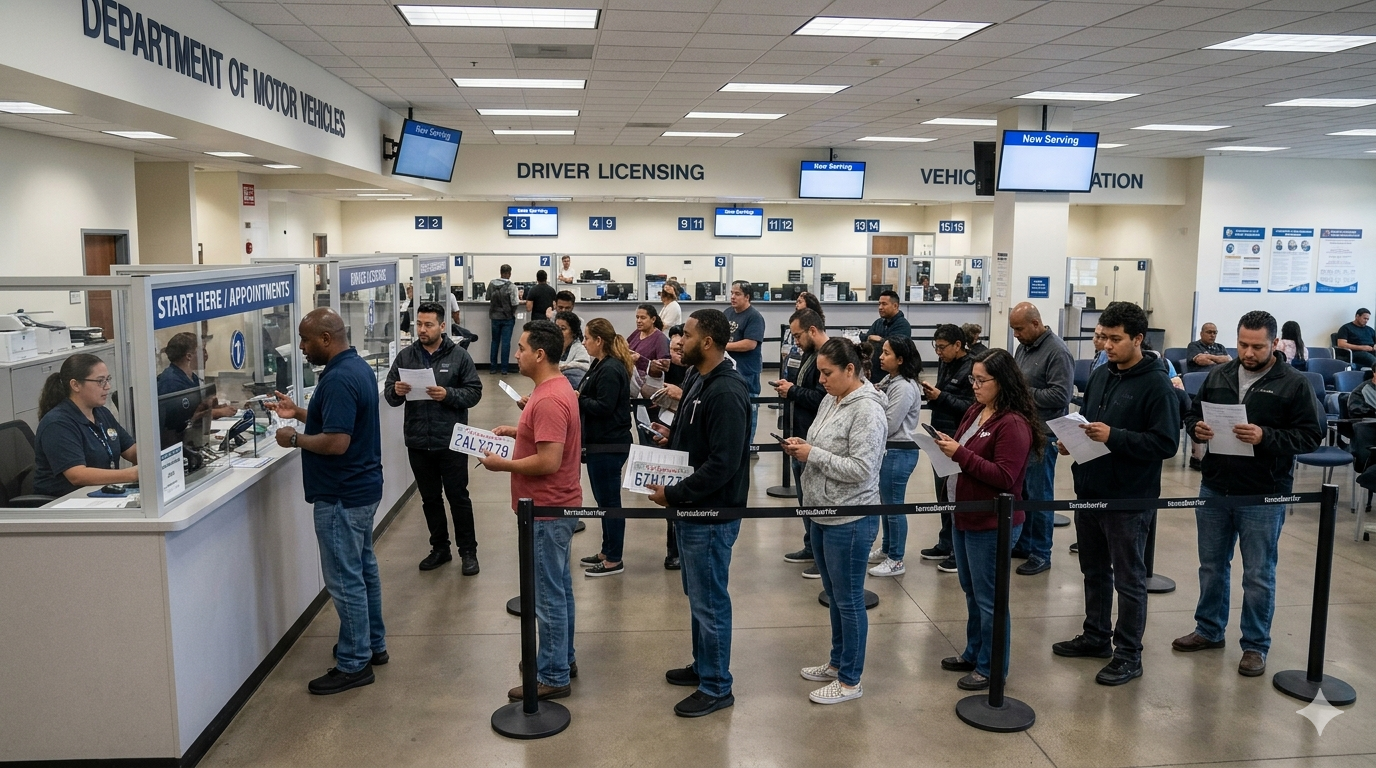
Long gone are the days of standing in physical queues for hours outside Department of Motor Vehicles offices. The modern implementation of the DMV virtual line framework has revolutionized how millions of citizens handle vehicle regist...
Long gone are the days of standing in physical queues for hours outside Department of Motor Vehicles offices. The modern implementation of the DMV virtual line framework has revolutionized how millions of citizens handle vehicle registrations, license renewals, and titling transactions. By integrating mobile check-ins, remote queue management software, and dynamic SMS text alerts, state transportation agencies across the United States have minimized physical wait times. Understanding how to navigate these digital queue systems effectively in 2026 ensures that your next visit or remote interaction proceeds without unnecessary administrative delays.
Contents
Core Architecture of Modern Digital Queue Management
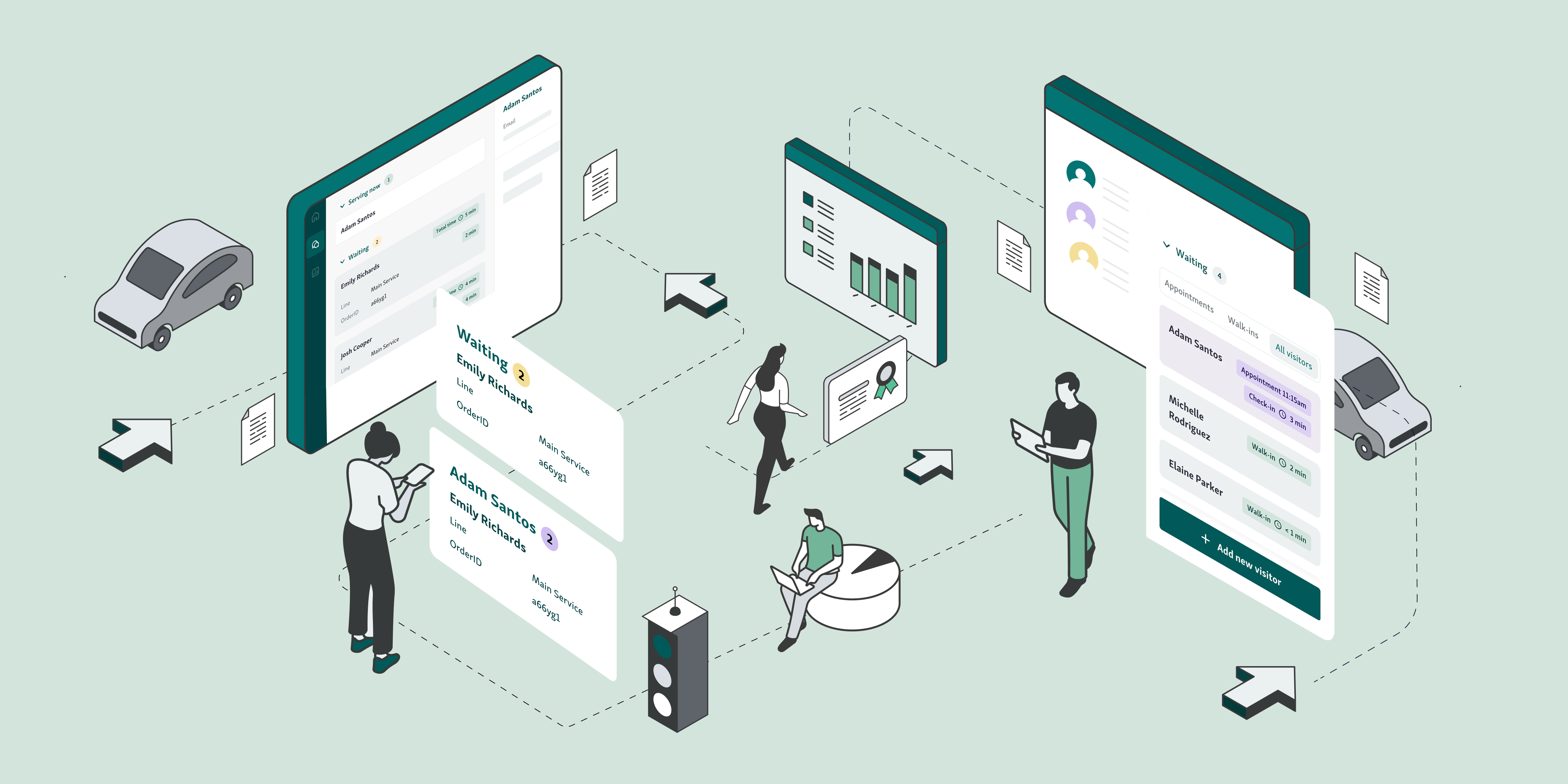
State agencies utilize specialized visitor relationship management platforms to power their virtual queue systems. These enterprise software solutions balance walk-in traffic with scheduled appointments, dynamically calculating wait times based on historical processing metrics, real-time staff availability, and transaction complexity.
When you enter a virtual line, the system assigns you a digital ticket. Rather than occupying physical space inside a crowded service center, you receive updates via text message or a web-based portal.
- Dynamic Time Estimation: Algorithms continuously adjust projected wait times based on window clerk processing speeds and cancellation rates.
- Proximity Triggers: Certain municipal offices use geofencing to verify that you are returning to the facility as your turn approaches.
- Asynchronous Notifications: Users receive automated prompts when they are five people away, ten people away, or when their specific service window is active.
- Cancellation and Rescheduling Proxies: If your schedule shifts unexpectedly, the digital interface allows you to release your spot or push it back without losing all progress.
Step-by-Step Guide to Securing Your Place in the Queue
Successfully navigating a virtual line requires preparation and adherence to specific digital hygiene protocols. Minor errors during the initial check-in phase can result in missed notifications and forfeiture of your queue position.
- Verify Official Domain Authenticity: Ensure you are accessing the official state or county DMV portal (.gov domains) rather than third-party aggregator sites that charge unauthorized processing fees for basic line placement.
- Review Prerequisite Documentation: Before entering the queue, gather required documents such as proof of residency, vehicle titles, passing smog certificates, or identity verification documents. Being unprepared when your number is called will invalidate your queue placement.
- Select the Correct Transaction Type: Choose the exact service category (e.g., commercial license renewal versus standard title transfer). Selecting an incorrect category often routes your ticket to an unqualified window, requiring a restart.
- Input Accurate Contact Information: Double-check your mobile phone number and email address. If SMS alerts fail to transmit due to a typo, you will miss your call window.
- Monitor Your Device Actively: Keep your phone charged, notifications enabled, and browser open. Most agencies allow a grace period of only three to five minutes once your ticket is called before returning the slot to the pool.
Traditional In-Person Queues Versus 2026 Virtual Lines
Evaluating the operational differences between legacy waiting methods and modern virtual queue frameworks highlights why state agencies have transitioned permanently to digital workflows.
| Operational Feature | Traditional Physical Queue | Modern Virtual Line (2026) |
|---|---|---|
| Time Investment | 2 to 4 hours spent waiting inside a physical facility. | Minimal on-site time; wait remotely from home or office. |
| Productivity Impact | Complete loss of productive time while sitting in waiting rooms. | Ability to work, run errands, or handle other tasks while waiting. |
| Facility Crowding | High occupancy density, leading to noise, stress, and limited seating. | Low lobby density, improved social distancing, and orderly flow. |
| Communication | Static paper tickets and manual loudspeaker announcements. | Real-time SMS updates, push notifications, and web dashboards. |
| No-Show Handling | Inefficient manual calls by staff with no automated backfill. | Automated progression that advances the next user instantly. |
Operational Advisory: While virtual lines eliminate physical waiting rooms, they do not bypass statutory requirements. If your state mandates real-time vision screenings, fingerprinting, or physical document authentication for your transaction, you must eventually report to a designated service window equipped with the proper hardware.
Troubleshooting Common Virtual Queue Failures
Even the most advanced digital systems encounter friction points. Knowing how to resolve technical or procedural glitches prevents wasted hours.
- Missed Notification Recovery: If your phone battery dies or you miss the SMS call window, immediately access the tracking link via a secondary device or approach the facility concierge desk. Many offices offer a fast-track reinstatement code if you arrive within fifteen minutes of your missed turn.
- Geofencing Errors: If the web application blocks your check-in because it claims you are too far away, verify that your smartphone's location services are enabled specifically for your browser and that VPN services are disabled.
- System Outages and Server Lag: High-volume days—such as Mondays or the final business day of the month—frequently cause server throttling. If the portal fails to load, switch from cellular data to a stable Wi-Fi network or use an alternative browser engine.
- Incompatible Document Uploads: For hybrid virtual lines that require pre-scanning documents, ensure files are saved in accepted formats like PDF or high-resolution JPEG to prevent automated rejection by the intake validation software.
Frequently Asked Questions About DMV Virtual Lines
What happens if my number is called while I am still traveling to the DMV office?
Most systems incorporate a grace period, typically lasting three to five minutes, during which your ticket remains active after being called. If you fail to check in with the front desk within that window, the system automatically marks you as a no-show, requiring you to rejoin the queue.
Do I need to download a mobile application to use the virtual line?
In most jurisdictions, downloading an application is entirely optional. State agencies utilize responsive web portals accessible directly through standard mobile browsers like Safari, Chrome, or Edge via SMS links.
Can I hold a spot in the virtual line for multiple transactions at once?
No, most state DMV systems restrict users to one active ticket per identity or vehicle identification number (VIN) to prevent queue manipulation and ensure fair access for all residents.
Are virtual line services completely free of charge?
Yes, accessing and utilizing official state or county DMV virtual queue systems is 100% free. If a website prompts you to enter credit card information to join a DMV line, you are on an unauthorized third-party broker site.
Can I use a virtual line for any DMV service?
While most routine transactions—such as driver's license renewals, vehicle registrations, and address changes—support virtual check-ins, specialized procedures like complex commercial carrier audits or administrative hearings often require scheduled appointments or direct administrative filings.
Optimizing Your Next DMV Visit
Adopting a strategic approach to digital government services transforms an otherwise frustrating errand into an efficient administrative task. By verifying document readiness ahead of time, monitoring your mobile device closely during the queue cycle, and utilizing official state portals, you can bypass the traditional bottlenecks of the past. Plan your transaction during off-peak morning hours, respect the operational time windows provided by the queue software, and complete your required state documentation seamlessly in 2026.
Image Gallery