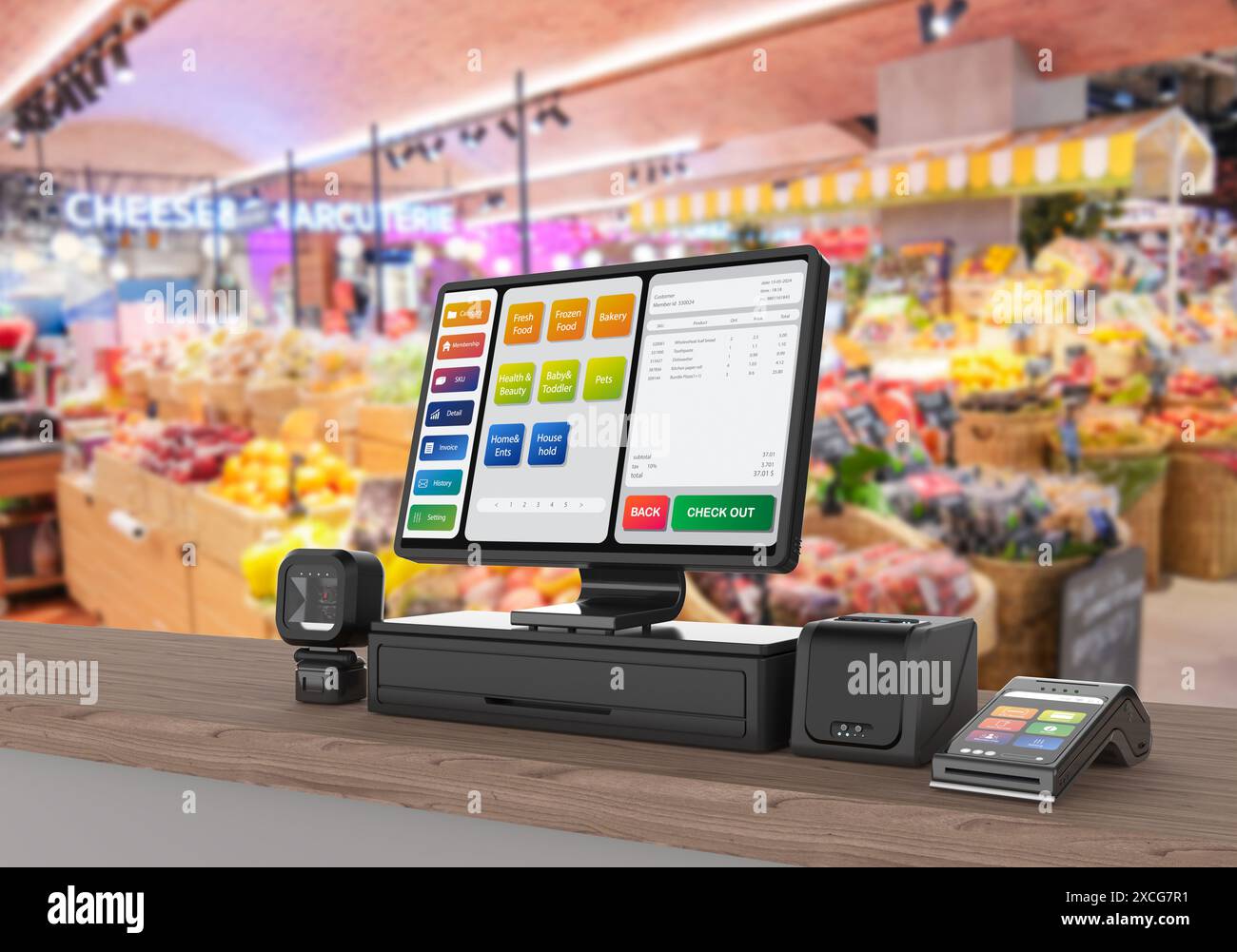
Choosing a Cheap Point of Sale System
To choose a cheap point of sale (POS) system, you must balance upfront hardware costs, monthly software subscriptions, and per-transaction processing fees. In 2026, the most cost-effective solutions typically involve "SoftPOS" technolo...
To choose a cheap point of sale (POS) system, you must balance upfront hardware costs, monthly software subscriptions, and per-transaction processing fees. In 2026, the most cost-effective solutions typically involve "SoftPOS" technology—using a smartphone as a terminal—or "free-to-start" cloud software that scales based on your sales volume rather than high fixed monthly overheads.
Contents
Understanding the True Cost of a "Cheap" POS System
When business owners search for a "cheap" point of sale system, they often focus exclusively on the monthly subscription fee. However, the total cost of ownership (TCO) is comprised of three distinct pillars: software, hardware, and payment processing. A system that charges $0 per month might actually be the most expensive option if it forces you into a high-rate payment processing contract.
In the current 2026 market, "cheap" is a relative term that depends heavily on transaction volume. For a micro-business processing $2,000 a month, a flat-rate processing model with no monthly software fee is ideal. Conversely, a high-volume cafe processing $50,000 a month would find a $100 monthly software fee a bargain if it allows access to lower "interchange-plus" processing rates.
The Software Pillar: Subscription Models
Most entry-level POS providers offer a tiered pricing structure. The lowest tier is often free but limits the number of products you can list, the number of users, or access to advanced reporting. In 2026, many providers have shifted toward "modular" pricing, where the base software is inexpensive, but specific add-ons—like loyalty programs, advanced inventory management, or employee scheduling—carry individual monthly fees.
The Hardware Pillar: Upfront vs. Financed
Hardware costs vary wildly. A simple mobile card reader can cost as little as $30 (or even be included for free with some merchant accounts), while a multi-screen terminal setup can exceed $1,500. To keep costs low, many small businesses utilize "Bring Your Own Device" (BYOD) models, installing the POS app on existing iPads or Android tablets.
The Processing Pillar: The Hidden Weight
Payment processing is where many "cheap" POS systems generate their profit. Some providers require you to use their proprietary payment gateway. If their rate is 2.9% + $0.10 and a competitor’s is 2.3% + $0.10, that 0.6% difference can cost a business thousands of dollars annually. Always calculate your estimated monthly volume against the processing rates before committing to a "free" software plan.
The Rise of SoftPOS and Mobile-First Solutions in 2026
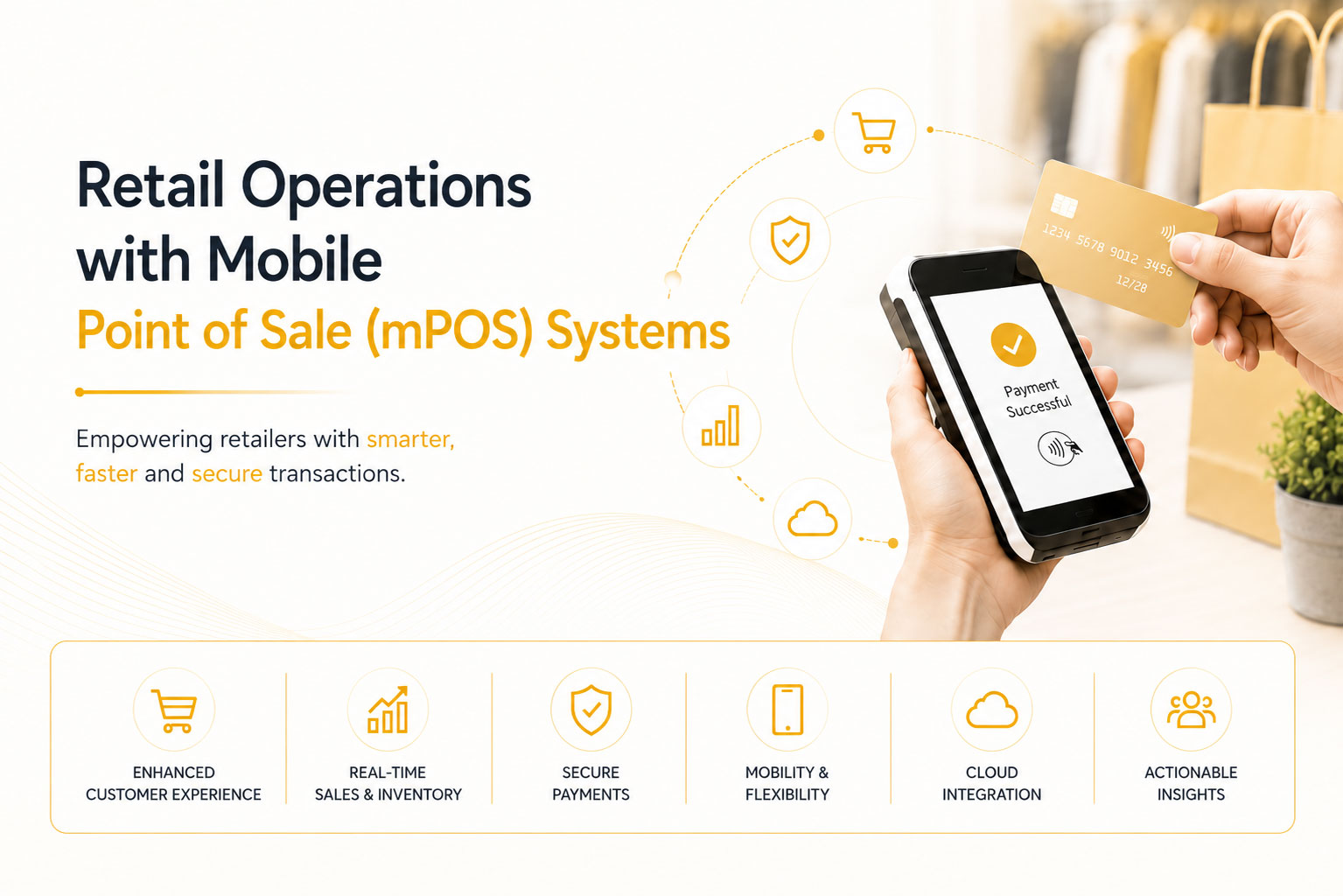
One of the most significant developments for budget-conscious businesses in 2026 is the maturity of SoftPOS (Software Point of Sale). This technology allows a standard smartphone or tablet with Near Field Communication (NFC) capabilities to act as a contactless payment terminal without any additional hardware.
By eliminating the need for a dedicated card reader, SoftPOS effectively reduces the hardware entry cost to zero for owners who already possess a modern mobile device. This is particularly beneficial for service providers, pop-up shops, and mobile vendors. When choosing a cheap system, verify if the provider supports "Tap to Pay" on iPhone or Android, as this is the current gold standard for low-overhead operations.
Essential Features That Should Not Be Sacrificed
While cost is the primary driver, a POS system that lacks basic functionality will eventually cost more in lost time and operational errors. Even the most affordable systems in 2026 should provide the following:
- Offline Mode: Internet outages are inevitable. Your POS must be able to process payments or at least queue them securely while offline.
- Basic Inventory Tracking: You should be able to track stock levels in real-time and receive low-stock alerts. Manual inventory management is a significant "time tax" that negates the savings of a cheap system.
- Detailed Sales Reporting: At a minimum, you need daily, weekly, and monthly sales summaries, tax reports, and identification of your top-selling items.
- Security Compliance: Ensure the system is PCI DSS compliant to protect customer data. A data breach can result in fines that would bankrupt a small business.
- Scalability: Choose a system that allows you to move to a higher tier or add more terminals as your business grows. Migration to a new POS system later is a costly and disruptive process.
Comparison of Leading Low-Cost POS Providers
The following table compares the typical entry-level costs for popular POS systems available in 2026. Note that "Hardware Entry" refers to the lowest cost to begin accepting payments.
| Provider | Monthly Software Fee (Entry) | Payment Processing (Flat Rate) | Hardware Entry Cost | Best Use Case |
|---|---|---|---|---|
| Square | $0 | ~2.6% + $0.10 | ~$0 (SoftPOS) to $50 | General Retail & Micro-biz |
| SumUp | $0 | ~2.75% | ~$35 (Reader) | Occasional Sellers |
| Shopify Starter | ~$5 - $10 | ~2.7% | BYOD / $49 Reader | E-commerce/Physical Mix |
| Toast (Quick Start) | $0 (Higher Processing) | ~2.99% + $0.15 | $0 (with contract) | Food & Beverage |
| Zettle (PayPal) | $0 | ~2.29% + $0.09 | ~$30 | Existing PayPal Users |
Rates and fees are estimated based on 2026 market averages and may vary by region or specific business profile.
Avoiding the "Free Hardware" Trap
A common marketing tactic in 2026 is the offer of "Free POS Hardware." While this sounds like the cheapest option, it usually comes with significant strings attached. Often, these providers require a long-term contract (3 to 5 years) and charge significantly higher payment processing rates.
For example, a company might give you a $1,000 terminal for free but charge 3.5% per transaction instead of the market average of 2.6%. If you process $20,000 a month, you are paying an extra $180 per month in processing fees. Over a three-year contract, that "free" hardware costs you over $6,000. Generally, it is cheaper to buy your hardware upfront or use a BYOD model than to sign a restrictive processing contract.
Integration Costs and Ecosystem Lock-in
When evaluating a cheap POS system, consider what other tools you use. Does the POS integrate with your accounting software (like QuickBooks or Xero), your email marketing platform, or your e-commerce site?
In 2026, many "cheap" systems charge an "integration fee" or require you to be on a higher subscription tier to unlock API access. If you have to manually export CSV files and import them into your accounting software every night, you are losing labor hours. A system that costs $20 more per month but automates your bookkeeping is technically the "cheaper" option when factoring in the cost of your time.
Practical Steps to Finalize Your Choice
- Calculate Your Monthly Volume: Determine your average transaction size and total monthly sales. This determines whether a flat-rate or interchange-plus model is better.
- Test the Interface: Most 2026 POS providers offer a 14-day free trial or a demo mode. Ensure the interface is intuitive for you and your staff. Slow checkouts lead to lost customers.
- Read the Fine Print on Contracts: Look for "early termination fees" (ETF). In a volatile economy, you want the flexibility to switch providers if your current one raises rates.
- Check Customer Support: Cheap providers often skimp on support, offering only email or chat bots. For a brick-and-mortar business, 24/7 phone support is vital if the system goes down during a busy Saturday shift.
Frequently Asked Questions
Can I use my own tablet with a cheap POS system?
Yes, most modern POS systems such as Square, Shopify, and Zettle are designed to work on standard iOS and Android tablets. This is often the cheapest way to start, as you can repurpose existing hardware. However, ensure the tablet meets the provider’s minimum OS requirements to maintain security and performance standards in 2026.
Is "free" POS software actually safe to use?
Generally, yes, provided you use a reputable, PCI-compliant provider. "Free" software is usually a "freemium" model where the company makes money through payment processing fees or by selling premium add-ons. Always verify the provider's security credentials and data encryption standards before inputting customer information.
What is the difference between flat-rate and interchange-plus pricing?
Flat-rate pricing charges the same percentage for every transaction (e.g., 2.6%). Interchange-plus passes the direct cost from the card networks (interchange) plus a small fixed markup from the processor. Interchange-plus is almost always cheaper for businesses processing more than $10,000–$15,000 a month but is rarely offered on the "cheapest" entry-level software tiers.
Do I need to buy a receipt printer and cash drawer?
Not necessarily. In 2026, many customers prefer digital receipts via email or SMS, which are built into most POS apps for free. If you are a cash-heavy business, you will need a drawer, but many service-based businesses operate entirely hardware-free using SoftPOS and digital receipts.
Are there hidden fees I should look for?
Common hidden fees include PCI compliance fees (sometimes $20/month), gateway fees, statement fees, and "non-qualified" transaction surcharges. Always ask for a full Schedule of Fees before signing any merchant agreement to ensure the "cheap" system doesn't have an expensive tail.
Final Recommendation
For most small businesses starting out in 2026, the cheapest and most effective path is to use a SoftPOS-compatible app on an existing mobile device. This eliminates hardware capital expenditure entirely. Look for a provider with no monthly subscription fee and a flat-rate processing fee below 2.7%. As your monthly sales volume exceeds $10,000, perform a cost-benefit analysis to see if switching to a paid subscription with lower interchange-plus processing rates would result in lower total monthly costs.
Image Gallery