Navigating the Best Accounting Programs for Mac in 2026
Choosing an accounting program for a macOS environment requires balancing the native performance of Apple hardware with the specific financial requirements of your business or personal finances. Whether you are a sole proprietor, a sma...
Choosing an accounting program for a macOS environment requires balancing the native performance of Apple hardware with the specific financial requirements of your business or personal finances. Whether you are a sole proprietor, a small business owner, or a power user managing complex personal assets, the transition from legacy spreadsheet methods to dedicated accounting software provides essential automation, security, and tax compliance benefits.
Contents
Modern accounting software for Mac users primarily falls into two categories: cloud-based Software-as-a-Service (SaaS) platforms and locally installed native applications. Cloud-based solutions have become the industry standard due to their platform-agnostic nature, allowing seamless access across macOS, iOS, and web browsers, while native applications leverage the unique design languages and system integration features of macOS. Selecting the right tool depends on your technical proficiency, the scale of your business operations, and your specific needs for bank reconciliation, payroll processing, and regulatory reporting.
Understanding the Landscape: Native vs. Cloud-Based Software
The fundamental decision when evaluating accounting programs for Mac is deciding between a web-based portal and a standalone desktop application.
Cloud-based accounting platforms operate entirely through your web browser, such as Safari or Chrome. Because the heavy processing occurs on the vendor's servers, the performance of your Mac—whether it is a high-performance M3-series MacBook Pro or an older model—is rarely a bottleneck. These systems are updated continuously by the provider, ensuring you are always on the latest tax-compliant version without needing to download patches or upgrades.
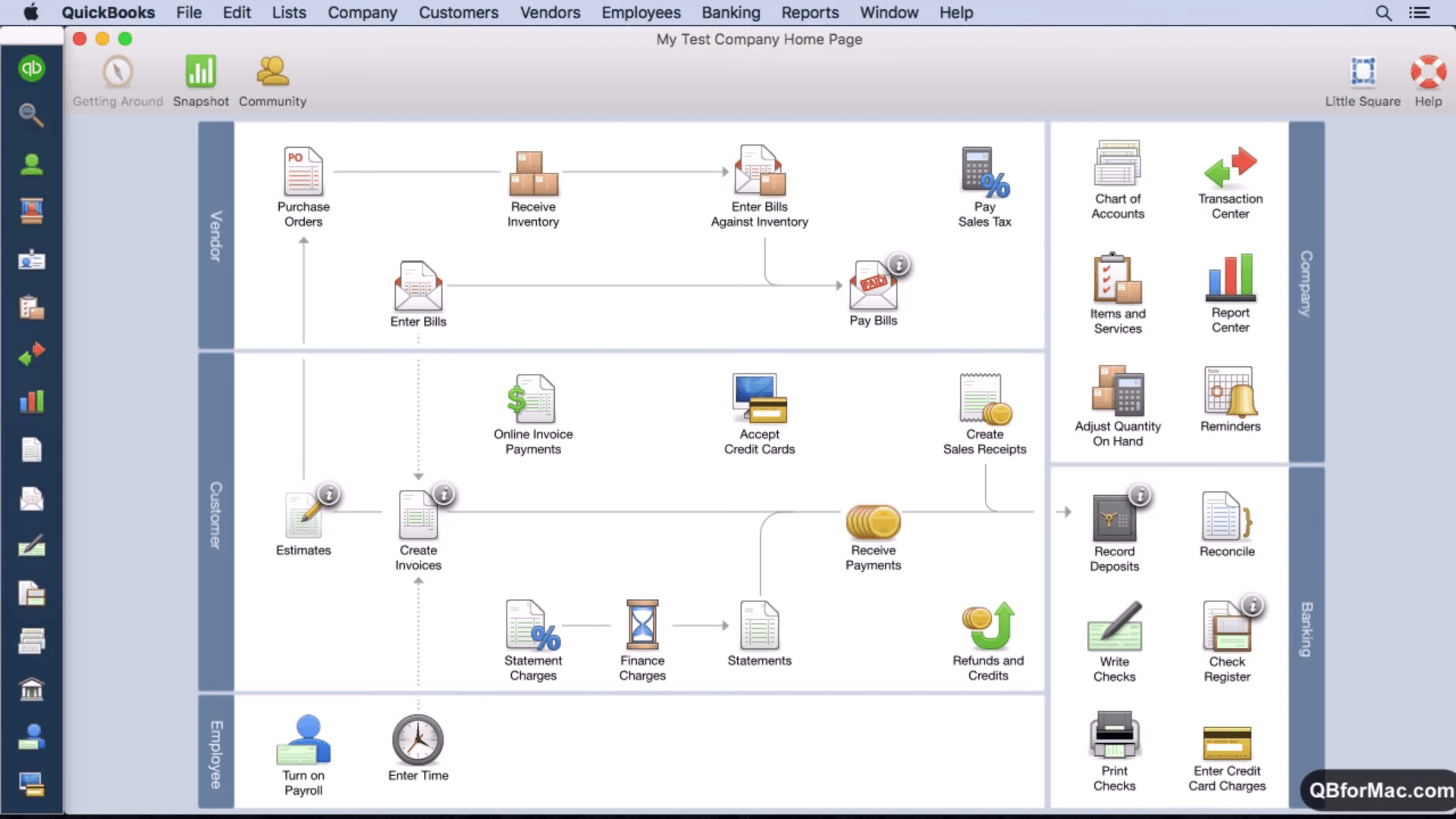
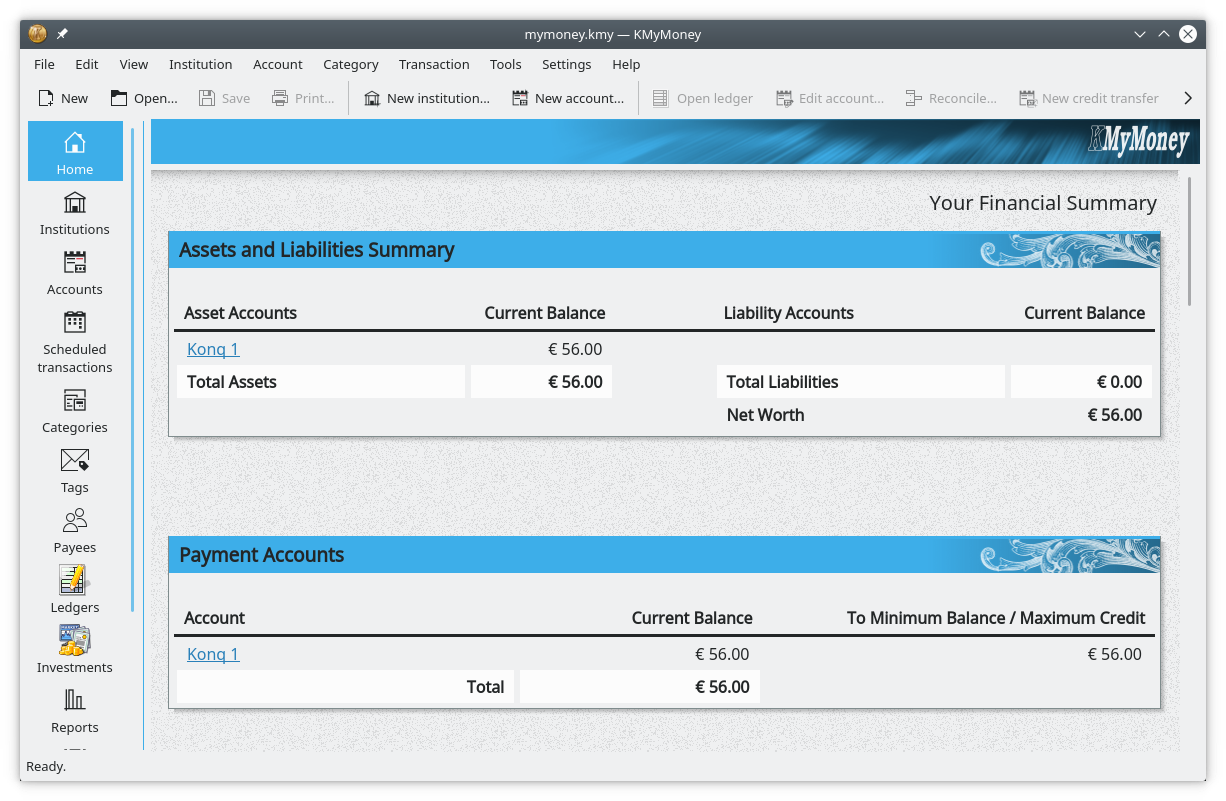
Conversely, locally installed native software provides a distinct advantage regarding privacy and offline accessibility. Some users prefer applications that store data exclusively on their internal drive or local network, avoiding the requirement of an active internet connection for basic data entry. While modern native apps for macOS often offer cloud synchronization, they prioritize a deep integration with the Apple ecosystem, such as supporting native macOS shortcuts, split-view multitasking, and high-fidelity graphics.
Key Considerations Before Implementation
Before committing to a specific program, you must audit your operational requirements. Accounting is not a one-size-fits-all discipline; the features required by a freelance graphic designer differ significantly from those needed by a mid-sized retail operation.
- Scalability: Consider whether the software can handle your projected transaction volume. Moving data between systems is notoriously difficult; choosing a platform that can grow with your business is vital.
- Integrations: Modern accounting is part of a larger tech stack. Your chosen program should integrate seamlessly with your CRM, payment processors (like Stripe or PayPal), and bank feeds.
- Local Tax Compliance: Ensure that the software supports the tax reporting standards required in your jurisdiction. For instance, specific programs are optimized for the complex GST/VAT reporting in various global markets, while others focus heavily on U.S. IRS compliance.
- Security Protocols: Prioritize vendors that offer multi-factor authentication (MFA) and data encryption standards (such as AES-256 for data at rest and TLS for data in transit).
Comparison of Popular Accounting Platforms for macOS
The following table provides a high-level comparison of the most prominent accounting solutions used by Mac-centric professionals and businesses today.
| Feature | Cloud-Based (e.g., Xero) | Native App (e.g., AccountEdge) | Spreadsheets (e.g., Numbers) |
|---|---|---|---|
| Accessibility | Browser / App (Anywhere) | Local Desktop Only | Local / iCloud |
| Updates | Automatic | Manual / Subscription | Manual |
| Automation | High (Bank Feeds/Rules) | Moderate | None (Manual Entry) |
| Ease of Setup | Quick | Moderate | Variable |
| Primary Cost | Monthly Subscription | One-time or Annual | Included with macOS |
Deep Dive: Critical Features for Mac Users
Automated Bank Reconciliation
Manual data entry is a significant source of error. The best accounting programs for Mac feature robust bank feed integration, which pulls transaction data directly from your financial institution. Once pulled, the software uses machine-learning algorithms to categorize these transactions. For a Mac user, this means that the interface must be responsive enough to allow for "quick-approval" of matches without unnecessary lag, ensuring that the reconciliation process remains efficient.
Multi-User Collaboration
If your finance team grows, you will need a system that supports concurrent access. Cloud-based systems excel here, allowing you to assign different permission levels to an accountant, a bookkeeper, or a manager. Native desktop apps often struggle with this, typically requiring a server-based version or file-sharing protocols that may be incompatible with modern macOS sandboxing rules.
Mobile and Tablet Synergy
Given that most Mac users also operate within the Apple mobile ecosystem, the integration between the desktop version and the iOS app is paramount. A high-quality accounting program will provide an iOS app that allows for receipt scanning via the iPhone camera, which then automatically syncs to the macOS desktop dashboard. This creates a cohesive flow where receipts are digitized at the point of sale and reconciled at the desk.
Addressing Common Challenges
Users often encounter difficulties when migrating data from legacy systems. If you are moving from a Windows-based accounting tool, you will likely need to export your data into a CSV or QBO format. During this process, ensure your chart of accounts—the categorized list of every account in your accounting system—maps correctly to the new system's structure.
Another common issue is bank feed latency. Occasionally, bank APIs may experience temporary interruptions. Most professional-grade accounting software provides a dashboard indicator that warns you if a connection is stalled. In such cases, the recommended troubleshooting step is to refresh the authentication tokens or re-authenticate the connection via the banking portal, rather than attempting to force a manual sync.
Financial and Legal Limitations
It is essential to recognize that accounting software is a tool for organization and reporting, not a substitute for professional financial advice. While these programs automate the calculation of taxes and the generation of profit and loss statements, they do not provide counsel on tax strategy, legal liability, or complex regulatory filings. Always consult with a certified public accountant (CPA) or a qualified financial advisor to verify that your configurations and financial filings meet the specific legal requirements of your region.
Frequently Asked Questions
Can I run Windows-based accounting software on a Mac? Yes, but with caveats. You can use virtualization software such as Parallels or VMware, which allows you to run a Windows instance within macOS. However, this is often cumbersome and requires a Windows license. It is generally recommended to use web-based alternatives or native macOS applications to ensure better stability and system integration.
Is it safe to store my financial data in the cloud? Most reputable accounting platforms employ industry-standard encryption and physical server security that far exceeds the security of a typical local hard drive. The primary risk with cloud-based storage is human error, such as weak passwords. Always use a strong, unique password and enable multi-factor authentication.
Do I need a high-end Mac to run accounting software? No. Most modern accounting software is either browser-based or lightly optimized. Even entry-level Mac hardware released in the last five years is more than capable of running these applications effectively.
How often should I back up my accounting data? If you use a cloud-based solution, the vendor typically handles redundant backups. If you use a local native app, you should maintain a 3-2-1 backup strategy: three copies of your data, on two different media types, with one copy stored off-site.
Can accounting programs handle multiple currencies? Many enterprise-grade and small-business accounting platforms include multi-currency support, which automatically updates exchange rates. Verify that your specific plan tier includes this feature, as it is sometimes restricted to "Premium" or "Enterprise" subscription levels.
Recommended Next Steps
To select the best accounting program for your Mac, start by documenting your current annual revenue, the number of transactions you process monthly, and the specific reporting requirements of your industry. Once you have these parameters, visit the official websites of the top-rated providers to sign up for a trial period. During the trial, focus on the "bank feed" functionality first—if the software cannot import your specific financial institutions easily, the rest of the features will not provide the value you require. Test the user interface on your specific Mac hardware to ensure the responsiveness meets your expectations before committing to a long-term subscription.
Image Gallery