How to Plan an Offsite Data Backup Strategy
Planning an offsite data backup strategy involves identifying critical assets, choosing a secure external repository such as cloud storage or a secondary physical data center, automating data replication, and establishing regular recov...
Planning an offsite data backup strategy involves identifying critical assets, choosing a secure external repository such as cloud storage or a secondary physical data center, automating data replication, and establishing regular recovery testing protocols to ensure business continuity during catastrophic failures.
Contents
In an era defined by sophisticated ransomware, hardware degradation, and unpredictable natural disasters, keeping local copies of data is no longer sufficient for comprehensive disaster recovery. An offsite data backup strategy ensures that an organization's mission-critical information remains safe, immutable, and accessible even if the primary facility experiences a catastrophic failure. Developing this strategy requires a methodical approach that balances recovery objectives, budgetary constraints, and strict compliance frameworks. Organizations must move beyond ad-hoc copying and implement structured, secure, and verifiable offsite data preservation frameworks.
Understanding the Fundamentals of Offsite Data Backup
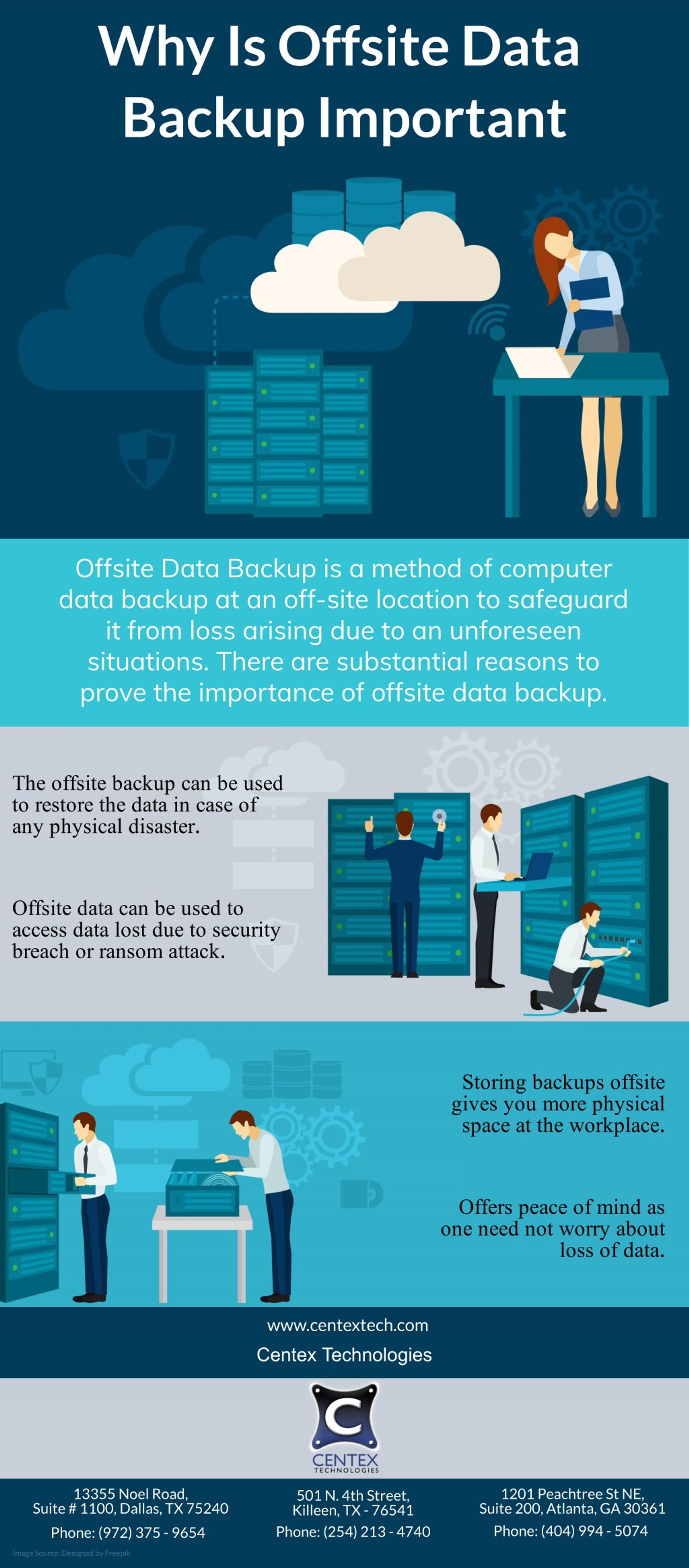
An offsite backup strategy entails copying, encrypting, and transferring organizational data to a location physically distinct from the primary source environment. This geographic separation is the fundamental defense against localized threats. If a primary server room suffers a fire, flood, electrical surge, or physical theft, the offsite repository remains completely insulated from the damage.
However, simply moving data away from the primary site introduces new challenges, primarily related to network bandwidth, transfer latency, and access security during transit. Modern strategies typically leverage a combination of cloud infrastructure, remote co-location facilities, or secondary corporate offices. Regardless of the destination, the core objective is to achieve data segregation without introducing unacceptable delays in retrieval times when an emergency strikes.
The 3-2-1 Backup Rule as a Foundation
Before selecting a specific offsite venue, architects of a backup strategy must align their design with the industry-standard 3-2-1 backup rule. This framework dictates that an organization must maintain:
- Three total copies of all critical data: the primary production version and at least two backups.
- Two different media types or storage tiers to guard against single-point technology failures, such as local disk arrays and cloud object storage.
- One copy stored completely offsite to protect against facility-wide disasters.
Adhering to this principle guarantees that even if local backups are compromised by malware or hardware failure, a clean, isolated version exists beyond the perimeter of the primary site.
Evaluating Storage Destination Types
Choosing where to store your offsite backup depends on data volume, recovery time objectives, and regulatory mandates. Organizations generally choose among three primary deployment models for offsite replication.
Cloud Object Storage and Backup-as-a-Service (BaaS)
Cloud object storage—offered by providers like Amazon Web Services (AWS), Microsoft Azure, and Google Cloud Platform—has become the standard for offsite backups. It offers virtually limitless scalability, pay-as-you-go pricing models, and built-in redundancy across multiple availability zones. Backup-as-a-Service (BaaS) solutions abstract the underlying infrastructure complexity, providing turnkey software agents that automatically compress, encrypt, and stream data to the cloud.
The primary advantage of cloud storage is elasticity and reduced hardware maintenance overhead. However, organizations must carefully calculate egress fees—the costs associated with downloading large volumes of data back from the cloud during a recovery operation—to avoid unexpected budget overruns.
Physical Media Rotation (Tape and Hard Drives)
For organizations with massive datasets or stringent air-gapping requirements, physical media rotation remains a viable offsite strategy. This involves writing data to high-capacity tape cartridges (such as LTO-9) or ruggedized external hard drives and physically transporting them to a secure bank vault, dedicated offsite storage facility, or a secondary company branch.
While physical rotation eliminates ongoing cloud storage subscription fees and provides complete isolation from network-borne ransomware, it introduces human latency. Recovery times are inherently slower because someone must physically retrieve the media and transport it back to the data center.
Dedicated Offsite Data Centers and Co-Location
Large enterprises often utilize a company-owned secondary data center or lease rack space in a carrier-neutral co-location facility situated in a different seismic and weather zone. This approach provides maximum control over hardware configurations, network throughput, and security protocols. It requires significant capital expenditure and ongoing administrative overhead, making it less suitable for smaller organizations.
| Offsite Storage Type | Primary Cost Factor | Typical Recovery Speed | Ransomware Resistance | Best Suited For |
|---|---|---|---|---|
| Cloud Object Storage | Subscription / Egress fees | Fast (dependent on bandwidth) | Moderate-High (with immutability) | Small to enterprise workloads |
| Backup-as-a-Service (BaaS) | Managed service fees | Fast | High (managed security) | Organizations with limited IT staff |
| Physical Tape Rotation | Hardware / Courier fees | Slow (requires physical transit) | Maximum (true air gap) | Long-term archiving, massive datasets |
| Co-Location Facility | Real estate / Rack leasing | Very Fast | High | Large enterprises with strict control needs |
Establishing Recovery Objectives: RPO and RTO
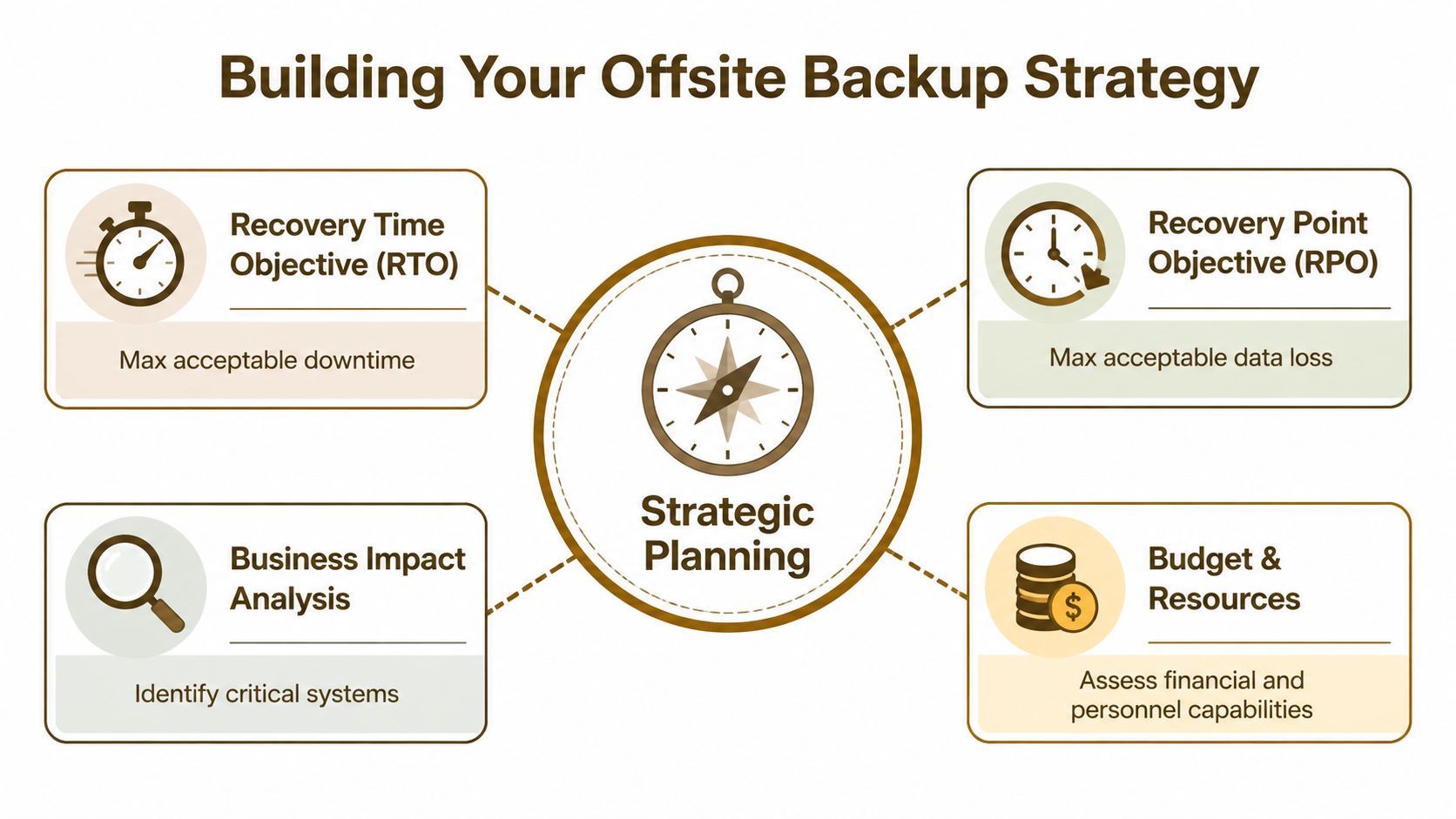
A successful offsite backup strategy is governed by two critical metrics: Recovery Point Objective (RPO) and Recovery Time Objective (RTO). Defining these parameters dictates the technical architecture of the backup pipeline.
- Recovery Point Objective (RPO): The maximum acceptable data loss measured in time. For example, if an organization backs up its database every 24 hours at midnight, an outage occurring at 11:00 PM results in nearly a full day of lost data. High-transaction environments require continuous replication to achieve an RPO of mere seconds or minutes.
- Recovery Time Objective (RTO): The duration of time within which a business process must be restored after a disruption. If a critical customer portal must be back online within two hours, the offsite backup system must support rapid data ingestion and system spin-up.
Balancing tight RPOs and RTOs requires high bandwidth, automated failover mechanisms, and higher financial investment. Non-critical archives can tolerate longer RPOs and RTOs, allowing organizations to leverage slower, more cost-effective batch backups.
Step-by-Step Implementation Framework
Translating storage concepts and recovery metrics into an operational offsite backup plan requires a disciplined execution workflow.
1. Data Classification and Inventory
Not all data carries the same operational weight. Begin by auditing all digital assets, databases, file shares, and virtual machine images. Categorize them based on business criticality, regulatory classification (such as GDPR, HIPAA, or PCI-DSS), and sensitivity. This ensures that backup resources are concentrated on mission-critical assets first, optimizing storage consumption and bandwidth utilization.
2. Network Bandwidth and Encryption Planning
Moving terabytes of data offsite can saturate corporate internet connections if not managed correctly. Administrators must calculate available upload bandwidth and schedule heavy, full backups during off-peak hours (such as weekends or late nights). Furthermore, data must be encrypted both in transit (using protocols like TLS 1.3) and at rest (using AES-256 encryption) to protect sensitive intellectual property from interception or unauthorized access while stored on third-party cloud infrastructure.
3. Automation and Immutability Configuration
Manual backups are prone to human error, missed schedules, and administrative fatigue. Implement automated backup orchestration software that executes jobs according to predefined policies. Crucially, configure object lock or write-once-read-many (WORM) storage policies. Immutability ensures that once a backup file is written, it cannot be modified, deleted, or encrypted by ransomware for a specified retention period, even if administrative credentials are compromised.
4. Continuous Testing and Validation
An untested backup is functionally equivalent to having no backup at all. Organizations must establish a rigorous schedule for disaster recovery drills. Quarterly or semi-annually, IT teams should restore data from the offsite repository to an isolated test environment to verify data integrity, measure actual recovery times, and refine restoration runbooks.
Common Pitfalls in Offsite Strategy Design
When planning an offsite backup strategy, organizations frequently encounter avoidable missteps that compromise their resilience during an actual emergency.
- Ignoring Bandwidth Constraints: Failing to provision adequate internet uplink capacity leads to incomplete backup windows, causing backups to overlap with production hours and degrade network performance.
- Neglecting Restoration Testing: Assuming that because backup logs report a "Success" status the data is restorable. Corrupted database headers or missing encryption keys often render backup files useless during an incident.
- Failing to Factor in Compliance: Storing sensitive customer data in a cloud region that violates jurisdictional data residency laws can result in severe regulatory penalties, regardless of how secure the backup is.
- Overlooking Documentation: Relying solely on tribal knowledge within the IT team. If key personnel are unavailable during a crisis, complex restoration procedures can stall recovery efforts. Clear, step-by-step documentation is mandatory.
Frequently Asked Questions
What is the difference between a local backup and an offsite backup?
A local backup stores data on storage media situated in the same physical location as the primary production environment, such as a local network-attached storage (NAS) device. An offsite backup sends data to a geographically distinct location, protecting the organization from local disasters like fires, floods, or regional power outages.
How often should offsite backups be performed?
The frequency depends on your Recovery Point Objective (RPO) and how rapidly your data changes. Mission-critical transaction databases often require continuous or hourly incremental backups, while static file archives may only need weekly or monthly offsite replication.
Are cloud backups secure against ransomware?
Cloud backups are secure against ransomware only if they incorporate proper isolation measures, such as multi-factor authentication, strong encryption, and immutability (object locking). If ransomware can map and access the cloud backup repository with administrative credentials, it can encrypt the backups just as it does production files.
How do I calculate the bandwidth needed for offsite cloud backups?
Calculate your daily change rate (the amount of new or modified data generated each day) and divide it by the number of off-peak hours available for transmission. Ensure your internet service provider's upload speed exceeds this requirement with a safety margin for network congestion.
What is an air-gapped backup?
An air-gapped backup is physically or logically isolated from the internet and the primary network. Because there is no active network connection between the production environment and the backup repository, malware cannot traverse the gap to infect or delete the stored data.
Final Recommendations for Long-Term Success
Implementing an offsite data backup strategy is not a one-time project, but an ongoing operational commitment. Begin by securing executive buy-in and establishing realistic RPOs and RTOs aligned with business needs. Invest in automated, encrypted replication pipelines and enforce immutability to defeat modern ransomware threats. Finally, treat disaster recovery testing as a mandatory business routine rather than an optional chore. By continuously validating your recovery mechanisms, you ensure organizational resilience against unforeseen technical crises.
Image Gallery