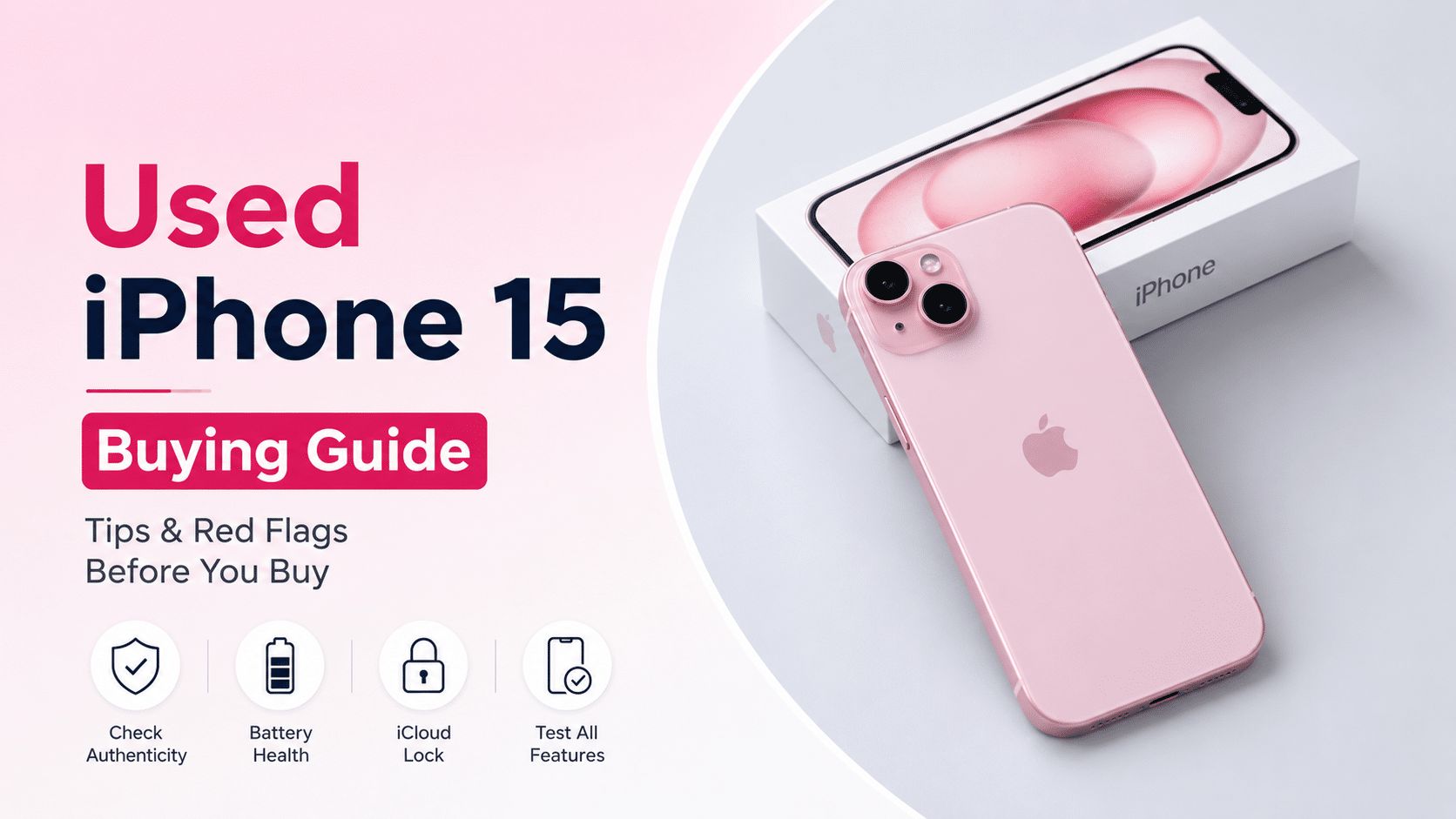
Buying a Used iPhone: The Complete 2026 Guide to Savings and Security
Buying a used iPhone requires verifying three critical factors: the device's physical condition, its internal battery health, and its "Find My" activation status. By sourcing from reputable refurbishers or performing a rigorous 12-poin...
Buying a used iPhone requires verifying three critical factors: the device's physical condition, its internal battery health, and its "Find My" activation status. By sourcing from reputable refurbishers or performing a rigorous 12-point inspection with private sellers, you can secure flagship technology at a significant discount without compromising on reliability.
Contents
The secondary market for smartphones has matured significantly by 2026. What was once a risky gamble on classified ad sites has evolved into a structured ecosystem of certified refurbishers, trade-in programs, and sophisticated software tools that allow buyers to verify a device’s history before any money changes hands. Whether you are looking for a budget-friendly entry into the Apple ecosystem or a high-end Pro model at a mid-range price, understanding the nuances of hardware longevity and software support is essential for a successful purchase.
Navigating the 2026 iPhone Marketplace
In 2026, the "sweet spot" for value lies in models that are two to three years old. For most users, this means focusing on the iPhone 15 and iPhone 16 series. These devices represent a major architectural shift, specifically the transition to USB-C and the inclusion of more advanced AI-processing capabilities that are standard in the current software environment. While the iPhone 13 remains a functional budget option, it is approaching the latter half of its expected security update lifecycle, making it a less viable long-term investment.
The decision of where to buy is often a trade-off between price and protection. Buying from a private seller on platforms like Facebook Marketplace or Craigslist offers the lowest possible prices but carries the highest risk of purchasing a stolen or defective device. Conversely, buying "Certified Refurbished" from Apple or established third-party vendors like Back Market or Gazelle provides a warranty and a guaranteed return policy, though you will pay a premium for that peace of mind.
Choosing the Right Model for Your Needs
Before searching for a device, you must identify which hardware features are non-negotiable. In 2026, mobile connectivity and display technology have become primary differentiators. If you live in an area with robust 5G infrastructure, ensuring the device supports both Sub-6GHz and mmWave (standard on US models from the iPhone 12 onwards) is vital for future-proofing.
The Value of Pro Models vs. Standard Models
Used Pro models, such as the iPhone 14 Pro or iPhone 15 Pro, offer 120Hz ProMotion displays. Once a user acclimates to the smoothness of a high-refresh-rate screen, returning to the 60Hz display of a standard iPhone 14 or 15 can feel like a downgrade. Additionally, Pro models include a dedicated telephoto lens and LiDAR sensors, which are increasingly utilized by modern augmented reality (AR) applications and advanced photography workflows.
Storage Considerations
With high-resolution 48MP photos and 4K video recording now standard across the lineup, 64GB of storage is no longer sufficient for the average user. When buying used, target a minimum of 128GB or 256GB. Because you cannot expand an iPhone's storage via an SD card, purchasing a device with insufficient capacity is a common mistake that leads to "storage full" notifications and the need for expensive cloud subscriptions.
The Essential Pre-Purchase Inspection Checklist
If you are buying from a private seller, you must perform a hands-on inspection. Never meet a seller in a private location; always choose a public, well-lit area like a police station "safe exchange" zone or a busy cafe with Wi-Fi.
1. Verify the Activation Lock and "Find My" Status
The most critical step is ensuring the device is not "Activation Locked." This is an anti-theft feature that prevents a new user from setting up the phone if the previous owner hasn't signed out of iCloud. To check this:
- Navigate to Settings > General > Transfer or Reset iPhone.
- If the phone is at the "Hello" setup screen, proceed through the steps until you reach the Wi-Fi connection page. If the device asks for an Apple ID and password from a previous owner, do not buy it. It is likely stolen or improperly wiped, and it will be a "brick" that you cannot use.
2. Check the Parts and Service History
Since the release of iOS 15.2, iPhones have a built-in feature to detect if components have been replaced. Go to Settings > General > About. If a battery, display, or camera has been replaced, it will be listed here.
- Genuine Apple Part: This means the repair was done correctly with official components.
- Unknown Part: This indicates a third-party repair. While the phone may work, third-party screens often lack "True Tone" functionality, and third-party batteries may not provide accurate health data or peak performance.
3. Evaluate Battery Health
Lithium-ion batteries are consumable components that degrade over time. In the same Settings > Battery > Battery Health & Charging menu, look at the "Maximum Capacity."
- 90% - 100%: Excellent condition.
- 80% - 89%: Normal wear; the battery will still last a full day for most users.
- Below 80%: The battery is "service recommended." You should factor the cost of an Apple battery replacement (typically $89–$99) into your negotiation.
Hardware and Sensor Testing
Once the software checks out, you must test the physical hardware. Damage is not always visible to the naked eye.
Screen and Digitizer
Check for "burn-in" or dead pixels by opening a completely white image and then a completely black image. On OLED screens (found on most models since the iPhone 12), look for ghosting or discoloration. Swipe an app icon across the entire surface of the screen to ensure there are no "dead spots" in the touch digitizer.
The "Three Mics" and Speakers
iPhones have multiple microphones: one at the bottom for calls, one on the front for Speakerphone/Siri, and one on the back for video recording. Test all three by recording a short video and a Voice Memo. Play back the audio to ensure the speakers are crisp and not muffled, which often indicates water damage or impacted debris in the speaker grilles.
Port and Connectivity
Bring a portable power bank and a cable to ensure the charging port (Lightning or USB-C) is tight and functional. Test the Wi-Fi by connecting to a local hotspot and toggle the Bluetooth to ensure it can see nearby devices. For US models of the iPhone 14 and newer, remember there is no physical SIM tray; you must verify that the eSIM is "Available" and not restricted by a carrier.
| Buying Channel | Average Price | Risk Level | Warranty | Recommended For |
|---|---|---|---|---|
| Apple Refurbished | High (15% off new) | Very Low | 1 Year (Official) | Buyers wanting a "new" experience with a fresh battery/shell. |
| Certified Refurbishers | Medium | Low | 90 Days - 1 Year | Those seeking a balance of price and protection. |
| Swappa / eBay | Medium-Low | Moderate | Limited/Platform-based | Experienced buyers who know how to read seller ratings. |
| Private (Local) | Lowest | High | None | Technical users comfortable with rigorous manual testing. |
Avoiding the "Blacklist" and Carrier Locks
A phone that looks perfect can still be useless if it is "blacklisted" or "carrier locked." A blacklist occurs when a phone is reported stolen or has unpaid financial balances with a carrier.
Before paying, ask the seller for the IMEI number (found in Settings > General > About or by dialing *#06#). Use a reputable service like the CTIA Stolen Phone Checker to verify the status of the device. Additionally, check the "Carrier Lock" section in the About menu. It should say "No SIM restrictions." If it shows a specific carrier (like Verizon or AT&T), the phone will not work with a different provider unless the original owner has met the contract requirements and requested an unlock.
Common Pitfalls to Avoid
One of the most frequent mistakes is ignoring the "Liquid Contact Indicator" (LCI). Even if a phone is marketed as water-resistant, seals can fail over time. In most iPhones, the LCI is located inside the SIM card slot (on older models) or requires a professional internal inspection. If you see a red or pink sticker in the SIM tray opening, the device has had significant moisture exposure and is a "ticking time bomb" for motherboard failure.
Another pitfall is purchasing "clones." High-quality counterfeit iPhones often run a skinned version of Android made to look like iOS. To spot a fake, try to open the App Store. If it redirects to the Google Play Store or a generic web portal, the device is a counterfeit. Genuine iPhones also have a distinct weight and tactile feel in their buttons that fakes rarely replicate.
Frequently Asked Questions
Is a used iPhone 13 still worth it in 2026?
The iPhone 13 remains a capable device for basic tasks, but it is nearing the end of its primary support window. By late 2026, it may no longer receive the latest iOS feature updates, though security patches will likely continue for another year or two. It is best suited as a starter phone for a child or a secondary "work" device.
Can I trust "Renewed" iPhones on Amazon?
Amazon Renewed offers a 90-day return window, which provides a safety net. However, these devices are refurbished by third-party contractors, not Apple. This means the battery might be a third-party component, and the screen may have been replaced with a non-OEM part. Always check the battery health immediately upon arrival.
What should I do if Face ID doesn't work?
If Face ID fails to set up or says "A problem was detected with the TrueDepth camera," do not buy the phone. Face ID repairs are notoriously difficult and expensive because the sensors are cryptographically paired to the motherboard. A broken Face ID often indicates a poorly executed screen replacement or previous water damage.
Does the "80% Battery Health" rule really matter?
Yes. When an iPhone battery drops below 80%, the software often implements "Performance Management" to prevent unexpected shutdowns. This throttles the CPU, making the phone feel sluggish. If you buy a phone at 81%, expect to pay for a battery replacement within six months.
Are used iPhones from 2026 better than new mid-range Androids?
This depends on your ecosystem. A three-year-old iPhone Pro often has a superior camera system and better resale value than a brand-new budget Android. However, a new Android will have a fresh battery and a full manufacturer's warranty, which shouldn't be overlooked.
Final Recommendation
When buying a used iPhone in 2026, the safest and most cost-effective path for the average consumer is purchasing a Certified Refurbished model from a reputable vendor. If you choose the private market, prioritize the iPhone 15 Pro for its longevity, USB-C compatibility, and ProMotion display. Always verify the Activation Lock and "No SIM Restrictions" status before completing the transaction. For most users, paying a 10% premium for a device with a 90-day warranty is a wise investment that protects against the hidden risks of modern mobile hardware.
Image Gallery