Understanding How Facebook Notification Emails Work: Technical Mechanics and User Controls
Facebook notification emails function through a complex interaction between the platform’s internal event-logging systems and external Simple Mail Transfer Protocol (SMTP) servers. When an action occurs on the social graph—such as a ta...
Facebook notification emails function through a complex interaction between the platform’s internal event-logging systems and external Simple Mail Transfer Protocol (SMTP) servers. When an action occurs on the social graph—such as a tag, comment, or login—a notification engine evaluates your account preferences and dispatches an authenticated email via dedicated domains like @facebookmail.com to your registered address.
Contents
The Lifecycle of a Facebook Notification Email
The journey of a notification email begins long before it arrives in your inbox. It is triggered by specific "events" within the Meta ecosystem. These events are categorized based on their urgency and relevance to the user. To understand the mechanism, one must look at the three primary stages: event detection, preference filtering, and the dispatch queue.
Event Detection and the Notification Engine
Every interaction on Facebook—a friend request, a "like" on a photo, a mention in a group, or a security alert—is recorded as an event in Meta’s backend database. This database communicates with a centralized Notification Engine. This engine acts as the brain of the operation. In 2026, this system utilizes advanced machine learning models to determine the "signal-to-noise" ratio. Instead of firing an email for every single micro-interaction, the engine analyzes whether an event is significant enough to warrant an external alert based on your past engagement patterns.
Preference Filtering and Logic
Once an event is flagged, the system checks the user's specific settings. Facebook maintains a granular preference matrix for every account. This matrix determines three things:
- Channel: Should this be a push notification, an in-app alert, or an email?
- Frequency: Should this be sent immediately, or should it be bundled into a "Daily Digest"?
- Content: How much information should the email reveal? (e.g., showing the full comment text versus a generic "someone commented on your post").
If your settings are configured to "Only about your account, security, and privacy," the engine will discard social events like "friend suggestions" and only proceed with the dispatch if the event involves a password change or an unrecognized login attempt.
The Dispatch Queue and SMTP Handshake
After passing the filter, the notification is formatted into an HTML template. It is then sent to a mail transfer agent (MTA). Facebook operates massive clusters of outgoing mail servers. These servers initiate an SMTP handshake with your email service provider (such as Gmail, Outlook, or a private server). During this handshake, the receiving server asks for identification to ensure the email isn't spam. Facebook's servers provide cryptographic proof of their identity before the data packet is accepted and placed in your inbox.
Technical Infrastructure and Security Protocols
To ensure that billions of emails reach their destination without being blocked by spam filters, Facebook employs rigorous authentication standards. These technical layers are critical for both deliverability and user safety.
SPF, DKIM, and DMARC Authentication
Facebook uses three primary protocols to verify its emails. Sender Policy Framework (SPF) is a DNS record that lists the specific IP addresses authorized to send mail on behalf of the facebookmail.com domain. When an email arrives, your provider checks if the sending IP is on that list.
DomainKeys Identified Mail (DKIM) adds a digital signature to the email header. This signature is unique to the message and is verified using a public key found in Facebook's DNS records. This ensures the content of the email hasn't been tampered with during transit. Finally, Domain-based Message Authentication, Reporting, and Conformance (DMARC) provides instructions to the receiving server on what to do if SPF or DKIM fails—usually telling the provider to "reject" or "quarantine" the message. This is why official Facebook emails rarely end up in spam unless the user manually marks them as such.
Use of the @facebookmail.com Domain
A common point of confusion is the sender address. While the main site is facebook.com, Meta uses @facebookmail.com for its automated notifications. This separation of domains is a strategic technical choice. By isolating notification traffic from corporate or marketing traffic, Facebook can maintain a "high reputation" for its notification domain. If a marketing campaign were to be flagged as spam by users, it would not impact the deliverability of critical security alerts sent from the notification infrastructure.
Categorization of Email Alerts
Not all notification emails are created equal. In 2026, the platform categorizes these communications into distinct tiers to help users manage their digital consumption.
| Notification Category | Purpose | Typical Trigger | Frequency Control |
|---|---|---|---|
| Transactional/Security | Account integrity and safety | Password resets, new device logins, 2FA codes | Mandatory (Cannot be fully disabled) |
| Social Interactions | Engagement on your content | Tags, comments, reactions to your posts | Granular (Per activity type) |
| Network Updates | Activity in your periphery | Friend requests, birthdays, friend suggestions | High (Individual or Digest) |
| Groups and Pages | Community-specific updates | New posts in groups you manage or follow | Per Group/Page settings |
| Marketing/Promotional | Platform growth and features | Meta Business Suite updates, new feature tours | Opt-in / Opt-out |
Managing Notification Frequency and Preferences
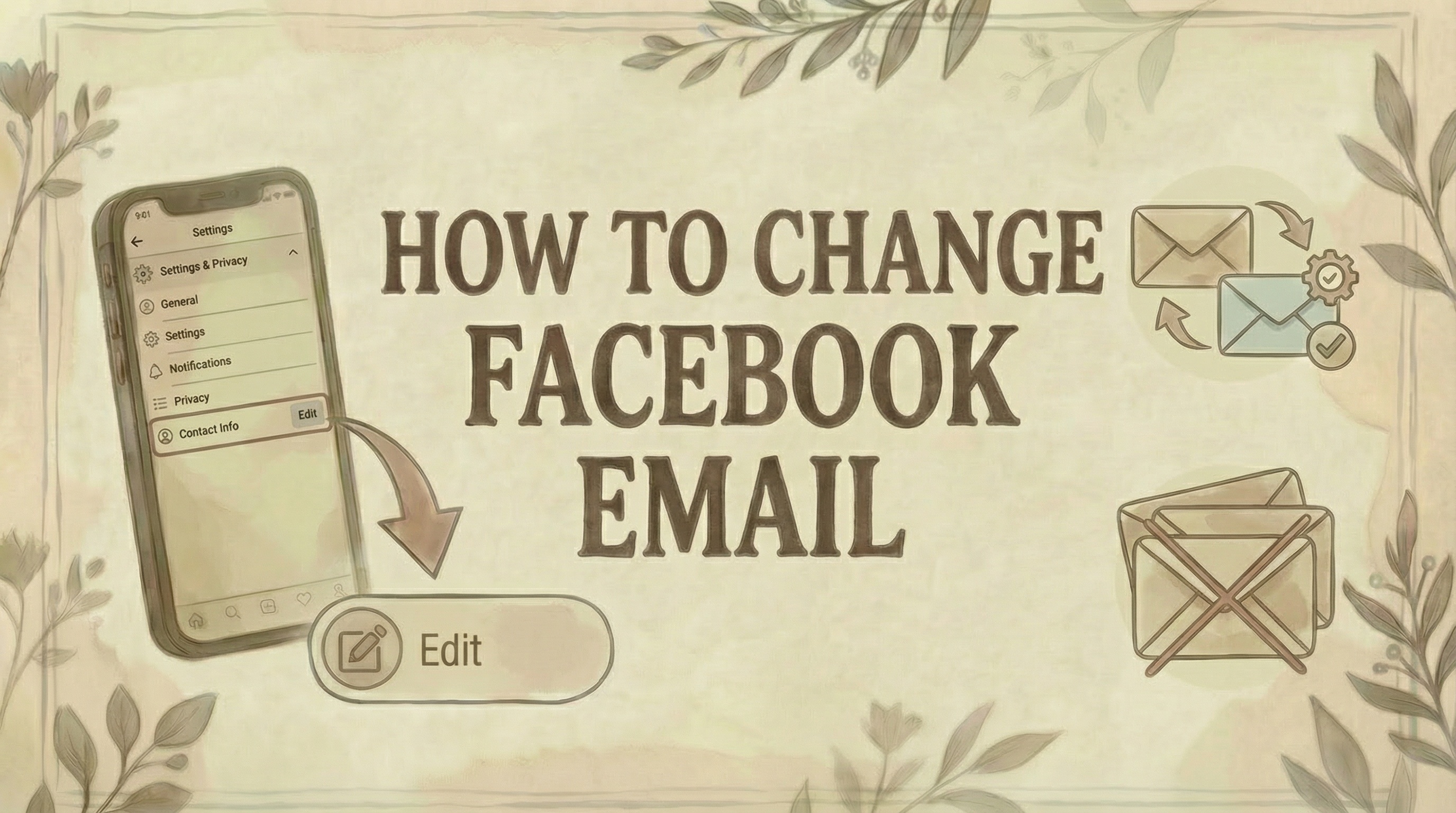
Users have significant control over how "noisy" their Facebook experience is. Navigating to Settings & Privacy > Settings > Notifications allows for the customization of the email channel.
The "All, Suggestions, or Required" Hierarchy
Facebook offers three global levels for email notifications:
- All: You receive an email for almost every notification you see on the app. This is typically discouraged for active users as it leads to "inbox clutter."
- Suggestions: This uses Meta’s AI to send you emails about things you might have missed that the platform deems important, such as a close friend’s post or a trending discussion in a group you frequent.
- Only about your account: This is the most restrictive setting. It silences all social and promotional noise, limiting emails to security alerts, privacy updates, and legal notices.
The Role of Email Digests
For users who want to stay informed without receiving fifty emails a day, the Digest feature is the technical solution. Instead of sending an email the moment a "like" occurs, the system holds these events in a temporary buffer. At a pre-determined time (usually once daily), the Notification Engine compiles these events into a single, structured HTML email. This reduces server load for Meta and minimizes the cognitive load for the user.
Why Emails Might Fail to Arrive
Despite the robust infrastructure, there are several technical reasons why a Facebook notification might not appear in an inbox. Understanding these can help in troubleshooting.
- ISP Rate Limiting: If Facebook attempts to send too many emails to a specific provider (like a small local ISP) at once, that provider might temporarily "throttle" or block incoming connections to prevent server crashes.
- Greylisting: Some mail servers use a technique called greylisting, where they "temporarily reject" an email from an unknown sender. The sending server (Facebook) must then try again after a few minutes. If the retry logic fails, the email is lost.
- Full Mailboxes: If your personal email storage is at capacity, your provider’s server will issue a "550 Mailbox Full" error back to Facebook, and the notification will be dropped.
- Internal Suppression Lists: If Facebook previously tried to send an email to your address and it "hard bounced" (e.g., the address was invalid), your email address may be placed on an internal suppression list. Facebook will stop trying to send mail to that address to protect its sender reputation until you verify the email again.
Verifying the Legitimacy of Facebook Emails
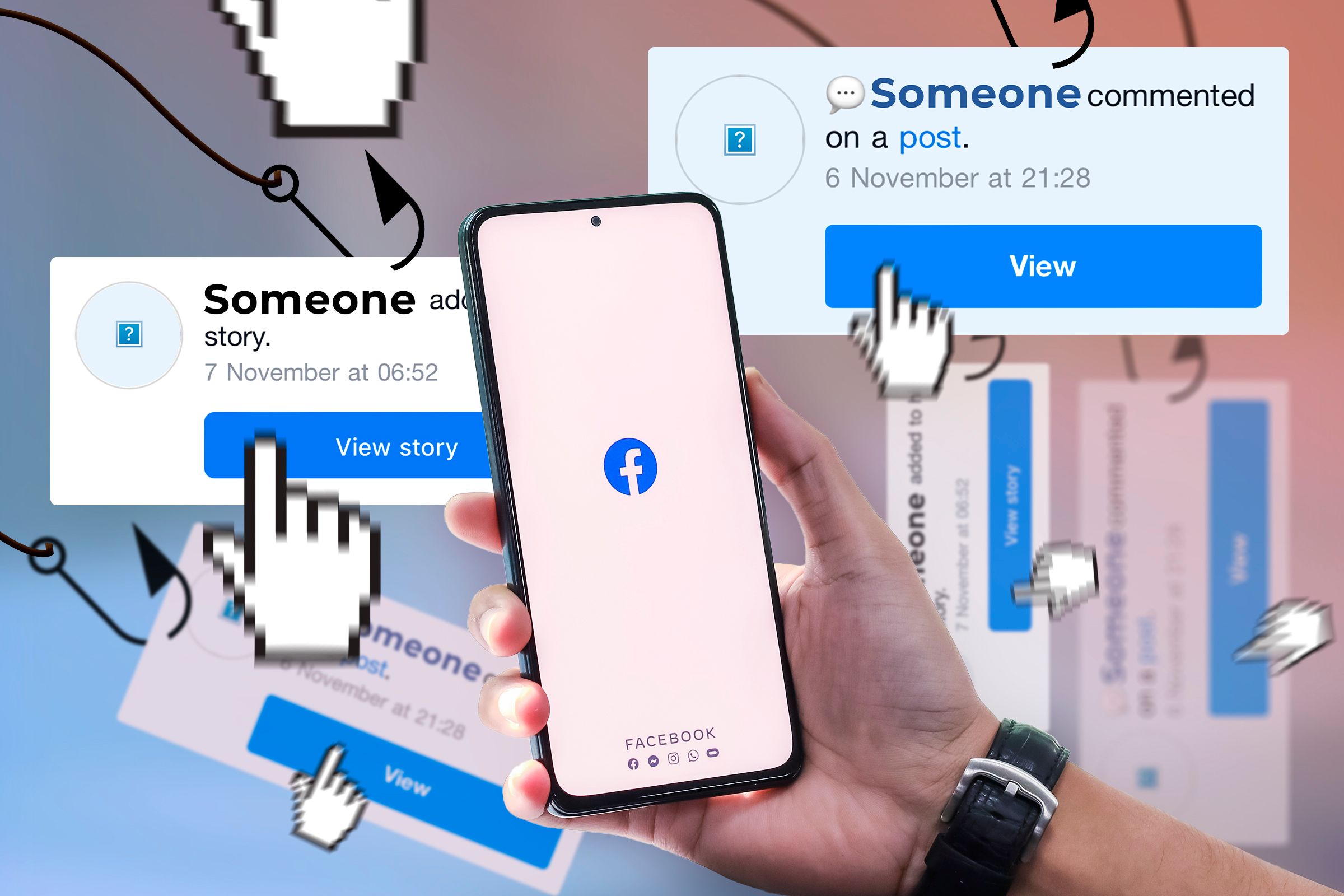
Because notification emails are a primary target for phishing, it is vital to verify their origin. As of 2026, Facebook provides a "See recent emails from Facebook" tool within the Security and Login settings. This tool lists every official email the platform has sent to you in the last 30 days. If you receive an email that looks like it is from Facebook but does not appear in this list, it is a phishing attempt and should be deleted immediately. Official communications will also never ask for your password or credit card information directly via an email link.
Practical Recommendation for Users
To maintain a clean inbox while staying secure, set your notification preference to "Only about your account, security, and privacy." For social interactions, rely on the in-app notification bell. This configuration ensures that your email remains a dedicated channel for critical alerts while removing the distractions of social media engagement. If you are a community manager, consider enabling "Digest" emails for your groups to stay updated once a day rather than in real-time.
Frequently Asked Questions
Why do I get Facebook emails for things I've already seen in the app?
This happens due to a slight synchronization lag between the "Seen" status in the app and the "Dispatch Queue" of the email server. If the email engine has already packaged and queued your notification, it may still send even if you viewed the alert on your phone seconds prior.
Can I change which email address Facebook sends notifications to?
Yes. You can manage this in the "Account Center." While you can have multiple emails associated with an account, only one can be designated as the "Primary" email for notifications. Changing this requires a verification code sent to the new address to ensure you have active access.
Is "facebookmail.com" a scam?
No, @facebookmail.com is a legitimate domain owned by Meta. It is used specifically for sending automated notification emails. However, always check the "Security and Login" section in your Facebook settings to verify any specific email if you are suspicious.
Why did I stop getting emails even though my settings are turned on?
Check if you have accidentally marked a Facebook email as "Spam" in your inbox. Doing so tells your email provider to block all future messages from that domain. Additionally, check your "Promotions" or "Social" tabs in Gmail, as they are often automatically filtered there.
How do I unsubscribe from specific group emails without leaving the group?
Navigate to the specific Group on Facebook, click on "Joined," and select "Manage Notifications." From there, you can set the notifications to "Off" or "Highlights," which will stop the associated email triggers for that specific community.
Image Gallery