The Definitive Guide to Amazon Reload in 2026: Mechanics, Benefits, and Troubleshooting
Understanding how to manage digital balances efficiently remains a priority for frequent online shoppers in 2026. The Amazon Reload feature serves as a primary financial tool for users looking to manage their spending budgets, automate...
Understanding how to manage digital balances efficiently remains a priority for frequent online shoppers in 2026. The Amazon Reload feature serves as a primary financial tool for users looking to manage their spending budgets, automate account funding, or utilize specific payment methods without constantly re-entering credit card details. This guide breaks down everything from the underlying mechanics of Amazon Reload to troubleshooting failed transactions, security protocols, and strategic account management.
Contents
Understanding the Mechanics of Amazon Reload
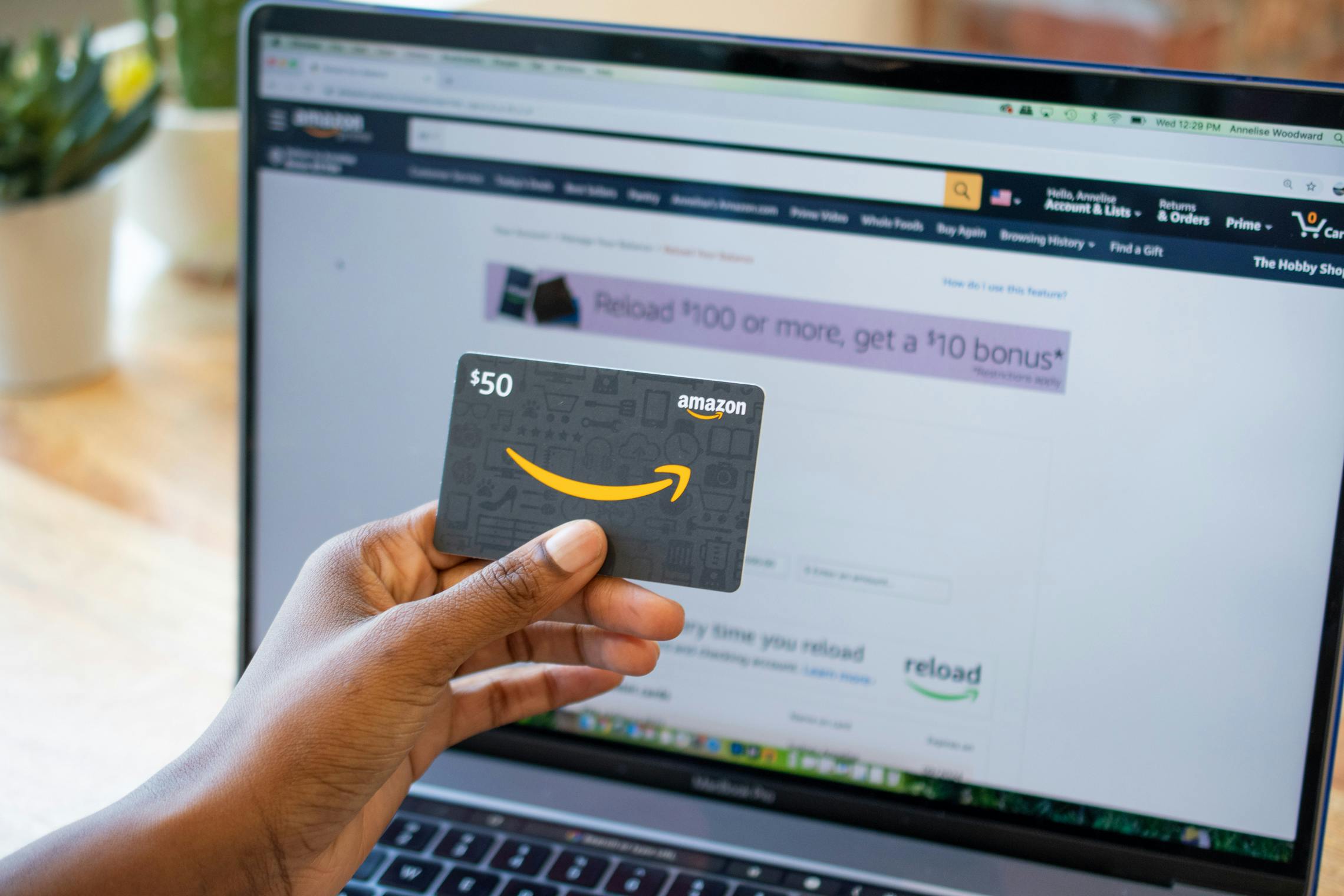
Amazon Reload is a financial service provided by Amazon that allows account holders to add funds directly to their Amazon Gift Card balance. Unlike standard credit card transactions made at checkout, a Reload transaction acts as a pre-funded store credit mechanism.
When a user initiates a reload, funds are transferred from a linked debit card, credit card, or checking account (via Amazon Pay or checking account routing) into their Amazon balance. In 2026, the platform supports both manual reloads and automatic reloading triggered by specific account conditions.
Core Financial Framework Amazon Reload transactions are legally classified as the purchase of non-refundable gift card instruments. Consequently, these funds do not accrue interest, are not covered by traditional FDIC insurance directly through the retail platform, and cannot be transferred back to a bank account once processed, though they never expire.
Manual vs. Automatic Reload Protocols
Managing cash flow on the platform depends heavily on choosing the right configuration between manual interventions and automated triggers.
- Manual Reload: Users select a specific dollar amount ranging from a minimum threshold (typically $0.50 or $5.00 depending on the payment source) up to $2,000 per single transaction. Funds generally clear and become available instantly for digital and physical purchases.
- Auto-Reload Threshold: Users can set a rule stating that whenever their Amazon Gift Card balance drops below a specific dollar amount (e.g., $20), a predetermined sum (e.g., $50) is automatically charged to their default payment method.
- Auto-Reload Schedule: Alternatively, users can schedule recurring reloads on a weekly, bi-weekly, or monthly basis to maintain a steady purchasing pool.
Strategic Advantages and Limitations of Using Amazon Reload
Utilizing a pre-funded balance rather than charging individual purchases directly to a bank card offers distinct financial management benefits, alongside a few operational constraints. Evaluating these factors helps users optimize their shopping habits.
Comprehensive Comparison of Funding Methods
| Feature / Metric | Amazon Reload Balance | Direct Credit Card Checkout | Debit Card / Checking Direct |
|---|---|---|---|
| Transaction Speed | Instant at checkout | Instant | 1-3 Business Days (if ACH) |
| Budget Control | Strict spending cap enforced | High risk of overspending | Tied to live account balance |
| Fraud Exposure | Isolated to Amazon account | Exposes primary card details | Exposes bank routing details |
| Rewards & Cashback | Tied to initial funding source + promotional offers | Standard card reward points | Standard bank debit rewards |
| Fund Reversals | Non-refundable to bank | Subject to chargeback protections | Subject to ACH dispute rules |
Pros of Amazon Reload
- Budgetary Discipline: Allocating a fixed monthly amount via auto-reload prevents impulse spending and keeps household e-commerce budgets strictly separated from primary checking accounts.
- Enhanced Account Security: Keeping primary credit card information stored in fewer places minimizes the impact if an external data breach occurs elsewhere on the web.
- Shared Household Accounts: Families can fund a single master account balance, allowing authorized users or teenagers to make purchases without possessing physical credit cards.
- Frequent Shopper Incentives: Amazon periodically runs promotional rewards, such as offering a small bonus credit when a user sets up their first auto-reload or reloads a specific threshold amount.
Cons and Risks
- Liquidity Lock: Once money enters the Amazon ecosystem via reload, it cannot be withdrawn back into fiat currency. It must be spent on eligible goods sold on Amazon or partner properties.
- Payment Method Restrictions: Certain high-risk prepaid cards or gift cards cannot be used to fund an Amazon Reload, preventing circular funding loops.
- Potential for Over-Automation: Poorly configured auto-reload thresholds can trigger unexpected overdraft fees on linked checking accounts if the user loses track of their spending velocity.
Step-by-Step Guide to Setting Up and Managing Amazon Reload
Configuring the reload feature takes only a few moments through either the desktop browser interface or the official mobile application.
- Log In and Navigate: Access your Amazon account and navigate to the "Your Account" dashboard. From there, select the "Gift Cards" tile to view your current balance and reload options.
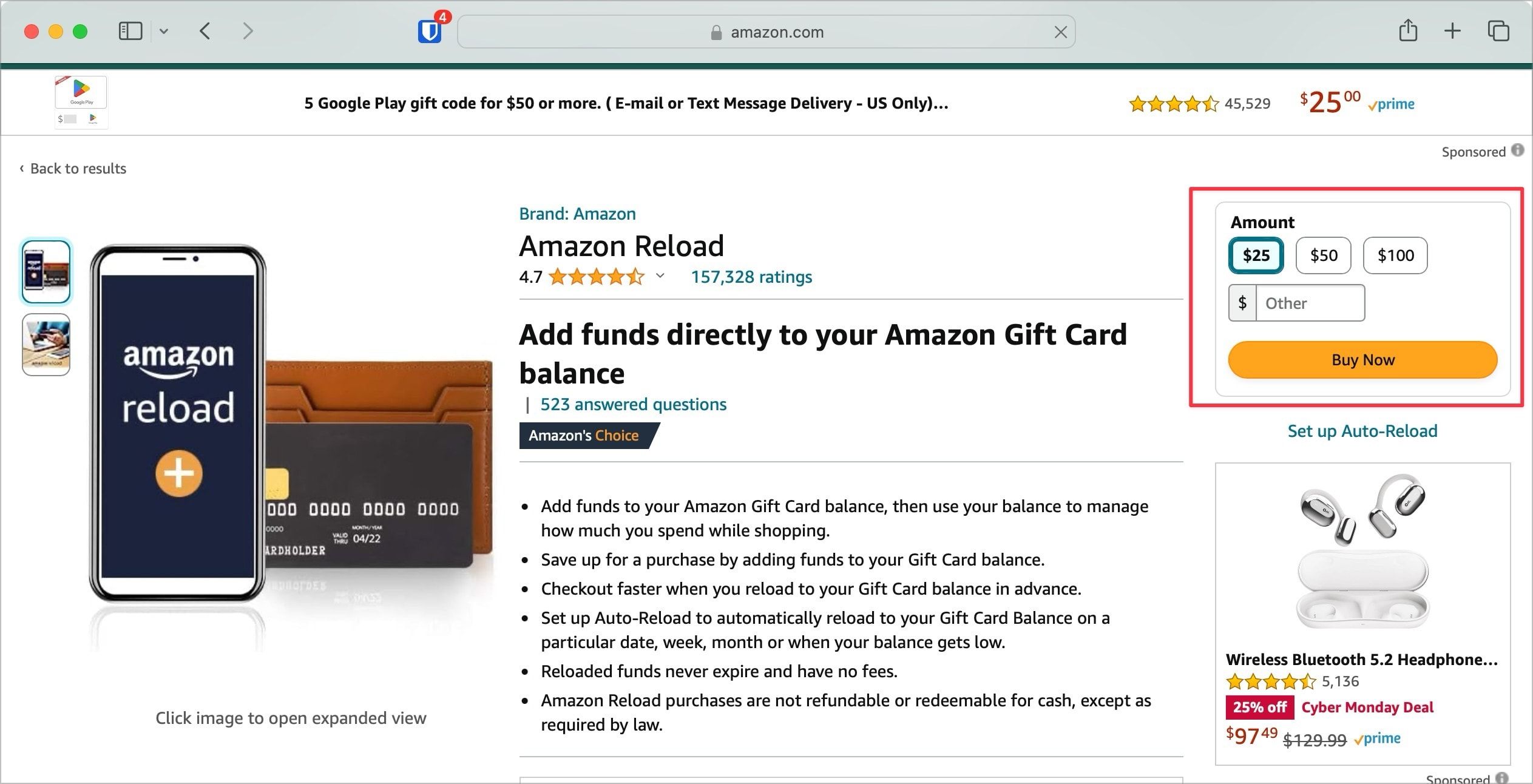
- Select the Reload Option: Click on the "Reload Your Balance" link. You will be presented with preset numerical buttons and a custom text field to input your desired amount.
- Choose a Payment Instrument: Select an existing debit card, credit card, or verified bank account. If adding a new card, input the billing address and security CVV code carefully.
- Configure Automation (Optional): Check the box for "Auto-Reload" if you want to establish threshold-based or schedule-based funding rules. Set your minimum balance trigger and reload amount.
- Authorize Transaction: Review the payment details and click the final confirmation button. The updated balance will appear in your account summary almost instantaneously.
Troubleshooting Common Amazon Reload Errors and Failures
Even with a streamlined digital infrastructure, users occasionally encounter friction points when attempting to reload funds. Knowing how to resolve these errors saves time and prevents unnecessary frustration.
- Payment Decline or Verification Required: If your bank flags the reload as suspicious, the transaction will fail. Remedy: Contact your issuing bank to whitelist Amazon transactions, or update your payment verification details (such as entering a 2FA code) within your banking app.
- Name Mismatch Errors: The name on your Amazon account must closely match the name on the credit or debit card used for the reload. Remedy: Verify your account holder details under your payment wallet settings.
- Delayed Auto-Reload Execution: Sometimes automated reloads fail if the default funding source expired or hit a spending limit. Remedy: Routinely audit your default payment methods to ensure expiration dates and billing addresses remain current.
- Geographic Restrictions: Amazon Reload services are tied to specific regional marketplaces (e.g., Amazon.com versus Amazon.co.uk). Trying to reload a US account using a foreign banking instrument without proper currency settings can trigger blocks. Remedy: Ensure your payment method matches the country code of the target Amazon storefront.
Frequently Asked Questions
What is Amazon Reload and how does it work?
Amazon Reload is a service that allows users to add money directly to their Amazon Gift Card balance using a linked debit card, credit card, or bank account. Once funded, the balance can be used instantly for purchases across the platform.
Can I get a refund on money added via Amazon Reload?
No, funds added through Amazon Reload are classified as gift card balances and are strictly non-refundable and non-transferable back to a bank account. They must be used to purchase eligible items on Amazon.
Is there a fee to use Amazon Reload?
There are no service fees charged by Amazon for reloading your balance using standard debit cards, credit cards, or eligible bank accounts. However, users should check with their banks regarding potential foreign transaction fees if using cross-border payment methods.
What are the limits on Amazon Reload transactions?
Single reload transactions generally range from a minimum of $0.50 up to a maximum cap of $2,000. Daily and weekly accumulation limits may also apply depending on the verification status of the user's account and payment history.
Why was my Amazon Reload transaction declined?
Declines typically occur due to insufficient funds, incorrect billing addresses, expired payment cards, or fraud prevention blocks placed by your issuing bank. Contacting your bank or updating your wallet details usually resolves the issue.
How do I cancel an active Auto-Reload schedule?
Navigate to your Amazon Gift Card dashboard, select the Auto-Reload management tab, locate your active rule, and click the option to disable or delete the automation schedule.
Image Gallery