Exploring the Most Effective Hidden Google Tricks in 2026: From Easter Eggs to Productivity Power Tools
Hidden Google tricks, commonly referred to as Easter eggs and advanced search operators, are specialized commands and keywords that reveal secret animations, interactive games, or streamlined utility tools directly within the search re...
Hidden Google tricks, commonly referred to as Easter eggs and advanced search operators, are specialized commands and keywords that reveal secret animations, interactive games, or streamlined utility tools directly within the search results. These features serve to enhance user engagement while providing professional-grade shortcuts for data retrieval, calculation, and digital troubleshooting without requiring external software.
Contents
The Evolution and Utility of Google’s Hidden Ecosystem
For decades, Google has integrated "Easter eggs"—unexpected features or messages hidden in software—as a nod to hacker culture and a way to humanize the search experience. However, as we navigate 2026, the scope of these "hidden" tricks has expanded far beyond simple visual gags like the famous "do a barrel roll." Today, these features are categorized into interactive entertainment, high-efficiency productivity tools, and advanced search parameters that allow power users to bypass the standard algorithm to find hyper-specific data.
The underlying technology supporting these tricks relies on Google’s Knowledge Graph and "OneBox" results. When a user enters a specific trigger phrase, the search engine identifies the intent as a "direct action" rather than a standard query for external links. This triggers a localized script—often written in JavaScript or CSS—that renders an interactive element at the top of the Search Engine Results Page (SERP). Understanding these triggers is essential for anyone looking to maximize their efficiency in the modern digital landscape.
Classic Visual Easter Eggs and Interactive Entertainment
While many use Google strictly for work, the platform's legacy of entertainment remains robust. Many of the most famous tricks have been preserved for years, serving as a testament to the platform's consistent branding.
The "Do a Barrel Roll" and "Askew" Effects
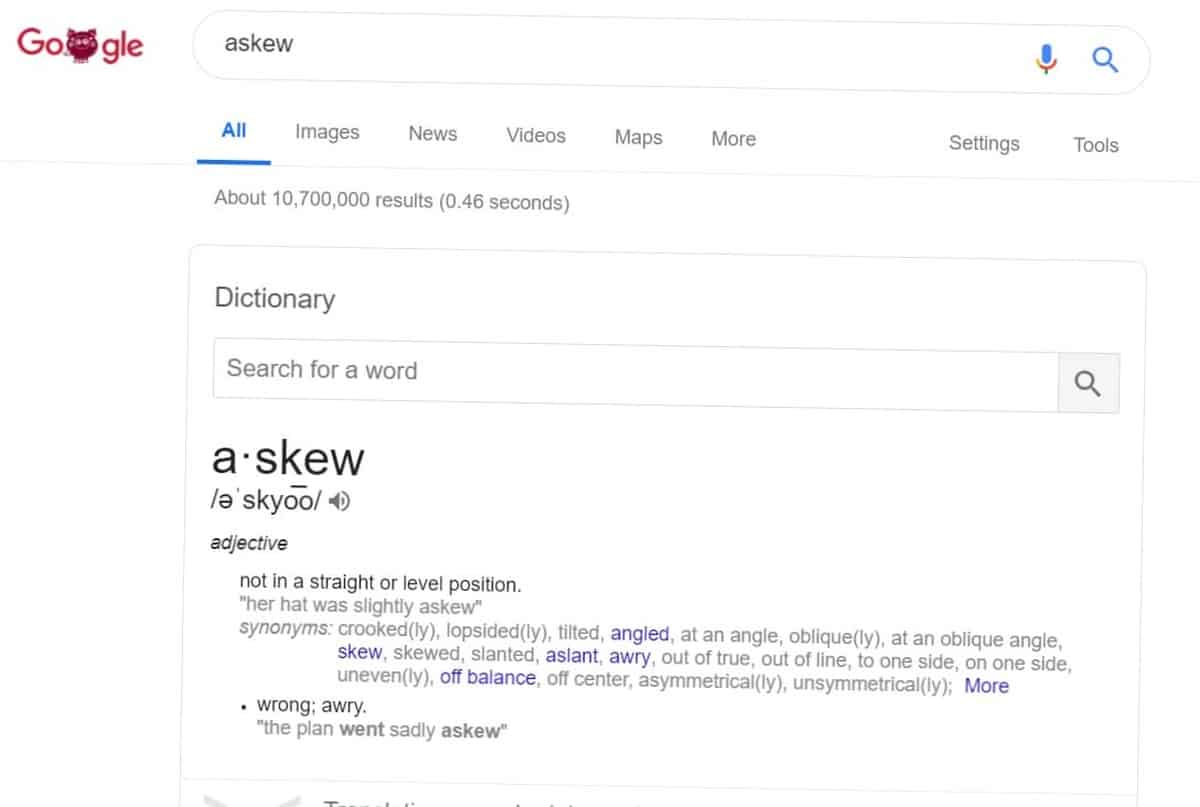
By typing "do a barrel roll" into the search bar, the entire browser window performs a 360-degree rotation. This trick, which debuted in 2011, utilizes CSS3 properties to rotate the search result container. Similarly, searching for "askew" will cause the page to tilt slightly to the right. While these are purely aesthetic, they demonstrate the browser's ability to manipulate the Document Object Model (DOM) in real-time.
Google’s Built-in Gaming History
Google has integrated several full-scale games into the search results that require no installation. These are particularly useful for quick breaks or testing browser responsiveness.
- Pac-Man: Originally a playable Google Doodle for the game's 30th anniversary, searching for "Google Pacman" brings up a fully functional version of the arcade classic.
- Solitaire and Tic-Tac-Toe: Searching for these games launches a clean, ad-free interface where users can select difficulty levels.
- Snake: A simple search for "play snake" allows users to control the classic arcade snake using arrow keys.
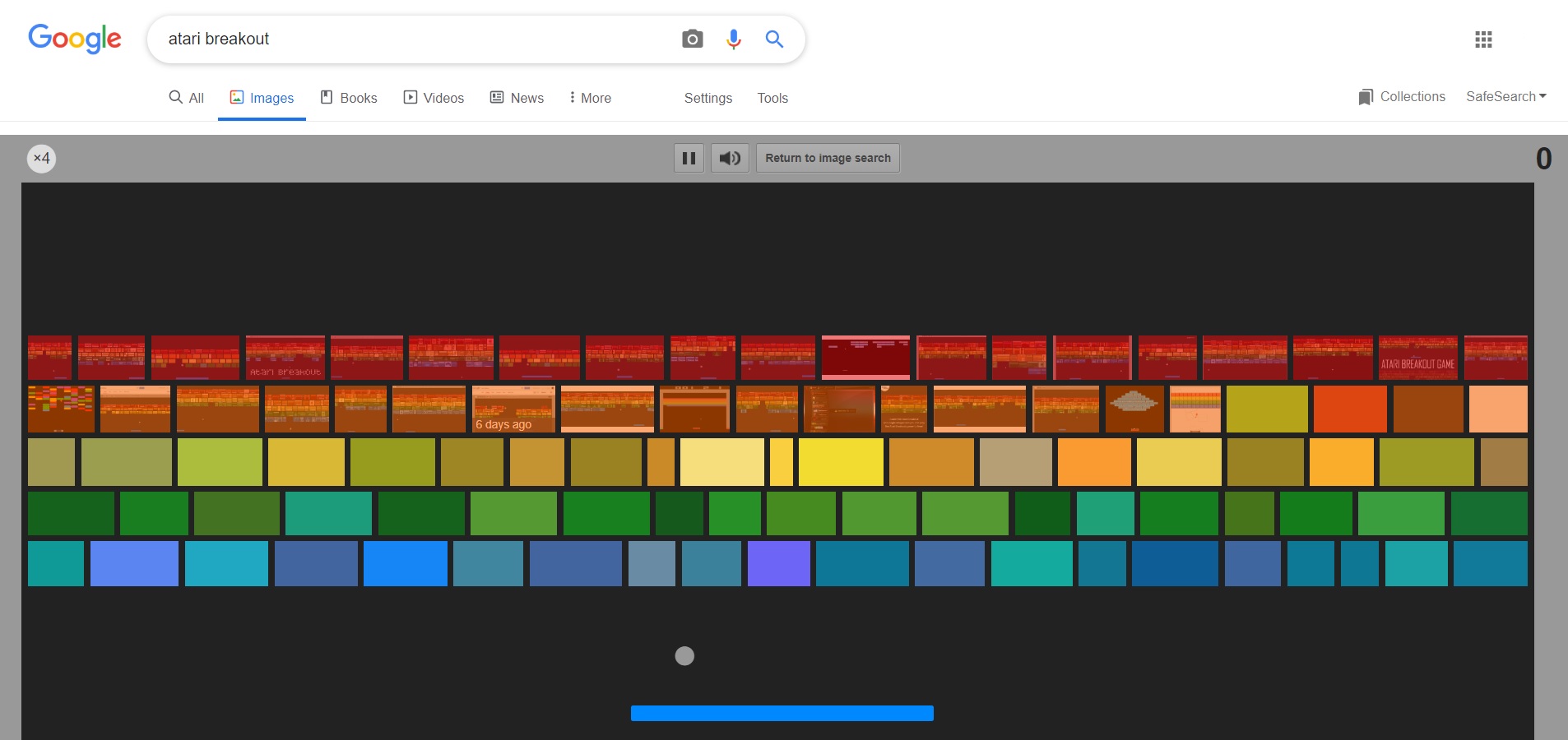
- Atari Breakout: While originally an image search trick, this classic is now primarily available through specialized "Google Mirror" sites like elgooG, though Google occasionally revives it for specific anniversaries.
Advanced Search Operators for Professional Data Retrieval
For researchers, journalists, and developers, the most "hidden" tricks aren't the animations but the advanced search operators. These commands allow you to filter the multi-billion page index of the web with surgical precision.
Precision Filtering with Syntax
Standard keyword searches often return high-authority but irrelevant content. Using syntax allows for much tighter control:
- site:[url]: Limits results to a specific domain. For example,
site:nasa.gov "mars"will only show results from NASA's official site. - filetype:[extension]: This is perhaps the most powerful trick for professionals. Searching
filetype:pdf "annual report 2025"will return only PDF documents, bypassing HTML landing pages. This works for.csv,.docx,.pptx, and more. - related:[url]: If you find a resource you like, this command helps you find similar websites.
related:nytimes.comwould suggest other high-tier news organizations. - "Exact Match": Using quotation marks forces Google to find the exact phrase in the exact order, which is essential for tracking down specific quotes or technical error codes.
Exclusions and Wildcards
To remove unwanted noise, the minus sign (-) is invaluable. Searching jaguar -car ensures you receive results about the animal rather than the automotive brand. The asterisk (*) acts as a wildcard, which is perfect when you have forgotten a word in a phrase or song lyric.
Built-in Productivity and Utility Tools
In 2026, the search bar functions effectively as a command line for daily tasks. These utilities are "hidden" in the sense that many users do not realize they can bypass dedicated apps to perform these functions.
Mathematical and Scientific Calculations
Google’s built-in calculator is capable of handling complex trigonometry, logarithms, and even 3D graphing. Typing a function like graph for x^2 + y^2 = 25 will render an interactive 3D plot directly in the browser.
Unit Conversions and Finance
The platform provides real-time data for a variety of conversions:
- Currency: "100 USD to EUR" provides a live conversion rate based on current market data.
- Measurements: Quickly convert metric to imperial for cooking, construction, or travel.
- Time Zones: Searching "time in Tokyo" or "10 AM PST to EST" resolves scheduling conflicts instantly.
Technical Tools for Developers and Creatives
For those in technical fields, Google offers several niche tools:
- Color Picker: Searching "color picker" or a hex code like
#ffffffopens an interactive tool for designers to find HEX, RGB, and HSL values. - Metronome: Musicians can search "metronome" to get a simple, adjustable BPM tool.
- Breathing Exercise: A search for "breathing exercise" launches a one-minute guided meditation tool, useful for stress management during the workday.
Comprehensive Comparison of Top Google Tricks
| Trick/Command | Category | Trigger Keyword | Primary Use Case |
|---|---|---|---|
| filetype:pdf | Research | [keyword] filetype:pdf |
Finding specific documents/whitepapers |
| Do a barrel roll | Easter Egg | do a barrel roll |
Entertainment/Visual demonstration |
| Color Picker | Design | color picker |
Grabbing HEX/RGB codes quickly |
| site:search | Efficiency | site:[domain.com] |
Searching within a single website |
| Timer/Stopwatch | Productivity | set timer for 10 minutes |
Time management and focus |
| Google Sky | Exploration | google sky |
Viewing celestial objects and constellations |
| Metronome | Utility | metronome |
Keeping rhythm for music practice |
Troubleshooting and Legacy Access
One common issue users face in 2026 is that certain legacy tricks appear to have "disappeared." This is often due to updates in how Google handles its "I'm Feeling Lucky" button or changes in the rendering engine.
Why Some Tricks "Break"
As Google moves toward more AI-centric results (Search Generative Experience), some older JavaScript-heavy Easter eggs are moved to archives to maintain page load speeds. If a trick like "Google Gravity" or "Thanos Snap" does not work on the main page, it is likely because it has been officially retired.
Accessing Retired Tricks
Websites such as elgooG (Google spelled backward) act as unofficial archives for retired Google tricks. These sites host the scripts for "Google Underwater," "Google Guitar," and the original "Atari Breakout" image search, allowing users to experience them long after they have been removed from the live Google servers.
Frequently Asked Questions
Why don't some Google tricks work on my mobile device?
Many hidden tricks rely on specific desktop browser features like hover states or keyboard inputs (like arrow keys for games). Additionally, mobile browsers often use a "Lite" version of the search results to save data, which may suppress the interactive scripts required for Easter eggs like "Askew" or "Pac-Man."
Can these hidden tricks pose a security risk?
No. Google’s official Easter eggs and search operators are native to the platform and do not require any downloads or third-party permissions. However, you should always be cautious if a third-party site claims to offer "Google hacks" that require you to install a browser extension or software.
What are the best hidden tricks for students?
Students should focus on the filetype:pdf and site:.edu operators. Combining these (e.g., "quantum physics" site:.edu filetype:pdf) allows students to find academic papers and syllabus materials directly from universities, bypassing commercial or AI-generated blog content.
Is there a way to see all Google Doodles from the past?
Yes. By searching for "Google Doodle Archive," you can access a complete library of every interactive and artistic doodle ever created, dating back to the late 1990s. This is the best way to find interactive games that were only on the homepage for 24 hours.
Do search operators work with AI-integrated search?
In 2026, most advanced search operators still function alongside AI summaries. In fact, using operators like site: can help the AI narrow its focus to provide more accurate summaries based on the specific sources you trust.
Final Recommendation for Users
To make the most of Google's hidden ecosystem in 2026, transition from using the search bar as a question-and-answer tool to using it as a specialized command terminal. Start by mastering the filetype: and site: operators, as these provide the most immediate professional value. For a quick mental break, keep the "Snake" or "Pac-Man" triggers in mind to turn your browser into a distraction-free gaming console.
Image Gallery