Dash Cam for Vehicle: A Practical Overview of Selection and Integration
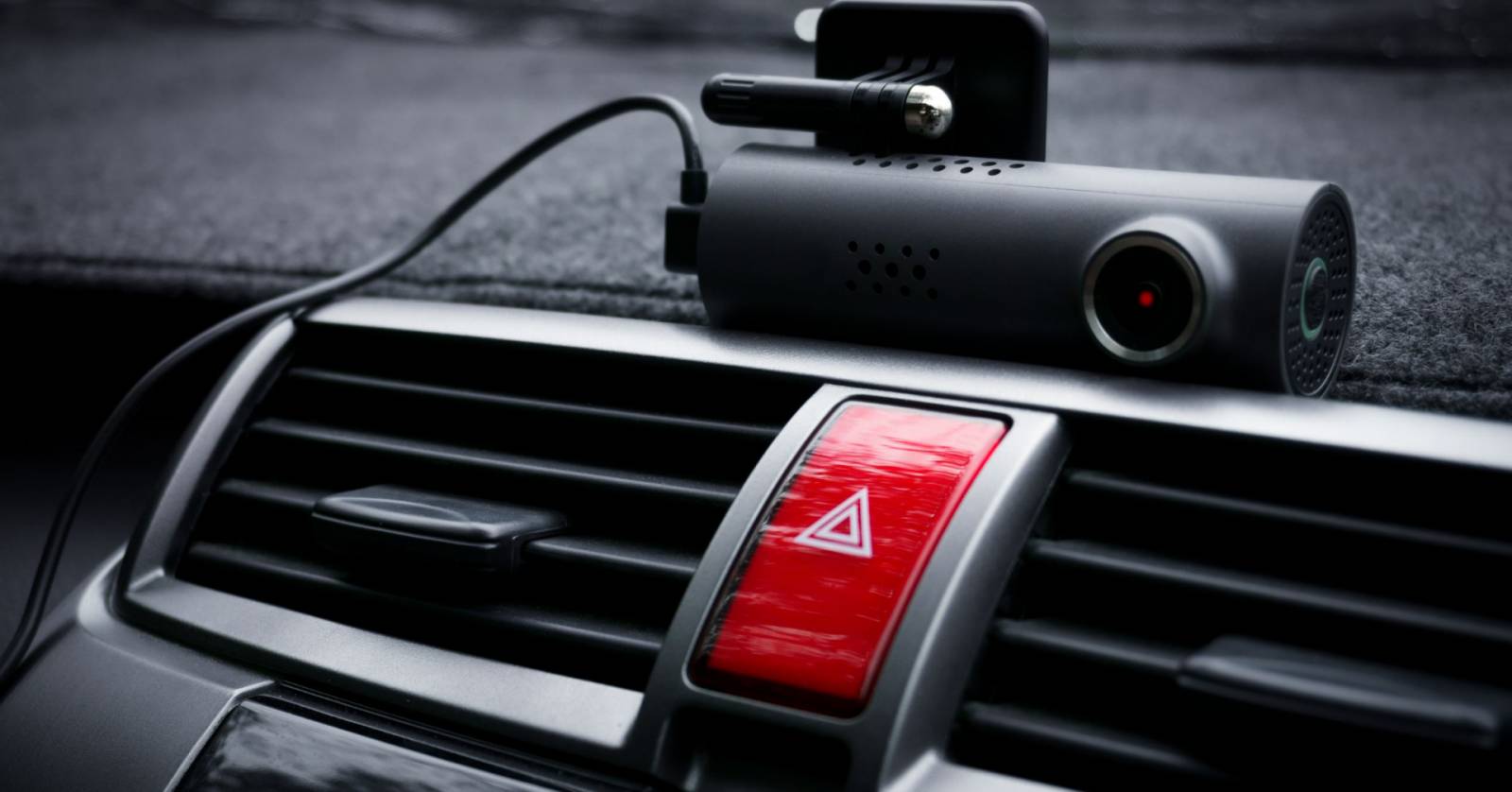
A dash cam for your vehicle is a specialized digital video recorder designed to capture continuous footage of the road ahead, behind, or inside the cabin. As of 2026, these devices serve as vital tools for documenting traffic incidents...
A dash cam for your vehicle is a specialized digital video recorder designed to capture continuous footage of the road ahead, behind, or inside the cabin. As of 2026, these devices serve as vital tools for documenting traffic incidents, providing objective evidence for insurance claims, and monitoring vehicle security through features like parking surveillance and remote cloud connectivity.
Contents
The Core Functionality of Modern Dash Cams
At its most fundamental level, a dash cam is a "set and forget" device. Once installed and powered—usually via the vehicle's 12V auxiliary power outlet (cigarette lighter) or a hardwire kit connected to the fuse box—the camera begins recording automatically when the ignition is engaged. Footage is stored on a high-endurance microSD card in a loop, meaning the oldest files are overwritten by new ones once the storage capacity is reached.
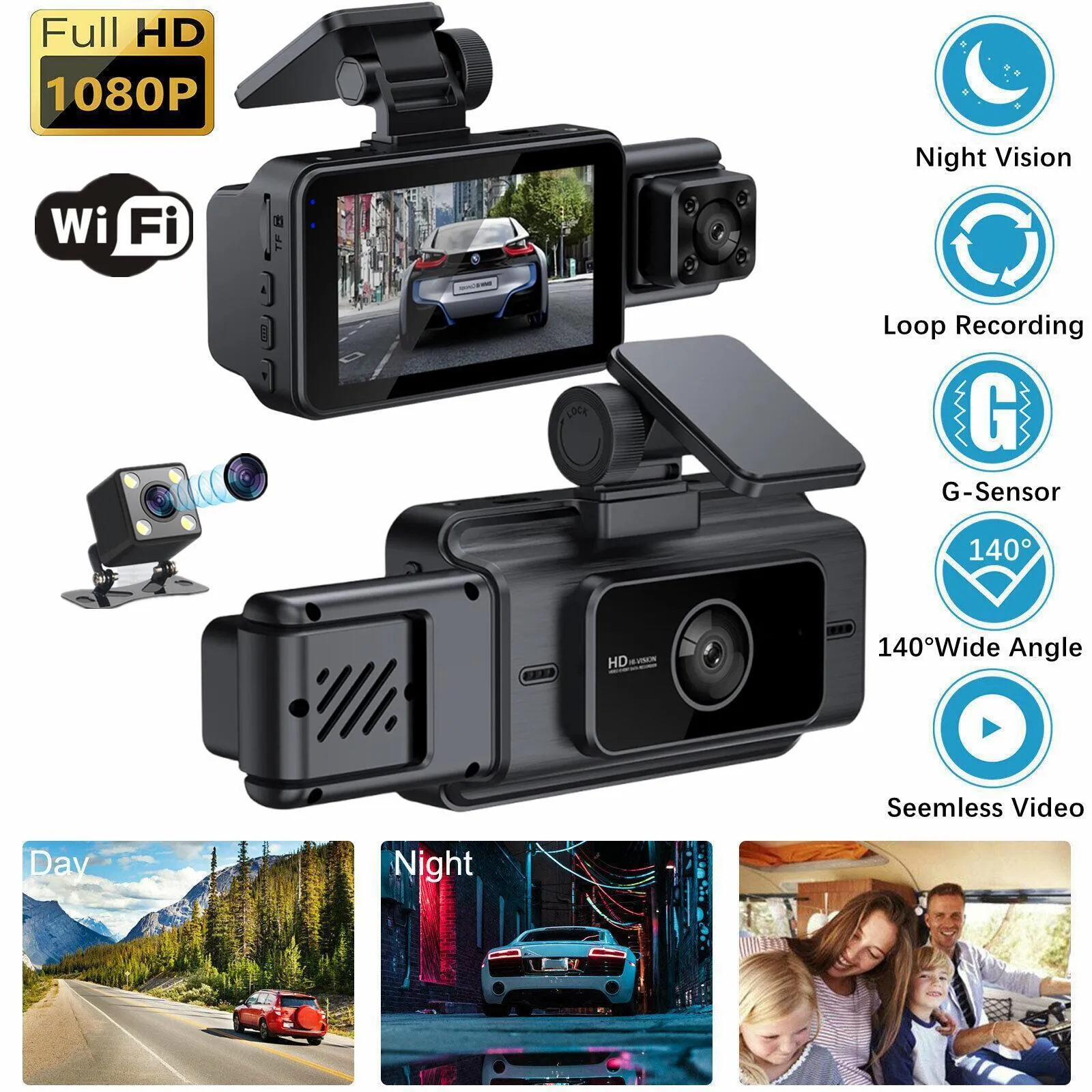
The primary value of these devices lies in their ability to record events objectively. In the event of an accident, a dash cam provides a verifiable sequence of events, which can be critical when determining liability. Beyond accident reconstruction, modern units have evolved to include G-sensors (accelerometers) that detect sudden impacts or erratic maneuvers, automatically marking the current video file as "protected" so it cannot be overwritten by the loop recording function.
Key Features to Evaluate Before Purchase
When selecting a dash cam for your vehicle, the sheer variety of options can be overwhelming. To make an informed decision, prioritize features based on your specific driving habits and security needs.
Resolution and Sensor Quality
While 1080p Full HD was once the standard, 2026 market offerings heavily favor 2K (1440p) or 4K (2160p) resolutions. Higher resolution is essential for capturing fine details such as license plates of fleeing vehicles or street signs at varying distances. Beyond resolution, look for the sensor type; sensors with wide dynamic range (WDR) or high dynamic range (HDR) capabilities are superior at handling sudden changes in light, such as exiting a dark tunnel into bright sunlight.
Field of View (FOV)
A wider field of view allows the camera to capture more of the peripheral environment. Ideally, a lens should offer between 140 and 160 degrees of coverage. Lenses wider than 170 degrees often suffer from a "fisheye" effect, which can distort image quality and make distant objects, like license plates, appear smaller and less legible.
Storage and Endurance
Dash cams put a unique strain on memory cards due to constant, repetitive read-write cycles. Always use a "High Endurance" microSD card. These are specifically engineered to withstand the thermal stress and constant writing operations inherent to dash cam usage. Standard consumer-grade cards often fail prematurely when subjected to this type of sustained demand.
Installation and Connectivity Options
The physical integration of a dash cam into your vehicle significantly impacts both its effectiveness and aesthetics.
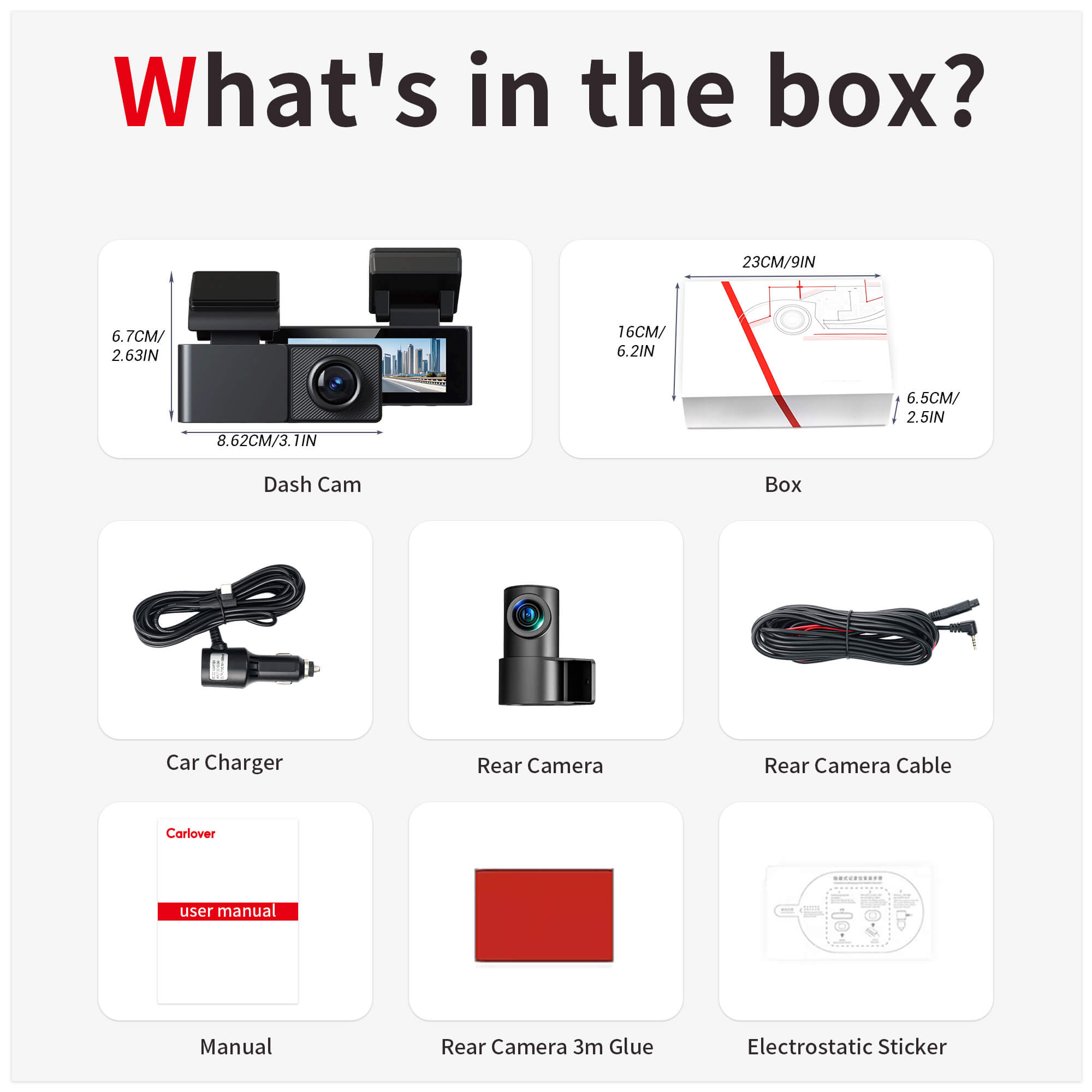
- Plug-and-Play (12V Adapter): This is the simplest installation method. The camera plugs into your vehicle’s accessory socket. The primary drawback is that the power cable remains visible, and it typically relies on the ignition to provide power, meaning the camera turns off when the engine stops.
- Hardwiring: This involves connecting the dash cam directly to the vehicle's fuse box using a dedicated hardwire kit. This is the preferred method for enabling "Parking Mode," which allows the camera to continue monitoring for motion or impacts while the vehicle is unattended.
- Cloud Connectivity: Premium units in 2026 feature LTE or Wi-Fi integration. These devices can send push notifications to your smartphone if an impact is detected while parked or provide a real-time live view of the vehicle's location and surroundings.
Comparison of Dash Cam Configurations
| Configuration | Best For | Typical Advantages | Primary Trade-off |
|---|---|---|---|
| Front-Facing | General documentation | Lower cost, easy setup | No rear or cabin coverage |
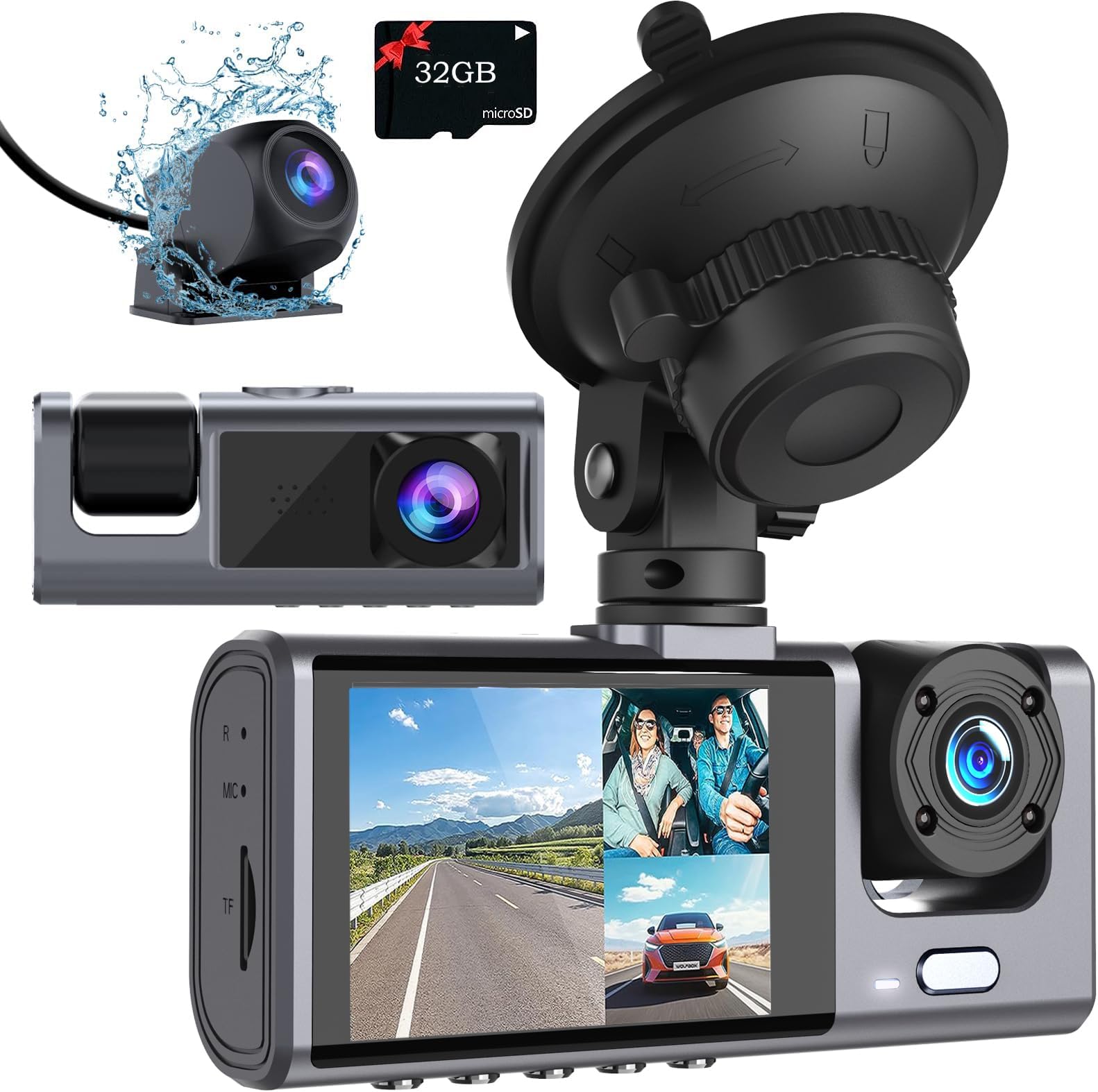
| Dual-Channel | Comprehensive coverage | Records front and rear views | Higher cost, complex routing |
| Cabin-Facing | Rideshare/Fleet drivers | Documents interior activity | Less useful for personal cars |
| Mirror-Mounted | Aesthetics/Visibility | Replaces bulky factory mirror | Often harder to install |
Legal and Privacy Considerations
The use of dash cams is generally legal in most jurisdictions, but local laws regarding privacy and audio recording vary significantly. In many regions, you are required to inform passengers if the camera is recording audio inside the cabin. Furthermore, while footage is often welcomed by insurance companies as evidence, ensure your specific policy guidelines allow for the digital submission of these files. Always check your local Department of Transportation or regional traffic authority regulations to ensure your mounting position does not obstruct your field of vision, which is a common citation in several states.
Maintenance and Troubleshooting
A dash cam is not a "install and forget" device; it requires periodic maintenance to ensure it remains reliable when needed most.
- Format Your Card Monthly: Even with high-endurance cards, formatting the microSD card once a month through the camera’s menu system clears out fragmented data and minimizes the risk of file corruption.
- Check the Date and Time: Always verify that the timestamp on your recordings is accurate. If the date is wrong, the footage may be dismissed as inadmissible or unreliable in a legal setting.
- Temperature Management: Most dash cams operate well within standard automotive temperature ranges, but extreme heat can lead to battery swelling in units that do not use supercapacitors. If you live in a particularly hot climate, prioritize units that utilize supercapacitors instead of lithium-ion batteries.
Frequently Asked Questions
Will a dash cam drain my car battery? If hardwired correctly, a dash cam should not drain your battery. Most hardwire kits include a voltage cutoff module that detects when the vehicle's battery voltage drops below a certain threshold and cuts power to the camera to ensure you have enough juice to start the engine.
Does a dash cam lower my insurance premiums? While some insurance companies offer discounts for safety equipment, it is not guaranteed. However, having a dash cam often prevents "no-fault" claims from being filed against you, which indirectly protects your premium rates from increasing due to accidents you did not cause.
What should I do if my dash cam stops recording? First, check the microSD card. If it is more than a year old, it likely needs to be replaced. Next, check the power connection. If the status light is flashing or off, ensure the cable is seated properly in the fuse tap or the accessory port.
Can I use a dash cam as a security camera when parked? Yes, but only if the device supports a "Parking Mode" and is hardwired or connected to a continuous power source. Ensure the camera is set to record either on motion detection or G-sensor impact, as continuous recording while parked may exceed your storage capacity quickly.
Is 4K resolution really necessary? 4K resolution provides significant benefits in detail, especially for capturing license plates at high speeds. While 1080p is sufficient for general incident proof, 4K significantly increases the likelihood of a clear, actionable identification of a fleeing party.
Final Recommendation
For most drivers, a reliable dual-channel (front and rear) dash cam equipped with a supercapacitor and a high-endurance 128GB microSD card offers the best balance of safety and utility. Prioritize a hardwire installation to fully leverage parking surveillance features, and verify that the unit you choose has a reputable desktop viewing application to simplify the process of exporting video files for potential evidence. Before finalizing your installation, conduct a test drive to ensure the camera angle is level and the horizon is centered, providing the most accurate perspective for any future incident documentation.
Image Gallery