How to Choose a Standalone Photo Scanner: A Complete Buyer’s Guide
To choose the right standalone photo scanner, you must prioritize the balance between image resolution and your specific project volume. For high-fidelity archiving of family heirlooms or negatives, a flatbed scanner with a CCD sensor...
To choose the right standalone photo scanner, you must prioritize the balance between image resolution and your specific project volume. For high-fidelity archiving of family heirlooms or negatives, a flatbed scanner with a CCD sensor and at least 600 DPI optical resolution is essential. For digitizing thousands of standard modern prints quickly, a specialized sheet-fed photo scanner is the more efficient choice.
Contents
Selecting a standalone photo scanner in 2026 requires navigating a market that has diverged into two distinct paths: high-precision preservation and high-speed automation. Unlike all-in-one printer-scanner combos, standalone units are engineered specifically for the nuances of photographic paper and film, offering superior dynamic range and color accuracy. Whether you are a family historian looking to preserve a century of memories or a professional photographer digitizing an analog portfolio, understanding the technical nuances of these devices is the first step toward a successful archiving project.
Identifying Your Primary Digitization Goals
Before comparing models, you must define the scope of your project. The "best" scanner is entirely dependent on what you are scanning and how many items you have.
Volume and Speed Requirements
If you have a shoebox containing 5,000 prints from the 1990s, a flatbed scanner will likely lead to burnout. Each scan on a flatbed requires manual placement, a preview scan, and a final scan, often taking 30 to 60 seconds per image. Conversely, a sheet-fed photo scanner can process 30 to 80 photos per minute. However, sheet-fed scanners are generally unsuitable for fragile, historical, or very thick polaroid-style photos, as the rollers can cause physical damage or "feeder marks."
Media Types: Prints vs. Negatives and Slides
Most entry-level standalone scanners are designed for reflective media (prints). If your collection includes 35mm negatives, medium-format film, or mounted slides, you require a scanner with a Transparency Unit (TPU). This is a light source built into the lid of the scanner that shines through the film. Without a TPU, a scanner can only capture the surface of the film, resulting in a dark, useless image. High-end flatbeds like the Epson Perfection V850 Pro remain the industry standard for this versatile "everything" approach.
Flatbed vs. Sheet-Fed: Choosing the Right Mechanism
The physical design of the scanner dictates both the quality of the image and the safety of the original document.
The Flatbed Advantage
Flatbed scanners are the gold standard for quality. Because the photo remains stationary on a glass plate (the platen), there is no risk of the image being scratched or bent.
- Optics: They typically use CCD (Charge-Coupled Device) sensors, which have a greater depth of field. This allows them to maintain focus even if a photo isn't perfectly flat against the glass.
- Versatility: You can scan delicate items, thick albums, or even small 3D objects.
- Software Integration: Most flatbeds are compatible with professional-grade software like SilverFast or VueScan, which offer advanced color management.
The Sheet-Fed Evolution
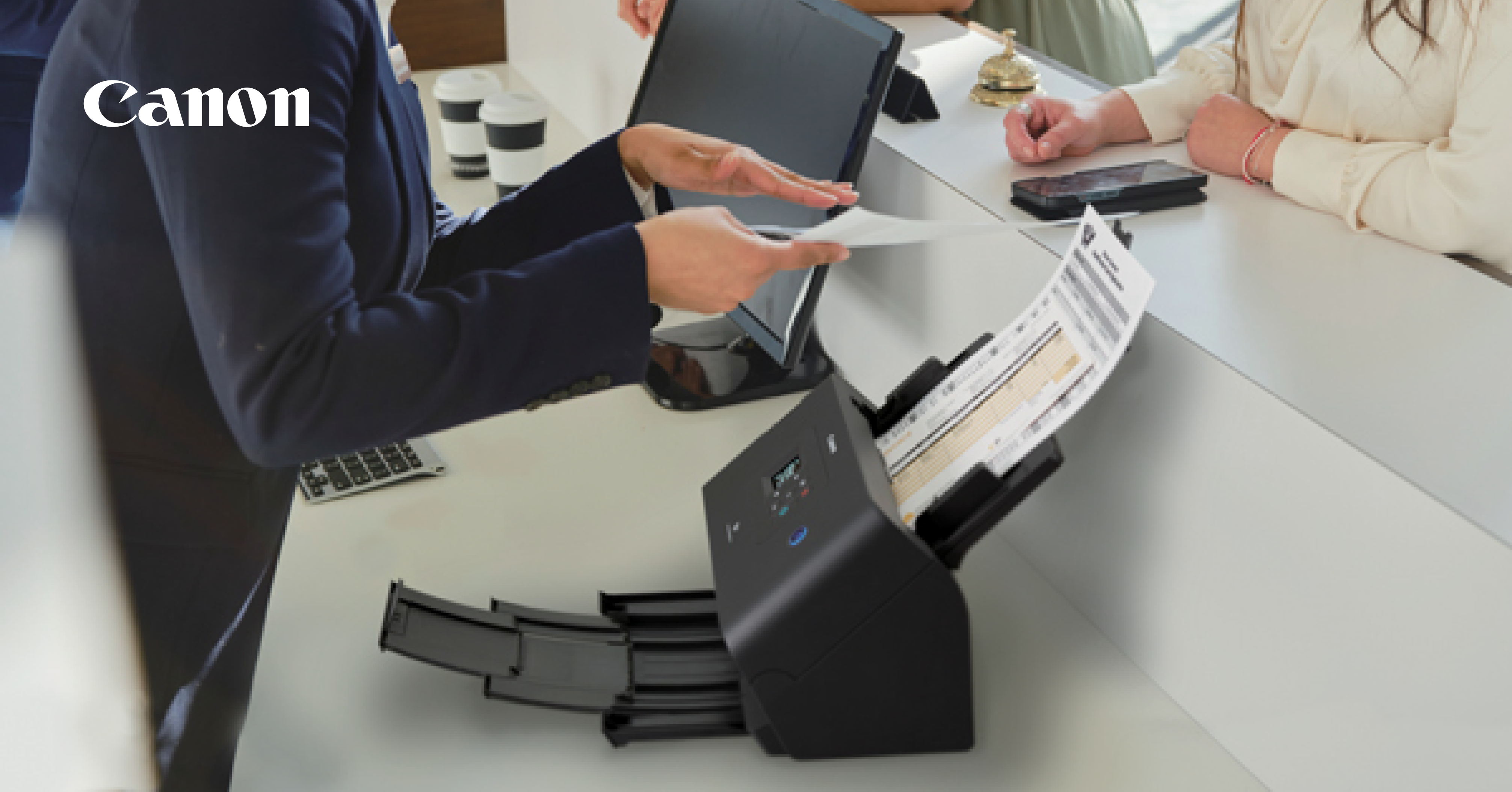
Modern sheet-fed scanners, such as the Epson FastFoto series, have revolutionized home archiving. They use CIS (Contact Image Sensor) technology, which allows for a much slimmer profile.
- Efficiency: These devices can scan both sides of a photo simultaneously—useful for capturing handwritten notes on the back of prints.
- Image Enhancement: They often include aggressive AI-driven software that automatically fixes red-eye, restores faded colors, and crops images in bulk.
- Risk Factor: Never run a "one-of-a-kind" or fragile 19th-century tintype through a sheet-fed scanner. The friction required to pull the paper through the mechanism can strip the emulsion off old photographs.
Critical Technical Specifications Explained
To compare scanners effectively, you must look past marketing "fluff" and focus on the technical hardware capabilities.
Optical Resolution vs. Interpolated Resolution
Manufacturers often advertise "interpolated" resolutions of 9600 DPI or higher. This is a software trick that adds pixels where they don't exist. You should only care about Optical Resolution.
- For Prints: 300 DPI is standard for a 1:1 copy. 600 DPI is recommended if you plan to enlarge the photo later.
- For Film/Slides: Because the original source is so small (35mm), you need much higher resolution—typically 2400 to 6400 DPI—to capture enough detail for a clear print.
Color Bit Depth
Bit depth determines how much color information the scanner can "see." While most digital files end up as 24-bit JPEGs, a scanner that captures in 48-bit (16 bits per channel) provides much more data for software to work with. This is crucial for recovering detail from shadows or highlights in faded photos.
Dynamic Range (Dmax)
Mostly relevant for film and slide scanning, Dmax measures the scanner's ability to record detail in the darkest areas of a negative. A Dmax of 4.0 is considered professional grade, while 3.2 to 3.6 is standard for consumer flatbeds. If the Dmax is too low, the dark areas of your slides will appear as solid, "noisy" black blocks.
Feature Comparison for Top Standalone Scanners
The following table compares the three most common categories of standalone scanners available in 2026.
| Feature | Entry-Level Flatbed (e.g., Canon LiDE) | Pro-sumer Flatbed (e.g., Epson V600) | High-Speed Sheet-Fed (e.g., Epson FastFoto) |
|---|---|---|---|
| Sensor Type | CIS | CCD | CIS |
| Max Optical Resolution | 2400 - 4800 DPI | 6400 DPI | 600 - 1200 DPI |
| Transparency Scanning | No | Yes (35mm, Medium Format) | No |
| Scanning Speed | Slow (Manual) | Moderate (Manual) | Very Fast (Automatic) |
| Best For | Casual document/photo use | Archival quality & Film | Bulk print digitization |
| Software Support | Basic | Professional (SilverFast/VueScan) | Proprietary Bulk Tools |
Software and Post-Processing Capabilities
A scanner is only as good as the software that drives it. When choosing a device, evaluate the "stack" it comes with.
Dust and Scratch Removal
High-end scanners often include Digital ICE (Image Correction and Enhancement). This uses an infrared light source to detect physical defects (dust, hair, scratches) on the surface of film and automatically removes them during the scan. Note that Digital ICE does not work on traditional Black and White film because the silver halides in the film block the infrared light.
File Format Support
Ensure the scanner's native software supports TIFF or RAW output. Scanning directly to JPEG is convenient but uses "lossy" compression, meaning you lose data every time you edit and save the file. For true preservation, you want an uncompressed TIFF as your "master" file.
Connectivity: USB 4.0 vs. Wi-Fi
In 2026, many scanners offer Wi-Fi connectivity. While convenient for scanning a single document to a phone, Wi-Fi is often too slow and unstable for high-resolution photo batches. For standalone photo scanning, a wired USB 3.0 or USB 4.0 connection is preferred to ensure fast data transfer and minimize the risk of file corruption during a long scan.
Common Mistakes to Avoid When Purchasing
- Buying an All-in-One Printer: All-in-one devices almost exclusively use CIS sensors with plastic lenses. They lack the depth of field and color sensitivity of a standalone CCD scanner.
- Ignoring the "Platen" Size: Most consumer scanners are A4/Letter size. If you have large-format wedding portraits or historical documents, you may need an A3-size scanner, which is significantly more expensive.
- Overlooking Software Longevity: Hardware often outlives software. Check if the scanner is supported by independent drivers like VueScan. This ensures that when the manufacturer stops updating drivers for the latest version of Windows or macOS, your expensive scanner doesn't become a paperweight.
- Underestimating Prep Time: No matter which scanner you choose, factor in the time needed to clean the glass and the photos. A single fingerprint on the scanner glass will appear on every single photo in a batch. Use micro-fiber cloths and anti-static brushes for the best results.
Frequently Asked Questions
Can I scan polaroids with a sheet-fed scanner?
No, it is highly discouraged. Polaroids are thick and contain chemicals between layers. Putting them through a sheet-fed scanner's rollers can cause them to burst or get stuck, potentially ruining both the photo and the scanner's internal mechanism. Always use a flatbed for instant film.
Is 1200 DPI enough for 4x6 prints?
Yes, 1200 DPI is more than enough for a 4x6 print. At 1200 DPI, a 4x6 photo will result in a digital image of roughly 4800 x 7200 pixels, which is sufficient for high-quality printing up to 16x24 inches. Scanning higher than this for a standard print usually just results in capturing the "grain" of the paper itself rather than more image detail.
Why do some scanners need a "warm-up" time?
Scanners with CCD sensors use cold cathode fluorescent lamps (CCFL), which require a few seconds to reach full brightness and color temperature stability. Modern scanners often use LED light sources, which provide near-instant "on" capabilities and are more energy-efficient.
Can I scan photos directly to a cloud service?
Many standalone scanners in 2026 come with software that supports direct upload to Google Drive, Dropbox, or iCloud. However, for large batches, it is safer to scan to a local hard drive first to verify the quality before the lengthy upload process begins.
Do I need a special scanner for black and white photos?
While any color scanner can scan in "Grayscale" mode, high-end scanners with better bit depth (16-bit grayscale) will capture more subtle tonal transitions in the shadows and highlights of black and white images.
Final Recommendation
For the vast majority of users, the Epson Perfection V600 (or its 2026 equivalent in the Perfection line) remains the most balanced choice for "quality-first" archiving, offering film scanning and CCD technology at a reasonable price point. However, if your goal is purely to digitize a massive volume of modern prints for social sharing and basic digital backup, the Epson FastFoto FF-680W (or its successor) is the only practical way to complete the task without spending months at the computer.
Always begin your project by scanning a small test batch at different resolutions to find the "sweet spot" for your specific needs before committing to thousands of images.
Image Gallery