The Ultimate Guide to Sideloaded Apps in 2026: Security, Ecosystems, and Future Outlook
(Note: Sideloaded apps refer strictly to software applications installed on mobile or computing devices from sources other than the official manufacturer-approved storefronts, such as the Apple App Store or Google Play Store.) The digi...
(Note: Sideloaded apps refer strictly to software applications installed on mobile or computing devices from sources other than the official manufacturer-approved storefronts, such as the Apple App Store or Google Play Store.)
Contents
The digital landscape of 2026 presents an increasingly fragmented environment for software distribution. Sideloaded apps have shifted from a niche practice utilized primarily by developers and tech enthusiasts into a mainstream regulatory and consumer reality. Driven by global antitrust legislation, interoperability mandates, and user demand for greater hardware autonomy, modern operating systems now accommodate alternative app marketplaces and direct file installations more natively than ever before.
Understanding the mechanics, security implications, and ecosystem impacts of sideloading is critical for modern smartphone users, developers, and enterprise IT administrators. Navigating this landscape requires balancing the freedom of open architecture with the persistent realities of malware, privacy leakage, and software supply chain vulnerabilities.
Technical Fundamentals and Evolution of Sideloading in 2026
Sideloading involves transferring an application package file—such as an Android Package Kit (APK) or an iOS Application Archive (IPA)—directly to a device and executing its installation without routing through the default platform ecosystem. Historically, Android permitted this behavior through explicit user permission toggles, while Apple maintained a strictly walled garden.
Regulatory pressures, particularly the European Union's Digital Markets Act (DMA) and subsequent global compliance frameworks, have forced fundamental architectural shifts. Operating systems now feature robust, cryptographically verified alternative distribution frameworks.
Core Architectural Shifts: Operating systems no longer rely solely on monolithic app stores. Instead, they utilize modular trust roots, certificate pinning, and decentralized notarization pipelines to allow third-party stores while attempting to maintain baseline device integrity.
Developers targeting sideloaded distribution must navigate complex code-signing requirements. Unlike traditional distribution where the platform holder manages the final cryptographic seal, sideloaded distribution often requires enterprise certificates, developer-signed binaries, or registration with approved alternative marketplaces that perform automated static and dynamic security analysis before issuing installation tokens.
Ecosystem Comparison: Android vs. iOS Sideloading Architecture
The implementation of sideloading varies significantly across major mobile platforms. While Android has matured its handling of external APKs and third-party app stores over the years, iOS implementation remains heavily governed by localized policy constraints, regional compliance checks, and mandatory notarization protocols established by Apple.
| Feature / Metric | Android (Open Ecosystem Model) | iOS (Regulated Alternative Distribution Model) |
|---|---|---|
| Primary Installation Format | APK, AAB (Android App Bundle) | IPA via notarized alternative marketplaces or web distribution |
| Verification Method | Play Protect scan, manual user override, developer certificates | Apple-issued notarization ticket, marketplace-level validation |
| Regional Availability | Global availability | Region-restricted (primarily European Union compliance zones) |
| System-Level Control | High user control; deep permission customization | Controlled APIs; sandboxing enforcement by Apple framework |
| Enterprise Provisioning | MDM (Mobile Device Management) sideloading & enterprise catalogs | Managed Apple ID distribution & enterprise developer enterprise certs |
Security Realities and Malware Vectors
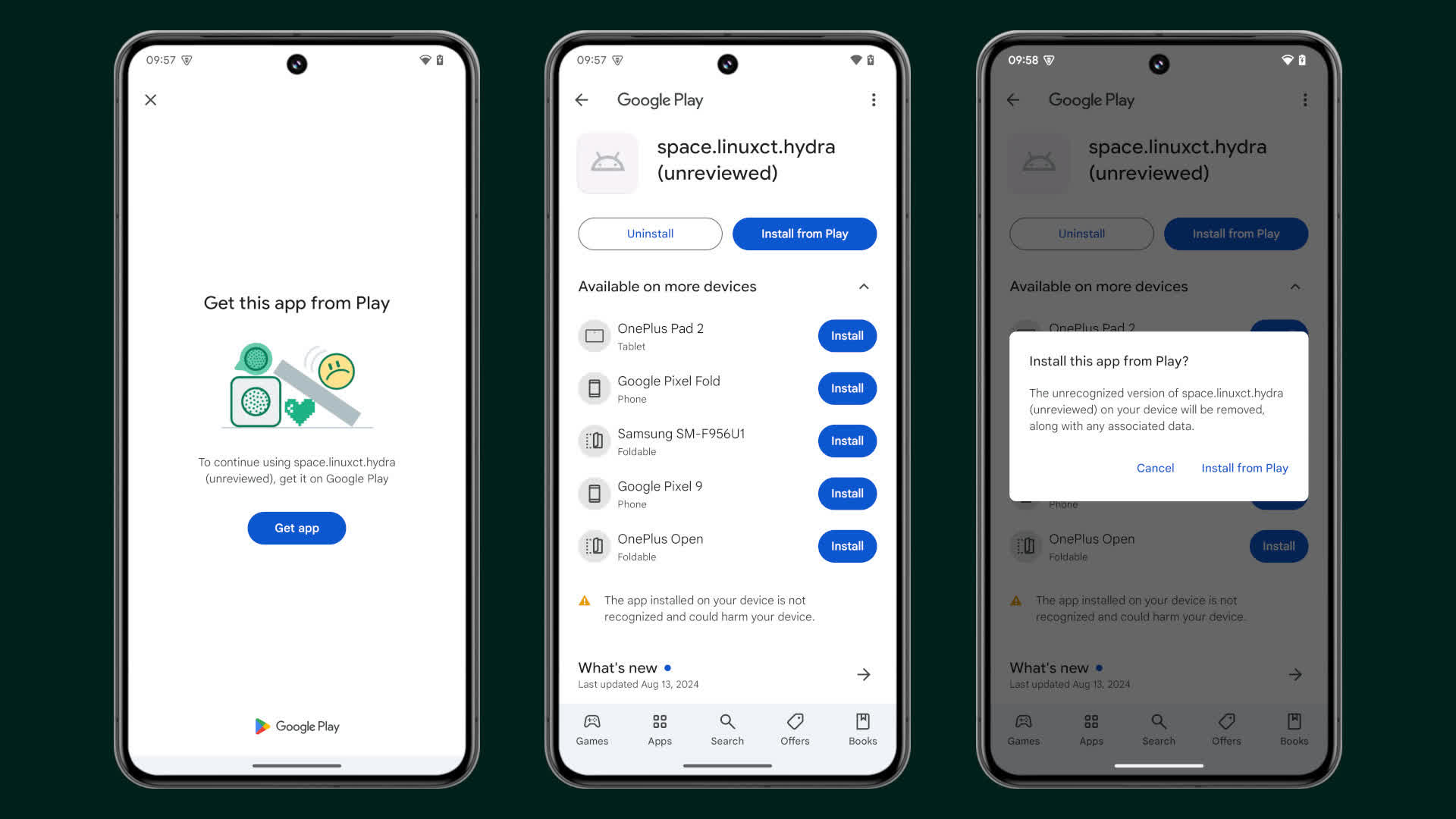
The primary trade-off of sideloading is user autonomy versus security exposure. Official app stores utilize extensive automated vetting, human review teams, and automated sandbox verification to minimize malicious submissions. When users bypass these storefronts, they assume the risk of vetting the software supply chain themselves.
Common security vectors associated with sideloaded apps include:
- Repackaged Binaries: Legitimate applications modified by malicious actors to include trojans, keyloggers, or cryptominers while retaining the original visual interface.
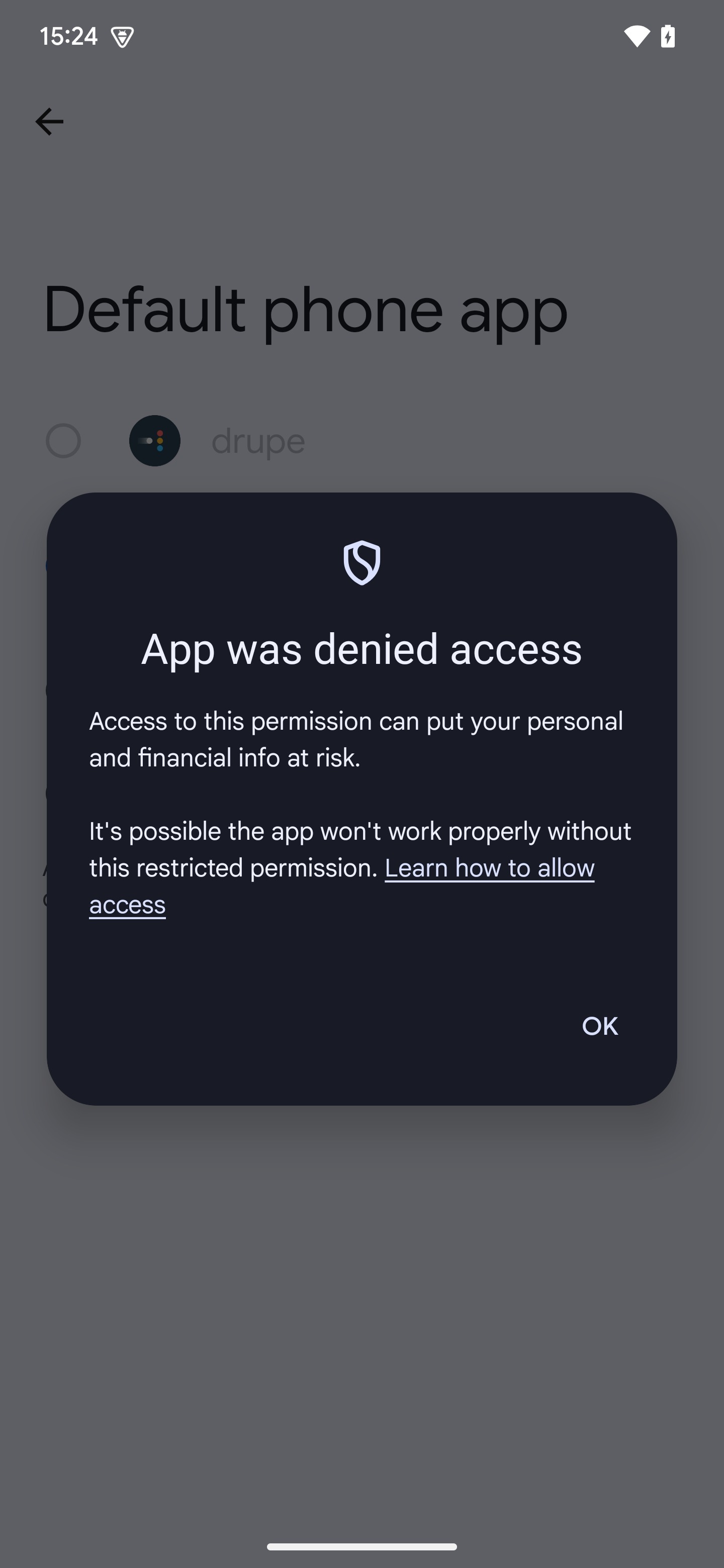
- Privilege Escalation Exploits: Exploits designed to abuse accessibility services or device administrator permissions granted during the installation of unverified software.
- Data Exfiltration: Background telemetry collection that bypasses platform privacy disclosures, transmitting sensitive personal or corporate data to unauthorized command-and-control servers.
- Unpatched Dependencies: Sideloaded applications often fail to receive automated background updates, leaving known vulnerabilities open to exploitation long after a patch has been released.
Mitigating these risks requires adhering to strict operational security hygiene, such as verifying SHA-256 cryptographic hashes of downloaded files against official developer publications and restricting installation privileges to trusted corporate catalogs or well-audited alternative marketplaces.
Step-by-Step Guide to Safe App Sideloading
When executing a sideloaded installation on a modern device, following a structured workflow minimizes the probability of system compromise or data loss.
- Verify Source Authenticity: Confirm that the download link originates directly from the official developer domain or a recognized, audited alternative marketplace rather than a random file-sharing mirror.
- Review Requested Permissions: Before confirming the installation prompt, carefully audit the permissions requested by the application package. Exercise extreme skepticism if a simple utility tool requests access to accessibility services, SMS logs, or contacts.
- Execute Static Security Scans: Pass the downloaded installation file through a reputable mobile antivirus or cloud-based file scanner to check for known malware signatures.
- Isolate and Sandbox: If testing unverified software, utilize a secondary device, a secure work profile, or an isolated virtual environment to prevent the app from accessing primary personal data.
- Establish Update Protocols: Because automated updates are frequently absent in direct file installations, manually check for newer versions periodically to ensure critical security patches are applied.
Pros and Cons of Alternative Software Distribution
Evaluating whether to utilize sideloaded applications involves weighing operational flexibility against administrative overhead and safety risks.
Pros:
- Access to specialized open-source tools, emulators, and developer utilities rejected by mainstream storefront guidelines.
- Complete avoidance of platform-imposed billing commissions and digital distribution monopolies for developers and consumers.
- Ability to run older, legacy versions of software when updates introduce unwanted interface changes or remove legacy features.
- Enhanced hardware ownership and control over personal computing environments.
Cons:
- Significantly higher exposure to malware, spyware, and financial fraud vectors.
- Absence of centralized, automated update mechanisms for direct-download binaries.
- Potential voiding of enterprise device compliance policies or specialized software support contracts.
- Fragmented customer support experiences when software fails to integrate correctly with core operating system APIs.
Frequently Asked Questions
Are sideloaded apps inherently illegal to use?
No, sideloading applications is entirely legal for consumers and developers in most major jurisdictions, though using sideloaded software to infringe on copyright protections, bypass digital rights management (DRM), or distribute cracked commercial software violates intellectual property laws.
Does sideloading void my smartphone's hardware warranty?
Standard sideloading via official system configuration toggles or approved regional marketplaces does not void hardware warranties. However, root access or bootloader unlocking performed to facilitate deep system modifications may violate manufacturer warranty terms.
How do I stop malicious sideloaded apps from stealing my data?
You can protect your device by disabling installation permissions immediately after use, revoking unnecessary runtime permissions in system settings, and utilizing mobile security software capable of behavioral monitoring.
Why do major tech companies discourage sideloading?
Companies argue that open distribution models expose less technically proficient users to severe security risks, privacy violations, and poor user experiences, while critics argue these policies are designed to protect proprietary app store revenue models.
Can enterprise IT departments block sideloading on employee devices?
Yes, organizations utilize Mobile Device Management (MDM) and Unified Endpoint Management (UEM) solutions to lock down operating system configurations, strictly prohibiting the installation of unverified application packages on corporate-owned or managed hardware.
Strategic Software Deployment and Ecosystem Mastery
Navigating the 2026 application ecosystem requires a nuanced approach that embraces technological openness while maintaining uncompromising security standards. Whether evaluating alternative marketplaces for specialized workflow tools or formulating enterprise compliance policies, understanding the underlying mechanics of sideloaded apps ensures optimal balance between innovation and protection. For tailored advisory on secure application deployment and custom mobile architecture management, contact our technical strategy team today.
Image Gallery